Debian List Recently Installed Packages How To Enable Non Free Packages On Debian 11 How To List All Installed Packages In Ubuntu Debian Linux Mint YouTube Community Contract Inspiration From Debian Futures Initiative List All Installed Packages On Ubuntu And Debian based Linux Debian 11 4 Released With 80 Security Updates And 81 Bugfixes Web Jul 19 2023 nbsp 0183 32 How do I list installed Debian packages Use the dpkg list command in the terminal What if I only want to see installed packages Use dpkg list grep quot ii quot to filter the list to only show installed packages How can I sort the list of installed packages Use the dpkg query command with flags like sort or showformat
Web Jan 31 2024 nbsp 0183 32 Method 1 Using dpkg Command Method 2 Using apt Command Method 3 Using aptitude Command Method 4 Using Synaptic Package Manager Method 5 Using snap Let s begin with the first one Method 1 List Installed Packages on Debian 12 Using dpkg Command The dpkg is a tool for managing Debian packages Web Feb 19 2019 nbsp 0183 32 This means you can use dpkg command to list all the installed packages in Debian dpkg query l You can filter the output with grep again to search for a specific package
Debian 11 4 Released With 80 Security Updates And 81 Bugfixes How To List Installed Packages On Ubuntu 22 04 VITUX Debian Myfreax CLI Debian 11 Debian 12 Bookworm Installed List Installed Packages Debian Debian 64 Bit Iso Jcrenew How To List Installed Packages On Debian How To List Installed Packages On Ubuntu 22 04 VITUX GitHub Ukui debian packages Debian Folders For UKUI Packages
Debian List Recently Installed Packages
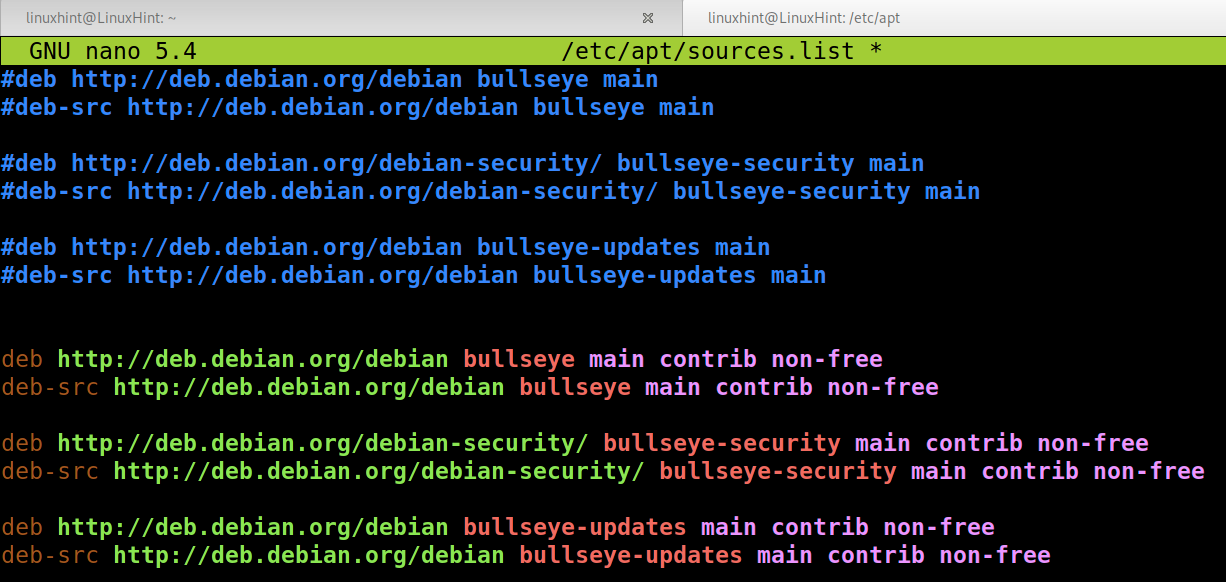 Debian List Recently Installed Packages
https://linuxhint.com/wp-content/uploads/2021/10/How-to-Enable-Non-Free-Packages-on-Debian-11-3.png
Web Jul 19 2023 nbsp 0183 32 To list all installed packages on your Debian system using dpkg open a terminal and type the following command dpkg list Along with their version numbers descriptions and other details this will display a list of
Pre-crafted templates use a time-saving service for producing a diverse range of documents and files. These pre-designed formats and designs can be used for numerous personal and professional projects, consisting of resumes, invites, leaflets, newsletters, reports, discussions, and more, improving the material development procedure.
Debian List Recently Installed Packages

Debian Uninstall Package Guide TojiKon Net

How To List Installed Packages On Ubuntu 22 04 VITUX
Debian Myfreax

CLI Debian 11 Debian 12 Bookworm
Debian 64 Bit Iso Jcrenew

How To List Installed Packages On Debian
Web Feb 13 2019 nbsp 0183 32 The command will display a list of all installed packages including the packages versions architecture and a short description You can filter the dpkg query l output using the grep command sudo dpkg query l grep package name to search Create a List of all Installed Packages

Web Dec 11 2010 nbsp 0183 32 You could run this command to list only the recently installed package names awk 3 install print 4 var log dpkg log Command to list history of apt get NOTE this doesn t list dependencies installed it simply lists previous apt get commands that were run grep quot install quot var log apt history log Example output

Web To list the installed packages you can use the following command dpkg query l List the installed packages using a search pattern dpkg query l foo
Web Getting the list of installed packages is simple dpkg get selections grep quot space install quot gt installed pkgs You can later reinstall the packages in the list using this command dpkg set selections lt installed pkgs sudo apt get u dselect upgrade
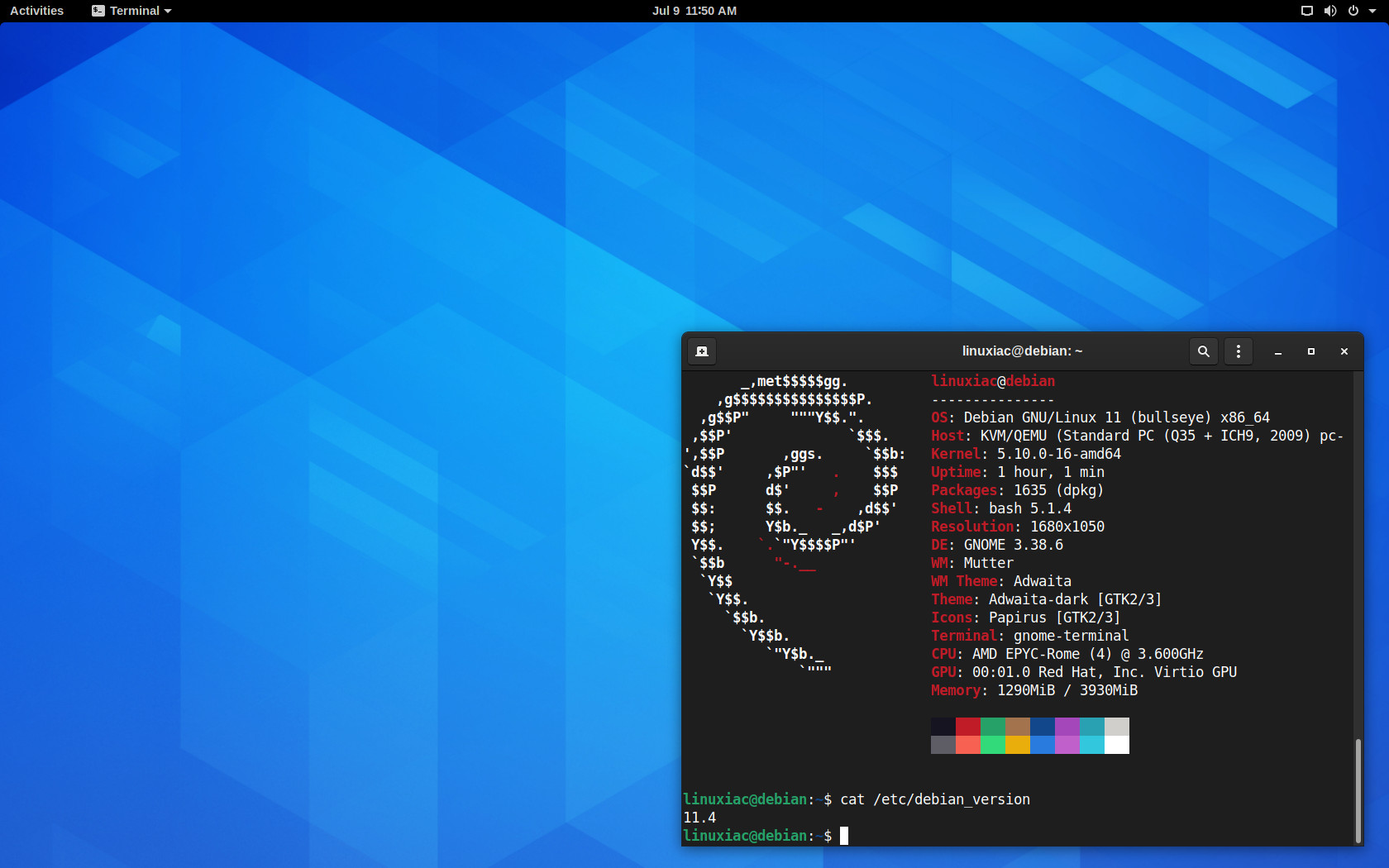
Web Show the List of Installed Packages on Debian Linux by examples AptZip CategoryPackageManagement ListInstalledPackages last modified 2019 02 24 16 24 17
[desc-11] [desc-12]
[desc-13]