Debian 11 Edit Sources List How To Edit Sources List On Kali Linux Systran Box Debian 11 4 Released With 80 Security Updates And 81 Bugfixes Sources list Completa Para O Debian 10 Buster Lightweight Debian Installation Aguslr Upgrading To Debian 12 From Debian 11 A Step by Step Guide The remedy to this problem is correctly updating sources list file with Debian 11 Bullseye default update and security repositories Current file contents
The etc apt sources list d directory provides a way to add sources list entries in separate files Two different file formats are allowed as described in the next two sections Filenames need to have either the extension list or sources depending on the contained format The filenames may only contain letters a z and A Z digits 0 9 Debian Sources List Generator Include source Contrib Non Free Security Source List Sources List Generator for official Debian repositories
Upgrading To Debian 12 From Debian 11 A Step by Step Guide Understanding And Using Debian Sources list Kirelos Blog Package Wget Is Not Available But Is Referred To By Another Package Erro Ao Atualizar Os Reposit rios No Debian 10 Buster Linux Debian 64 Bit Iso Jcrenew Debian 11 Bullseye Kofler info Sources list Completa Para O Debian 12 Bookworm Debian Podr a Lanzar Una Versi n LTS Debian 12 Bookworm Is Out As The Best Release To Date
Debian 11 Edit Sources List
 Debian 11 Edit Sources List
https://syscdn.systranbox.com/1661333214044.jpg
The source list etc apt sources list is designed to support any number of active sources and a variety of source media The file lists one source per line with the most preferred source listed first The information available from the configured sources is acquired by apt get update or by an equivalent command from another APT front end
Pre-crafted templates provide a time-saving service for creating a diverse variety of documents and files. These pre-designed formats and designs can be utilized for various individual and expert tasks, including resumes, invites, leaflets, newsletters, reports, discussions, and more, streamlining the material production process.
Debian 11 Edit Sources List

How To Upgrade Debian 11 To Debian 12 Bookworm Using CLI NixCraft
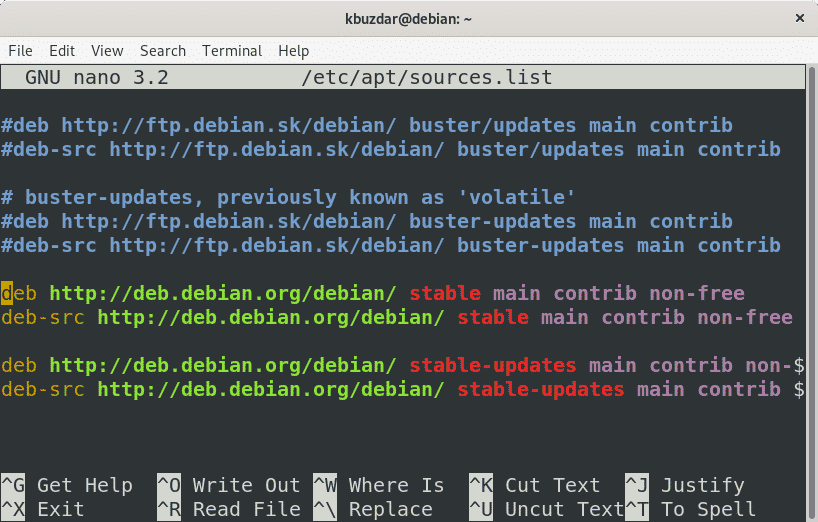
Understanding And Using Debian Sources list Kirelos Blog
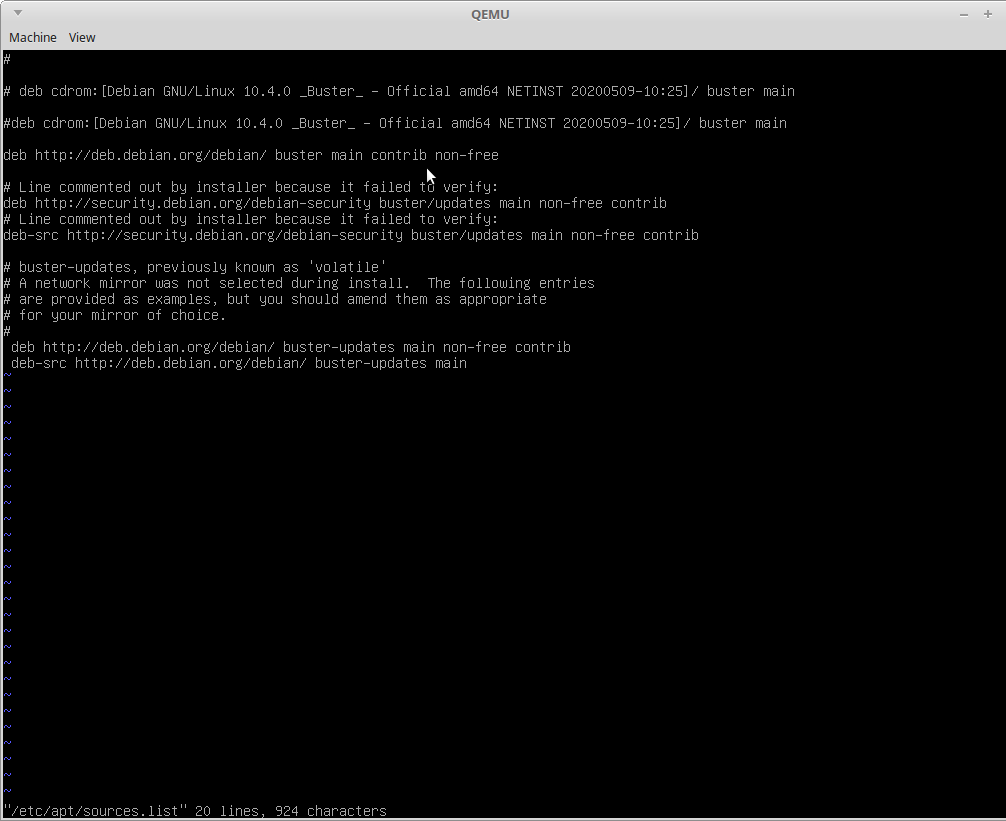
Package Wget Is Not Available But Is Referred To By Another Package

Erro Ao Atualizar Os Reposit rios No Debian 10 Buster Linux
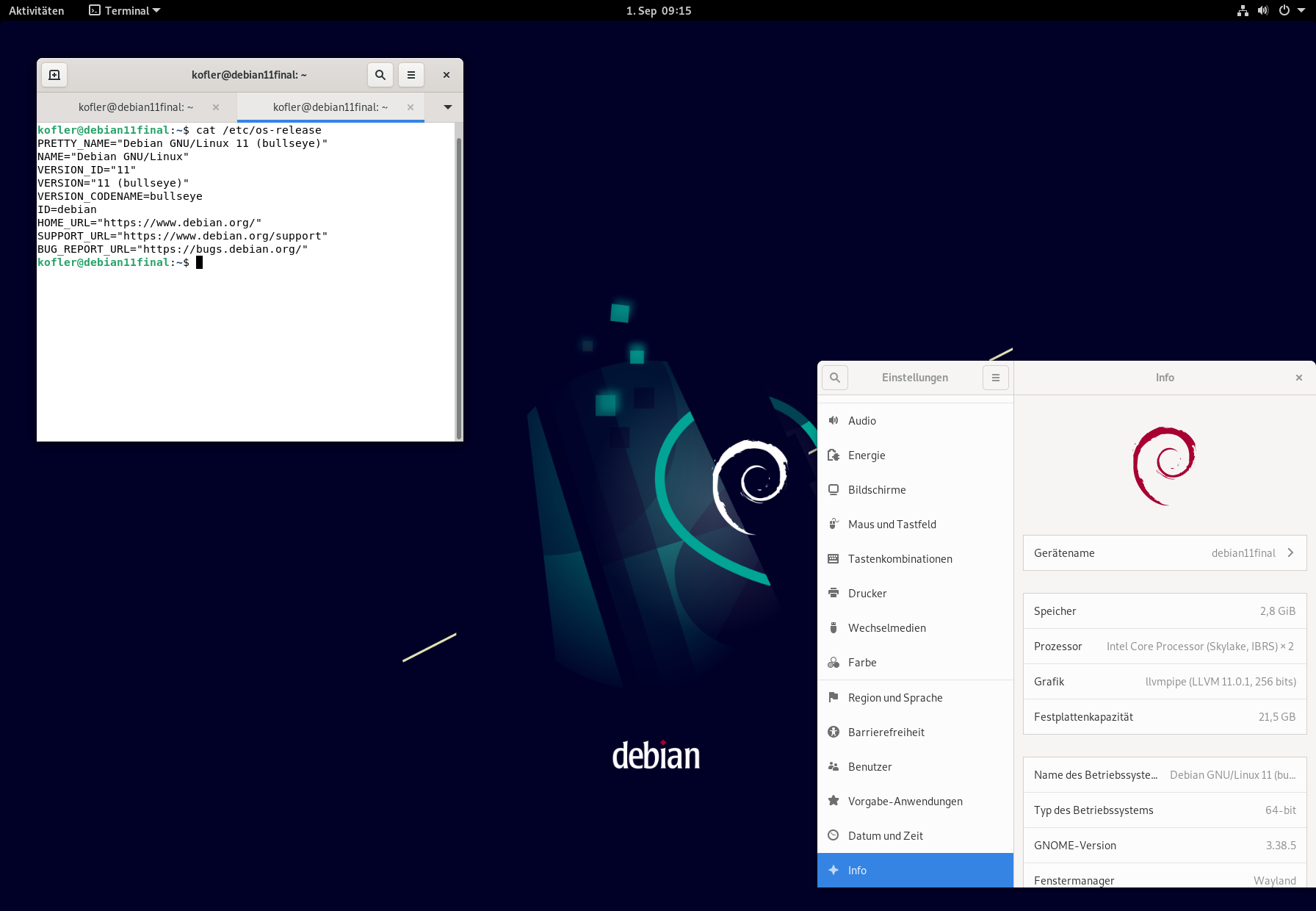
Debian 11 Bullseye Kofler info

Sources list Completa Para O Debian 12 Bookworm

How to Configure sources list on Debian 11 Written by Linuxopsys Last updated June 27 2022 Installation Debian is one of the most popular Linux distributions of all time and now it got a new version release Debian 11 Bullseye There is a lot of derivatives that came out of Debian of which the most popular is Ubuntu
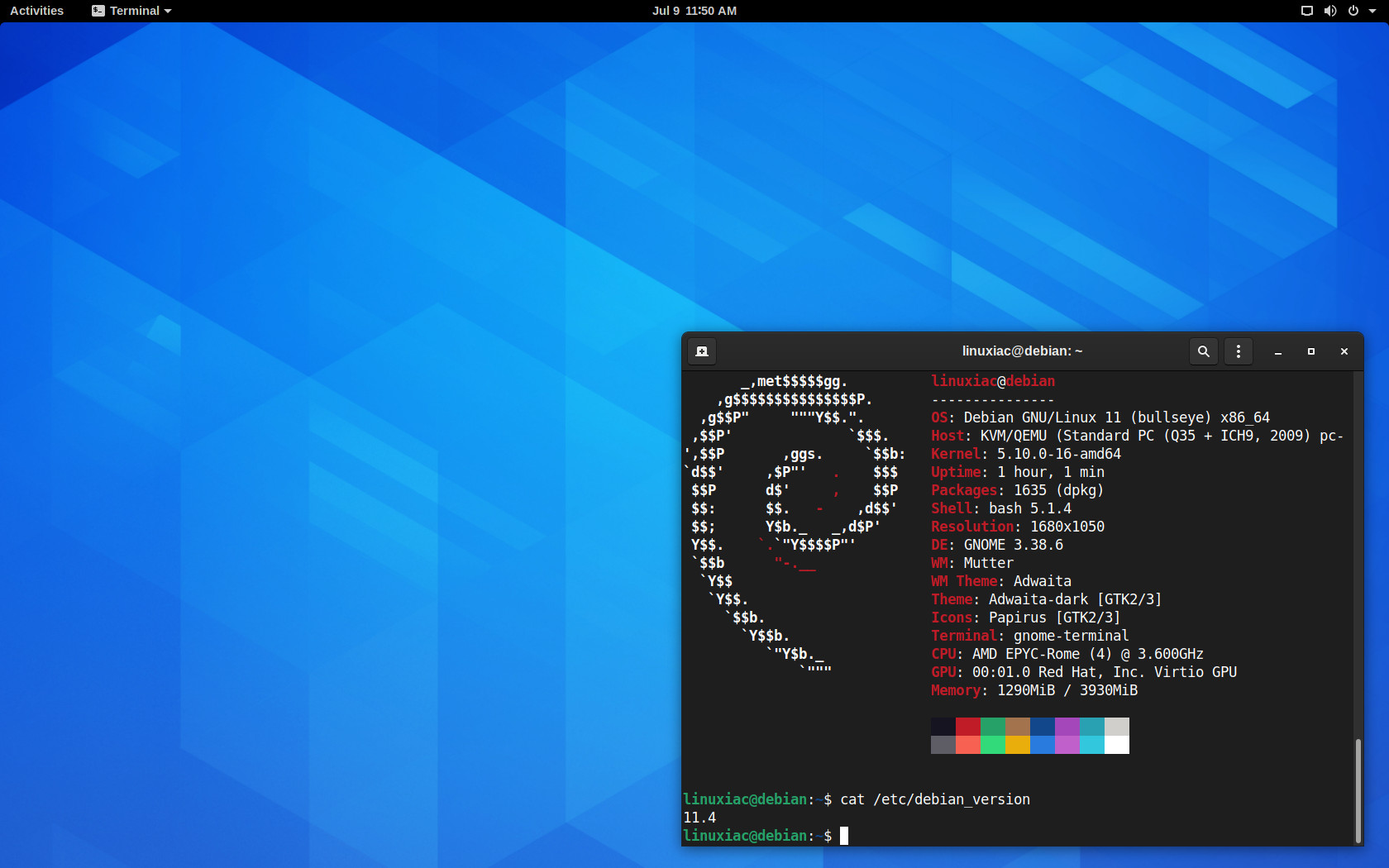
To view the sources list file in Debian 11 you can use the following command in the terminal cat etc apt sources list Opening and Editing the sources list File in Debian To edit the sources list file you need to open it with a text editor
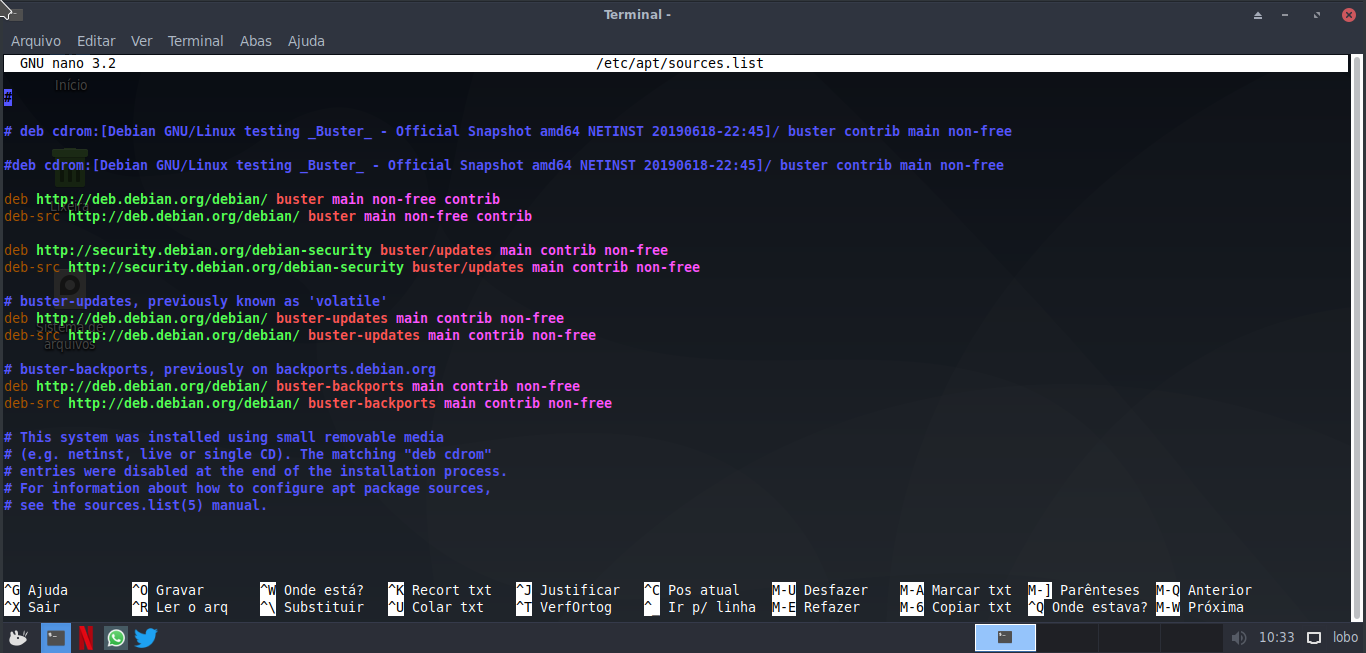
Debian 11 Official sources list To set up a Debian 11 official repository on your system add update the etc apt sources list file with the below details

13 I installed Debian 11 Bullseye onto a device with no internet I used the firmware CD version of the ISO I have configured the network so I can do ping 8 8 8 8 I tried to run sudo apt update but I discovered that there weren t any sources in the sources list file e g it was empty
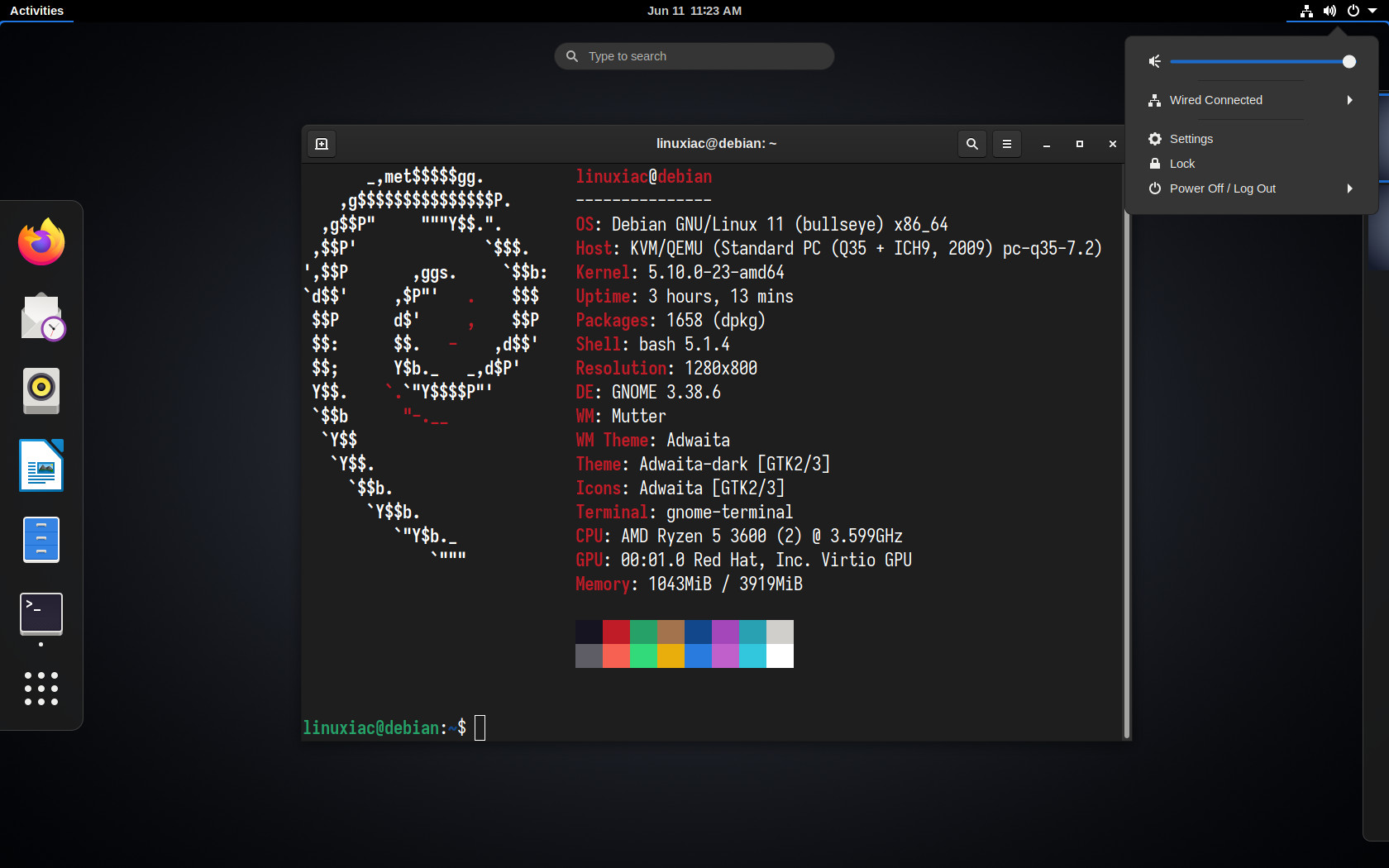
How to Add a Repository Using the sources list File Once you open the sources list file on the terminal you can edit it For example you want to add the virtual box repository in the file then copy and paste it into the file and save it deb http download virtualbox virtualbox debian stretch contrib
1 51K subscribers Subscribe 6 3K views 1 year ago Linux Configuration Linux Terminal Command Line and more Tutorials for Beginners Debian Ubuntu Arch Manjaro linux In this video I Sources List Generator for official Debian repositories Debian Sources List Generator Fork Mirror Releases Arch Include source Contrib Non Free Security Backports Source List Make it so
Then navigate to sources list file and open it via gedit or some else text editor Do necessary changes you can find correct sources list in this comment section Just copy and paste it so that your sources list is the same as that comment Save after that Then sudo apt update to check for updates Then sudo apt upgrade to upgrade system