Days Between Dates In Excel Find The Function Rule For Input Output Table Calculator Review Home How To Calculate Days Between Dates In Excel Easy Guide ExcelTutorial How To Calculate Days Between Two Dates In Excel Formula Haiper How To Calculate The Number Of Days Between Dates In Excel ManyCoders Excel Tutorial Calculate Total Working Days Between Two Dates Web Jun 8 2011 nbsp 0183 32 Calculate the number of days between two dates Select cell D2 which is the first blank cell in the Duration column Type C2 B2 and then press RETURN Excel displays the result as the number of days between the two dates 104 Select cell D2 To copy the formula into the remaining rows drag the fill handle
Web To calculate the number of days between two dates in Excel subtract the start date from the end date use DAYS or use DATEDIF 1 Subtract the start date A1 from the end date A2 2 Use the DAYS function in Excel 2013 or later The first argument is the end date The second argument is the start date 3 Use the DATEDIF function Web Syntax DATEDIF start date end date unit Remarks Dates are stored as sequential serial numbers so they can be used in calculations By default January 1 1900 is serial number 1 and January 1 2008 is serial number 39448 because it is 39 447 days after January 1 1900
Excel Tutorial Calculate Total Working Days Between Two Dates How To Calculate Interest Between Two Dates In Excel Haiper How To Calculate No Of Days Between Two Dates In Excel Formula Haiper How To Calculate Number Of Days Between Two Dates In Excel TECH 004 Calculate Total Days Between Two Dates In Excel YouTube How To Count Days Between Dates In Excel Formula Haiper Calculate Total Weeks Between Two Dates Excel 2013 YouTube Calculate Number Of Days weeks months years Between Two Dates In Excel How To Calculate Difference Between Two Dates In Excel
Days Between Dates In Excel
 Days Between Dates In Excel
https://www.wikihow.com/images/f/f1/Calculate-Number-of-Days-Between-Two-Dates-in-Excel-Step-9.jpg
Web The Excel DAYS function returns the number of days between two dates With a start date in A1 and end date in B1 DAYS B1 A1 will return the days between the two dates Purpose Count days between dates Return value A number representing days Arguments end date The end date start date The start date Syntax DAYS
Templates are pre-designed documents or files that can be used for various functions. They can conserve time and effort by providing a ready-made format and layout for developing various type of material. Templates can be utilized for individual or professional jobs, such as resumes, invitations, leaflets, newsletters, reports, discussions, and more.
Days Between Dates In Excel
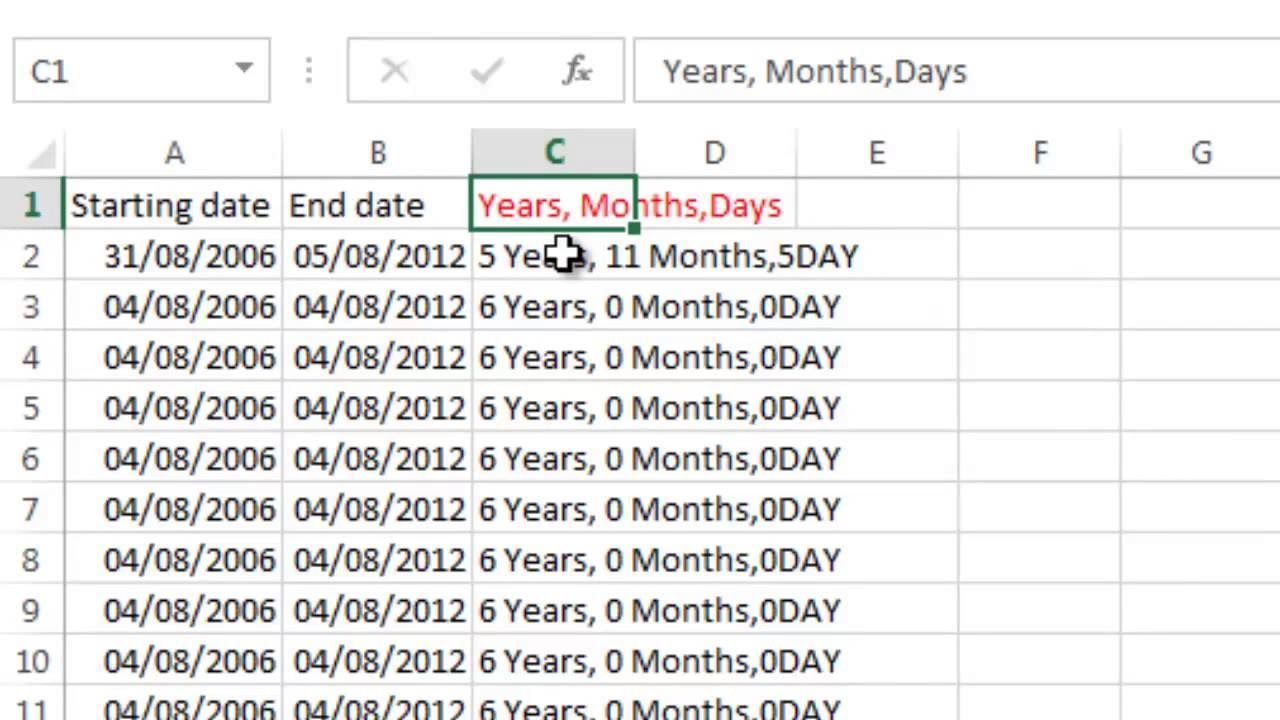
How To Calculate Date Difference In Excel Without Datedif Haiper
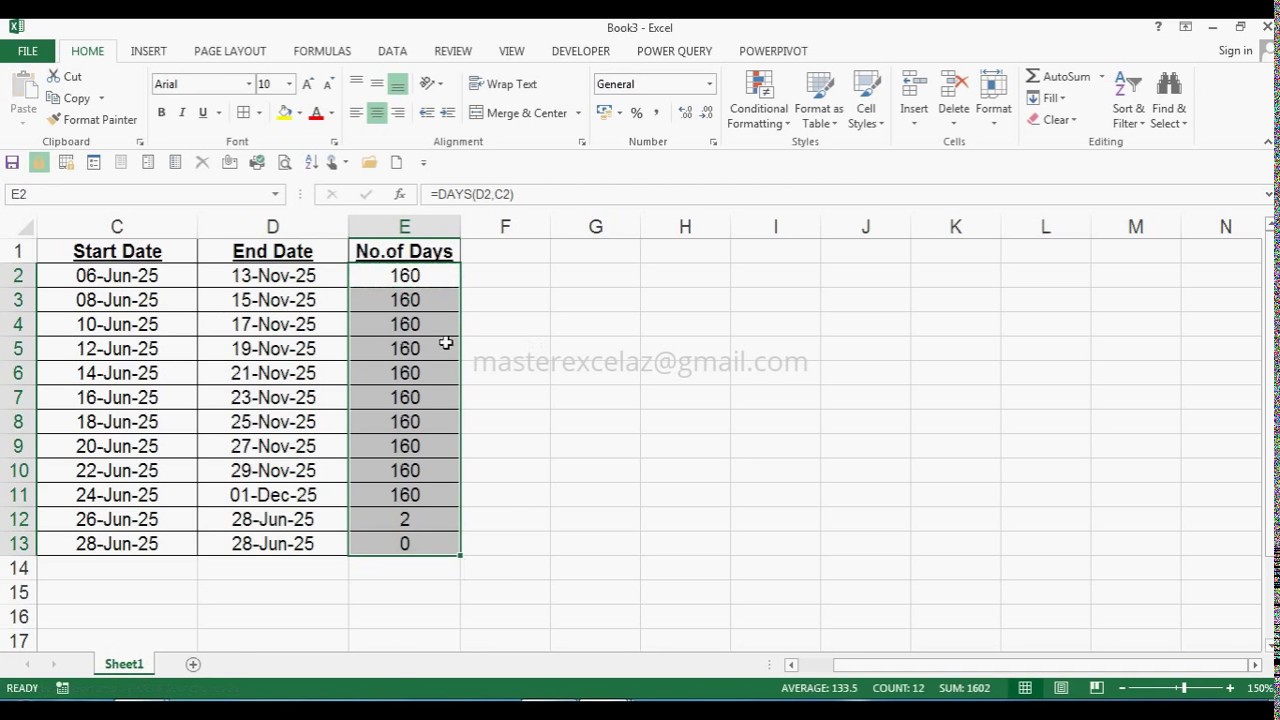
How To Calculate Interest Between Two Dates In Excel Haiper

How To Calculate No Of Days Between Two Dates In Excel Formula Haiper

How To Calculate Number Of Days Between Two Dates In Excel

How To Count Days Between Dates In Excel Formula Haiper
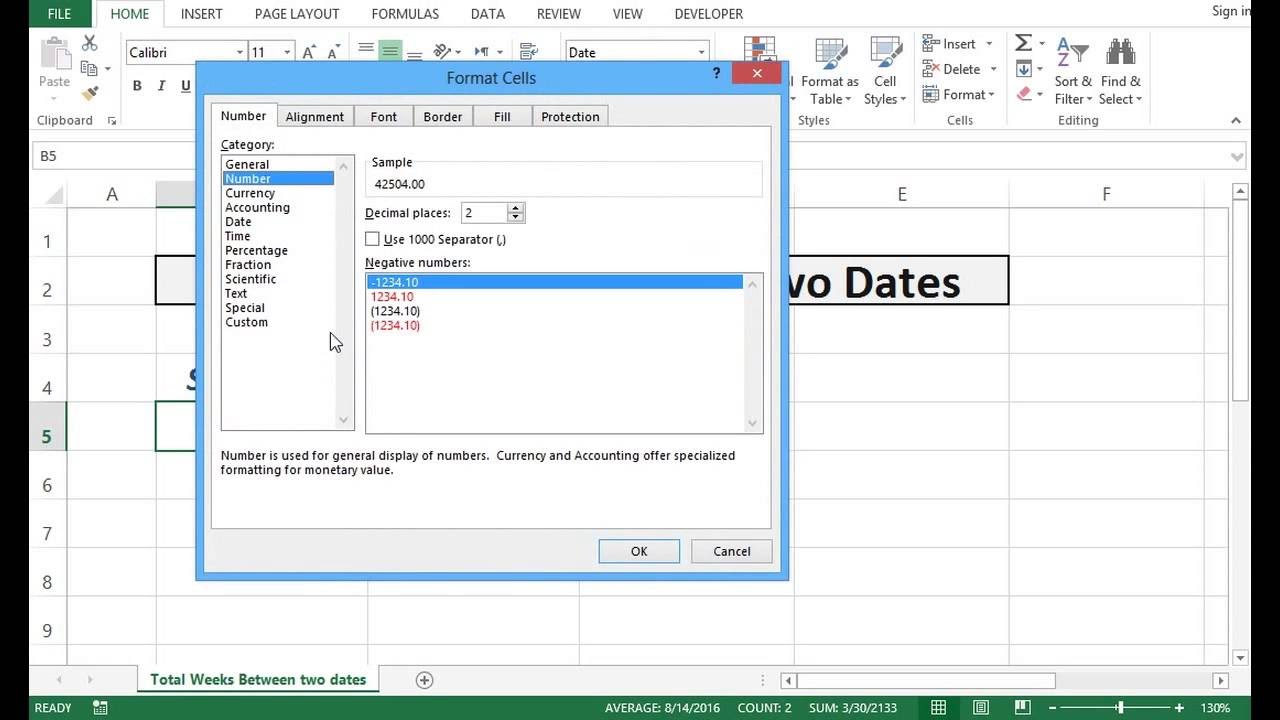
Calculate Total Weeks Between Two Dates Excel 2013 YouTube

Web Dec 23 2021 nbsp 0183 32 Microsoft Excel makes it easy to count the number of full days between two specific dates You can use either an arithmetic operator or an Excel function to do that We ll show you both ways Related Find the Number

Web Description Returns the number of days between two dates Syntax DAYS end date start date The DAYS function syntax has the following arguments End date Required Start date and End date are the two dates between which you want to know the number of days Start date Required

Web The DAYS function calculates the number of days between two dates using a start date and an end date With a start date in A1 and end date in A2 DAYS A2 A1 Will return the same result as A2 A1 Both dates must be valid Excel dates or text values that can be coerced to dates

Web Oct 10 2023 nbsp 0183 32 The easiest way to calculate days between dates in Excel is by subtracting one date from another Newer date Older date For example to find out how many days are between dates in cells A2 and B2 you use this formula B2 A2 Where A2 is an earlier date and B2 is a later date

Web Mar 6 2023 nbsp 0183 32 1 Type the start date in a cell For example you could put 1 10 2023 in cell A1 The DATEDIF function calculates the difference between two dates in days months or years 1 If you re searching for a specific date in a large dataset try using the VLOOKUP function 2 Type the end date in a second cell For example 1 17 2023 in cell A2 3
Web Mar 5 2020 nbsp 0183 32 The DATEDIF function calculates the number of days months or years between two dates It returns the difference between two date values based on the interval specified Read Our Tutorial on How to Use the DATEDIF Function Web To calculate and display the time between two dates in days months and years you can use the a formula based on the DATEDIF function In the example shown the formula in E5 is DATEDIF B5 C5 quot y quot amp quot years quot amp DATEDIF B5 C5 quot ym quot amp quot months quot amp DATEDIF B5 C5 quot md quot amp quot days quot
Web Apr 17 2017 nbsp 0183 32 Days function gives you the number of days between two dates This means that if the dates are 1 Dec 2017 and 2 Dec 2017 it will return 1 If you want both the days to be counted you need to add 1 to the result of Days function You can read more about the Days function here Using the DATEDIF Function