Date Time Change Event Log Event Log Path Ar ivleri Techknowlojist EVENT LOG Cannot Change Event Log Properties Tech Support Forum Date Clip Art Cliparts co Schedule Change Clipart 10 Free Cliparts Download Images On How To Change Excel Date Format And Create Custom Formatting 2022 Riset WEB Mar 21 2017 nbsp 0183 32 Most recent entry in the event log is a W32Time event time stamped 11 09 2012 12 10 19 that states The time service has detected that the system time needs to be changed by 62985605 seconds The time service will not change the system time by more than 54000 seconds Verify that your time and time zone are correct and that
WEB 520 The system time was changed On this page Description of this event Field level details Examples Process name explained below indicates how the time was changed New and old times are indicated WEB Events are stamped at the time of the server when the event happened without timezone information When the timezone was changed the server time changed and thus the timestamps on the event log show in the quot future quot
How To Change Excel Date Format And Create Custom Formatting 2022 Riset Change Order Log Template Excel Database Fullcalendar Month Change Event Example How To Change The Number Of Breaks On A Datetime Axis With R And Meeting Date Change Dawlish Chamber Of Trade And Commerce How To Easily Remove The Date From WordPress Post Rank Math Change Event Log CEL Representation Over Time Change Logs CEL Each How To Change Time And Date In Windows 10 Manually Beebom How To Creatively Announce New Dates
Date Time Change Event Log
 Date Time Change Event Log
https://www.techknowlojist.com/wp-content/uploads/2020/12/Log_Path_Chc_Kapak.png
WEB ADAudit Plus can collect these logs in real time and thus lets you know whenever any change in system time occurs ADAudit plus also has features that can alert you via E mail or SMS when system time has been changed
Pre-crafted templates provide a time-saving service for developing a varied variety of documents and files. These pre-designed formats and layouts can be utilized for various individual and expert jobs, including resumes, invites, flyers, newsletters, reports, discussions, and more, enhancing the content creation procedure.
Date Time Change Event Log
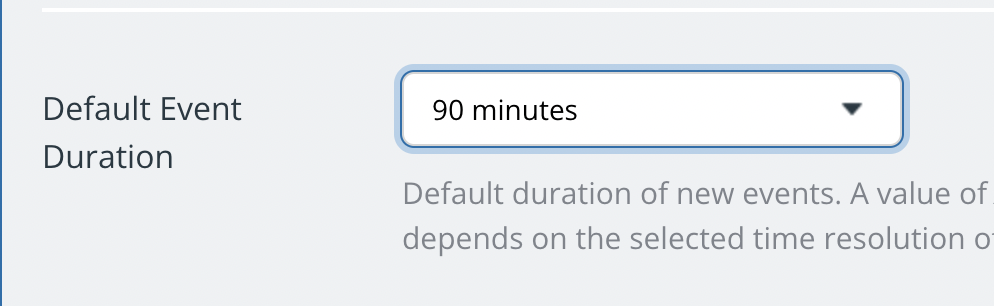
Change Default Event Duration

Change Order Log Template Excel Database
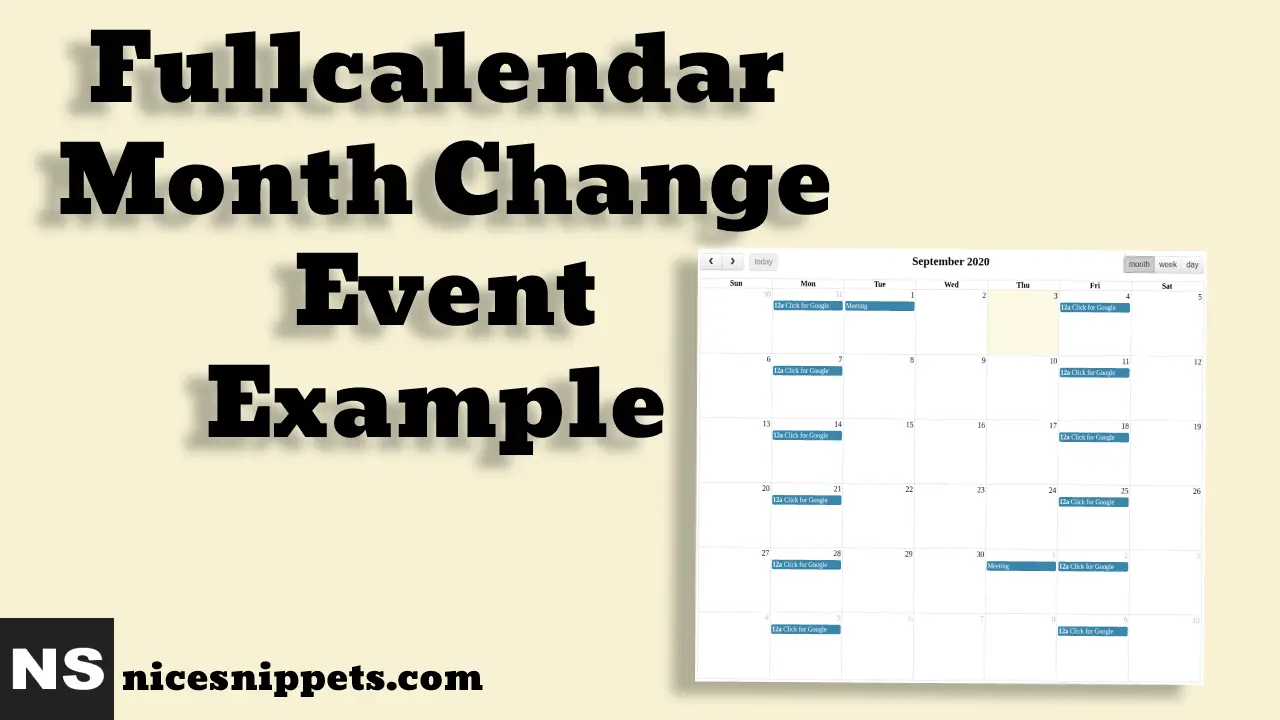
Fullcalendar Month Change Event Example
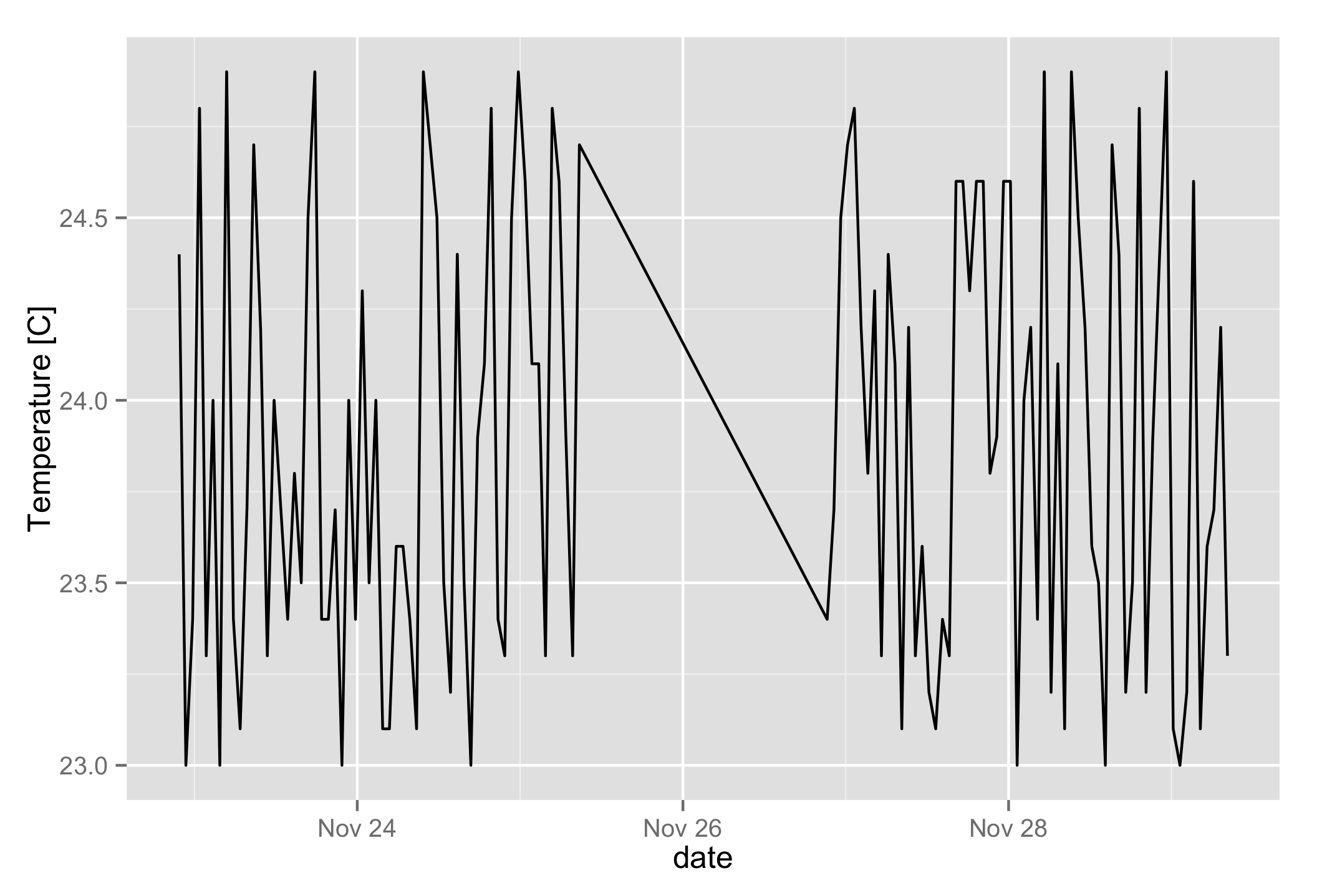
How To Change The Number Of Breaks On A Datetime Axis With R And
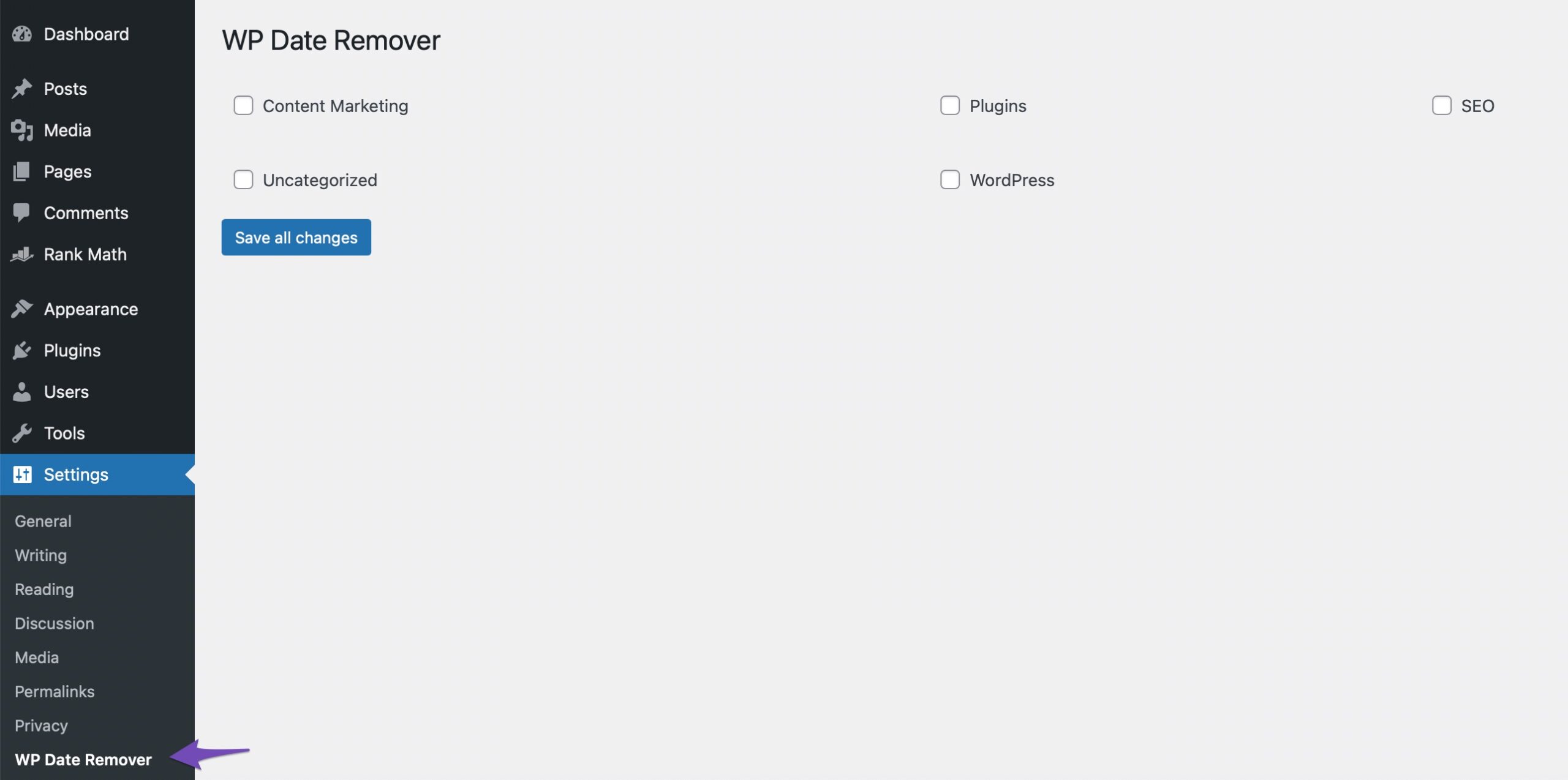
How To Easily Remove The Date From WordPress Post Rank Math

Change Event Log CEL Representation Over Time Change Logs CEL Each

WEB Sep 7 2021 nbsp 0183 32 This event generates every time system time was changed This event is always logged regardless of the quot Audit Security State Change quot sub category setting You will typically see these events with Subject Security ID LOCAL SERVICE these are normal time correction actions
WEB Nov 23 2015 nbsp 0183 32 I need to see by the eventviewer log that the format of date was changed I know that have the eventlog of ID 4616 but it s for DATE changing and not lot when I just change the FORMAT of the date The environment is a Windows 2008 server

WEB Yes You can read the Windows Event Logs and look for changes to system time System time changes are one of the system events that are automatically logged For example I just tweaked my system time by a few seconds and

WEB Aug 5 2021 nbsp 0183 32 Is there any way to track when a user changes the time zone on a Windows 10 device I have already found event ID 4616 But that does not register time zone changes as actual time changes

WEB Nov 5 2021 nbsp 0183 32 List of Event Logs The following section outlines the events logged for use in traceability scenarios This event is logged when the Windows Time Service W32Time starts and logs information about the current time current tick count runtime configuration time providers and current clock rate None
WEB You can view events by accessing Security Logs in the Event Viewer You can filter your log to look for the following event Event ID 4616 describes an event where the system time was changed WEB 4 days ago nbsp 0183 32 The easiest way to create such a query is first to create a custom view in Event Viewer and select criteria such as event ID or logs Then switch to the XML tab where you will find the base query to refine further After completing the filter criteria in the form switch to the XML tab At the same time open a related event log entry in the
WEB Jun 19 2010 nbsp 0183 32 You can take a local DateTime and convert it to UTC using ToUniversalTime but if you want to get the current time you can just use DateTime UtcNow to start with Once you ve got a DateTime in UTC this format string would format it in the same way yyyy MM ddTHH mm ss fffffff00K