Date And Time Not Setting Automatically Mac Get Current Date And Time In Bash Delft Stack New Date Slash Commands Changelog Outline Team Knowledge Base Wiki Insert The Current Date Or Time LaptrinhX News An Iphone Screen Showing The Date And Time For It To Be Taken On October 6 Date And Time Setup Icon Stock Photo Alamy Web Apr 18 2018 nbsp 0183 32 Make sure you re connected to the internet when you re trying to get your Mac to automatically set your date an time Open System Preferences from your Mac s dock or Applications folder Click Date amp Time Check the box next to Set date and time automatically if it s not checked already Click the drop down next to Set date and time
Web Nov 6 2022 nbsp 0183 32 When you adjust the time on your M1 MacBook Pro Air its date and time not updating automatically or you are facing problems for traveling between countries or regions that s why you Web To manually set the date and time on your Mac turn off Set date and time automatically click Set enter the date and time then click Set 24 hour time Use a 24 hour format for the time shown in the menu bar For example instead of 3 00 PM show 15 00 Set time zone automatically using your current location Have the time zone on
Date And Time Setup Icon Stock Photo Alamy Date And Time Setup Icon Stock Photo Alamy Change Date And Time Zone In Windows 11 Pirated Land How To Schedule An Assignment For The Future Collab365 Daily Digest Date And Time Setup Icon Stock Photo Alamy How To Manually Adjust The Date And Time Settings On A ClickShare CX OC Select Date And Time Cart Allow Customers To Select Delivery Date Date And Time Icon Set Stock Vector Image Art Alamy Date Format Cheat Sheet How To Format Dates React DatePicker
Date And Time Not Setting Automatically Mac
 Date And Time Not Setting Automatically Mac
https://www.delftstack.com/img/Linux/ag feature image - display date and time in bash.png
Web May 8 2017 nbsp 0183 32 Setting date and time automatically is not working on my MacBook Pro mid 2015 on system startup With quot set date and time automatically quot enabled if I restart then the date gets changed to 2037 I also see this problem if I power off and later power back on I then will have to go into date time settings and DISABLE quot set date and time
Templates are pre-designed documents or files that can be used for various functions. They can conserve time and effort by supplying a ready-made format and design for developing various type of material. Templates can be used for personal or professional tasks, such as resumes, invites, leaflets, newsletters, reports, presentations, and more.
Date And Time Not Setting Automatically Mac
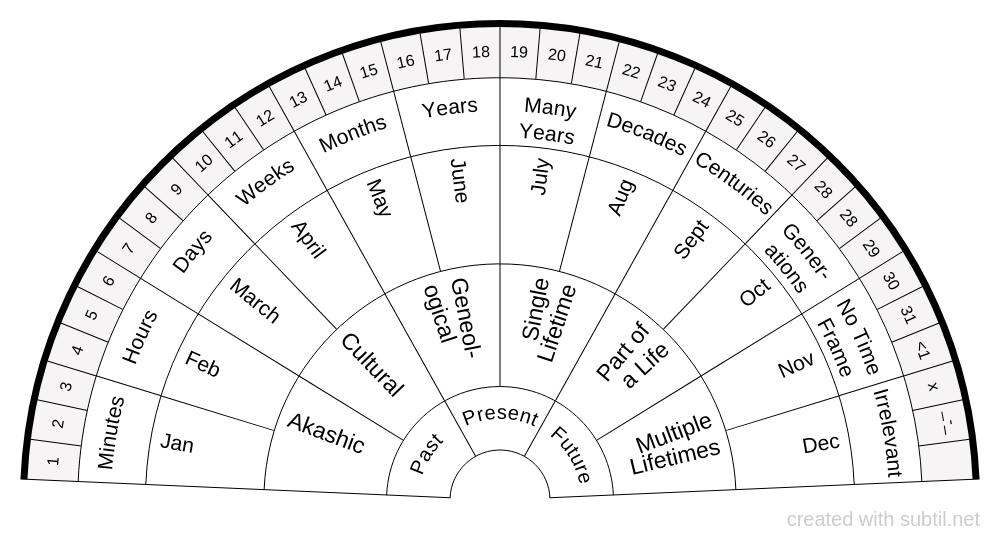
Subtil Dowsing Chart Date And Time

Date And Time Setup Icon Stock Photo Alamy
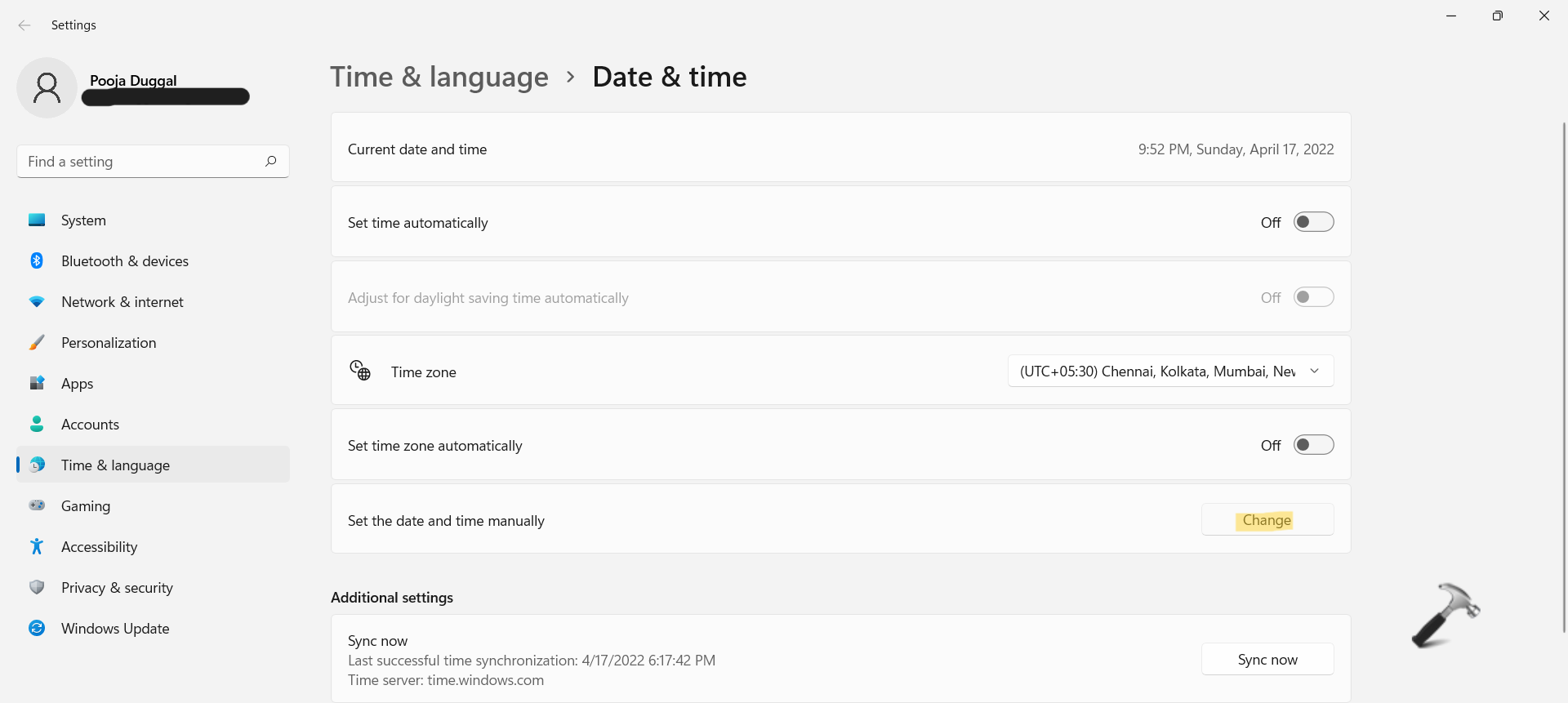
Change Date And Time Zone In Windows 11 Pirated Land

How To Schedule An Assignment For The Future Collab365 Daily Digest
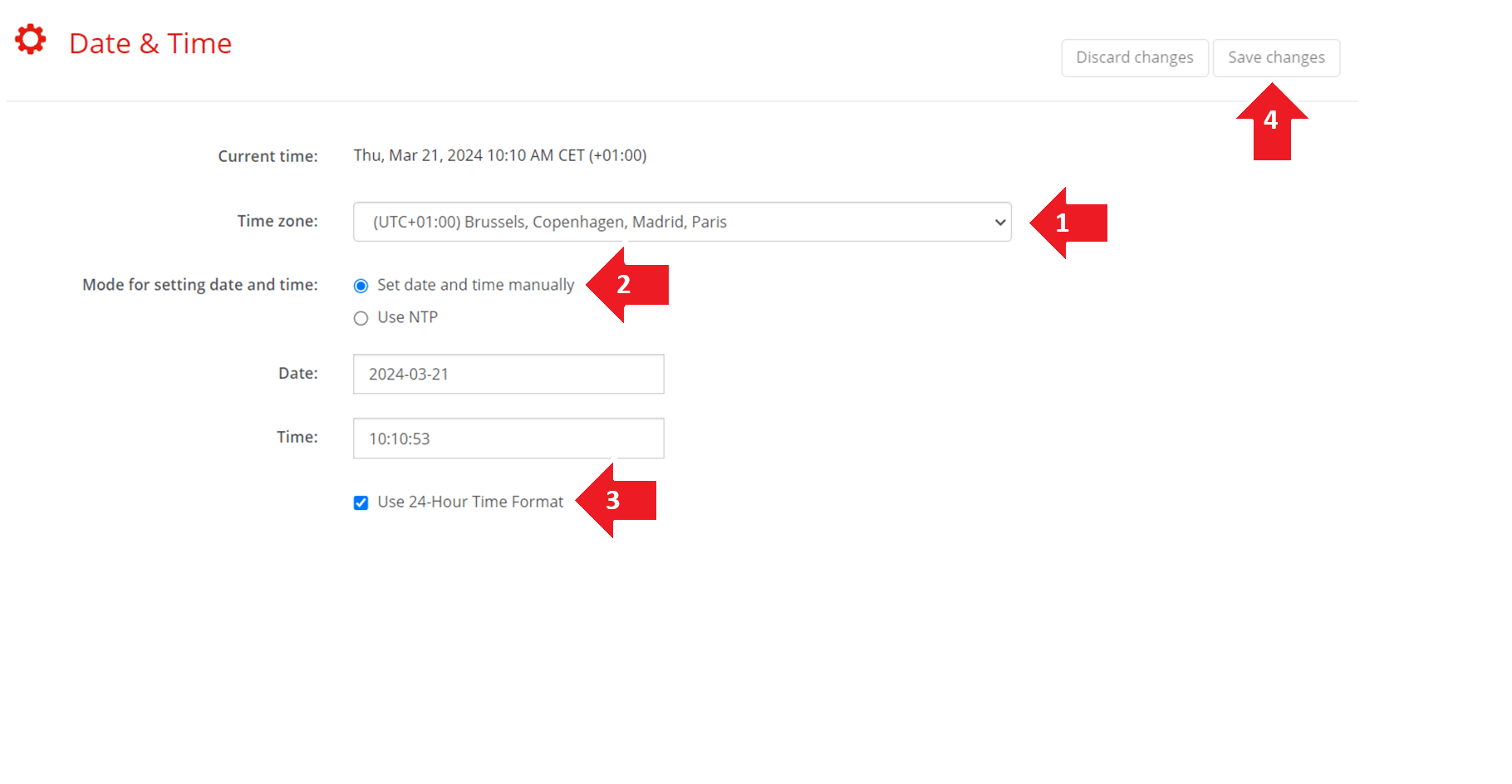
How To Manually Adjust The Date And Time Settings On A ClickShare CX

OC Select Date And Time Cart Allow Customers To Select Delivery Date

Web Aug 20 2022 nbsp 0183 32 Hi I have a Macbook Air M1 with the latest MacOS version installed 12 5 1 When I turned it on the other day the date was in October 2021 if I change the clock manually and save and then turn Set date and time automatically with time apple back on it immediately reverts to October 2021

Web On your Mac choose Apple menu gt System Settings click General in the sidebar then click Date amp Time on the right You may need to scroll down Open Date amp Time settings for me Turn on Set time and date automatically

Web Jun 24 2023 nbsp 0183 32 Make sure that quot Time zone and system customization quot is turned on Open Date amp Time settings and make sure that the option to set time and date automatically as well as the option to set time zone automatically are turned on Restart your Mac Set the date and time manually

Web May 23 2023 nbsp 0183 32 On your iPhone or iPad Make sure that you have the latest version of iOS or iPadOS Turn on Set Automatically in Settings gt General gt Date amp Time This automatically sets your date and time based on your time zone Is this setting dimmed

Web 5 days ago nbsp 0183 32 Step 1 Click on the Apple menu and select System Settings from the drop down menu Step 2 Go to General and select the Date amp Time option Step 3 Enable the Set time and date
Web Aug 31 2023 nbsp 0183 32 1 Set the Date and Time Automatically in System Settings If you re new to macOS you might not know where to go to change the date and time settings on your Mac If that s the case fixing the date and time could be as simple as tweaking this option in the System Settings app in macOS Just follow these steps Web Dec 4 2023 nbsp 0183 32 Step 1 Go to the Apple logo at the top left corner of the desktop and click on it Step 2 Then click on the restart option in the menu that drops Wait for your MacBook to restart This might take a few minutes so be patient Check if the date and time settings have been refreshed to the correct readings or not
Web Jan 8 2022 nbsp 0183 32 Upon booting up by machine 2021 MacBook Pro 14 on 12 1 after fully running out of battery for the first time I ve owned the machine for a couple months I noticed the date and time were completely wrong by a number of months The offset is consistent and displays today s date as 25th September 2021 it is currently the 8th of