Date And Time Format Formula Excel What Is Date And Time Format In Excel Excel Unlocked Excel Date And Time Formatting My Online Training Hub Datetime Excel Merge Cell Date And Time Stack Overflow Get How To Use Today Date Formula In Excel Gif Formulas Dates And Times Displayed In A Variety Of Ways In Excel Excel Examples After we confirm that your credit card is valid we ll retain this data only as long as necessary to meet regulatory requirements for a credit card transaction If you use a credit card to verify
You ll find the date and time of the activity and why it was saved You might also get location device and app information Delete activity Learn how to delete past searches browsing Learn how to update apps on Android Related resources Fix problems with the Google Play app How to update apps on Android
Dates And Times Displayed In A Variety Of Ways In Excel Excel Examples 10 How To Make Formula In Excel Cell For Time Most Complete Formulas How To Convert Date time Format Cell To Date Only In Excel Excel Formula Extract Date From A Date And Time Exceljet Extract Date From Date And Time Stamp In Excel YouTube Trending Excel Current Date Formula PNG Formulas COUNTIFS In Excel How To Use COUNTIFS Formula In Excel Configure The Format Of Date time Question Markers Documentation Excel Formula Convert Date String To Date Time Exceljet
Date And Time Format Formula Excel
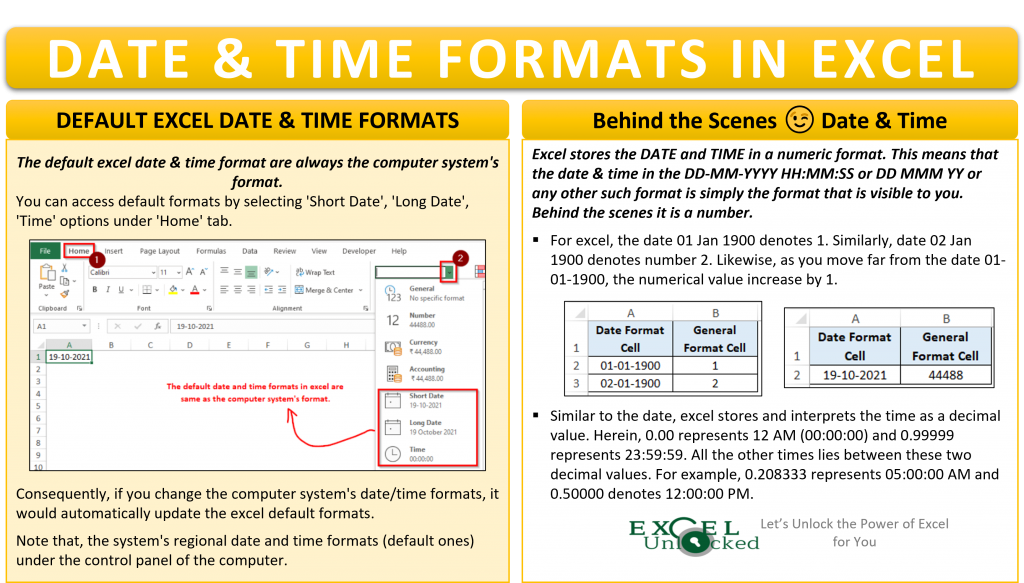 Date And Time Format Formula Excel
https://excelunlocked.com/wp-content/uploads/2021/08/Date-and-Time-Format-in-Excel-1024x583.png
You can see your sign in history including the dates and times that your Gmail account was used You can also see the IP addresses which were used to access your account See your account
Templates are pre-designed documents or files that can be utilized for various functions. They can conserve effort and time by providing a ready-made format and design for producing different type of content. Templates can be used for personal or professional projects, such as resumes, invitations, flyers, newsletters, reports, presentations, and more.
Date And Time Format Formula Excel
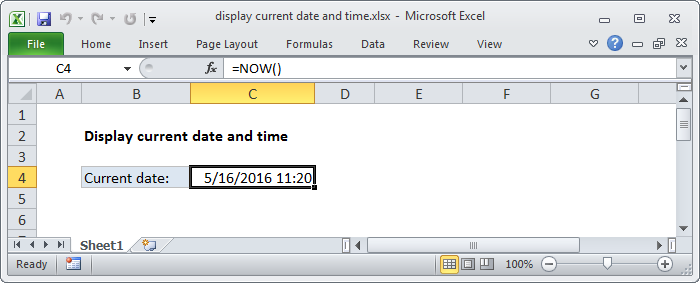
Excel Insert Today s Date Button 278163 How To Automatically Insert The
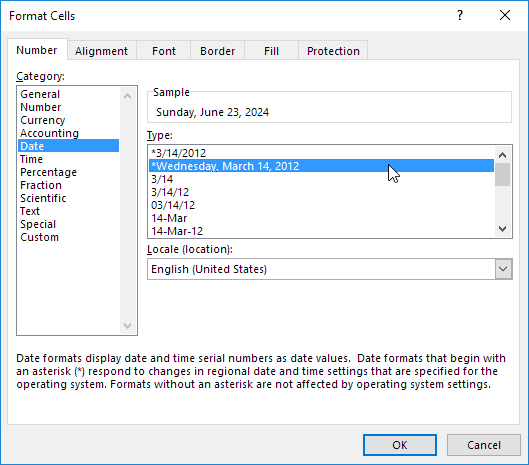
10 How To Make Formula In Excel Cell For Time Most Complete Formulas

How To Convert Date time Format Cell To Date Only In Excel
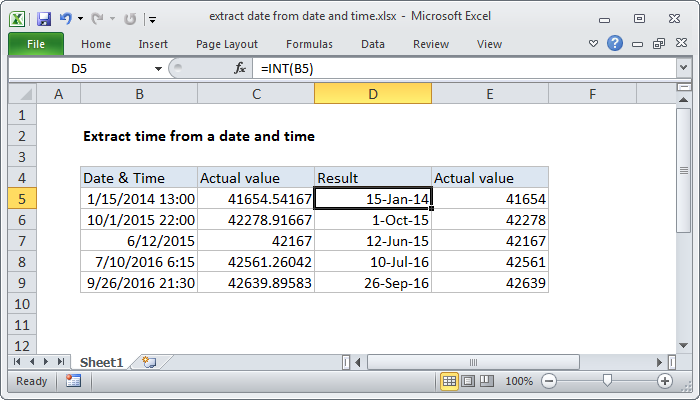
Excel Formula Extract Date From A Date And Time Exceljet
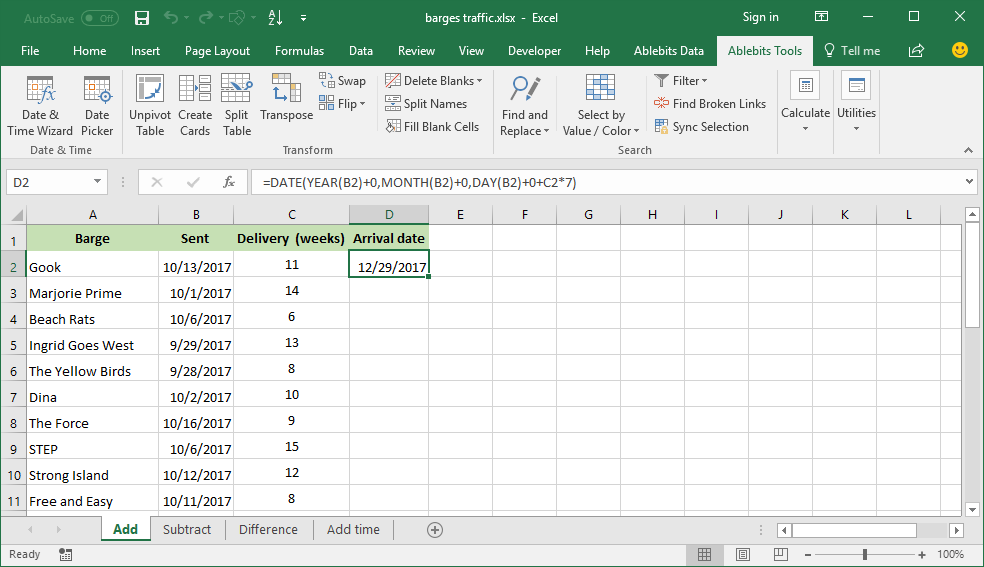
Trending Excel Current Date Formula PNG Formulas
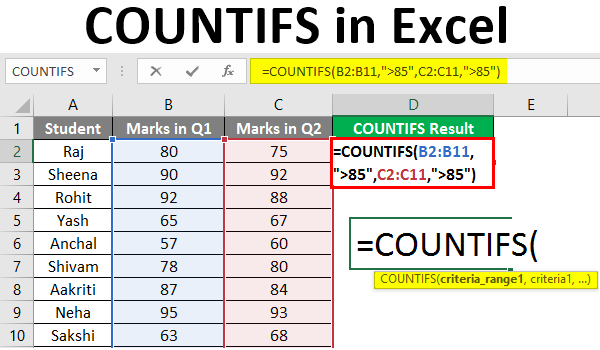
COUNTIFS In Excel How To Use COUNTIFS Formula In Excel
You can change your clock s settings including the date time and time zone You can set how your alarms and timers work and add clocks for other cities
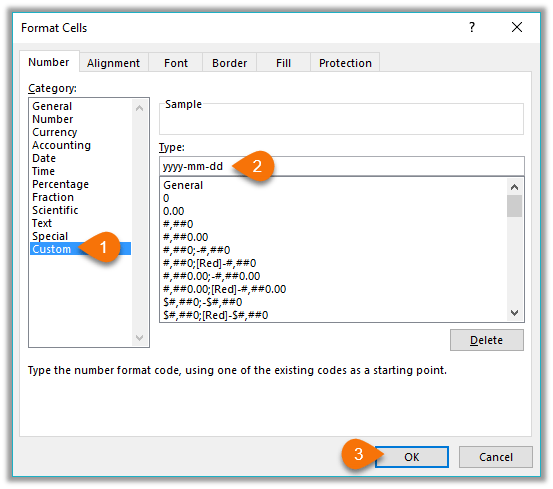
DATE will silently recalculate numeric dates which fall outside of valid month or day ranges For example DATE 1969 13 1 which specifies the illegal month 13 will create a date of 1 January

Apr 1 2010 nbsp 0183 32 Syntax DATE when when A Date DateTime or Time value Notes To understand how your mobile device s locale or browser s language setting can impact the Date format see

Current imagery automatically displays in Google Earth To discover how images have changed over time or view past versions of a map on a timeline Tips You can zoom in or out to change
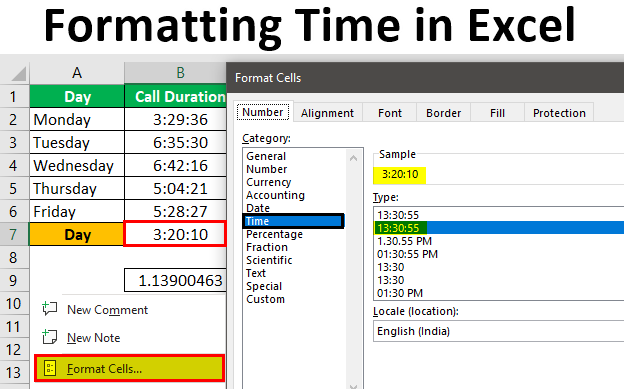
To change the way Calendar looks or works update your settings Update your settings On your computer open Googl
[desc-11] [desc-12]
[desc-13]