Custom Moving Average Indicator Mt4 Moving Average Ribbon Indicator For MT4 OVERVIEW YouTube RSI On MA Indicator For MT4 Download FREE IndicatorsPot Moving Average MA Crossover Indicator MT4 MT5 Free Download Custom Moving Average Indicator For MT5 Download FREE Moving Average Indicators For MT4 Page 104 The Moving Average Technical Indicator shows the mean instrument price value for a certain period of time When one calculates the moving average one averages out the instrument price for this time period As the price changes its moving average either increases or decreases There are four different types of moving averages Simple also
Custom Indicator is an application program coded in MQL4 it is basically intended for graphical displaying of preliminarily calculated dependences Custom Indicator Structure Necessity of Buffers in Averaging period for calculation ma shift in MA shift Indicators line offset relate to the chart by timeframe ma method in Moving Average method It can be any of ENUM MA METHOD enumeration values applied price in Applied price It can be any of ENUM APPLIED PRICE enumeration values shift
Moving Average Indicators For MT4 Page 104 Moving Average RSI MTF Indicator Top MT4 Indicators mq4 Ex4 Moving Average Indicators For MT4 Page 149 DASHBOARD MT4 INPUTS best Trading Strategy Forex YouTube Volume Custom Moving Average Indicator MT4 Indicators mq4 Ex4 Moving Average Indicators For MT4 Page 37 Moving Average Indicators For MT4 Page 73 Moving Average Ribbon Indicator For MT4 Download FREE Moving Average Indicators For MT4 Page 76
Custom Moving Average Indicator Mt4
 Custom Moving Average Indicator Mt4
https://i.ytimg.com/vi/MxDZfmRD4Ik/maxresdefault.jpg
The moving average is the first identifier of trend direction changes for most forex traders However the indicator faces wide criticism as a lagging indicator As the trading signals of the lagging indicator are a bit delayed due to the nature of the formula and mathematical calculation of this indicator
Templates are pre-designed documents or files that can be used for numerous functions. They can conserve time and effort by supplying a ready-made format and design for developing various type of content. Templates can be utilized for individual or professional tasks, such as resumes, invites, flyers, newsletters, reports, discussions, and more.
Custom Moving Average Indicator Mt4

Setting The Moving Average To Another Indicator In The MT4 Terminal

Moving Average RSI MTF Indicator Top MT4 Indicators mq4 Ex4
Moving Average Indicators For MT4 Page 149
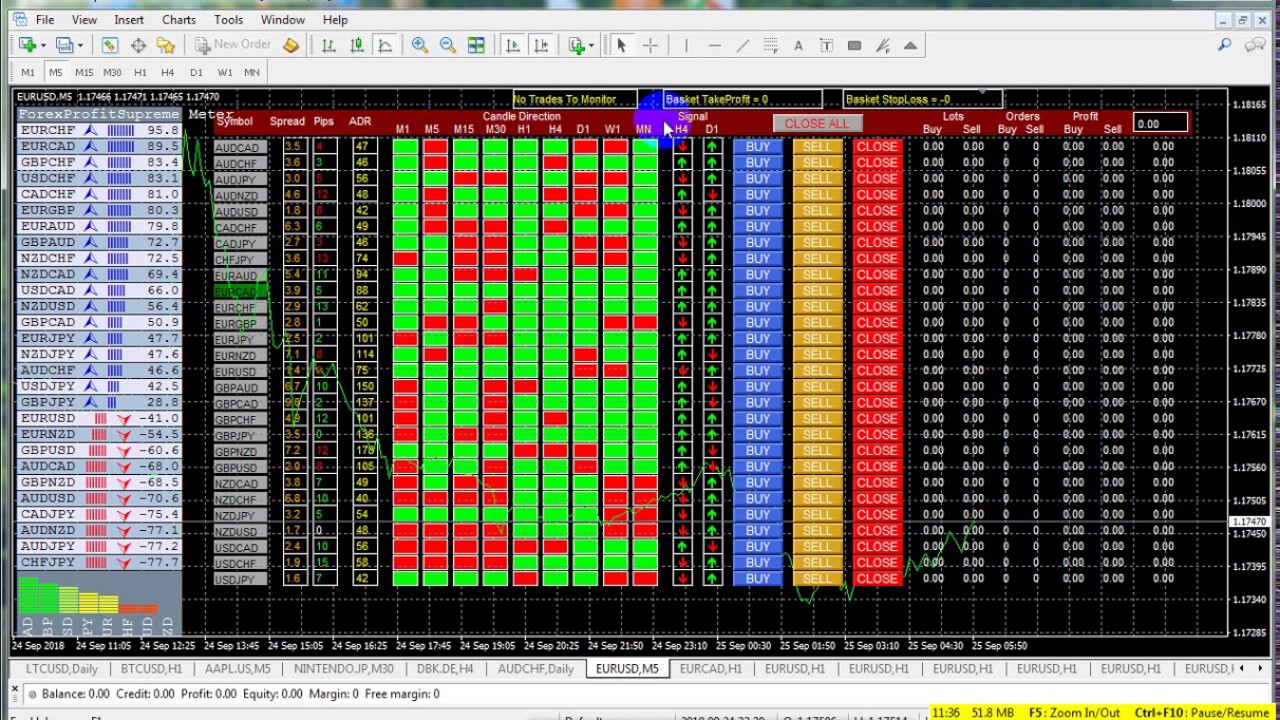
DASHBOARD MT4 INPUTS best Trading Strategy Forex YouTube
Moving Average Indicators For MT4 Page 37
Moving Average Indicators For MT4 Page 73

Key Points Moving averages are versatile indicators in forex assisting in confirming trends spotting reversals and predicting price trajectories The MetaTrader 4 MT4 platform offers an intuitive interface for setting up moving averages directly on pricing charts

Moving Average is a super trend indicator that helps you to spot trend reversals solid breakout levels of the price A classic tool for forex stock trading Categories Trend MT4 Levels Informational Updated on 27 10 2023 Download Size 28 15 KB Type zip Downloads 2 3k Rate this Product from 1 to 5 Description Indicator Settings
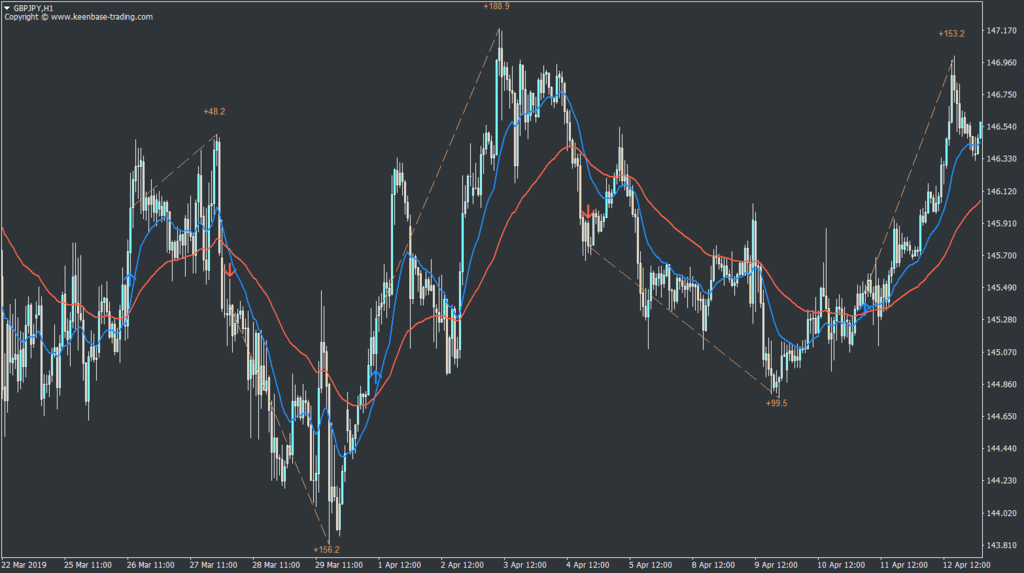
How to Download and Install Custom Indicators to MetaTrader 4 and 5 6 mins read Last Updated 20 September 2023 Written by Tom Chen Reviewed by Nick Quinn Share KEY POINTS Although MT4 and MT5 come with their pre built indicators professional and retail traders often need to use custom indicators to improve trading analysis
The Volume with Custom Moving Average indicator is a custom technical indicator which indicates volume first and foremost It plots bars to indicate the volume Green bars indicate increasing volume while red bars indicate decreasing volume Then it takes a moving average of the volume and plots it as a line overlayed on the indicator window
2016 03 29 09 34 volumeMA mq4 6 73 KB view Download as ZIP How to download code from MetaEditor Author not specified Volume with Custom Moving Average indicator MostasHaR15 Pivot Advisor MostasHaR15 Pivot LBS V 1 0 Advisor LBS V 1 0 Pivot PP Indicator Pivot PP Pivot ResSup Indicator Pivot ResSup
A31Trader01 2018 01 01 11 41 2 Fernando Carreiro You don t need to code that You can already do that with MetaTrader as it is You can already add a Moving Average to the Chart s Main Window or one of the Sub windows and have it based on a previous Indicator data Here is an example of adding an EMA to the Volume indicator data Period 1 Change the Moving Average Period Shift Push the MA forward with Positive Number Push back with Negative Number Colors Choose your color for each condition Download our Free 4 Pack on Gumroad Indicator works with Metatrader 4 Platforms Indicator is copyrighted material and can not be distributed without express written consent
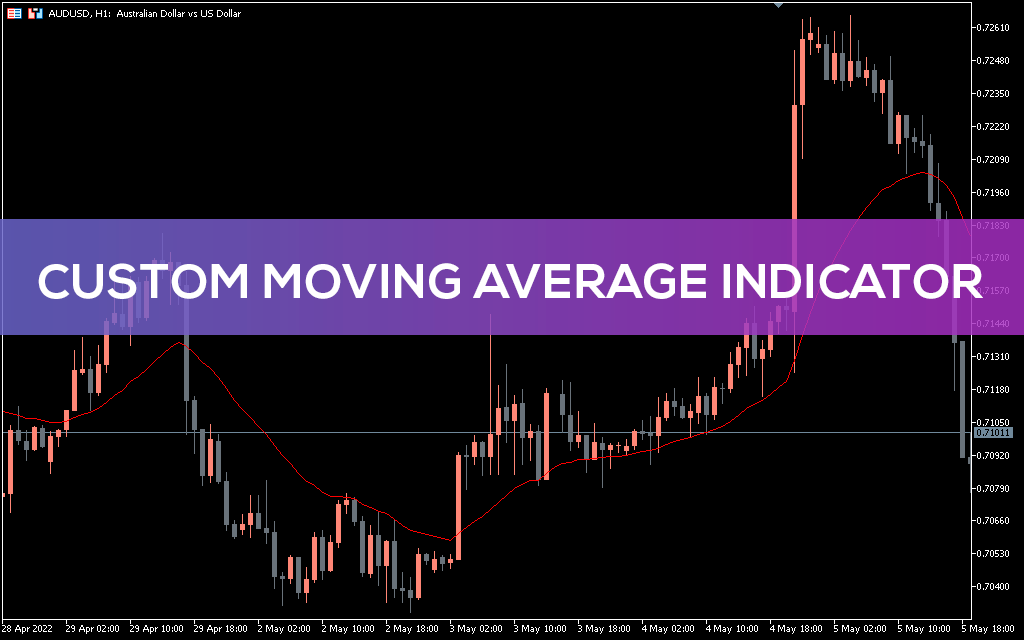
The custom moving average indicator provides you many configuration possibilities If you try the different calculation methods of the indicator then you can directly compare the effect on the calculated values We will now go through some of these configuration possibilities and compare values on the chart