Current Date And Time Stamp Excel Time Stamp In EXCEL YouTube Excel Automatically Date And Time Stamp When Data Is Entered But Don t Excel Formula To Create Time Stamp YouTube Enter Date And Time Stamps Unchanging Online Excel Training COSCO 2000 Plus Self Inking Date And Time Stamp Quickship WEB Jul 3 2024 nbsp 0183 32 5 easy and efficient methods on how to insert current date and time in excel including a VBA code keyboard Shortcut and NOW function
WEB Apr 15 2010 nbsp 0183 32 To insert a dynamic date and time stamp into Excel enter the following formula into any cell NOW Excel will instantly put the current date and time into that cell WEB Nov 30 2023 nbsp 0183 32 There are several ways to insert a date and or time into Excel depending on what you want the timestamp to record and whether you want the data to update automatically when Excel is opened to
COSCO 2000 Plus Self Inking Date And Time Stamp Quickship Creating Date And Time Stamp Microsoft Excel Tips From Excel Tip Solved Add Hours Minutes Seconds To Date Time Stamp In Excel YouTube Creating Date And Time Stamp Microsoft Excel Tips From Excel Tip Extract Date From Date And Time Stamp In Excel YouTube Creating Date And Time Stamp Microsoft Excel Tips From Excel Tip Auto Insert Current Date In Excel Amlasopa Excel Macro Automated Date Time Stamp Everyday Documents Excel Trick 2 Current Date Stamp In 10 Seconds YouTube
Current Date And Time Stamp Excel
 Current Date And Time Stamp Excel
https://i.ytimg.com/vi/mNZDJo5xrn0/maxresdefault.jpg
WEB May 27 2021 nbsp 0183 32 The NOW and TODAY functions can be used to insert the current date and time that will update automatically This method dynamically updates the date time whenever a change is
Templates are pre-designed documents or files that can be used for various functions. They can conserve effort and time by offering a ready-made format and design for developing various type of content. Templates can be utilized for individual or expert jobs, such as resumes, invites, flyers, newsletters, reports, presentations, and more.
Current Date And Time Stamp Excel
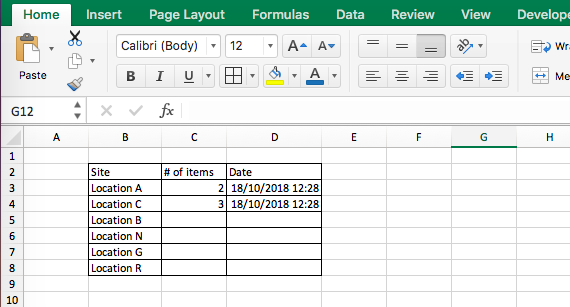
Excel Hack 33 Add A Date time Stamp When Updating A Cell In Excel
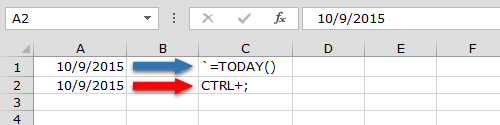
Creating Date And Time Stamp Microsoft Excel Tips From Excel Tip
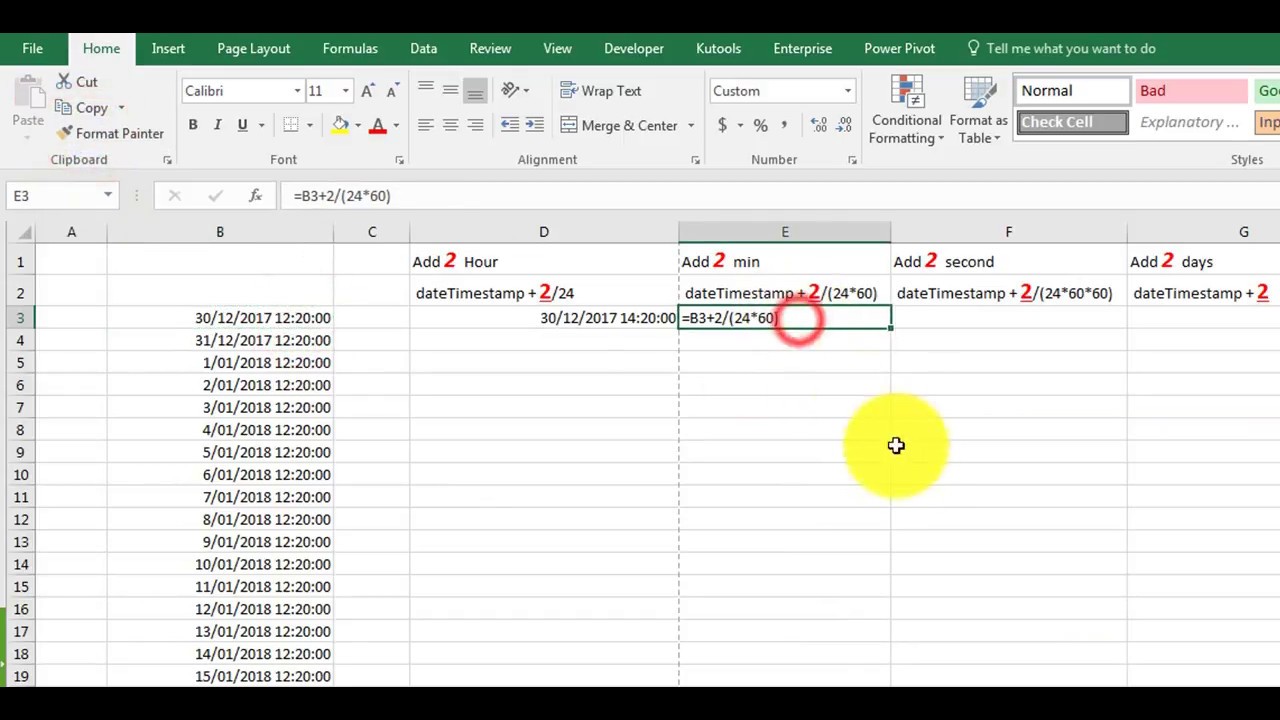
Solved Add Hours Minutes Seconds To Date Time Stamp In Excel YouTube
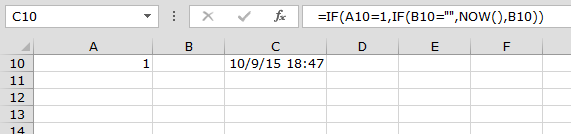
Creating Date And Time Stamp Microsoft Excel Tips From Excel Tip
Creating Date And Time Stamp Microsoft Excel Tips From Excel Tip
Auto Insert Current Date In Excel Amlasopa
WEB If you have to insert the date and timestamp in a few cells in Excel doing it manually could be faster and more efficient Here is the keyboard shortcut to quickly enter the current Date in Excel Control hold

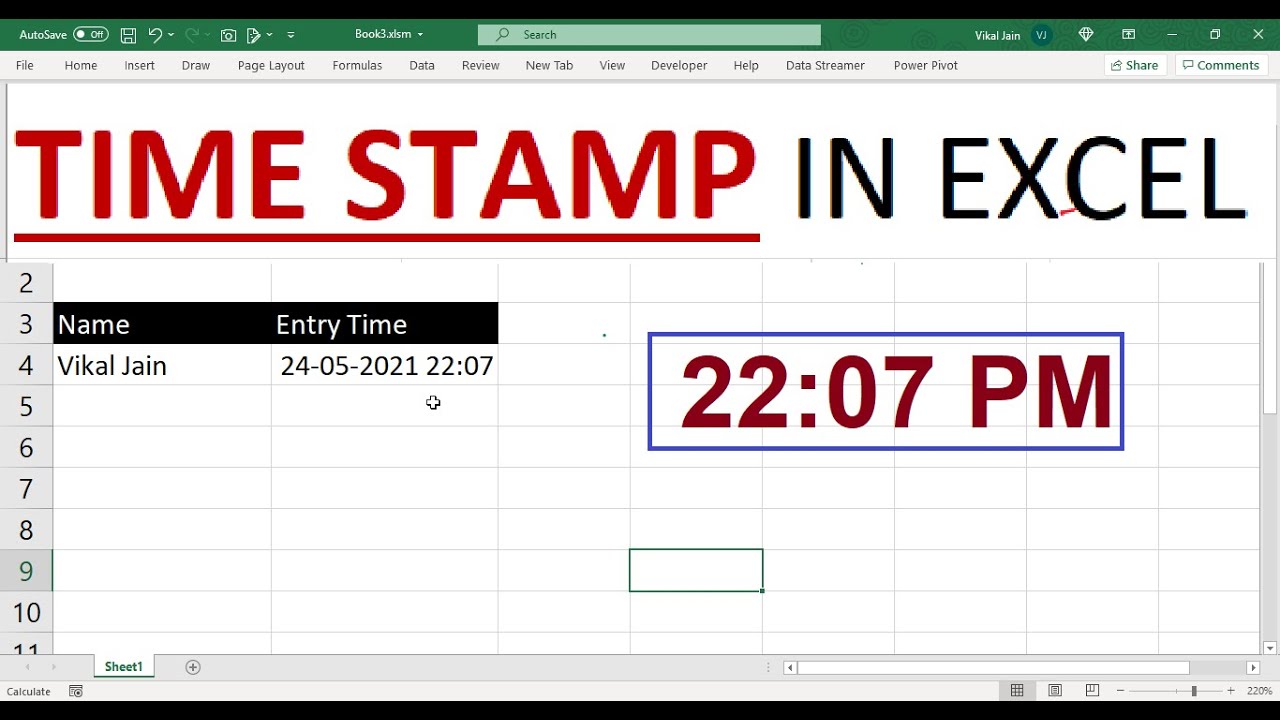
WEB Feb 3 2023 nbsp 0183 32 In this tutorial you will learn how to quickly insert current time in Excel using a shortcut formula or VBA macro Also we ll look at how to convert timestamp to date

WEB The NOW function in Excel will enter the current date and time from your system clock The syntax is easy Type NOW and hit enter It is important to note that Excel stores date and times as numbers so

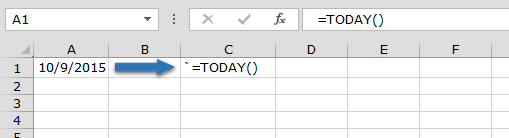
WEB Jul 6 2024 nbsp 0183 32 To get the current date put the following formula TODAY Why Should You Use This Method Advantage Updates automatically whenever the worksheet is

WEB Mar 22 2023 nbsp 0183 32 The tutorial explains various ways to insert a date in Excel How to enter today s date and current time with a shortcut use Excel functions to insert an automatically updatable date auto fill
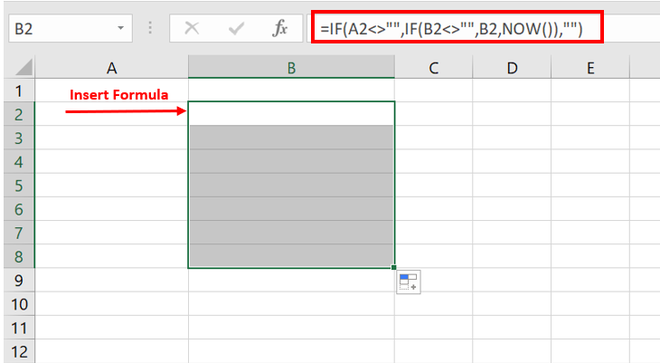
WEB Feb 27 2024 nbsp 0183 32 These are both quick and easy ways to enter the current date or time into our Excel workbooks The dates and times created will be current when they are entered WEB Sep 5 2023 nbsp 0183 32 A simple dynamic method If you want to use a formula to insert a timestamp the perfect way is to use the NOW function When you enter this function in a cell it
WEB Luckily there are a few workarounds for timestamping in Excel without VBA The one is to use Data Validation of the list type to quot sample quot the current time Set one reference cell