Chrome Browser Android Open A Browser Bookmark Verizon How to Add Bookmarks in Google Chrome on Desktop or Mobile Invalid Address. Please try again. Error - Verizon Community How to Bookmark in Chrome Android and Access/Delete them? How to change your Android phone's default browser to Google Chrome - PhoneArena Web Access to Message+ Not Working - Verizon Community How To Manage Web Bookmarks On An Android For Chrome Browser How To Move a bookmark to a different folder Go to the Chrome app from your
The Brave browser is a fast private and secure web browser for PC Mac and mobile Download now to enjoy a faster ad free browsing experience that saves Incognito mode is available in the Chrome browser app on Android phones and On your Android device open Chrome and tap the three dot menu button in the
Web Access to Message+ Not Working - Verizon Community How to sync Chrome bookmarks across your devices? How to Save All Your Current Tabs in Chrome for Reading Later How to Import Bookmarks Into Google Chrome Pixel 4 owners can soon use Google Assistant to control Chrome - Android Community How to Make Google Chrome the Default Browser on Android Google makes new UI changes in Chrome's downloads and bookmarks menus - Sammy Fans Tips and Tricks for Brave on Your Phone | Brave Browser How to Make Google Chrome the Default Browser on Android
Chrome Browser Android Open A Browser Bookmark Verizon
Chrome Browser Android Open A Browser Bookmark Verizon
https://i.insider.com/5de5808cfd9db27d4146bda2?width=750&format=jpeg&auto=webp
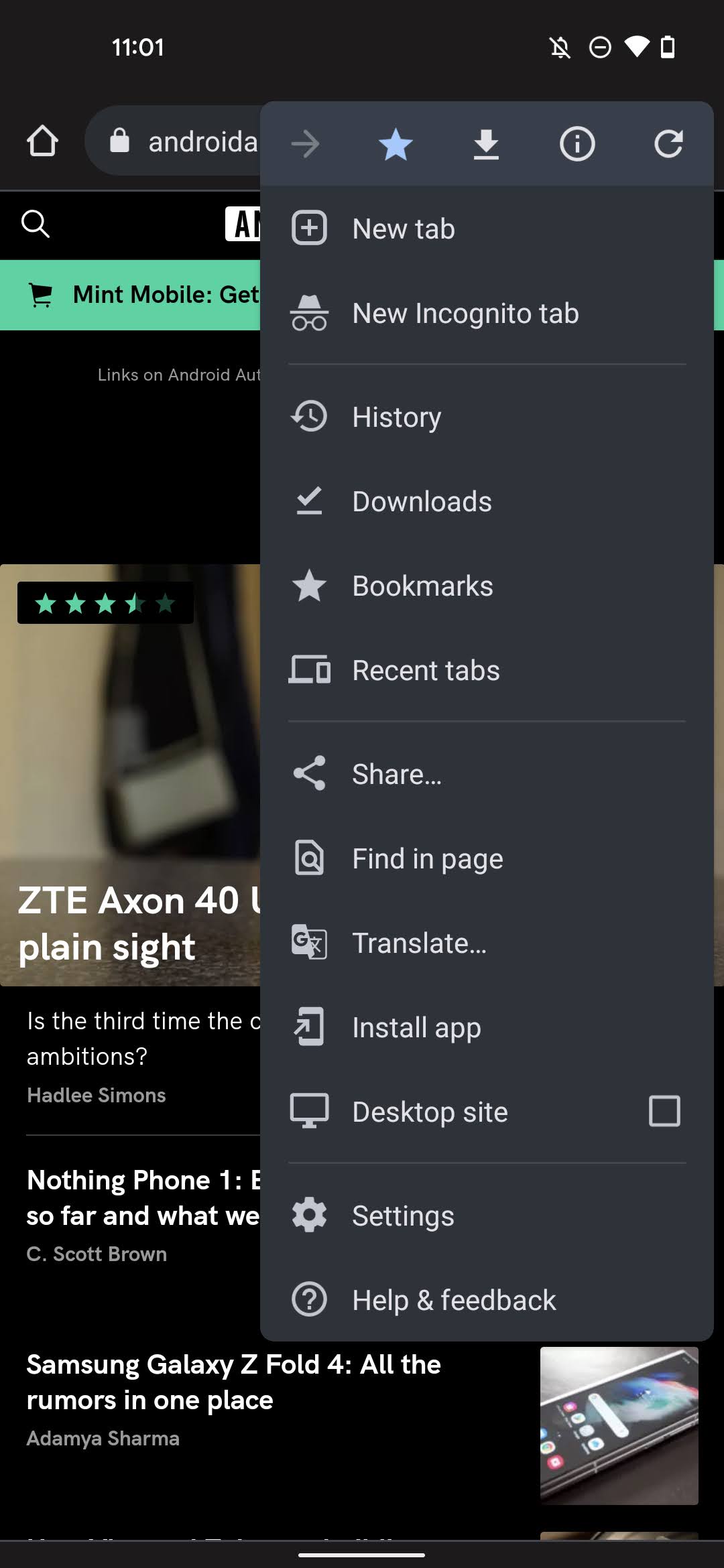
To start in Chrome s top right corner click the three dots and choose Bookmarks Bookmark Manager You will see a Bookmarks page On this
Pre-crafted templates use a time-saving solution for producing a varied series of files and files. These pre-designed formats and designs can be utilized for different personal and expert jobs, consisting of resumes, invites, flyers, newsletters, reports, discussions, and more, simplifying the content creation process.
Chrome Browser Android Open A Browser Bookmark Verizon

Android 12 will let you open multiple Google Chrome windows like on PC : r/ Android
How to sync Chrome bookmarks across your devices?

How to Save All Your Current Tabs in Chrome for Reading Later

How to Import Bookmarks Into Google Chrome
How to Make Google Chrome the Default Browser on Android
Google makes new UI changes in Chrome's downloads and bookmarks menus - Sammy Fans
Open a bookmark On your Android phone or tablet open the Chrome app Chrome At the top right tap More More and then Bookmarks If your address bar is at

Get a Chrome update when available On your Android phone or tablet open the Play Store app Google Play At the top right tap the profile icon Tap Manage
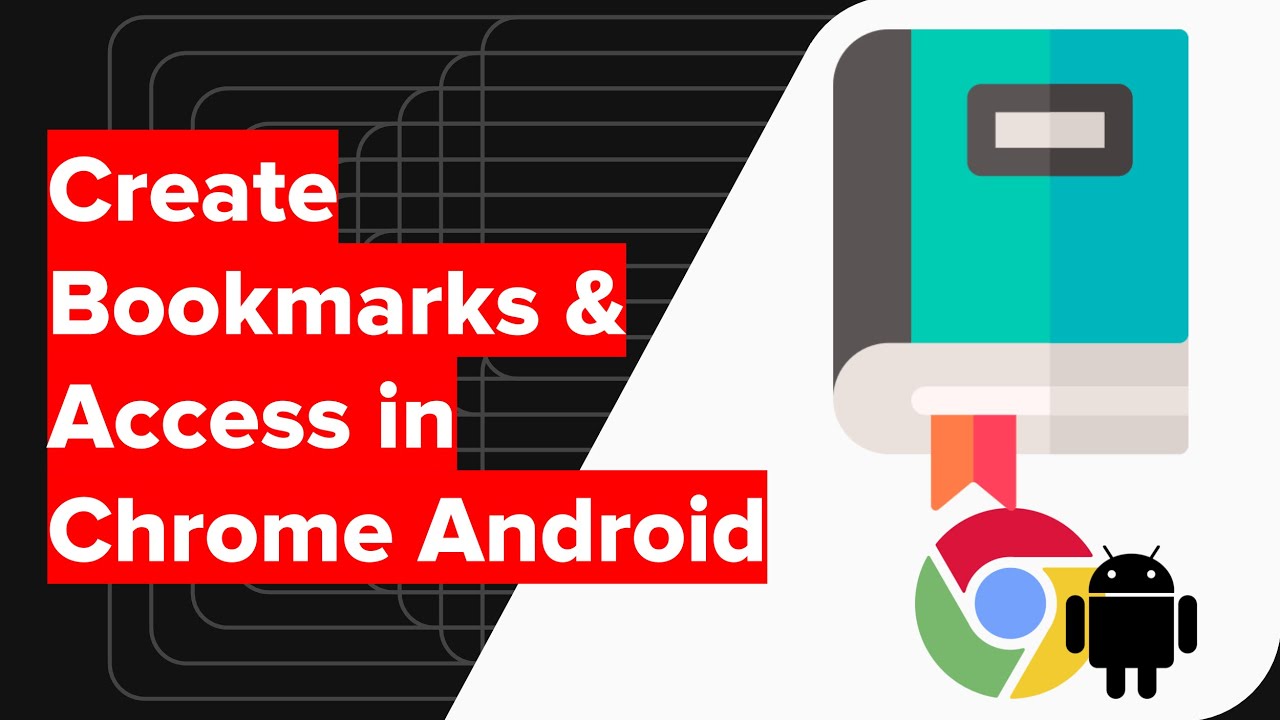
Android Browser Not Showing all Bookmarks from Chrome 1 Force stop and deativate chrome 2 go to google play and re install the already
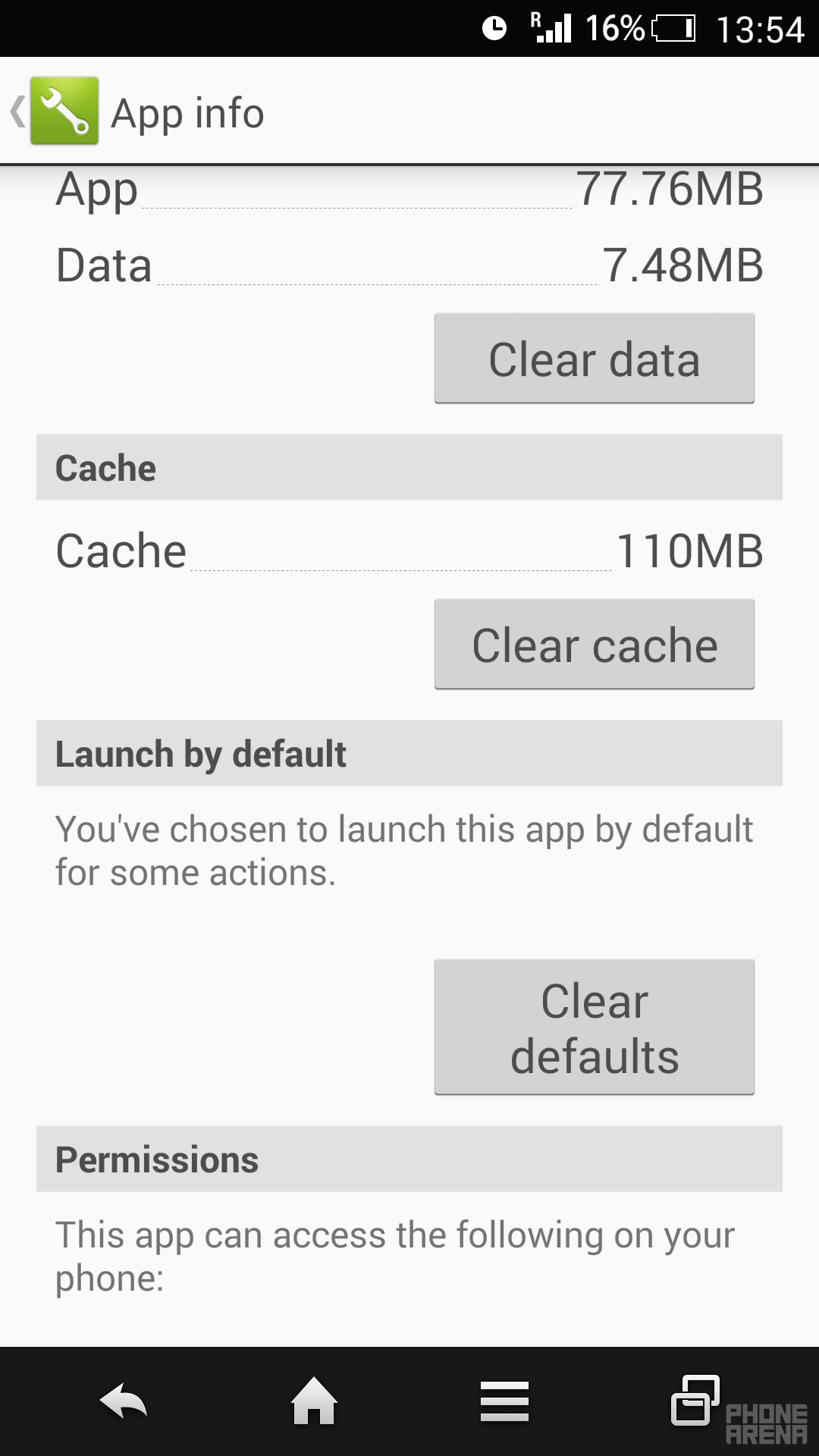
However using that method results in all settings preferences e g browser bookmarks being cleared on your Android device

1 Open the Chrome Web browser on your computer 2 Click on the wrench icon in the upper right corner of the window 3 Click Bookmark Manager and choose
Samsung Cloud is not available on Verizon phones or tablets and in select countries Samsung Cloud Gallery Access the Cloud from a web browser on a PC Yes it is possible I can do it If you re familiar with content providers both default and chrome provide bookmarks content providers so we can use these
If I can see it in a Chrome browser page I can see it on the TV Plus my phone is never far away from me anyway which also casts