Creating A Form In Google Docs How To Create A Fillable Form In Google Docs Flowchart Google Docs Template TUTORE ORG Master Of Documents How To Create Forms With Google Docs YouTube How To Create A Table Of Contents In Google Docs Google Docs Create Skowronek Blog Archive Google Docs Spreadsheet Forms Skowronek Quick Links What the Heck Is Google Forms How to Sign Up for a Google Account How to Create a Blank Form How to Customize Your Form How to Choose Question Types How to Add More Questions How to Create a Quiz How to Collaborate on Forms How to Store Responses in Google Sheets How to Use a Form Template Add
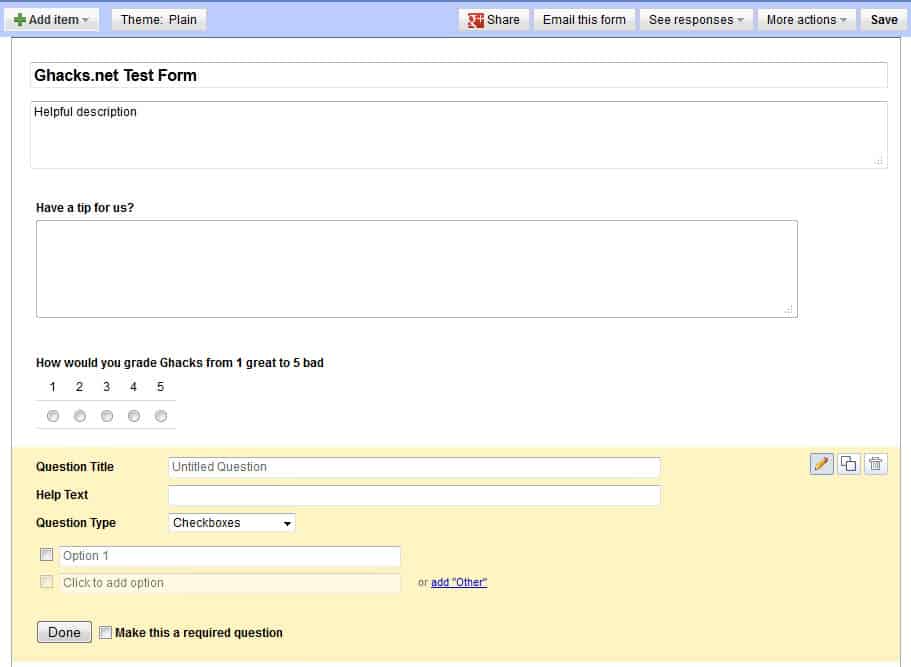
Create a form as easily as creating a document Select from multiple question types drag and drop to reorder questions and customize values as easily as pasting a list Send professional 0 00 10 43 Learn how to create fillable forms in Google Docs including form elements like text fields dropdown list selections and checkboxes In this step by step tu
Skowronek Blog Archive Google Docs Spreadsheet Forms Skowronek How To Convert Word Docs To Google Docs Laptop Mag How To Make A Fillable Google Docs Form With Tables How To Add Text Box In Google Docs Creating A Fillable Form In Google Docs Form Resume Examples Little Miss Kim s Class Creating Online Interactive Materials For How To Create Forms With Google Docs GHacks Tech News Google Docs How To Delete A Blank Page In Google Docs Da Google Docs A Wordpress In Un Click Wordable Tool Per Startup
Creating A Form In Google Docs
 Creating A Form In Google Docs
https://protechietalk.com/wp-content/uploads/2020/11/fillable-form-in-google-docs.jpg
Method 1 Native Way One of the best methods to create a form in Google Docs is to take the aid of Tables They let your fields appear uniform and remove the hassle of adding space
Pre-crafted templates provide a time-saving solution for producing a varied variety of documents and files. These pre-designed formats and layouts can be utilized for various personal and expert tasks, including resumes, invites, leaflets, newsletters, reports, presentations, and more, simplifying the content creation procedure.
Creating A Form In Google Docs
How Can I Create A Form In Google Docs Ask Dave Taylor
How To Convert Word Docs To Google Docs Laptop Mag

How To Make A Fillable Google Docs Form With Tables

How To Add Text Box In Google Docs

Little Miss Kim s Class Creating Online Interactive Materials For
How To Create Forms With Google Docs GHacks Tech News

Here s one way you can use forms to conduct peer reviews Create a new peer review form From your Docs list click the Create button then select Form From a spreadsheet click the Form

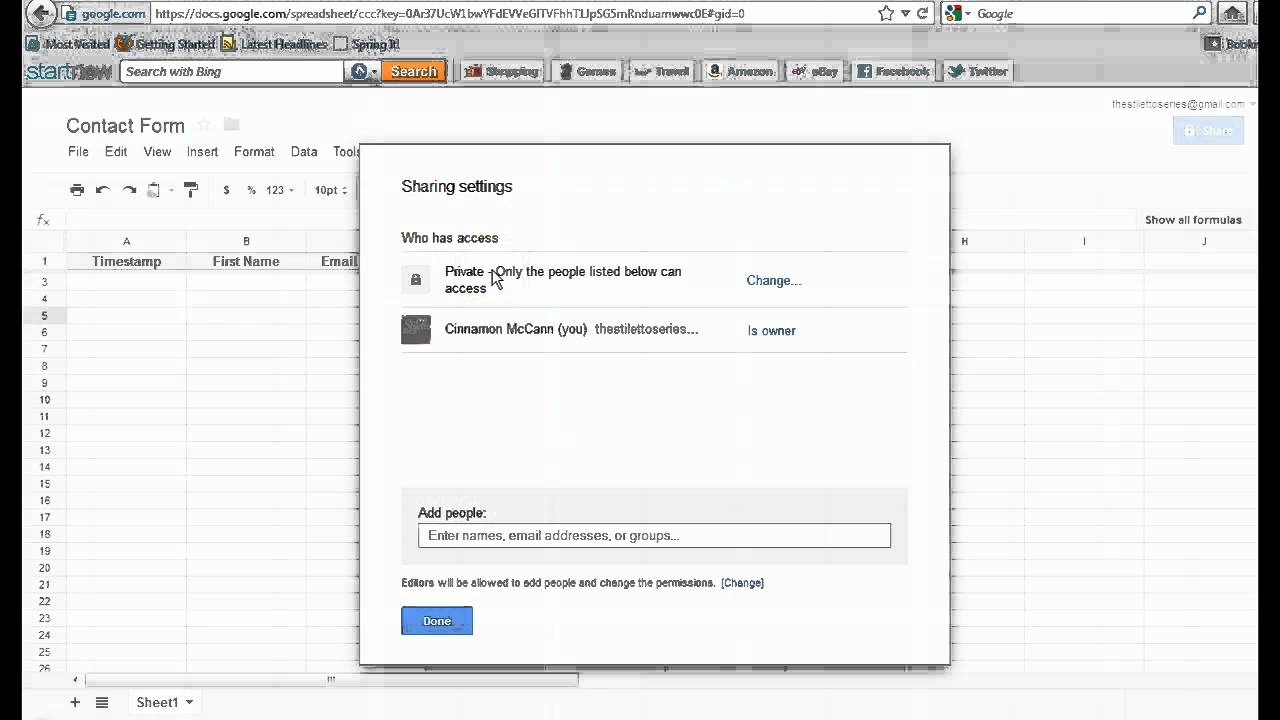
Open a form in Google Forms In the top right click More Click Add collaborators Click Invite people In the Add editors window add email addresses to share it with others Click
To create a form directly from Google Drive On a computer go to drive google In the top left click New Google Forms Create a form in Google Sheets When you create a form

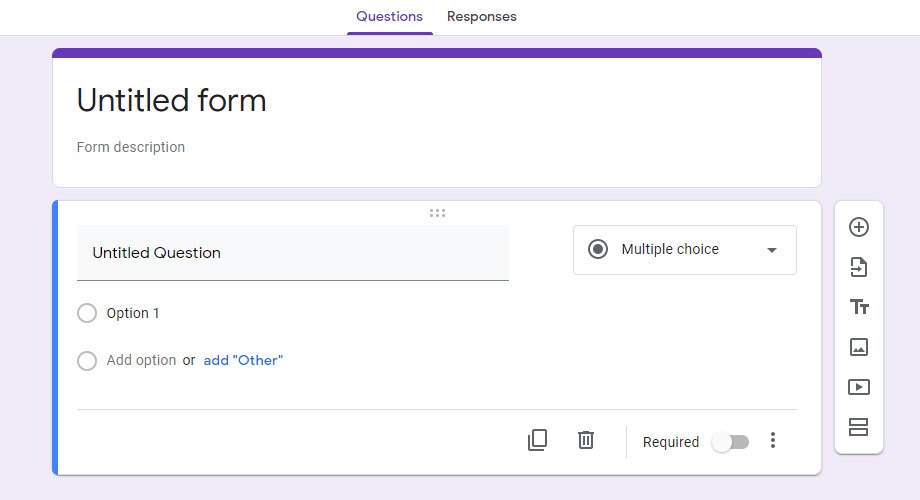
The simplest way to create a Google Form is directly from the Google Forms web app Go to docs google forms Click Blank form to create a new form Alternatively you can choose a pre made template to kickstart the process You can also create a new Google Form directly from Google Sheets
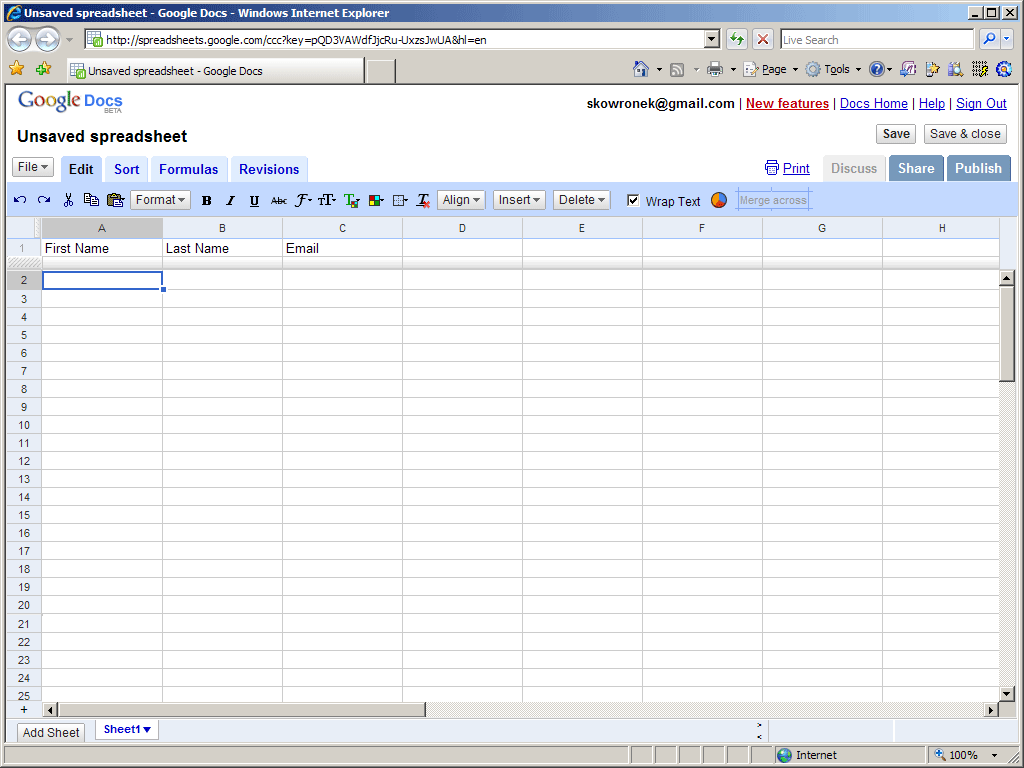
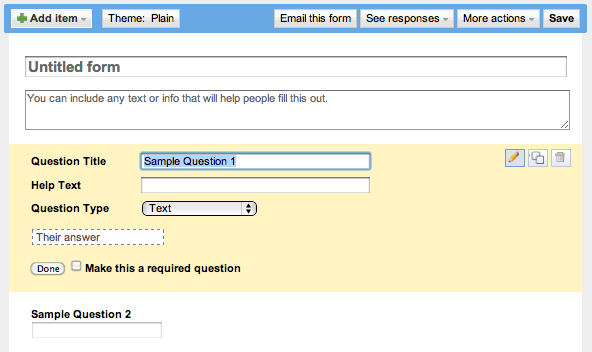
Visit docs google forms and select Blank or a template From Docs Sheets or Slides File New Form from Sheets Tools Create a Form to link it to a spreadsheet automatically Enter your questions and options This article explains how to create a Google Docs form Start a Google Form
Google Docs Editors Create edit and format Create grade quizzes with Google Forms Make a new quiz answer key Tip The quickest way to create a quiz is to go to g co createaquiz Step 1 Open a New Google Doc Begin by opening a new document in Google Docs When you re creating a fillable form starting with a blank slate is usually the easiest You can find Google Docs in your Google Drive or by typing Google Docs into your search engine Step 2 Insert a Table Use the Insert menu to add a table to
Creating a Form is like creating any other Google file Begin in your Google Drive select the New drop down menu and find Google Forms as seen in Figure 5 49 From here you have the choice of creating a survey from a Blank form or From a template