Create New Widget Area Wordpress How To Create And Manage Widgets In WordPress Understrap How To Add An Extra Widget Section Before Footer Widget Area Genesis Widget Areas The7 WPBakery How To Add New Custom Widget Area Extend Feature Scone Palace Scotland HOLLY JOHNSON 4 2 Add a Widget Area to Your Theme Registering the Widget Area Hello and welcome back to this Tuts course on WordPress widgets In this part of the course we re gonna create a new widget area for our theme So I ll show you how you do that using this function register sidebar
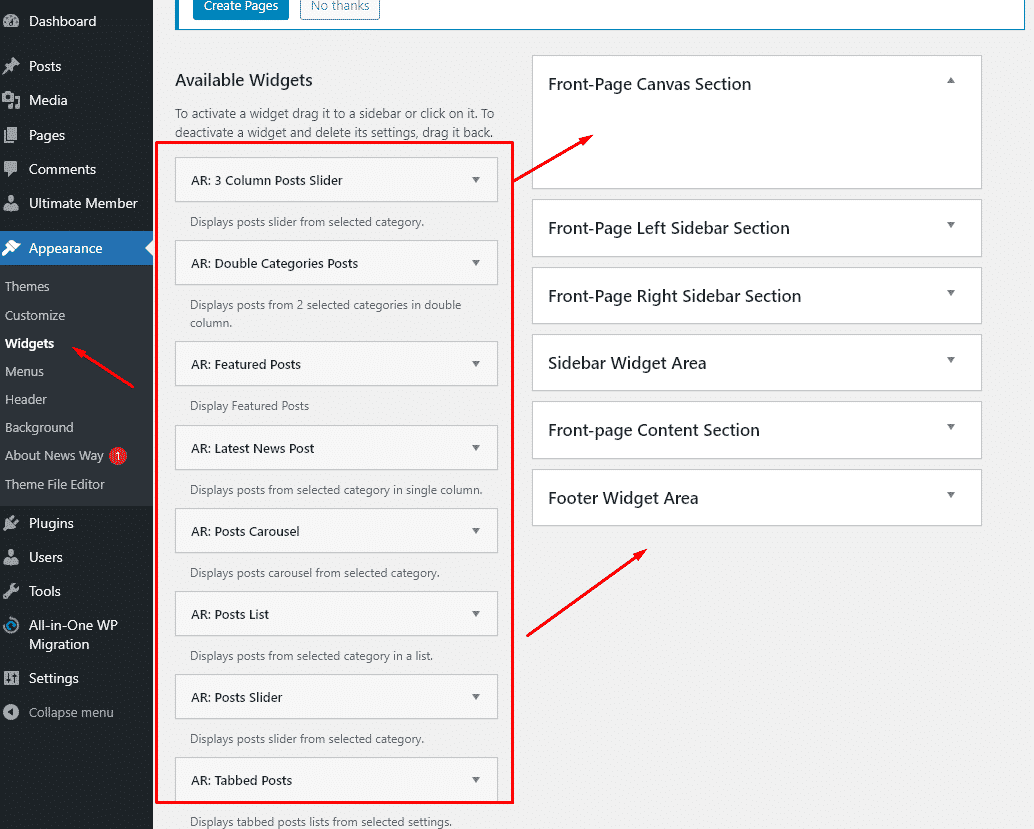
1 Extending the WP Widget class 2 Adding construct 3 Adding widget 4 Adding form 5 Adding update 6 Registering WordPress Custom Widget Adding the Code to functions php File Using WordPress Custom Widget What Are WordPress Widgets The most common widget areas are the footer and sidebar but you may see others depending on the theme you are using To add a widget to your site go to Appearance Widgets If you choose to go to Customize Widgets please note that the controls may look different from the guide below
Scone Palace Scotland HOLLY JOHNSON How To Create New Widget Area In WordPress In 2 Steps WPVKP How To Create Custom Widget Area In WordPress Step By Step Wordpress Widgets Wordpress Tutorial Wikitechy How To Add A Custom Widget Area Beneath Blog Posts In WordPress The Guide To Adding Widget Areas To WordPress Websites Add Widget Area In WordPress Theme Widgets Codershood How To Create A Custom Widget Area In WordPress How To Create A Widget Area In WordPress Template Or Themes EXEIdeas
Create New Widget Area Wordpress
 Create New Widget Area Wordpress
https://understrap.com/wp-content/uploads/2022/03/Custom-widgets-in-Wordpress.png
You can display your new widget area by Adding the code directly to a theme file like the sidebar php file or Using a custom function with hook in your functions php file Here s some example code that is a common way to add
Templates are pre-designed files or files that can be utilized for various purposes. They can save effort and time by providing a ready-made format and layout for developing various sort of material. Templates can be used for personal or professional tasks, such as resumes, invitations, flyers, newsletters, reports, presentations, and more.
Create New Widget Area Wordpress

Making A Powerful Member Dashboard For Your Membership Account Page

How To Create New Widget Area In WordPress In 2 Steps WPVKP

How To Create Custom Widget Area In WordPress Step By Step

Wordpress Widgets Wordpress Tutorial Wikitechy

The Guide To Adding Widget Areas To WordPress Websites

Add Widget Area In WordPress Theme Widgets Codershood
You can add a custom widget area in the header sidebar posts pages and footer The following are examples of functionality that can be extended to other parts of the site by creating a custom widget area Adding a menu in your theme header Adding an Ad in the header
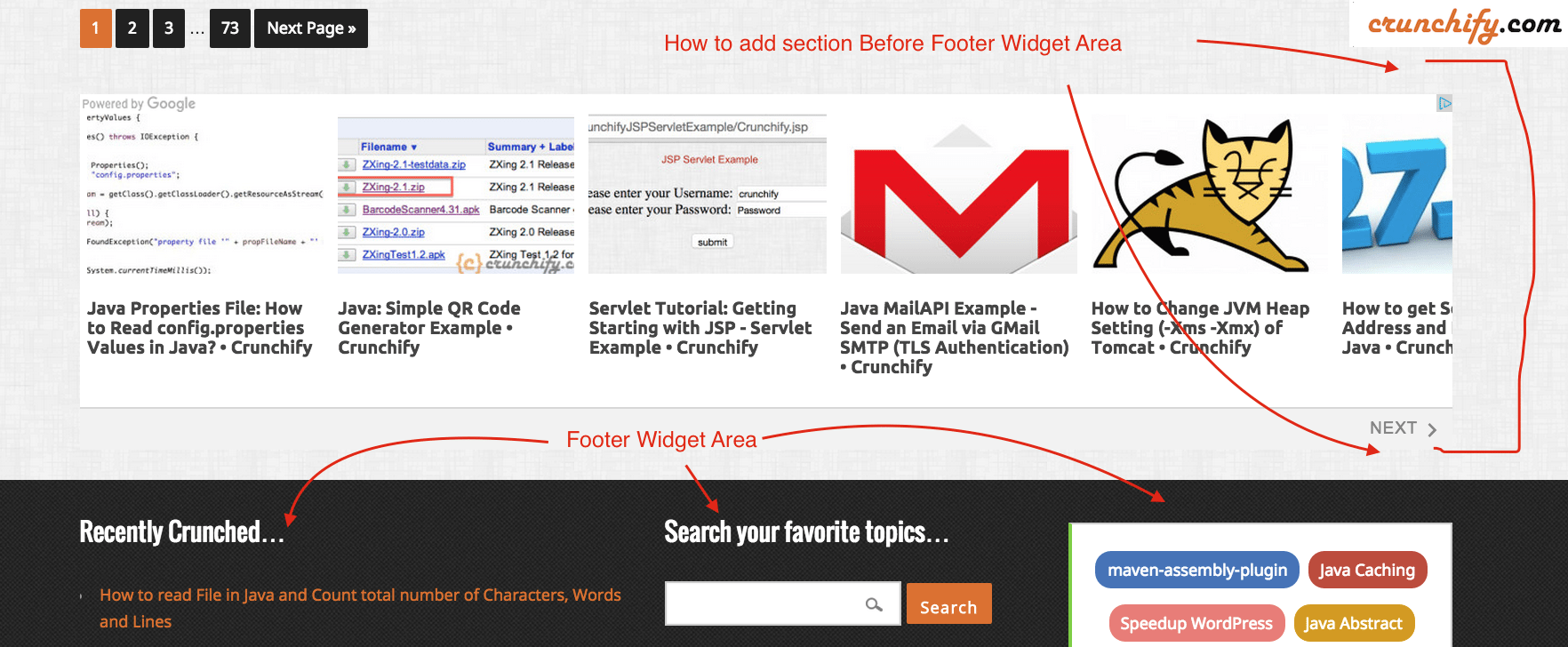
There are three main steps to perform when adding a new widget area to a WordPress theme First for WordPress to recognize a widget area you need to register a new widget area in the functions php file After it s registered WordPress will add it as an option for placing widgets

The first step to adding widget areas to your WordPress website is the registration Every widget area must be first registered using the register sidebar function This requires inserting a code which is similar to the one given below inside the functions php file of your theme

A widget adds content and features to a widget area also called a sidebar Widget areas provide a way for users to customize their site A widget area can appear on multiple pages or on only one page Your theme might have just one widget area or many of them Lay out a homepage using widgets

Go to Appearance Customize in the WordPress Administration Screens Click the Widget menu in the Theme Customizer to access to the Widget Customize Screen Click the down arrow of Widget Area to list the already registered Widgets Click Add a Widget button at the bottom of sidebar
In the following we take a look at different ways to add widgets to your WordPress theme We talk about how to use widgetized areas and create new ones in classic themes as well as how to make widgets show up in your block themes What Are Widgets and How Do You Use Them There are two main steps to adding a new widget area to WordPress First is registering the new widget area in the functions php file and second is adding the call to that widget area somewhere in your theme file That will depend on where you want the widget area to show up
Let s add a widget area below the content Creating the Widget Area in Your Theme Functions File The first step is to set up the widget area using the register widget function If you re using a third party WordPress theme here s a selection of the best ones you need to create a child theme to do this