Create Interactive Gantt Chart In Excel Hoe Maak Je Een GANTT Chart In Excel Create Gantt Chart In Excel Easily Images And Photos Finder Free Gantt Chart Sample Template Printable Calendar Templates Vrogue Planner Gantt Excel Templates Create A Free Online Gantt Chart StudioBinder s Gantt Chart Software WEB Oct 31 2023 nbsp 0183 32 How to make a good interactive Gantt chart in excel The goal at Shift is to create and implement innovative digital processes in the Construction industry
WEB Aug 7 2023 nbsp 0183 32 It takes eight steps to make a Gantt chart in Excel Ready Let s dive in Step 1 Create a project data table Create a new Excel spreadsheet Add the columns WEB Jun 25 2024 nbsp 0183 32 How to Create Excel Gantt Chart with Multiple Start and End Dates How to Add Milestones to Gantt Chart in Excel How to Show Dependencies in Excel Gantt
Create A Free Online Gantt Chart StudioBinder s Gantt Chart Software How To Make A Gantt Chart In Excel YouTube Chart Excel Template Serat Gantt Chart Template Excel Templates Excel Spreadsheets Excel Riset Membuat Gantt Chart Beinyu 7 Project Plan Gantt Chart Excel Template Excel Templates Vrogue Introducing Gantt Chart For Microsoft Planner Images And Photos Finder Free Excel Gantt Chart Template 2020 How To Make A Dynamic Gantt Chart In Excel GeeksforGeeks
Create Interactive Gantt Chart In Excel
 Create Interactive Gantt Chart In Excel
https://g.company/wp-content/uploads/2021/04/eden-constantino-OXmym9cuaEY-unsplash.jpg
WEB Gantt Chart is a powerful project management tool to create a schedule or track progress In this Blog learn how to create a Gantt Chart in Excel
Pre-crafted templates offer a time-saving option for developing a varied series of files and files. These pre-designed formats and layouts can be utilized for various personal and expert jobs, including resumes, invitations, flyers, newsletters, reports, discussions, and more, enhancing the content production process.
Create Interactive Gantt Chart In Excel
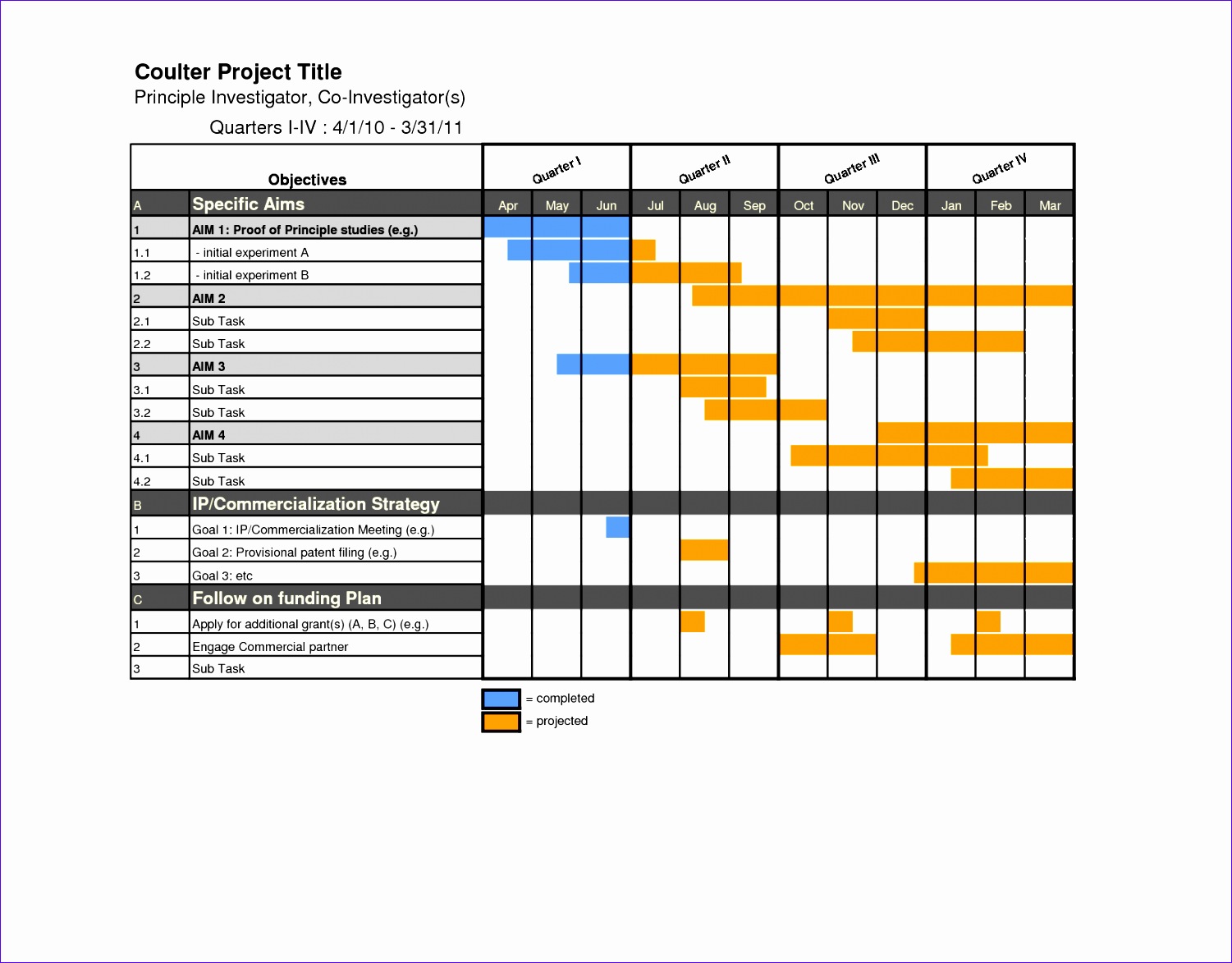
Best Gantt Chart Template Excel For Project Management In 2021 Riset
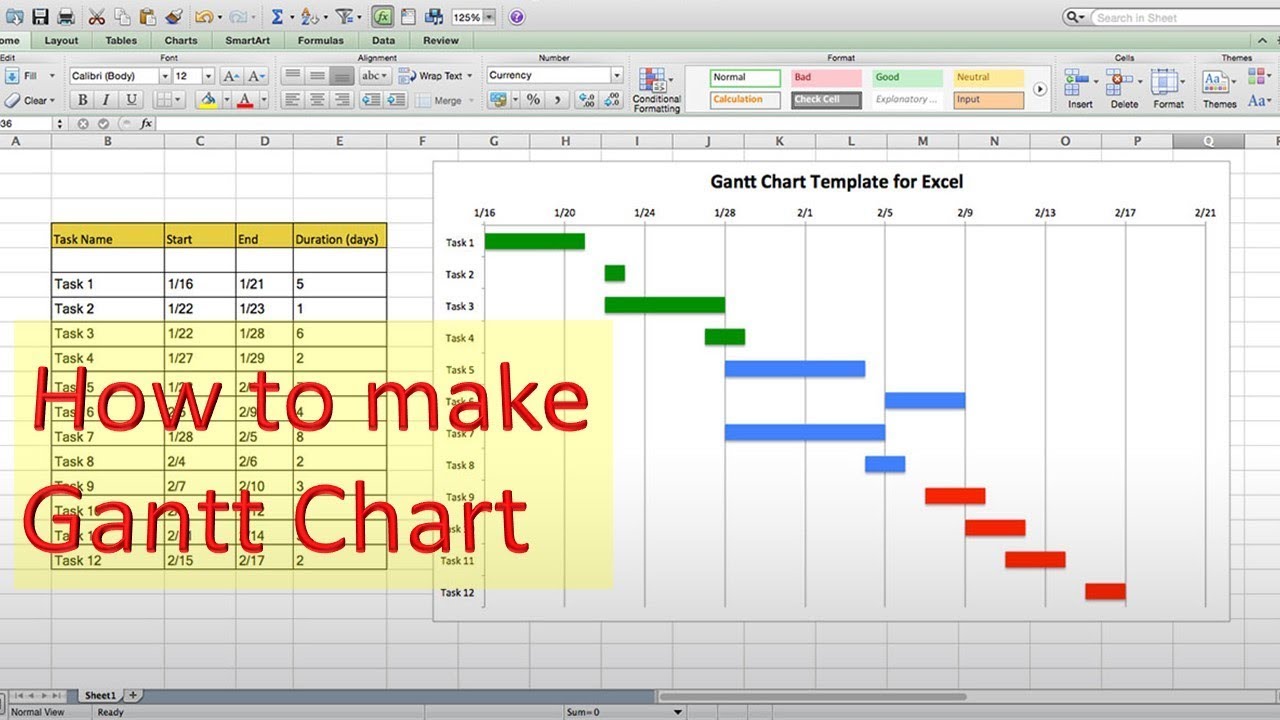
How To Make A Gantt Chart In Excel YouTube
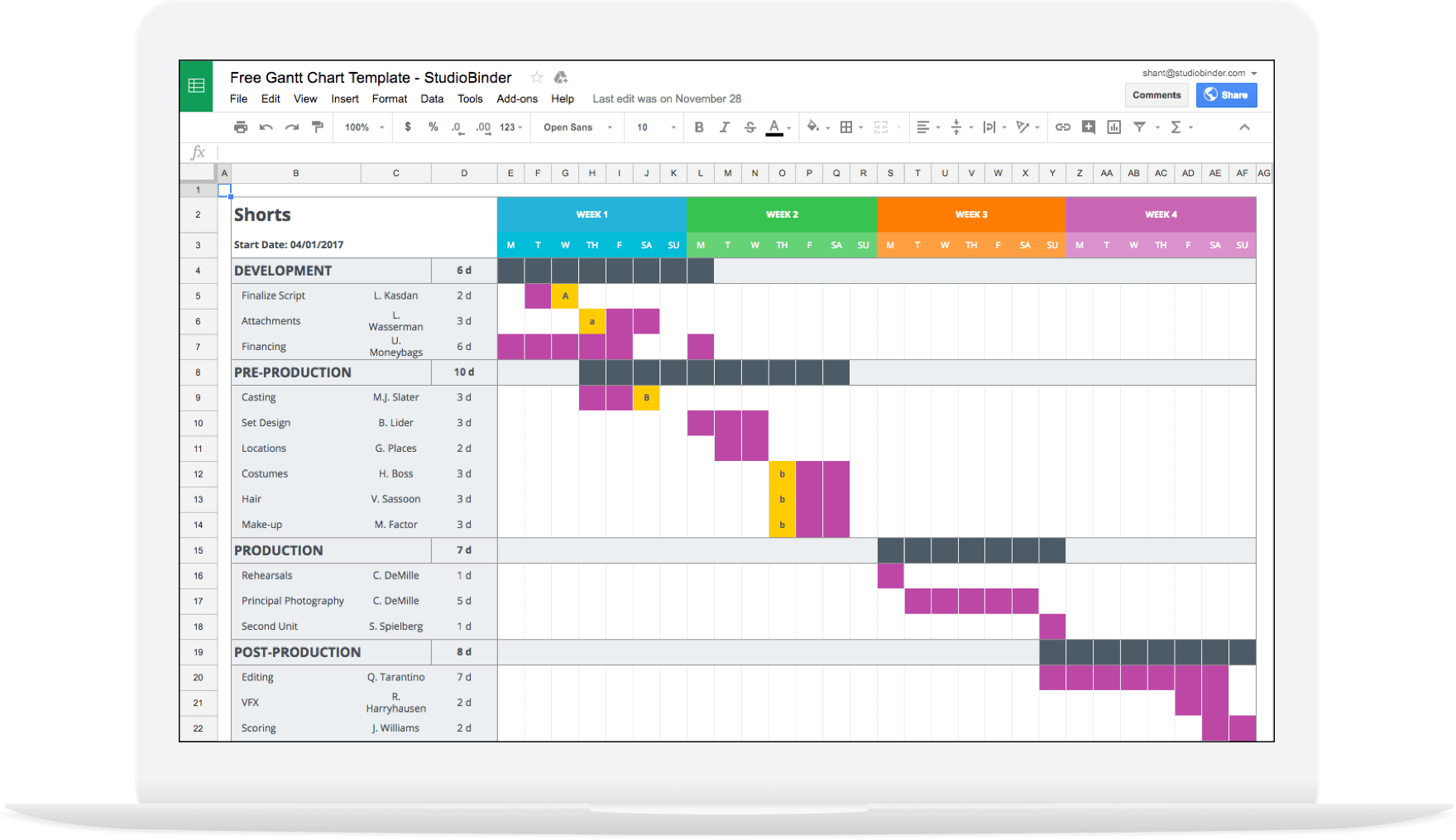
Chart Excel Template Serat
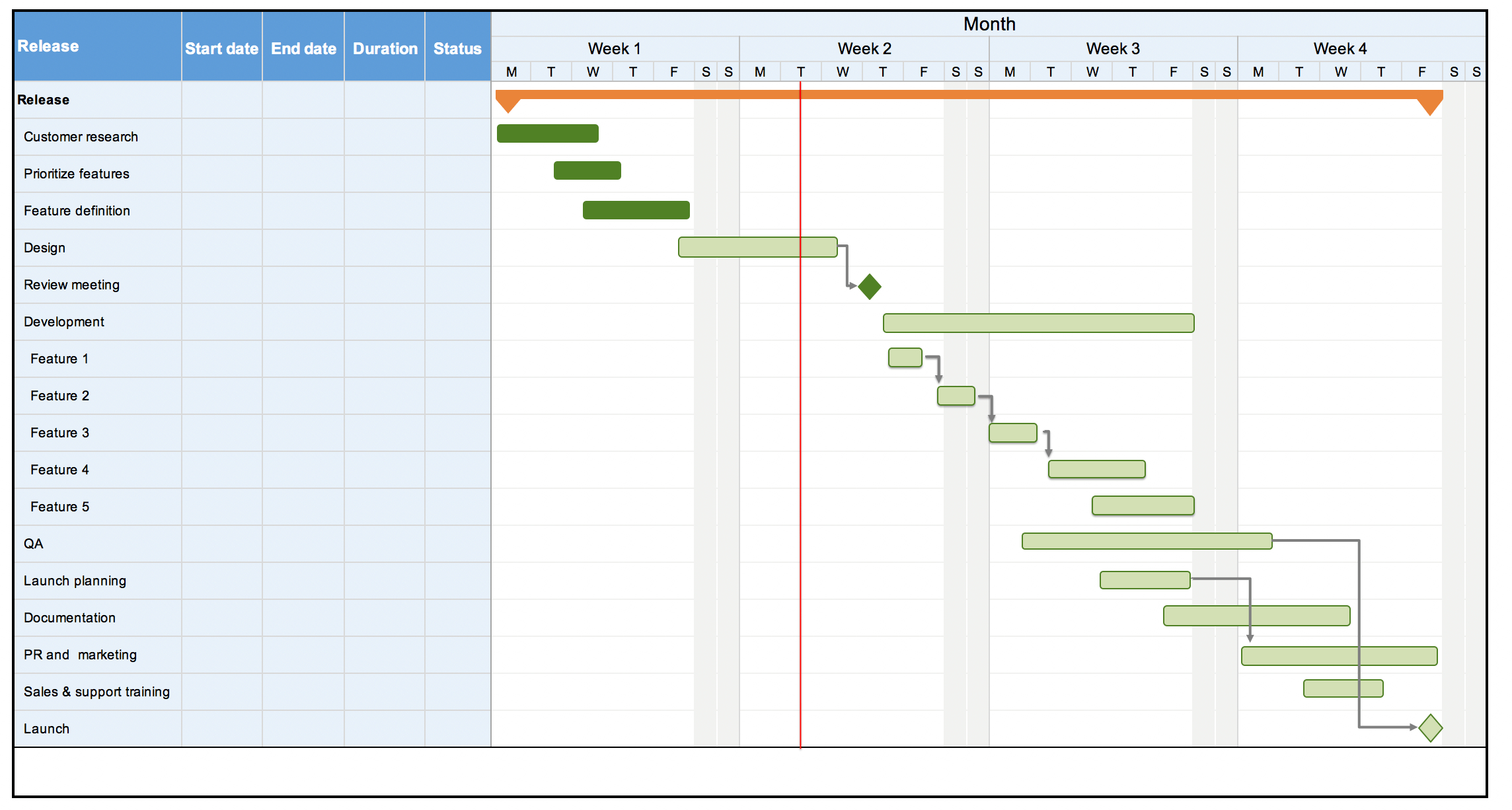
Gantt Chart Template Excel Templates Excel Spreadsheets Excel Riset
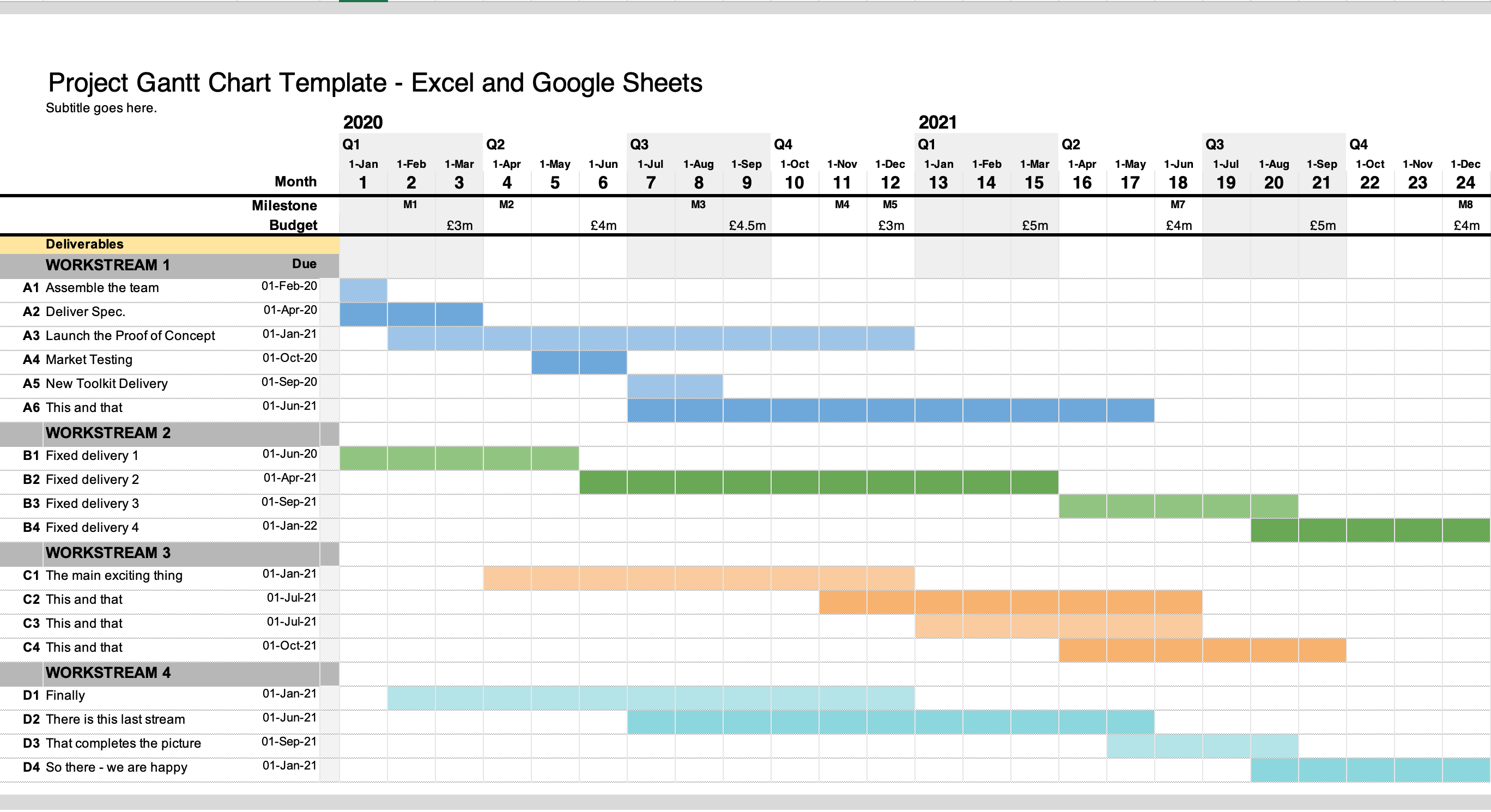
7 Project Plan Gantt Chart Excel Template Excel Templates Vrogue

Introducing Gantt Chart For Microsoft Planner Images And Photos Finder

WEB Jan 19 2022 nbsp 0183 32 If you want to include more details for your project than a simple status such as responsible team members or project phases you can use a Gantt chart template in

WEB Gantt chart is a classic way to visualize a project s plan amp current status That is why it forms the corner stone of any Project Management Dashboard In Part 1 of this tutorial let s create an interactive multi level gantt chart using Excel Here is
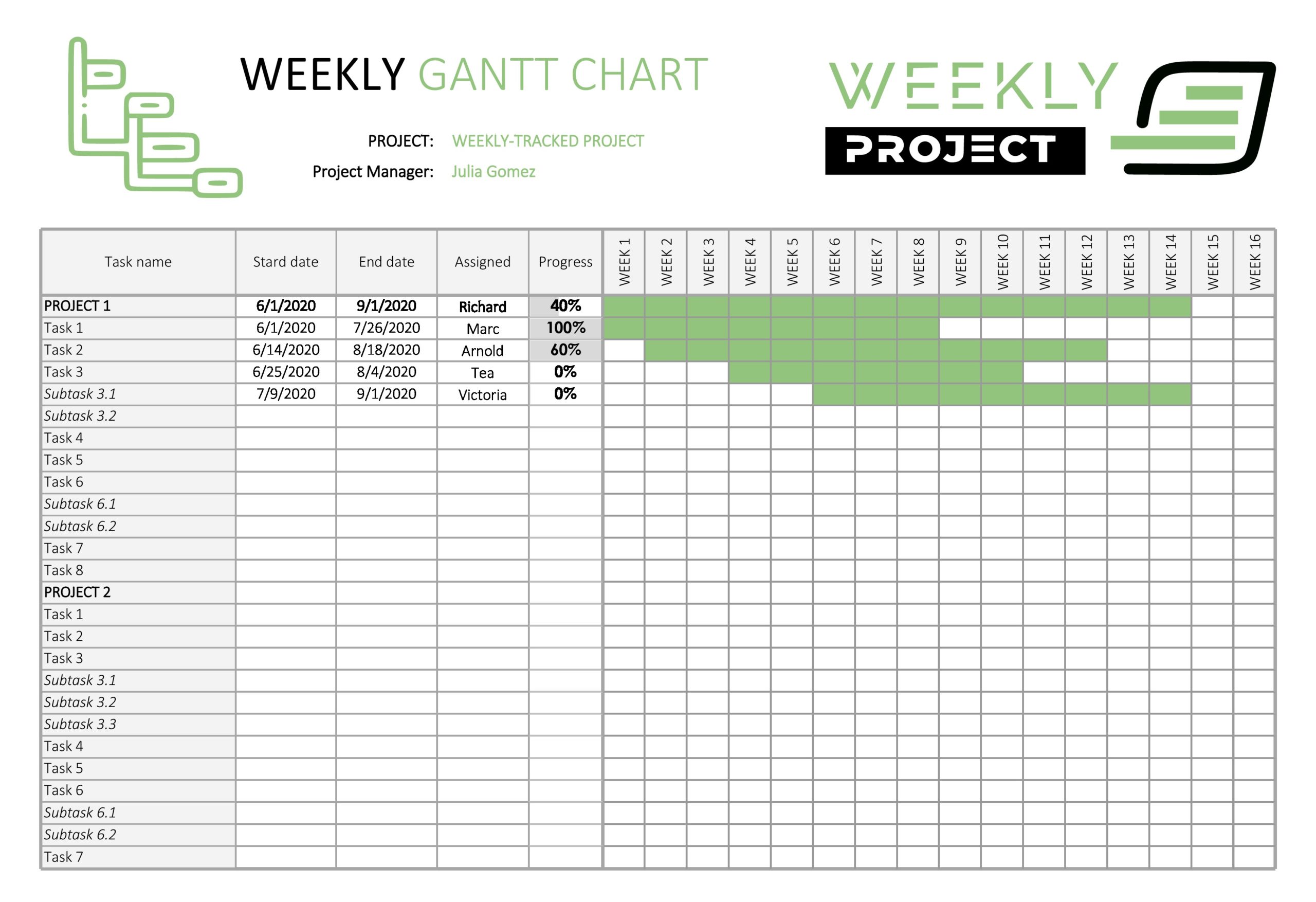
WEB Create a Gantt chart to present your data schedule your project tasks or track your progress in Excel
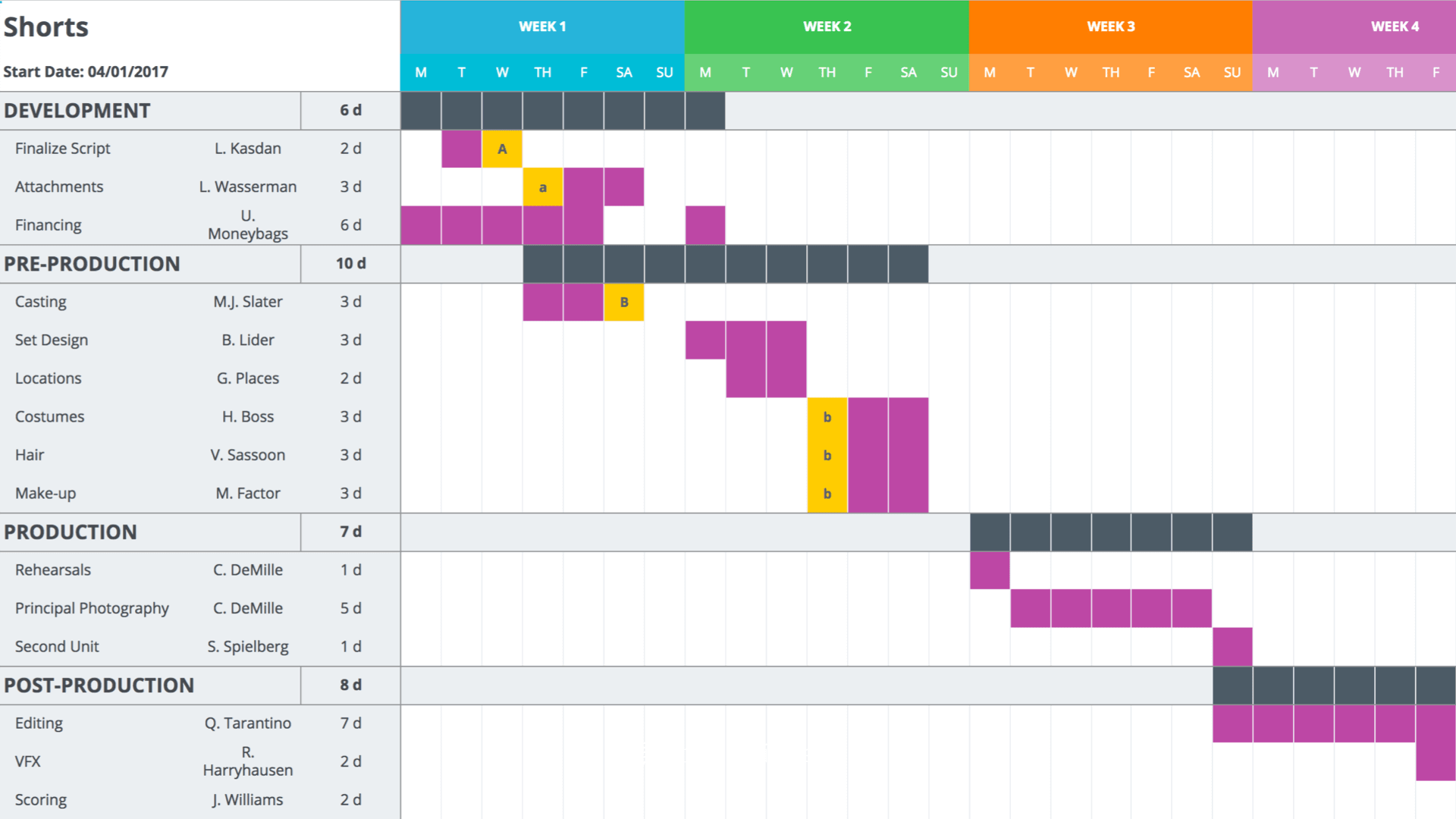
WEB A Gantt chart is the ideal tool to coordinate groups of people and simultaneous goals and keep all aspects of a plan moving when they re supposed to With these easy to use templates your Gantt chart can be as colorful and as
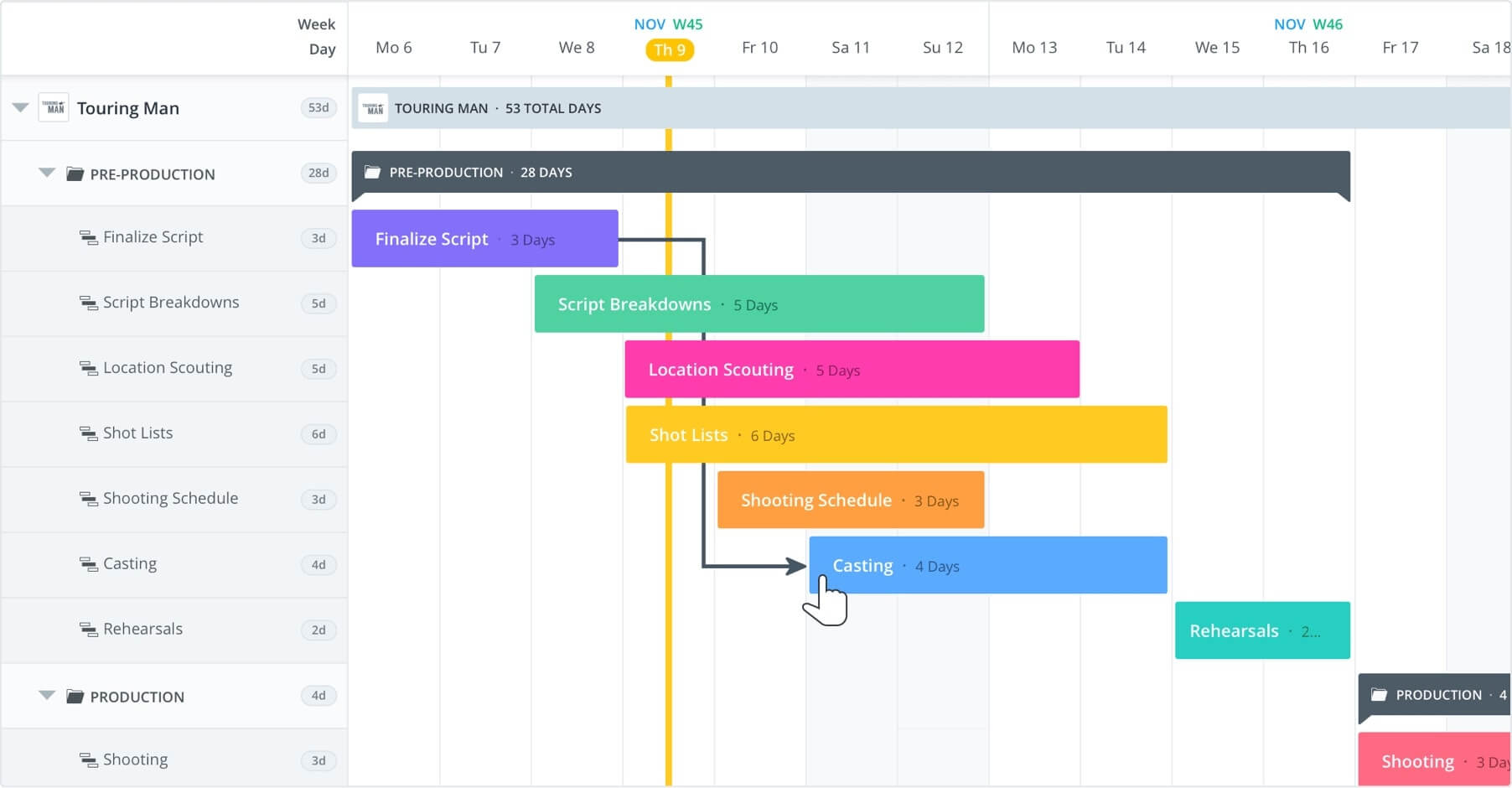
WEB Mar 22 2023 nbsp 0183 32 Quick way to make a Gantt chart in Excel 2021 2019 2016 2013 2010 and earlier versions Step by step guidance to create a simple Gantt chart Excel templates and online Project Management Gantt Chart creator
WEB Dec 20 2023 nbsp 0183 32 You cannot create a Gantt chart in Excel in a direct way But don t worry you can make an advanced level Gantt chart in Excel by modifying the Stacked Bar chart This quick tutorial will guide you to make a Gantt chart in Excel with some simple steps WEB Jun 22 2023 nbsp 0183 32 How To Make A Gantt Chart In Excel in 12 Steps Let s dive into the steps of making a Gantt chart in Excel in case you do decide to go this route again you really shouldn t First input your project tasks into an Excel spreadsheet Next set up a timeline with start and end dates
WEB Apr 10 2024 nbsp 0183 32 To create a simple Gantt chart in Excel you need to create a task table determine start and end dates for each task calculate each task s start day relative to the start of the project as well as project duration