Create Interactive Dashboard In Jupyter Notebook Building A Fast Interactive Dashboard In Jupyter Through Gradio A klama Kalanlar Lazer Import Xgboost Jupyter Notebook Yava Ilerleme How To Create A Dashboard In Python With Jupyter Notebook MLJAR Python Jupyter Notebook Standalone Bathlasopa How To Create A Dashboard Embedded In Jupyter Notebook By Stanghong Web Jun 7 2022 nbsp 0183 32 The easiest way to create interaction between any data set or plot in Panel is to use the interact function It automatically creates an interactive control and can be a flexible powerful way to create dashboards Let s
Web Jan 27 2019 nbsp 0183 32 In this article we ll see how to get started with IPython widgets ipywidgets interactive controls you can build with one line of code This library allows us to turn Jupyter Notebooks from static documents into interactive dashboards perfect for exploring and visualizing data Web Aug 2 2021 nbsp 0183 32 In this post I will go though the code for a simple data dashboard that visualizes the Iris dataset It features two dropdown menus and three checkboxes The dropdown menus choose the features on the x and y axes while the checkboxes make samples visible or invisible based on their species
How To Create A Dashboard Embedded In Jupyter Notebook By Stanghong Receive Prospect Leia Plotting In Jupyter Notebook Define Pile Of Specify Jupyter Utilities Mathigon Jupyter Notebook How To Create Your Own Actionable SEO Dashboard With Manage Directories In Jupyter Notebook Dashboard Earth Data Science Jupyter Notebook File Extension Naxrein The Jupyter Dashboard A Walkthrough 365 Data Science Riset How To Create Interactive Dashboard In Excel Fully Automatic Youtube Jupyter Notebook Windows
Create Interactive Dashboard In Jupyter Notebook

https://cdn-images-1.medium.com/max/2600/0*HYG3LSl2eRVtWqAy
Web How to create Jupyter dashboards on your laptop Why Jupyter dashboards make our research more reproducible Objectives Learn about jupyter notebook and its dashboard extension Start a new jupyter dashboard on your laptop Understand jupyter dashboards as a tool to make reproducible research What is a jupyter notebook
Templates are pre-designed documents or files that can be utilized for different functions. They can conserve time and effort by offering a ready-made format and design for producing various sort of content. Templates can be used for individual or expert jobs, such as resumes, invites, leaflets, newsletters, reports, presentations, and more.
Create Interactive Dashboard In Jupyter Notebook
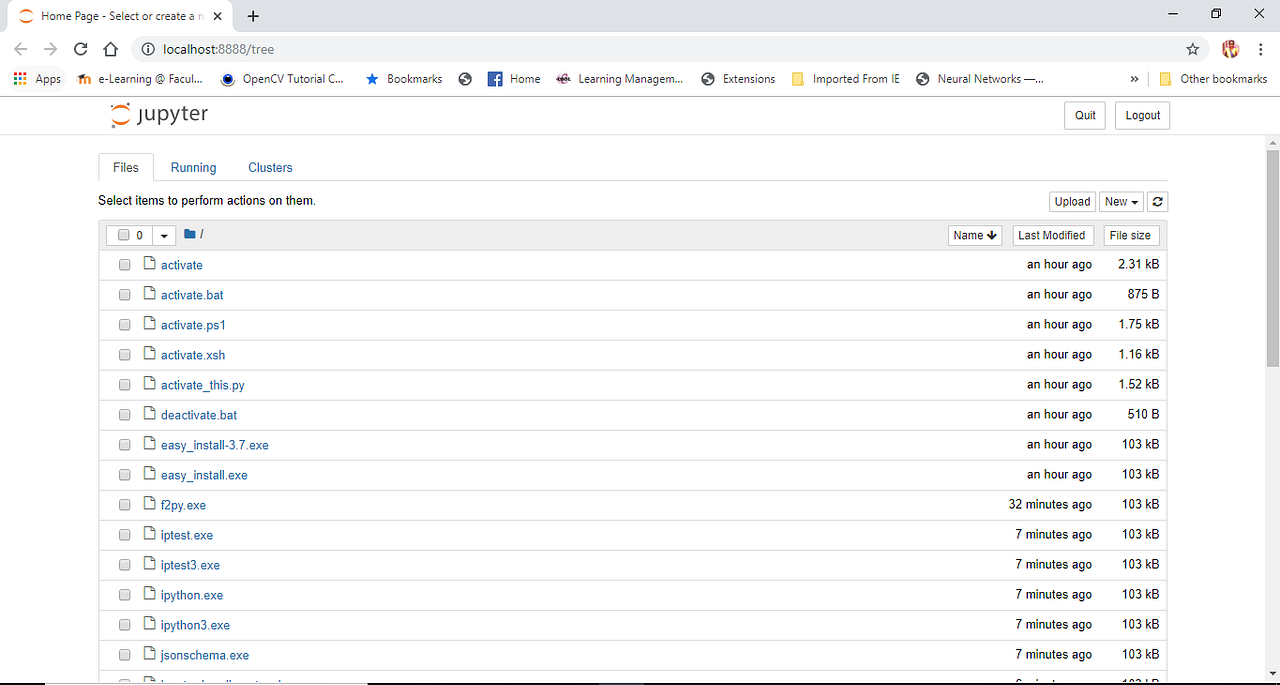
How To Create A Dashboard In Python Jupyter Notebook Psadotg

Receive Prospect Leia Plotting In Jupyter Notebook Define Pile Of Specify
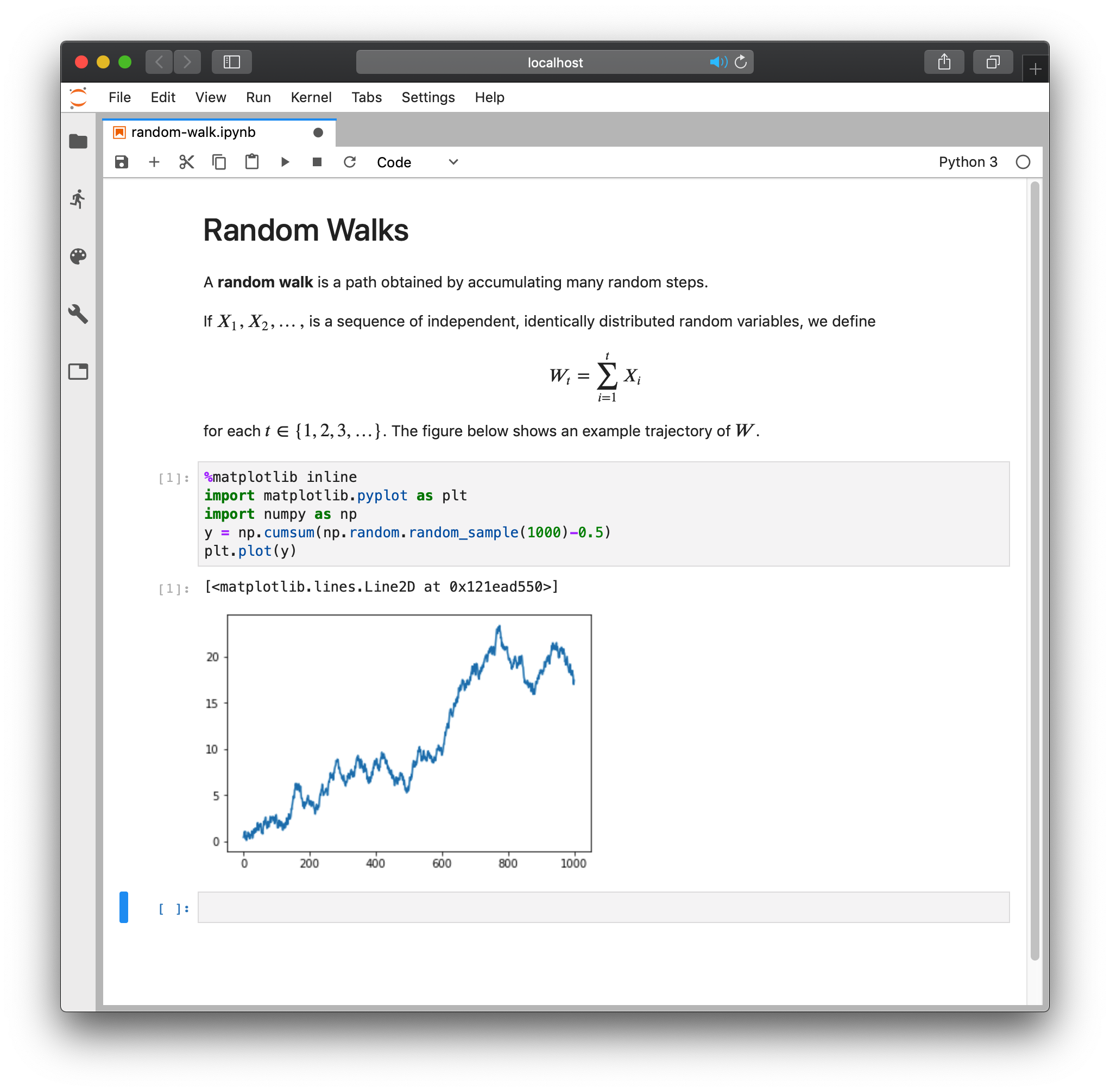
Jupyter Utilities Mathigon

Jupyter Notebook How To Create Your Own Actionable SEO Dashboard With

Jupyter Notebook File Extension Naxrein
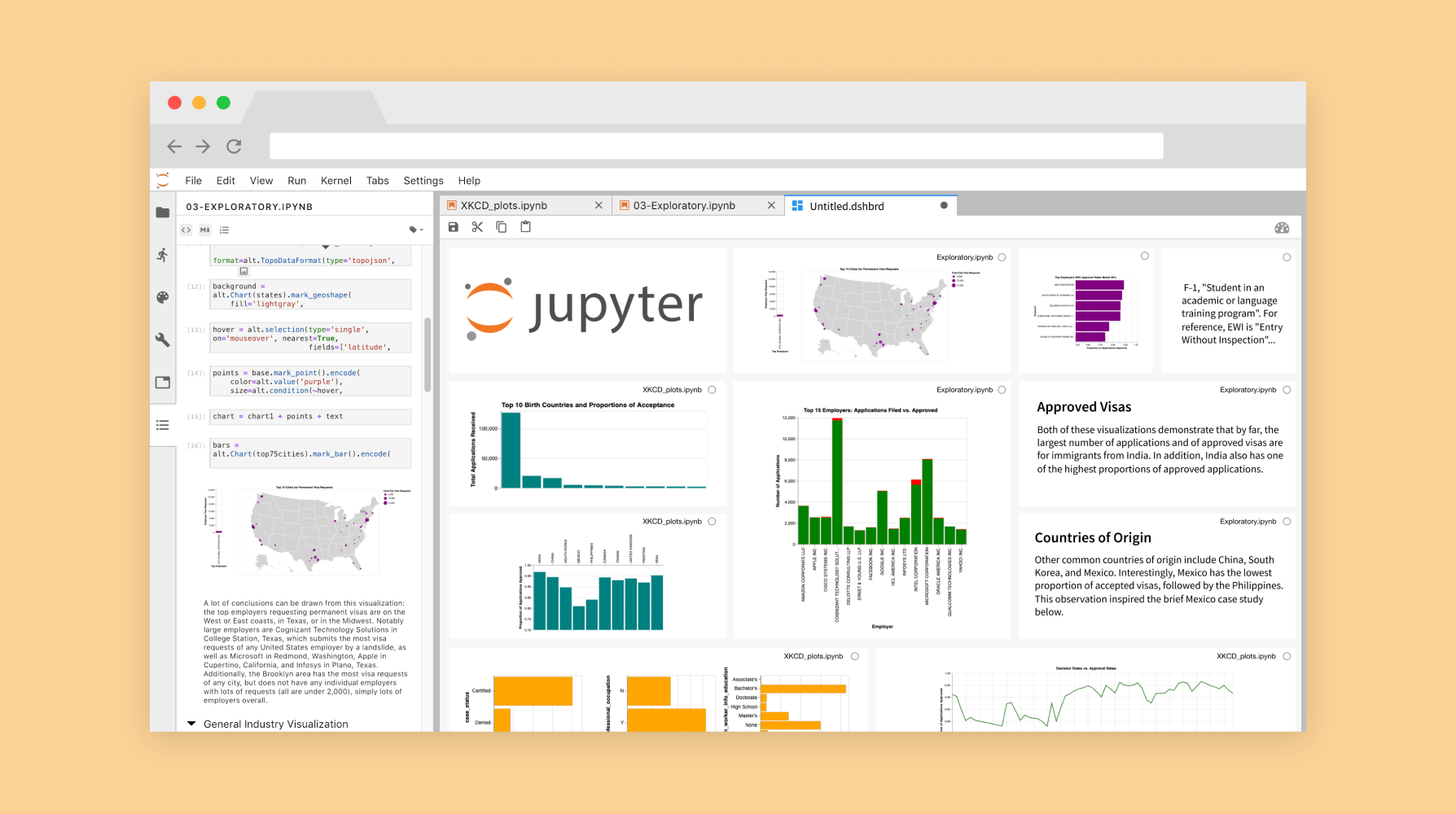
The Jupyter Dashboard A Walkthrough 365 Data Science Riset

Web Nov 1 2020 nbsp 0183 32 In this article I want to show you the step by step guide on how to create interactive plots with Jupyter Notebook turn them into a standalone dashboard and then deploy it on the cloud with Heroku so that other people
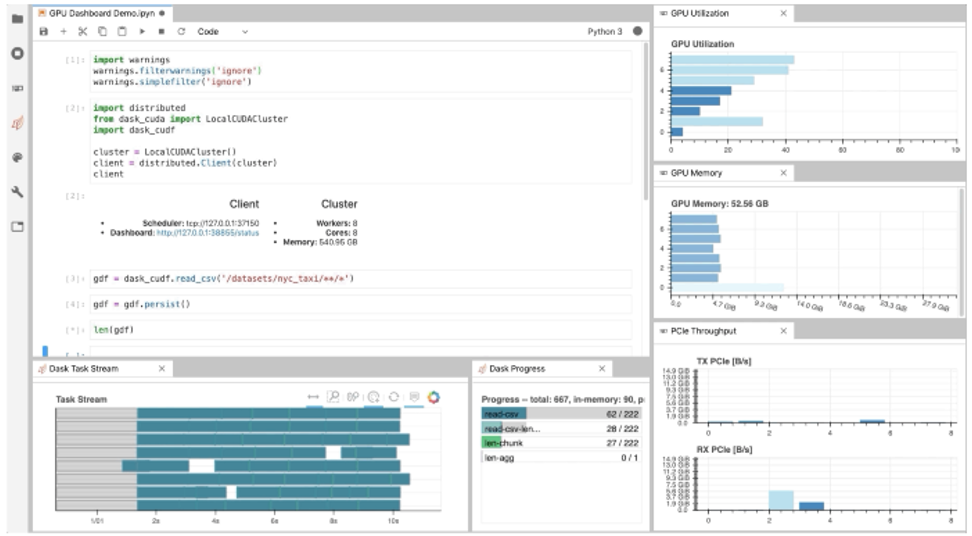
Web Dec 23 2019 nbsp 0183 32 In this article I ll show you how to create a Jupyter Notebook that fetches live data builds an interactive plot and then how to deploy it as a live dashboard When you want to share the dashboard all you need to share with someone is a link
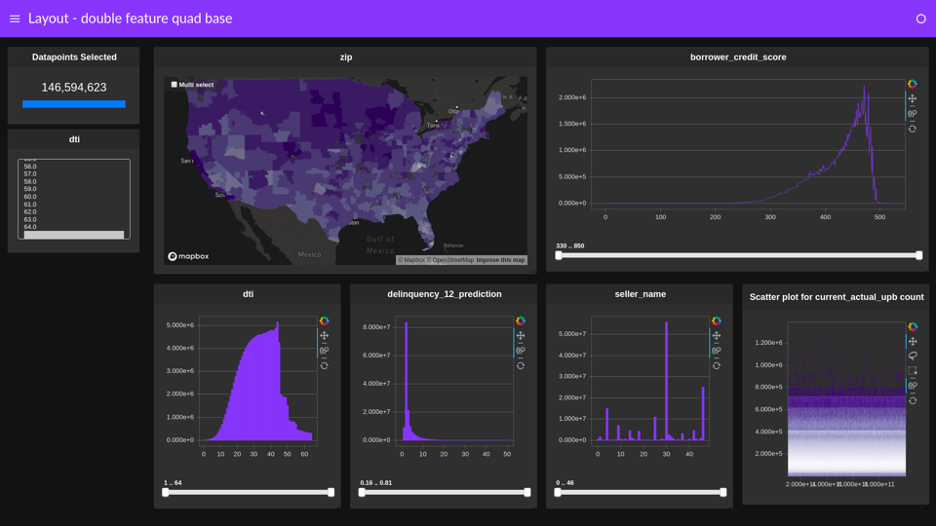
Web Feb 15 2022 nbsp 0183 32 The code to create a dashboard can be divided into three parts Load a dataset from a CSV file Set parameters that will filter the data Plot data as map and histograms The code is presented in the Gist below The code that creates the dashboard You will need the following packages in the requirements txt file to run the notebook
Web Nov 11 2015 nbsp 0183 32 With interactive widgets in a Notebook you can use the full power of Python to express calculations and generate visualization while exposing quot knobs and dials quot to an end user so they can control aspects of the visualization In this sense you can use Notebooks as lightweight quot apps quot for anyone Intro to ipywidgets

Web Oct 25 2021 nbsp 0183 32 It is possible to turn your Jupyter notebook analysis straight into a functioning interactive Python dashboard in one click using Voil 224 No code refactoring or custom library syntax required Jupyter notebooks are ubiquitous in
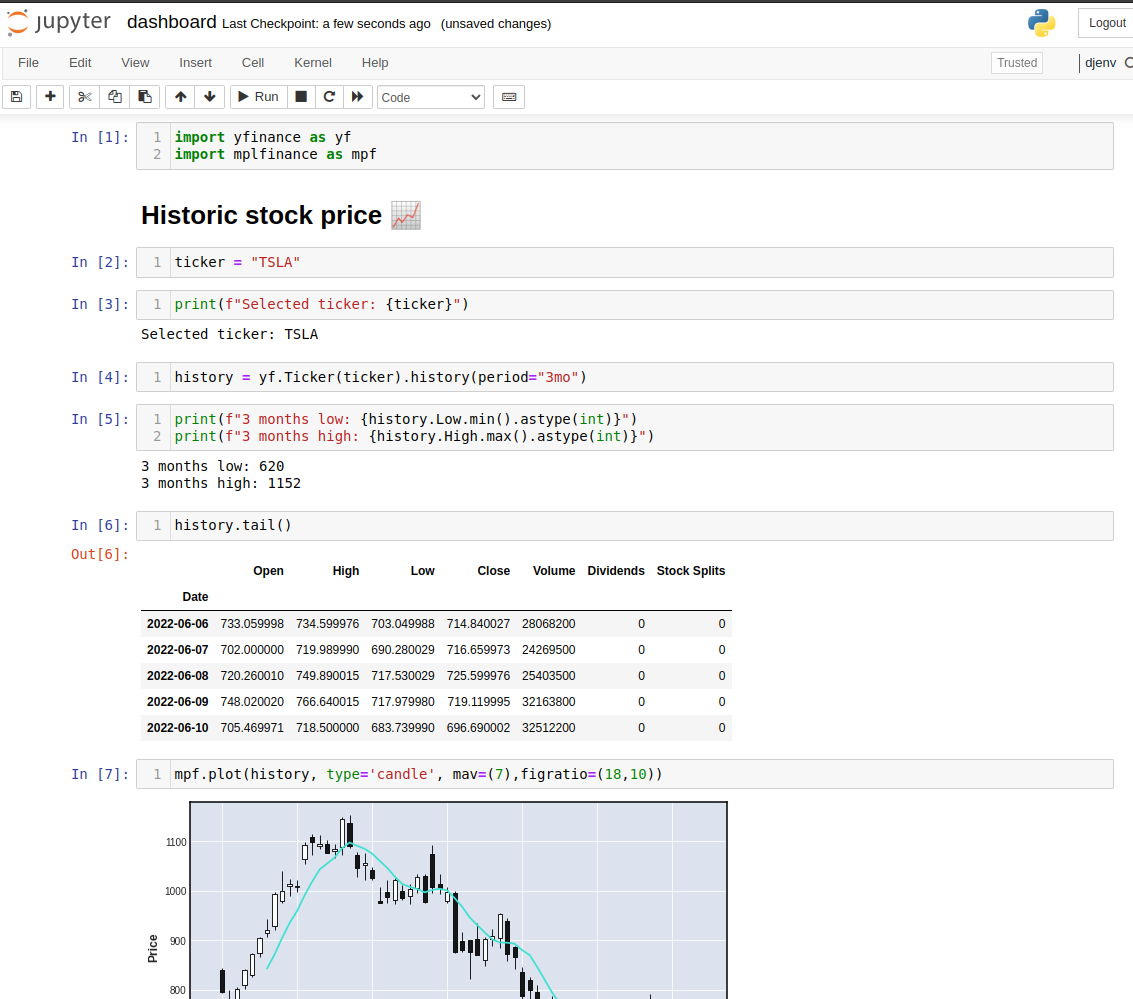
Web Apr 24 2023 nbsp 0183 32 Here s how we do it Next I will create a new IPython Notebook file by expanding the New button and selecting one of the two Python formats shown below Let s use the default Python format The browser immediately opens a new tab for me This is the interactive shell we mentioned earlier Web Jun 8 2022 nbsp 0183 32 Build a data dashboard in Python with just 9 lines of code using Jupyter Notebook Display stock information for a selected ticker with a data table and chart Publish it as a web app with the open source Mercury framework
Web May 27 2022 nbsp 0183 32 1 Widgets Ipywidgets often shortened as Widgets is an interactive package that provides HTML architecture for GUI within Jupyter Notebooks The package allows us to create an interactive dashboard directly in our Jupyter Notebook cells I would show the example in the GIF below GIF by Author