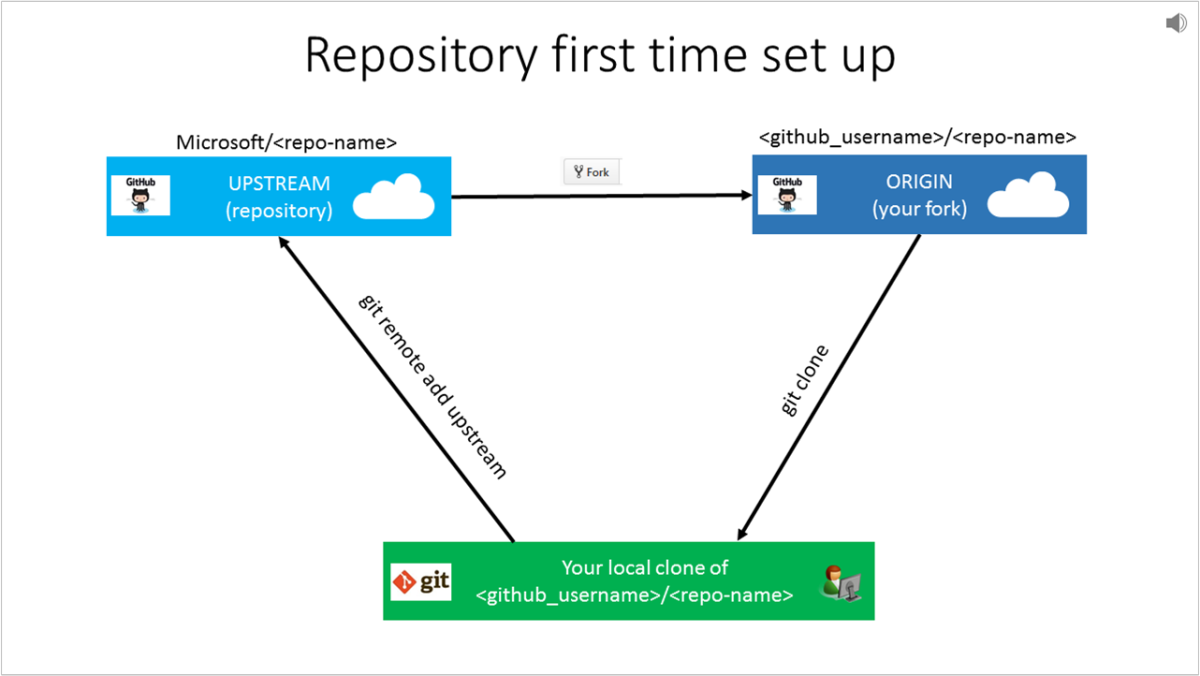
Create Git Repository Local Network Git And GitHub Operating Systems 2018 How To Setup Multiple Git Accounts In The Same Machine How To Create A New Git Repository Start A Github Repo Set Up Git Repository Locally Contributor Guide Microsoft Learn Cultural Analytics Open Science Guide 6 Create A GitHub Account Git uses a distributed source control model your local clone of a repository doesn t connect to all of your coworkers at all but it does connect to a remote usually on an external central server or service When you push and pull you make modifications to the remote s official master copy
Setting up a Git Repository Across a Local Network I mostly use GitHub for distributing code I m working on For the odd occasion I want to distribute across a local network without using a private repository these are the steps I ll need to use for setting up a repository First you create a git user account and a ssh directory for that user sudo adduser git su git cd mkdir ssh chmod 700 ssh touch ssh authorized keys chmod 600 ssh authorized keys Next you need to add some developer SSH public keys to the authorized keys file for the git user
Cultural Analytics Open Science Guide 6 Create A GitHub Account Git Repository Commands BRS MEDIA TECHNOLOGIES Learn How To Use Local And Remote Repositories In Git YouTube GitHub Repository Version Control Source Code PNG 1600x1600px Git Add Files To Git Repository GIT Repository Learn The Types Of GIT Repository GitHub Create Local Repository And Push To Github Push An Existing Work In Your Local Git Repository Manage Your Code Project With Git Commit Changes To A Git Repository TestingDocs
Create Git Repository Local Network
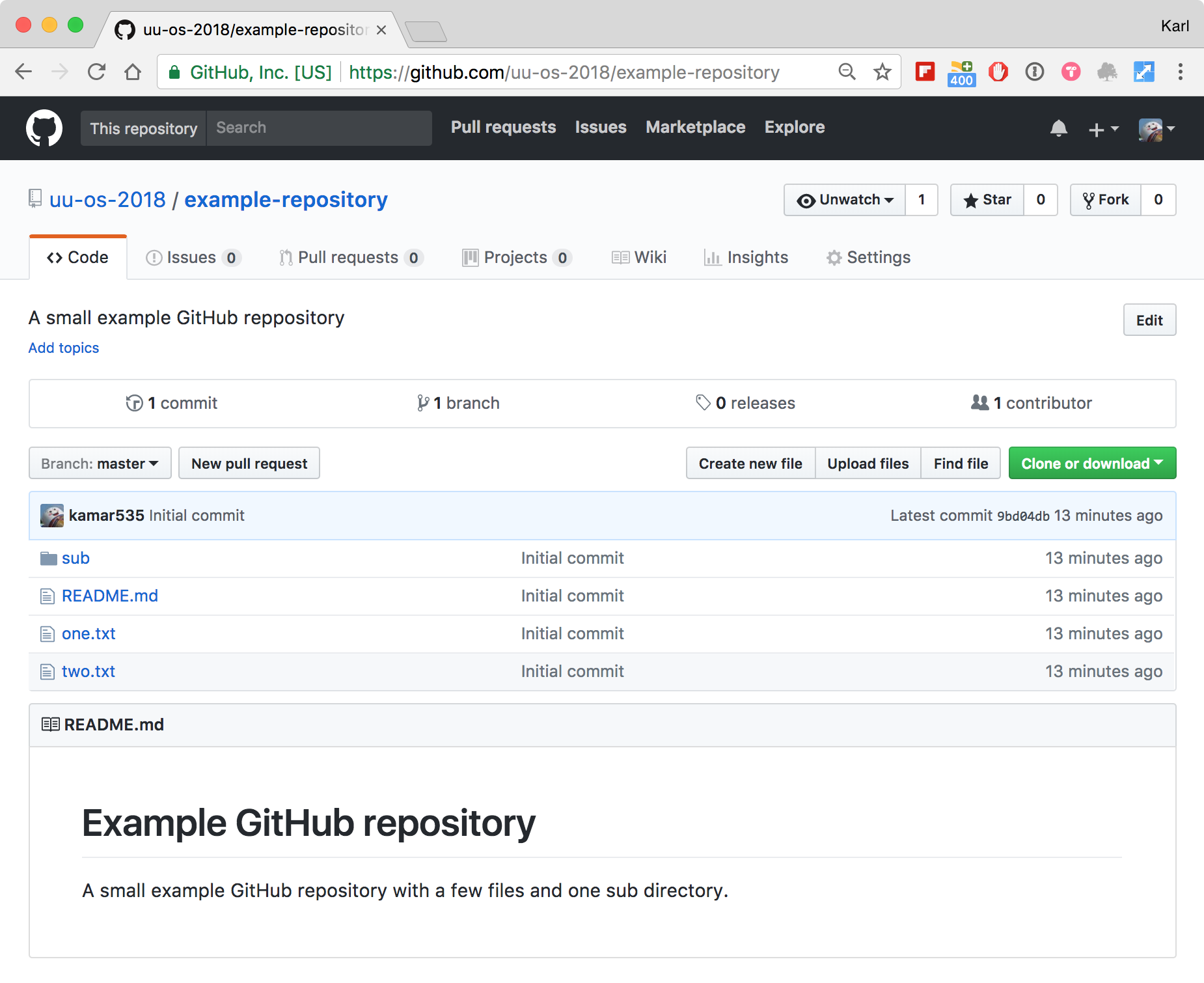 Create Git Repository Local Network
https://www.it.uu.se/education/course/homepage/os/vt18/images/module-0/git-and-github/example-github-repository.png
Connecting to server on the same computer Copy location of your server Choose where you want to initialize client repository and open shell there Type git clone path to your server in it
Pre-crafted templates provide a time-saving option for creating a diverse series of files and files. These pre-designed formats and designs can be utilized for various individual and professional jobs, including resumes, invitations, leaflets, newsletters, reports, presentations, and more, streamlining the content production process.
Create Git Repository Local Network
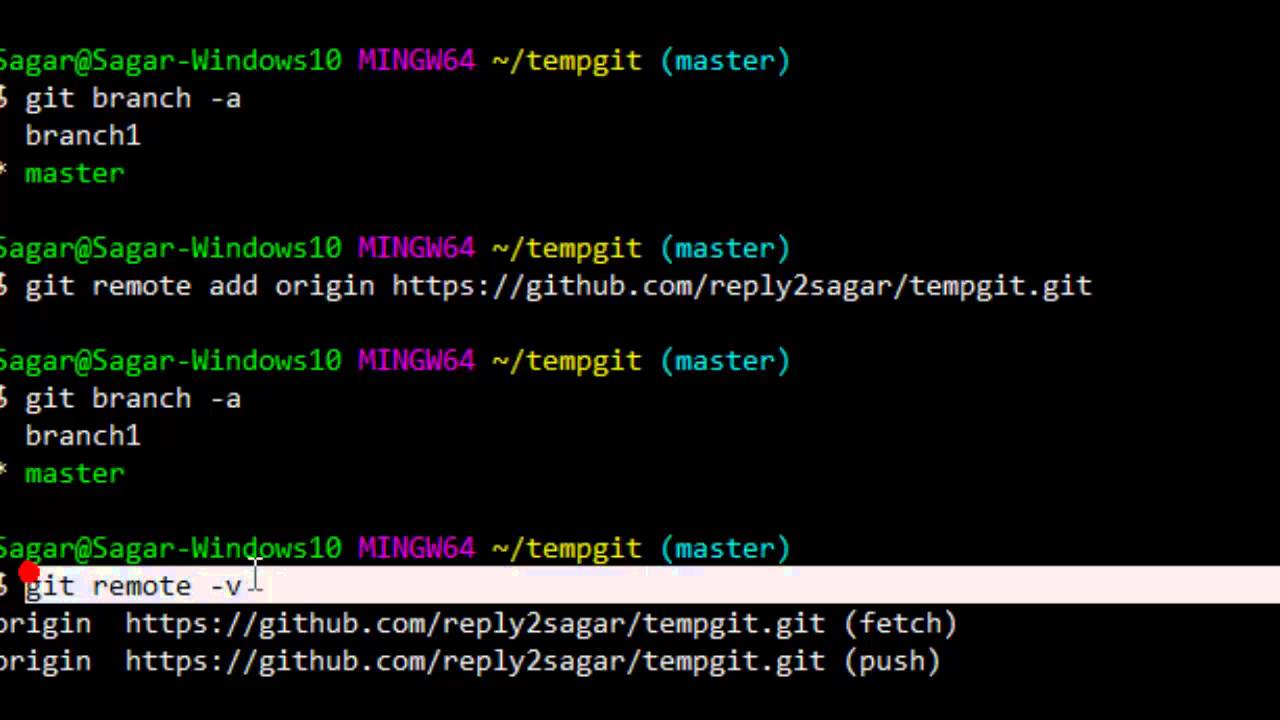
How To Push Local Git Repository To Github YouTube
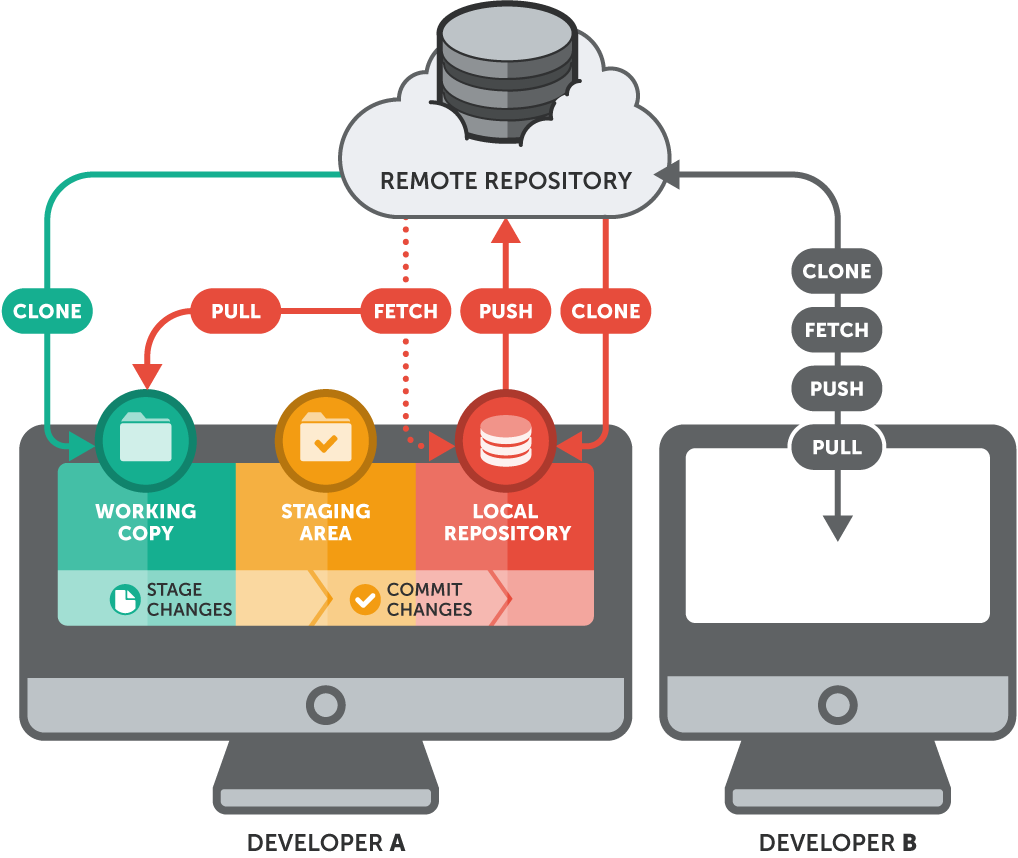
Git Repository Commands BRS MEDIA TECHNOLOGIES
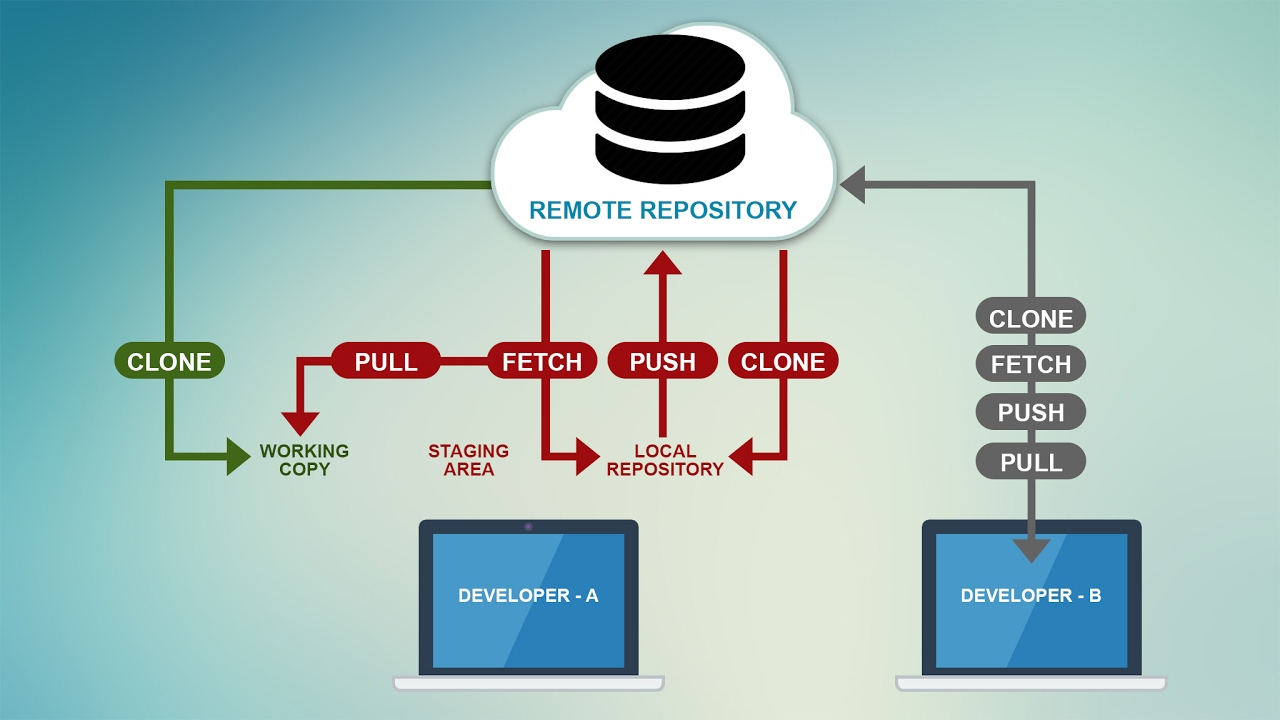
Learn How To Use Local And Remote Repositories In Git YouTube

GitHub Repository Version Control Source Code PNG 1600x1600px Git
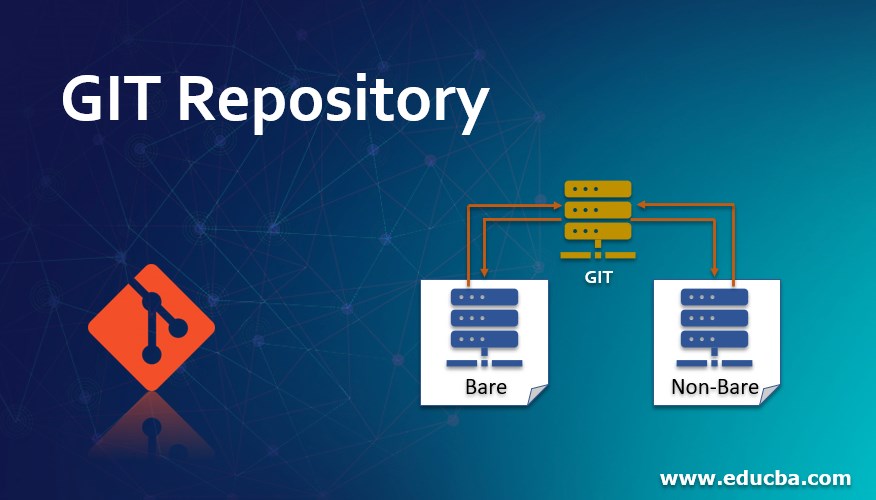
GIT Repository Learn The Types Of GIT Repository
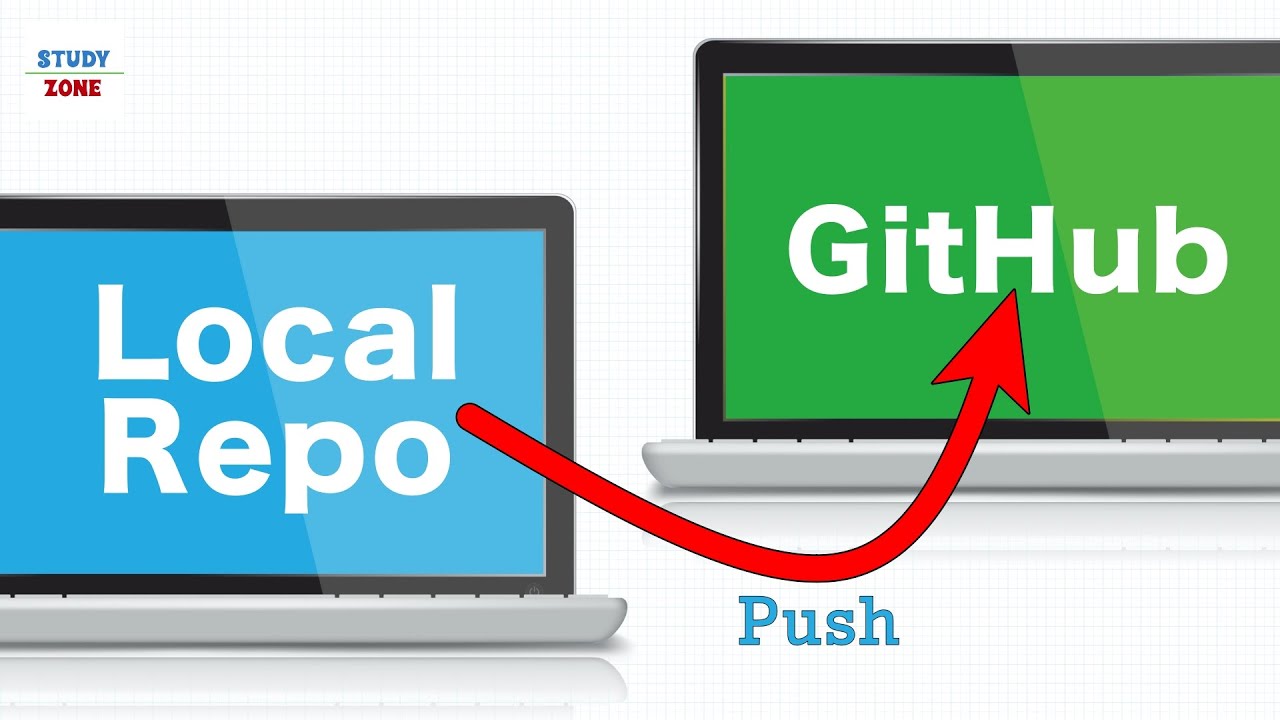
GitHub Create Local Repository And Push To Github Push An Existing

How to setup Git on local network Ask Question Asked 8 years 11 months ago Modified 2 years 2 months ago Viewed 51k times 24 I downloaded Git setup and trying to setup for computers in my network I searched for the process but I found it for to host code on line on github I found a few links but there is not the whole process

1 Go to folder where you want to initialize server Give it a name without spaces or you will need to use quotes everywhere later to access this folder 2 Open git bash in this folder 3
To create local Git repositories and know how to connect them to the remote ones you should know the following Prerequisites to starting with Git repositories The four stages of Git The three workflows to create a Git repository Create a new blank project with Git How to add Git to an existing project source code
There is a very simple way to set up your own git server I assume you understand how ssh works Let s say you have raspberry pi at home First we enter the server remotely via ssh ssh pi raspberrypi Let s create our project under HOME git myproject git directory mkdir p HOME git myproject git Change your working directory there

To create a new repo you ll use the git init command git init is a one time command you use during the initial setup of a new repo Executing this command will create a new git subdirectory in your current working directory This will also create a new main branch Versioning an existing project with a new git repository
Open a command prompt cmd exe and follow the below steps to create a remote windows repository share CD into the context of your local repository Say my repo was at C Code MyGitRepo1 cd C Code MyGitRepo1 Next we re going to change our current directory to the remote share location This command will simply create Git specific files and folders at the current path mkdir repo cd repo git init bare That s all for the repository Again if you simply run git init you will have a Git controlled folder but it will not act as a repository You cannot clone it The resulting file and folder structure is also not the same
Open up git bash We ll be using the bash command line for most of this guide Set up a bare repository Conventionally the folder that is used for your bare repo should end in git For this example we ll pretend the name of our application is app and call the bare repo s folder app git accordingly