Create Folders From Excel List Powershell How To Create Folders From Excel As You Type YouTube Few Simple Excel Tips Excel Learner Should Know ExcelSirJi Excel Create Folders From Excel List YouTube How To Create A Contact List In Excel with Easy Steps Create Multiple Folders From Excel List How To Create Folders From Web Oct 14 2016 nbsp 0183 32 Here s what should work for you foreach folder in gci P customers a thru d directory new item ItemType directory Path folder fullname quot Helpdesk quot I created the following to test with C Temp customers a thru d Microsoft C Temp customers a thru d Starbucks C Temp customers a thru d boeing
Web Mar 29 2020 nbsp 0183 32 Groups List Range Set Groups Sheets quot Sheet1 quot Range Cells 8 quot F quot Cells Rows Count quot F quot End xlUp User ID List Range Set UserID Sheets quot Sheet1 quot Range Cells 8 quot C quot Cells Rows Count quot C quot End xlUp Create Groups Folders For Each G In Groups Web Jan 12 2021 nbsp 0183 32 1 ACCEPTED SOLUTION abm Super User In response to Anonymous 01 13 2021 03 21 PM
Create Multiple Folders From Excel List How To Create Folders From How To Create Folders From Excel Data Using VB Script Creating Bulk VBA Excel Create List Folder From Excel List YouTube Create Folders From File Names YouTube How To Create A Contact List In Excel with Easy Steps Create Folders With Excel Files With Excel How To Create Folders And Subfolders From Cell Values In Excel How To Create Multiple Folders At The Same Time 3 Steps Instructables Generating File List In Excel From Folder Excel Tips Tricks YouTube
Create Folders From Excel List Powershell
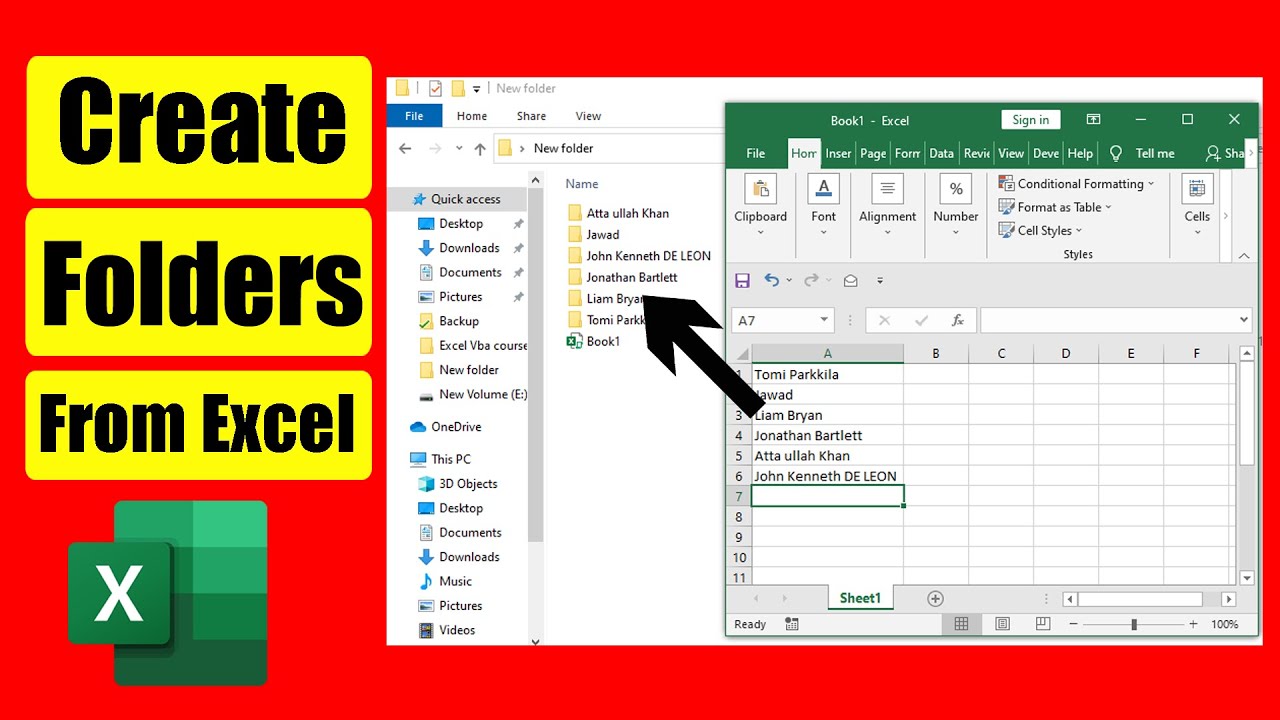 Create Folders From Excel List Powershell
https://i.ytimg.com/vi/Va_nTJxx8Sw/maxresdefault.jpg
Web Dec 12 2014 nbsp 0183 32 Use PowerShell to generate a list of files and directories Ask Question Asked 8 years 9 months ago Modified 4 years 7 months ago Viewed 90k times 40 I m writing a PowerShell script to make several directories and copy a bunch of files together to quot compile quot some technical documentation I d like to generate a manifest of the files and
Pre-crafted templates use a time-saving option for producing a varied series of documents and files. These pre-designed formats and designs can be utilized for different individual and expert jobs, including resumes, invites, flyers, newsletters, reports, discussions, and more, streamlining the material creation process.
Create Folders From Excel List Powershell

How To Create Folders From An Excel List

How To Create Folders From Excel Data Using VB Script Creating Bulk
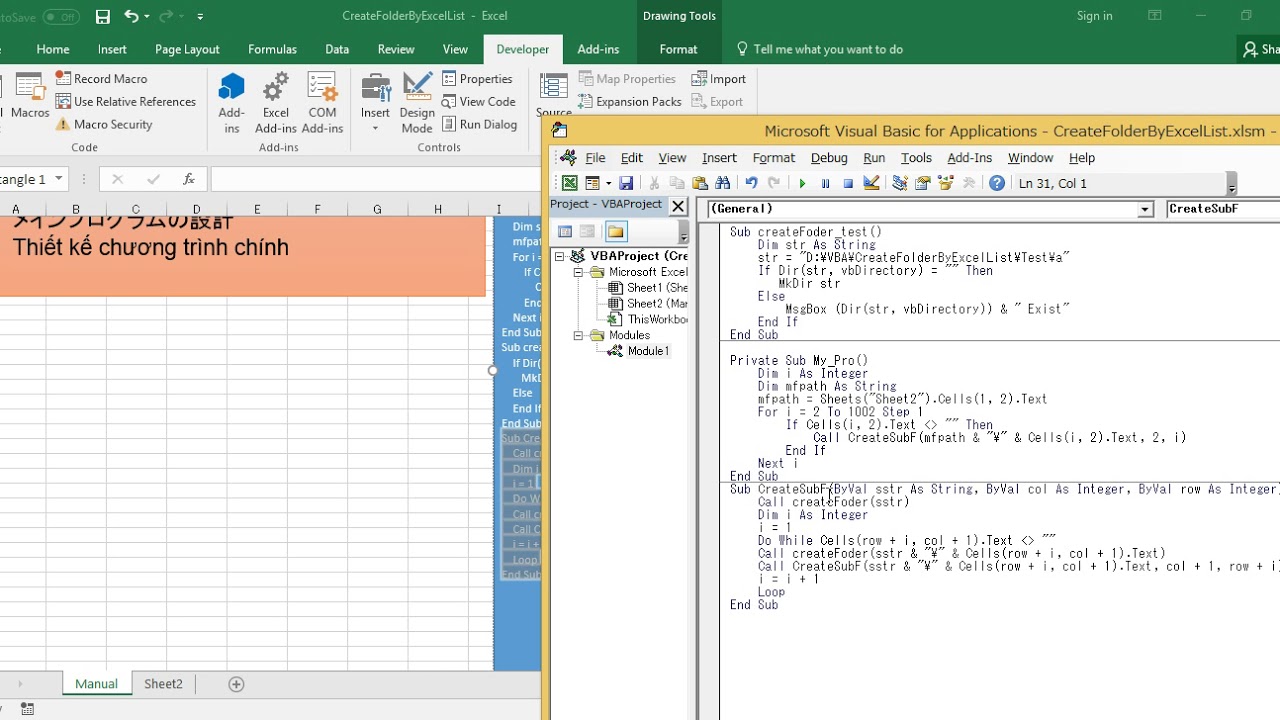
VBA Excel Create List Folder From Excel List YouTube
Create Folders From File Names YouTube

Create Folders With Excel Files With Excel

How To Create Folders And Subfolders From Cell Values In Excel
Web Jul 8 2018 nbsp 0183 32 The following command in powershell will create multiple directories 20 named quot dir quot in the directory that the command is executed mkdir 1 20 quot dir quot I think this command is the closest to the bash equivalent in Unix and Linux mkdir dir 1 20

Web powershell Share Improve this question Follow asked Sep 5 2010 at 10 00 JohnyV 938 4 26 45 Add a comment 2 Answers Sorted by 1 This should do the trick Read in List of Users ListofUsers Get Content quot UserList csv quot foreach User in ListofUsers SetFolderPermission ps1 Path E TestFolder User Share Improve this answer Follow
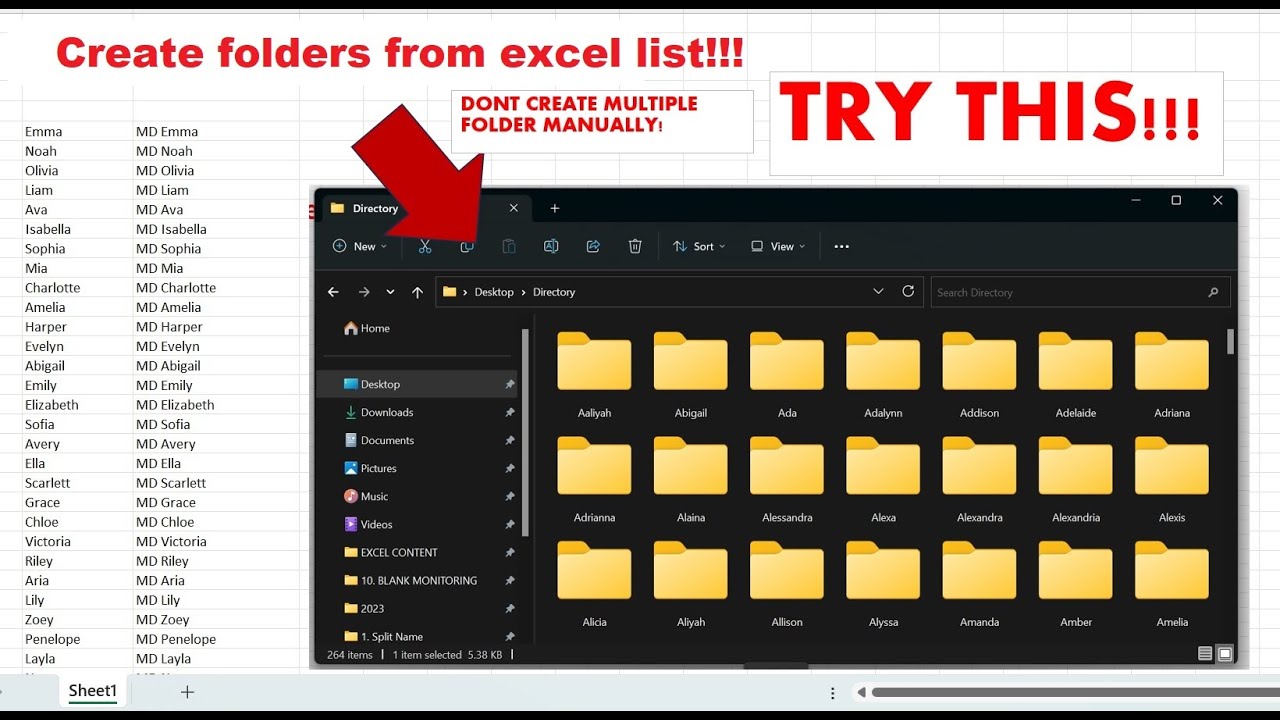
Web Jul 25 2017 nbsp 0183 32 2 Answers Use the Directory flag to get only folders Recurse to include subfolders and Depth to control how far down to go 0 is current directory folders 1 includes their subfolders etc You can combine with Select Object to specify the properties to select and Export Csv or Out File to create a csv txt file

Web Here s a Powershell script that does what you want folder quot X Test quot Directory to place the new folders in txtFile quot X Test Export txt quot File with list of new folder names pattern quot d quot Pattern that lines must match get content txtFile if match pattern mkdir quot folder quot

Web May 3 2023 nbsp 0183 32 How to Create Folders from Excel List 3 Efficient Ways There are many ways to create folders We can enlist all folder names in an Excel sheet and then create folders from that list We will show you two ways of how to create folders from an Excel list 1 Using Notepad to Create Folders from Excel List
Web Feb 20 2018 nbsp 0183 32 Here an example to create a single folder using the New Item cmdlet New item quot D feb 16 LV2 7212 win10 x64 audio quot ItemType Directory force Certainly you could do this for each the subfolders you want to create You could also create a list of your subfolders using folder1 folder2 and iterate over these subfolders to create them Web Feb 21 2012 nbsp 0183 32 Method 1 It is possible to use the Directory NET Framework class from the system io namespace To use the Directory class to create a new folder use the CreateDirectory static method and supply a path that points to the location where the new folder is to reside This technique is shown here
Web Jan 10 2022 nbsp 0183 32 How to create multiple folders at once from Excel To create multiple folders at once from Excel follow these steps Open the Excel spreadsheet Right click on Column A and select the