Create Excel Using Power Automate Format Excel Data As A Table In Power Automate Using Win Automation How To Import Tasks From Excel Into Planner With Power Automate Automate Using Impressive Microsoft Power Automate 2020 RPABOTS WORLD Add Update Excel Data To SharePoint List Using Power Automate YouTube Power Automate Desktop Flows Greinspire Learning objectives Open Excel files and attach a process to an already opened file Use the Excel group of actions to read data from and write data to an Excel file Create and edit worksheets Save and close Excel files
Microsoft 11 21 2021 08 39 AM Hi schwibach You want to use Get Table and then Filter on Table Name to get the First Match and save creating an apply to each loop With this feature you can easily create Power Automate workflows in Excel for the web To get started select a Power Automate prebuilt template that closely meets your needs Then customize it to fit your Excel workbook
Power Automate Desktop Flows Greinspire How To Import Tasks From Excel Into Planner With Power Automate Write back De Dados Do Power BI Com O Power Apps E O Power Automate Building Custom Connectors For Power Apps And Power Automate Flows Power Automate Desktop Module 4 Excel Automation 2 Write To Power Platform 1 Power Automate PowerApps Microsoft Power Automate Add Data To Excel Get Data From Excel What Is Power Automate Or Microsoft Flow Whizlabs Blog Add A Row Into Table In Power Automate Is Not Working Microsoft
Create Excel Using Power Automate
 Create Excel Using Power Automate
https://i1.wp.com/manueltgomes.com/wp-content/uploads/2020/09/small-Screenshot_2020-09-04_at_15_47_39.png?resize=611%2C1024&ssl=1
The steps are explained below Step 1 Select the template excel file to get the file contents Customizations Step 2 Create an output excel file with the template file content Step 3 Now create a table inside the newly created output excel file and set A1 A1 as table range
Templates are pre-designed files or files that can be utilized for numerous purposes. They can conserve time and effort by offering a ready-made format and layout for producing different kinds of content. Templates can be utilized for individual or professional projects, such as resumes, invitations, leaflets, newsletters, reports, discussions, and more.
Create Excel Using Power Automate

Manual Microsoft Power Automate Formadores IT
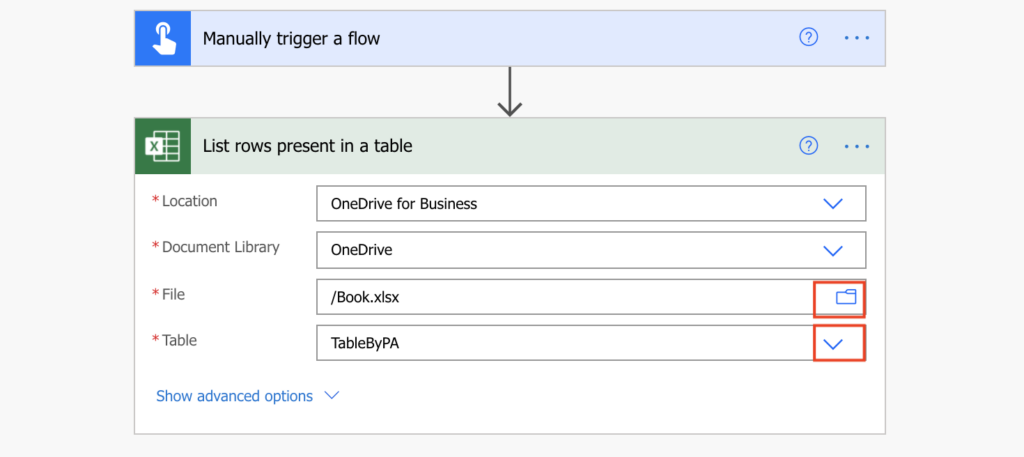
How To Import Tasks From Excel Into Planner With Power Automate
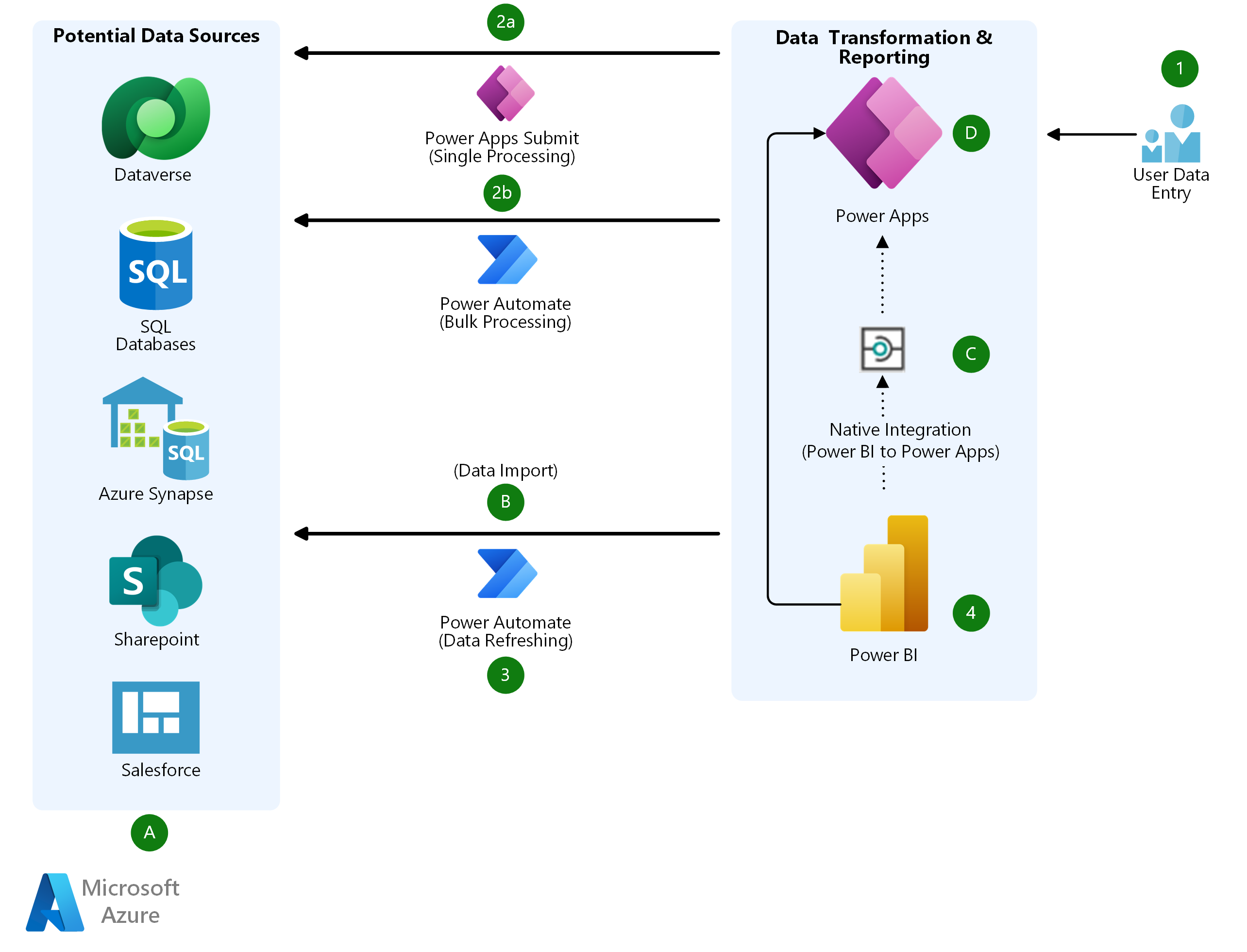
Write back De Dados Do Power BI Com O Power Apps E O Power Automate
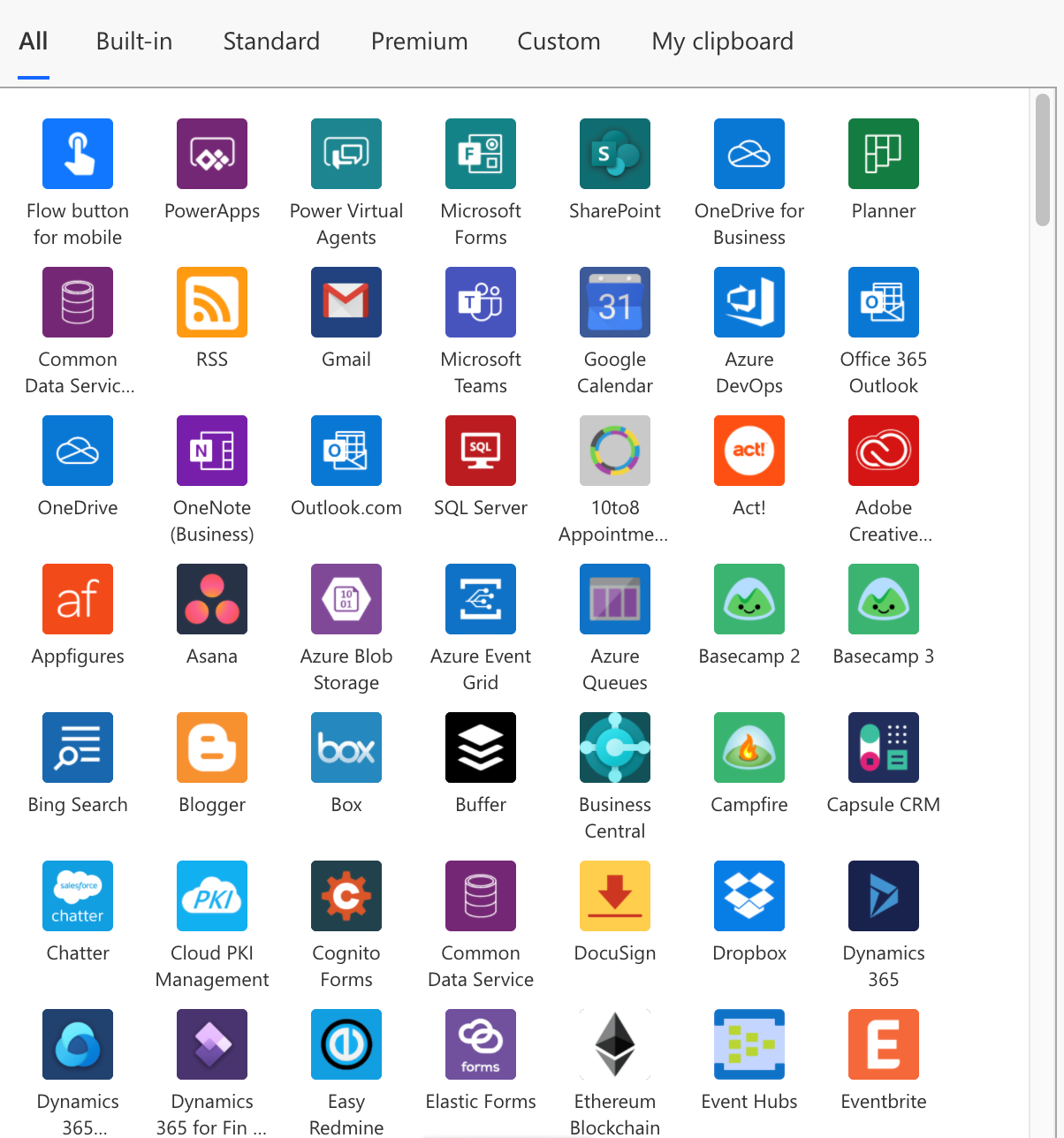
Building Custom Connectors For Power Apps And Power Automate Flows
Power Platform 1 Power Automate PowerApps

Microsoft Power Automate Add Data To Excel Get Data From Excel

Posted On 2020 09 27 14 min read In this article I will describe how to create an Excel file dynamically with Power Automate and fill it with data from the Common Data Service Creating those dynamically can be a bit tricky Therefore I will provide step by step description of how to do that
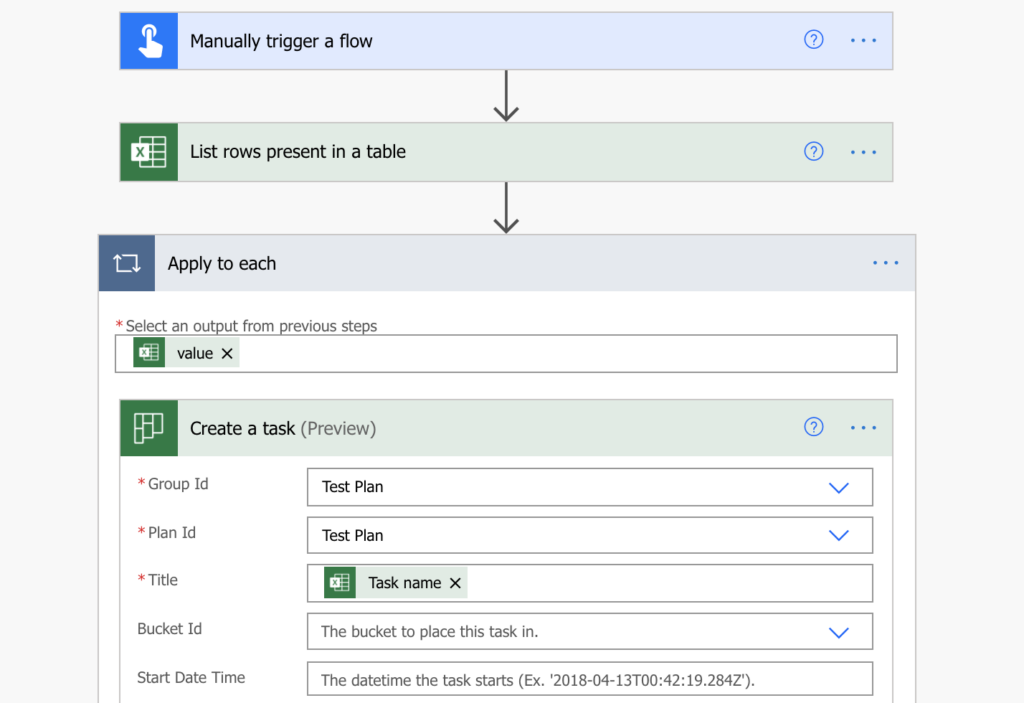
Table of Contents Setup The SharePoint List Create An Array Of Values To Export To Excel Generate A Blank Excel File Insert A Table Into The Excel File Add Rows To A Table In The Excel File Run The Flow To Create A New Excel File In The SharePoint Document Library

Add the Data to the Excel File To easily add data to an Excel file using Power Automate follow these steps Create a new flow in Power Automate Add the Create Excel File action to your flow Provide the file name and location where you want to save the Excel file
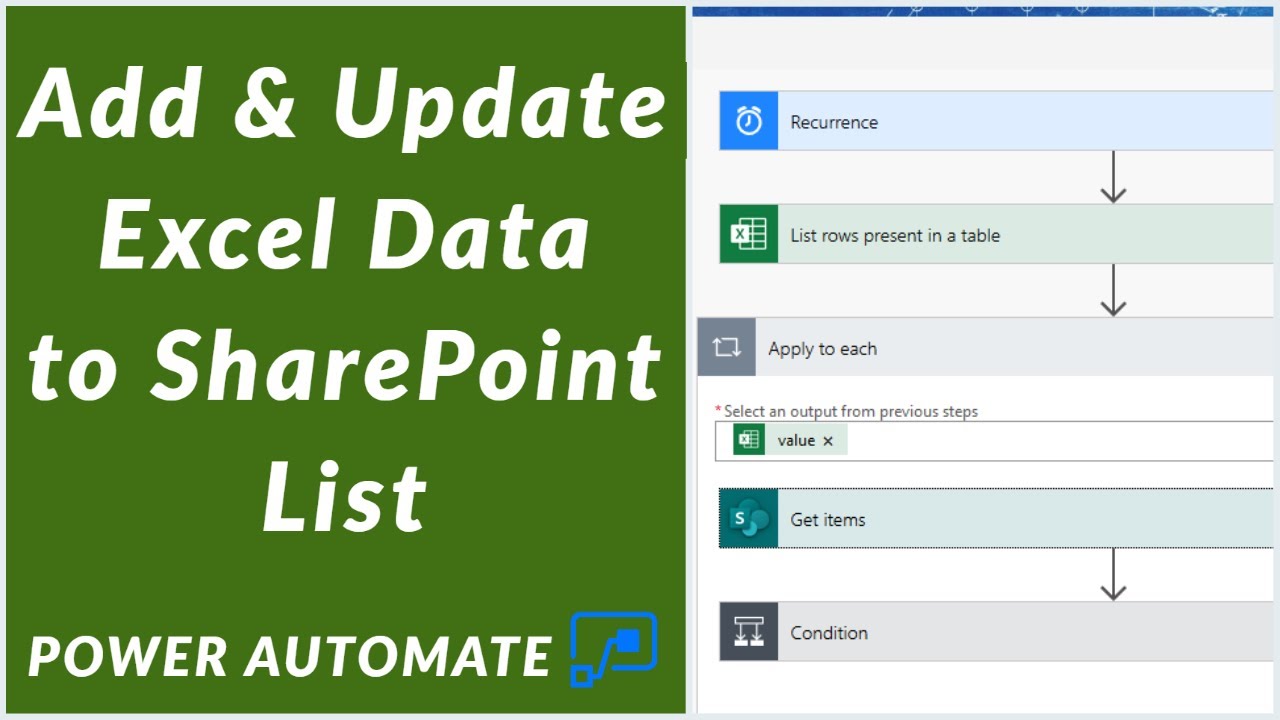
Create a new Excel File in Power Automate and dynamically populate with a Table and Rows Excel DamoBird365 8 79K subscribers Subscribe Subscribed 915 Share Save 84K views 2 years ago

In this article you ll see how Power Automate works with Excel learn how to create an Excel file and get data from this file automatically We ll also provide an alternative solution to overcome Power Automate limitations when combined with Excel
You have three options when it comes to retrieving a range of cells through Excel with the Select cells in Excel worksheet action To begin you need a valid Excel instance which you can create by using the Launch Excel action and providing the respective inputs Power Automate for Excel Create worksheet Table Dynamically Add data to Excel Read data from Excel This video will show how to create a new worksheet dynamically create a table in a given worksheet dynamically add data to Excel and read data from excel with a real life use case example 08 25 2021 11 32 PM
Solved Create a Worksheet and a table in Excel Excel Bu Solved So I have successfully created a Worksheet in an Excel with one Worksheet by using the quot Create worksheet quot action from Excel Online Skip to main content Power Automate Product Connectors Templates Take a guided tour Capabilities Digital