Create Direct Qr Code Nouvelle Fonctionnalit Tracking QR Code Sans Application Download Qr Code Qr Quick Response Code Royalty Free Stock Illustration How To Create A QR Code And Direct People To A Website Document Or Blumilk The Rise Of The QR Code Blumilk Qr Code Figma Get started with Analytics Collect and manage data Report and explore Advertising and attribution Audiences and remarketing Manage accounts properties and users Google Analytics 360
Create a spreadsheet Create view or download a file Use templates Visit the Learning Center Using Google products like Google Docs at work or school Try powerful tips tutorials and Docs mobile How to use Google Docs Visit the Learning Center Using Google products like Google Docs at work or school Try powerful tips tutorials and templates Learn to work on
Qr Code Figma Enregistrement Code QR Rakedi App QR Code Generator Releasit QR Code Generator Releasit Beautiful QRs Qr Code Design Vector PNG Images Trendy Qr Code Label Design Qr Code Generator With Linkedin Logo Sekaninja AI generated Artistic QR Code Create Qr Code Q Print Group
Create Direct Qr Code
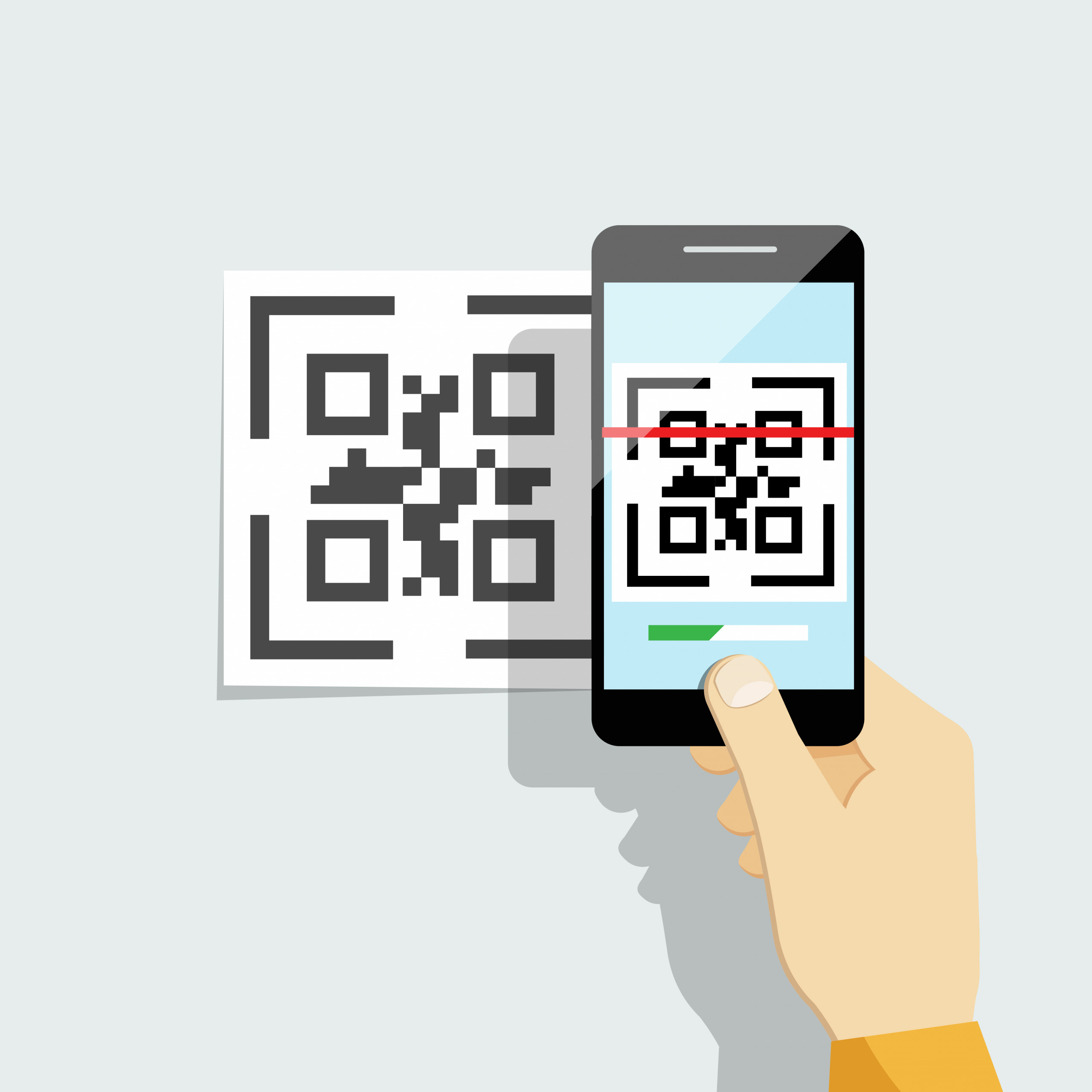 Create Direct Qr Code
https://www.teliae.fr/wp-content/uploads/2021/04/QR-CODE-scaled.jpg
Create the Search campaign and goal In your Google Ads account click the Campaigns icon Click the Campaigns drop down in the section menu Click Campaigns Click the plus icon to
Pre-crafted templates use a time-saving service for creating a varied series of files and files. These pre-designed formats and layouts can be used for various individual and expert jobs, consisting of resumes, invites, flyers, newsletters, reports, presentations, and more, enhancing the content development process.
Create Direct Qr Code

QR Code
Enregistrement Code QR Rakedi
App


Qr Code Design Vector PNG Images Trendy Qr Code Label Design

Qr Code Generator With Linkedin Logo Sekaninja
Important When you create a Google Account for your business you can turn business personalization on A business account also makes it easier to set up Google Business Profile

Use document tabs in Google Docs You can create and manage tabs in Google Docs to better organize your documents With tabs from the left panel you can Visualize the document
Upload Shorts To upload a Short from a computer Sign in to YouTube Studio In the top right corner click CREATE Upload videos Select a short video file Up to 3 minutes With a square

Table Select the number of columns and rows to create a table Drawing Create shapes pictures and diagrams right in your document Link Add a link to another page or to a

On this page Create a form Add questions Customize your design Control and monitor access Review your form Report abusive content in a form Create a form Go to forms google
[desc-11] [desc-12]
[desc-13]