Create Ad User Power Automate Power Automate Routineaufgaben Automatisieren Anaptis Riset Create A Pdf From A Sharepoint List Item With Power Automate Www Citizen AI With Power Platform Azure Architecture Center Microsoft GitHub PA R29sY2F0bG1hbg Create AD User GUI Powershell GUI For AD Windows Power Automate Desktop In An RDP Arvind Gaba s Technology Blog There are three common ways admins create AD user account objects using the New AdUser cmdlet Add an Active Directory user account using the required and additional cmdlet parameters Copy an existing AD user object to create a new account using the Instance parameter
You use the Microsoft 365 admin center to create user accounts for every user who needs access to apps flows or chatbots The user account registers the user with Microsoft Online Services environment Create a user account Creating AD Users with Power Automate Hi I am new to Power Automate Desktop and want to create a flow for setting up User AD accounts Assign AD groups Assign O365 E5 License We are manually creating a lot of new accounts and it all takes time
Windows Power Automate Desktop In An RDP Arvind Gaba s Technology Blog Microsoft Power Automate Desktop App Lketable Ersushi Blog Foundations Of Microsoft Flow secure And Compliant Automation Part 1 How To Create Form Approval Power Automate YouTube Microsoft Power Automate Review Features Pricing Comparison Bubble Create Ad User Using Powershell Script Node js Back end Application On Firebase To Access Azure Active Understanding Microsoft Powerapps Vs Power Automate Microsoft Flow
Create Ad User Power Automate
 Create Ad User Power Automate
https://zaact.com/wp-content/uploads/2021/02/How-To-Power-Automate-Microsoft-Flow.png
In this video we ll go through the process of automing user creation using Power Automate and the Graph API This can save you a lot of time and frustration
Templates are pre-designed files or files that can be utilized for different purposes. They can save time and effort by offering a ready-made format and layout for producing different type of material. Templates can be utilized for personal or professional jobs, such as resumes, invites, leaflets, newsletters, reports, presentations, and more.
Create Ad User Power Automate
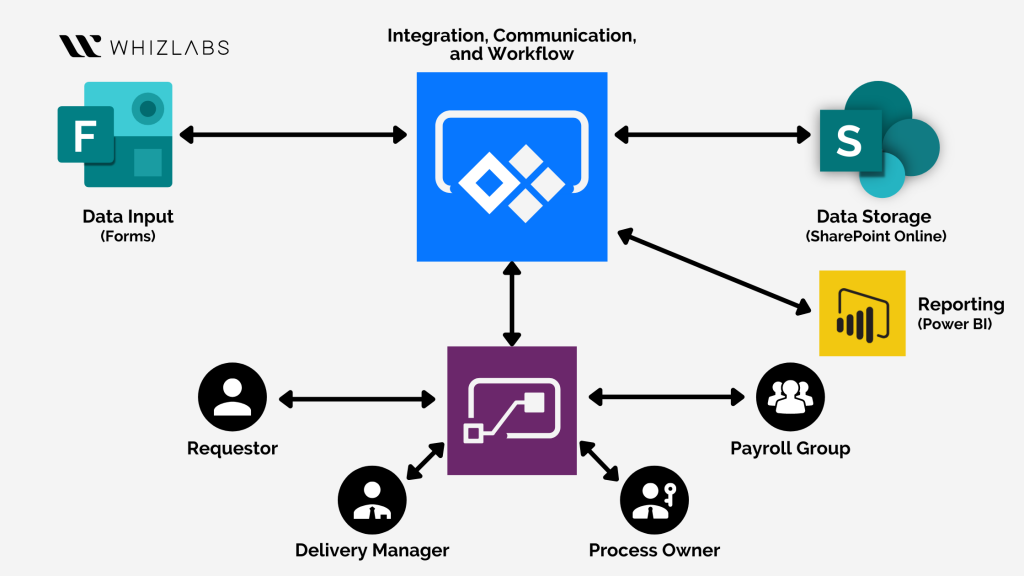
Power Automate Desktop Datatable Ksestack
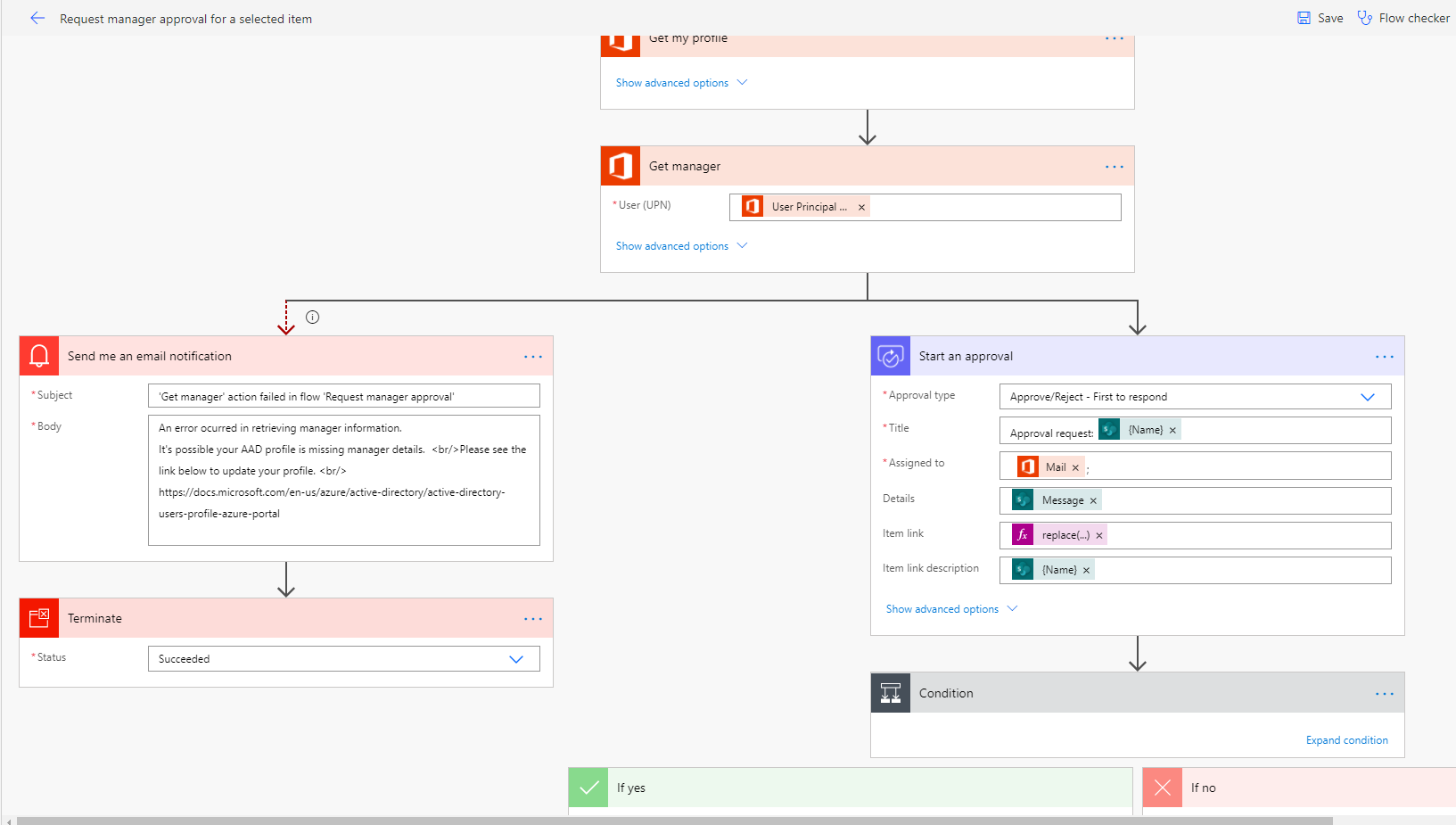
Microsoft Power Automate Desktop App Lketable
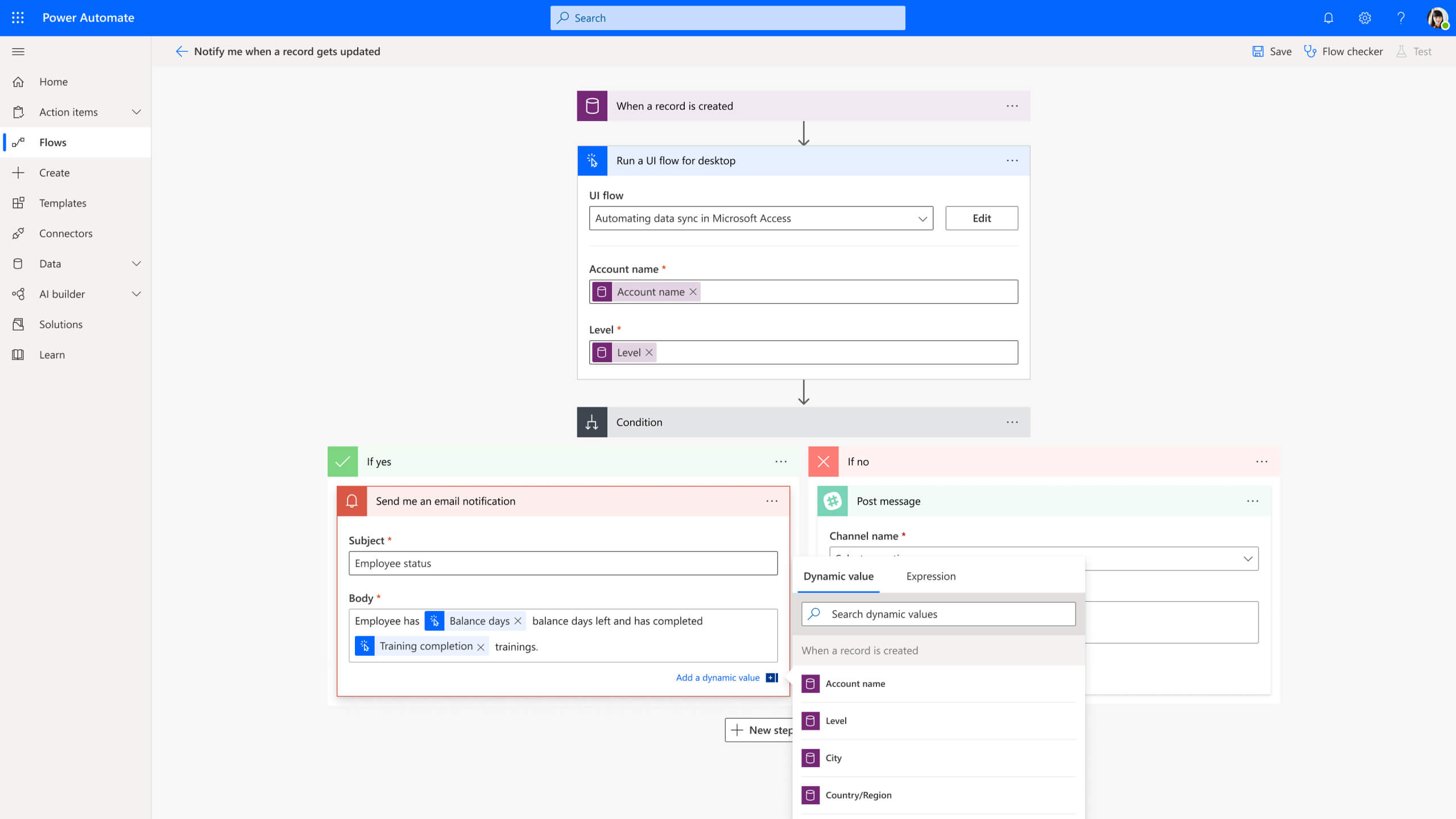
Ersushi Blog
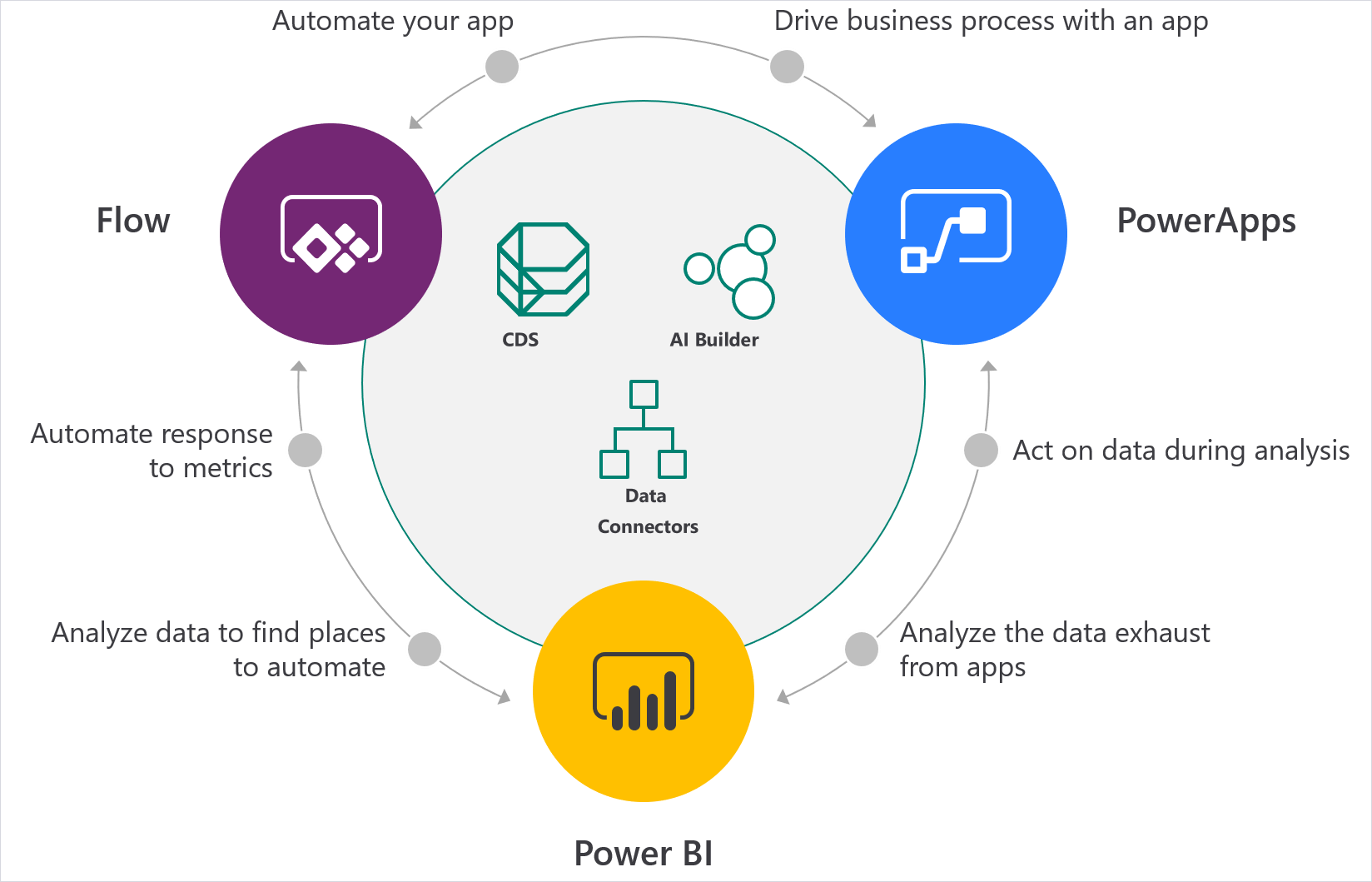
Foundations Of Microsoft Flow secure And Compliant Automation Part 1
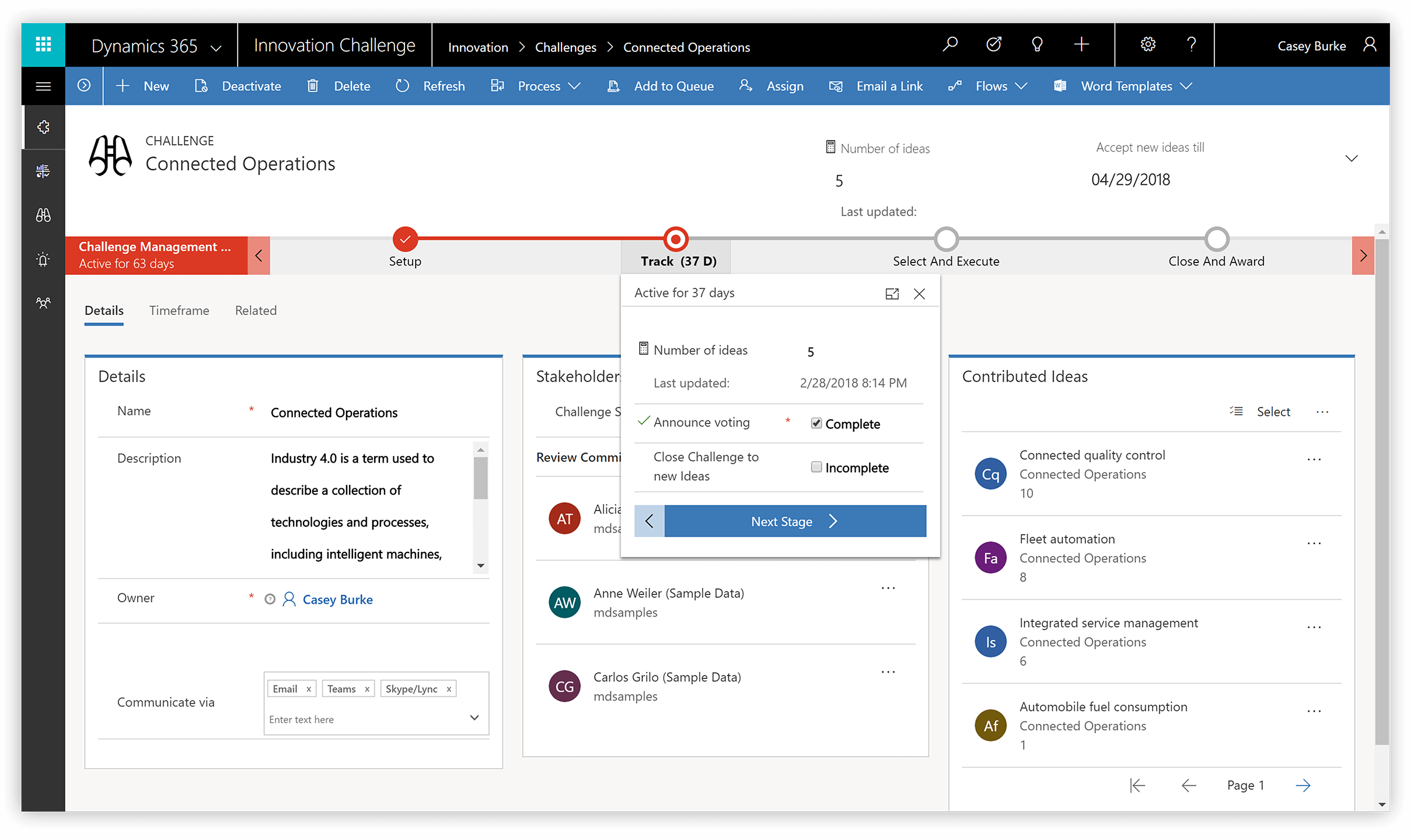
Microsoft Power Automate Review Features Pricing Comparison Bubble
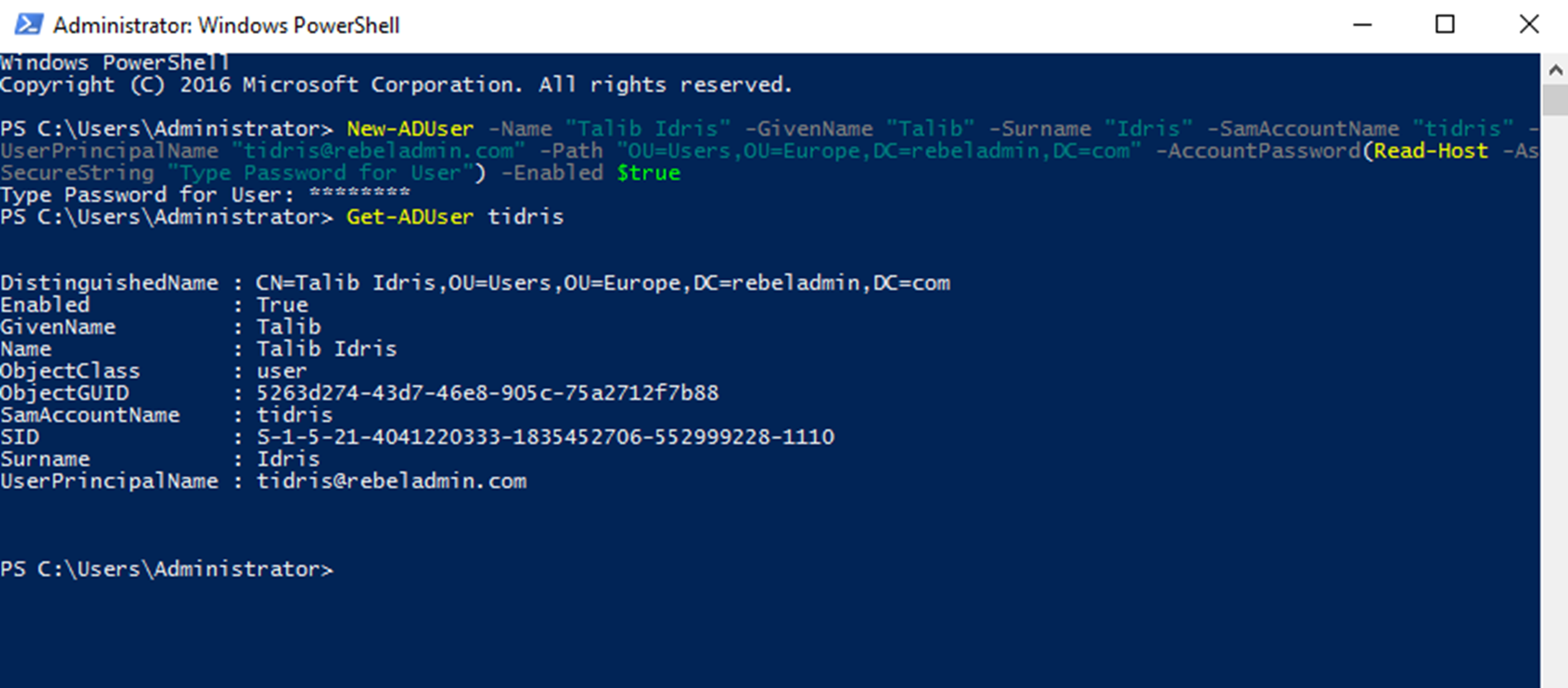
Create Ad User Using Powershell Script

Create User in Active Directory with a Microsoft Form 09 13 2022 03 00 AM Hello together I am new here and an amateur in using Power Automate The reason why I came across Powerautomate in the first place is that we wanted to make it easier for us to create new users for our Active Directory
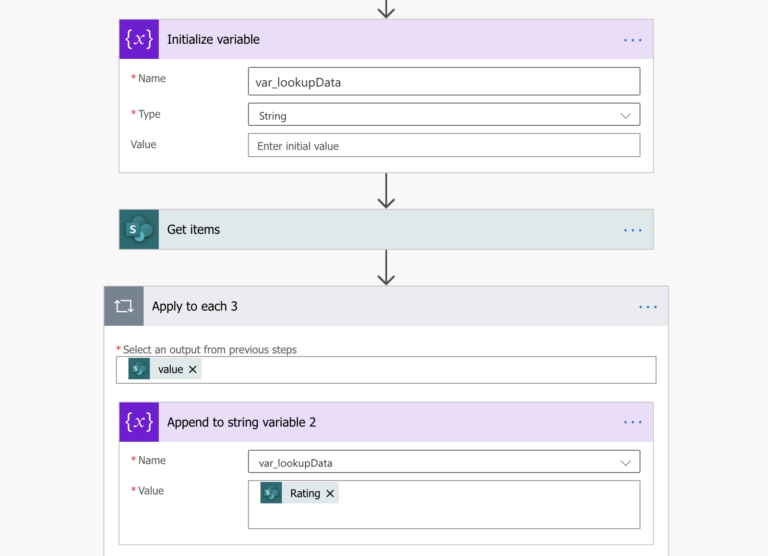
Creates a group in the Active Directory Important Make sure you that Power Automate for desktop is operating with elevated rights when executing a flow containing the Create a group action Input parameters Expand table Variables produced This action doesn t produce any variables

Microsoft Active Directory AD is a directory service that enables administrators to manage permissions and access to network resources Power Automate for desktop provides Active Directory actions to automate all related tasks Learning objectives In this module you will Connect to an Active Directory server

In this article we will present how we automated the process of creating specific users such as test users service accounts and admin accounts using Nintex Forms for SharePoint Online Power Automate and a PowerShell script running against the domain This process hits all the requirements of any business a unified naming convention

Create a Flow with trigger as Schedule you can configure it to run based on your business requirement Use SharePoint Get Items Action to read the items from List 1 with filter query as Status eq Request Submitted Use you organization s Account naming convention to generate SamAccountName Email ID and UPN
Create User In Azure AD And Assign Office 365 Licenses Using Power Automate Vijai Anand Ramalingam May 13 2020 59 8k 0 5 In this article you will see how to create a new user in Azure Active Directory and assign Office 365 licenses to the user using Power Automate Use case You can create a new user in your AAD tenant with help of the Create User action Below are the details of the required action parameters Add User To A Group You can add a user to a group in your AAD tenant Below are the details of the required action parameters Power Automate Flow
This video takes an Excel file with user details and creates each user and then assigns their manager It makes use of Azure AD actions o365 filter array an