Create A List From Folder Names File Folders Buy Files And Folders Online At Best Prices In India How To List All Folders And Subfolders In Excel MailChimp Basics How To Create A List Sign Up And Opt In Forms Copy File Names In A Folder YouTube Data Table In Excel How To Create One Variable And Two Variable Tables Web Go to cell A3 or any cell where you want the list of names to start and enter the following formula IFERROR INDEX FileNameList ROW 2 quot quot Drag this down and it will give you a list of all the file names in the
Web Sep 14 2010 nbsp 0183 32 Open your word processor or spreadsheet and Paste Ctrl V the list Use the Command Prompt Navigate to the folder and then do quot dir gt recipe txt quot without the Web Sep 24 2019 nbsp 0183 32 If so navigate to the parent folder in File Explroer then in the address bar of File Explorer type cmd and hit Enter That will open a Command Prompt on that folder
Data Table In Excel How To Create One Variable And Two Variable Tables How To List Files From Folders With Excel YouTube Excel Import List Of Folder Names In A Folder With Python Stack Php How To Get List Of All Filenames From A Folder C JAVA PHP Filing Cabinet Folder Label Ideas File Folder Labels File Labels File How To List All File Names From A Folder And Sub folders Into A Worksheet Microsoft Store File Names To Excel From Folder via DOS District Or How To Copy File Or Folder Name In Excel YouTube Play To Learn Preschool Name Folders
Create A List From Folder Names
 Create A List From Folder Names
https://www.solo.in/image/cache/subcatimg/report files_B-1100x1100.jpg
Web Oct 21 2011 nbsp 0183 32 Simplify your creation by typing a list of the folder names in a text document and get a program to do all the manual work The first thing you need to do is
Templates are pre-designed files or files that can be used for various purposes. They can save effort and time by supplying a ready-made format and layout for developing various sort of content. Templates can be used for personal or professional jobs, such as resumes, invitations, leaflets, newsletters, reports, presentations, and more.
Create A List From Folder Names
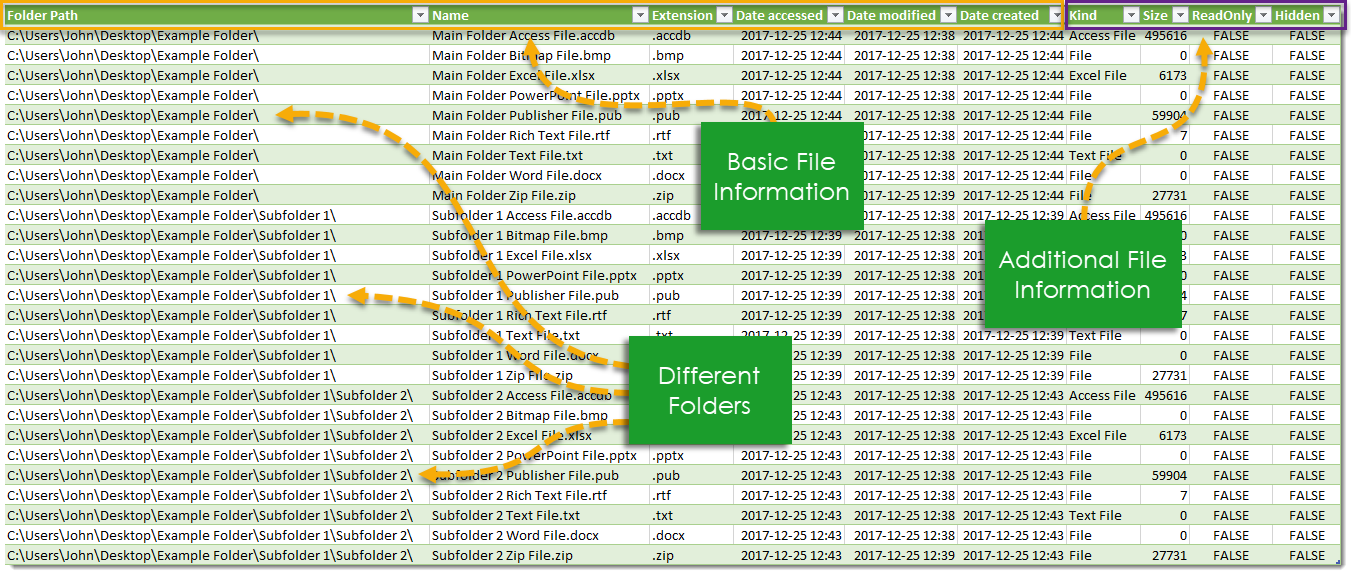
Get A List Of File Names From A Folder And All Subfolders English
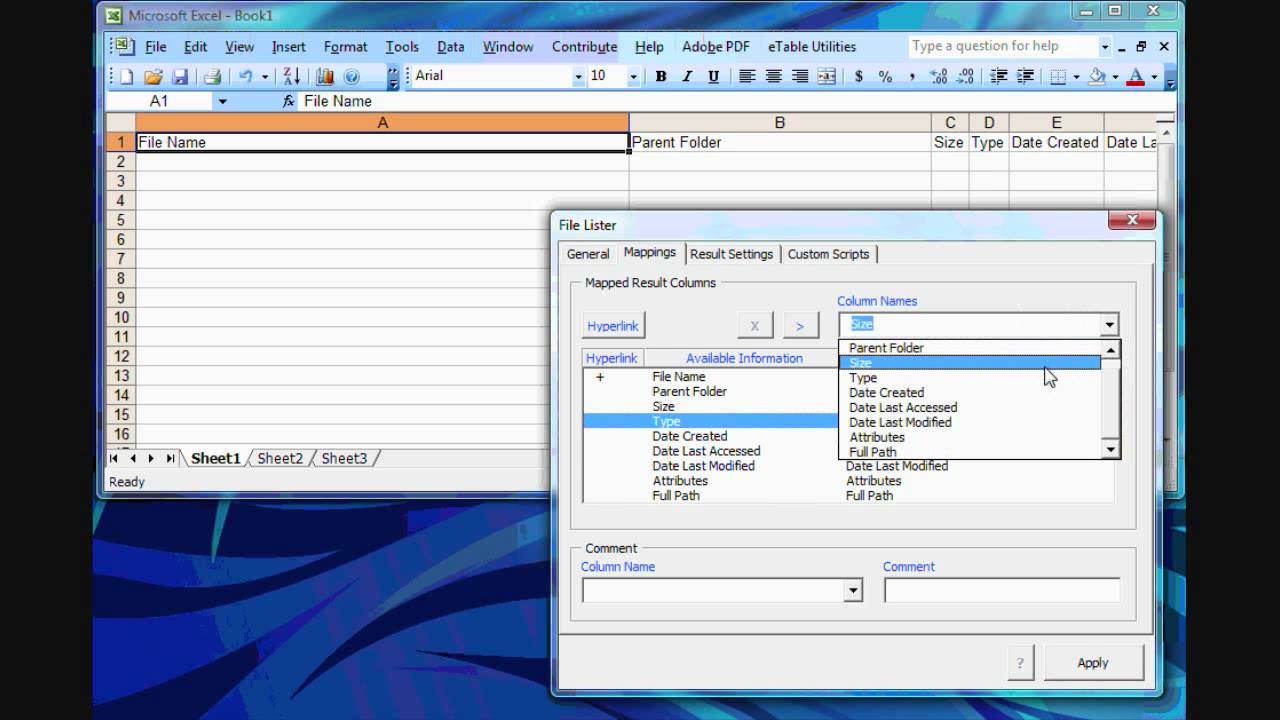
How To List Files From Folders With Excel YouTube

Excel Import List Of Folder Names In A Folder With Python Stack

Php How To Get List Of All Filenames From A Folder C JAVA PHP
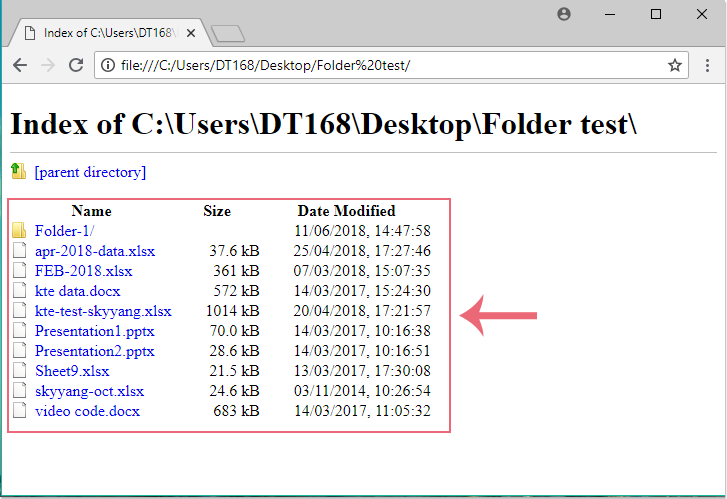
How To List All File Names From A Folder And Sub folders Into A Worksheet
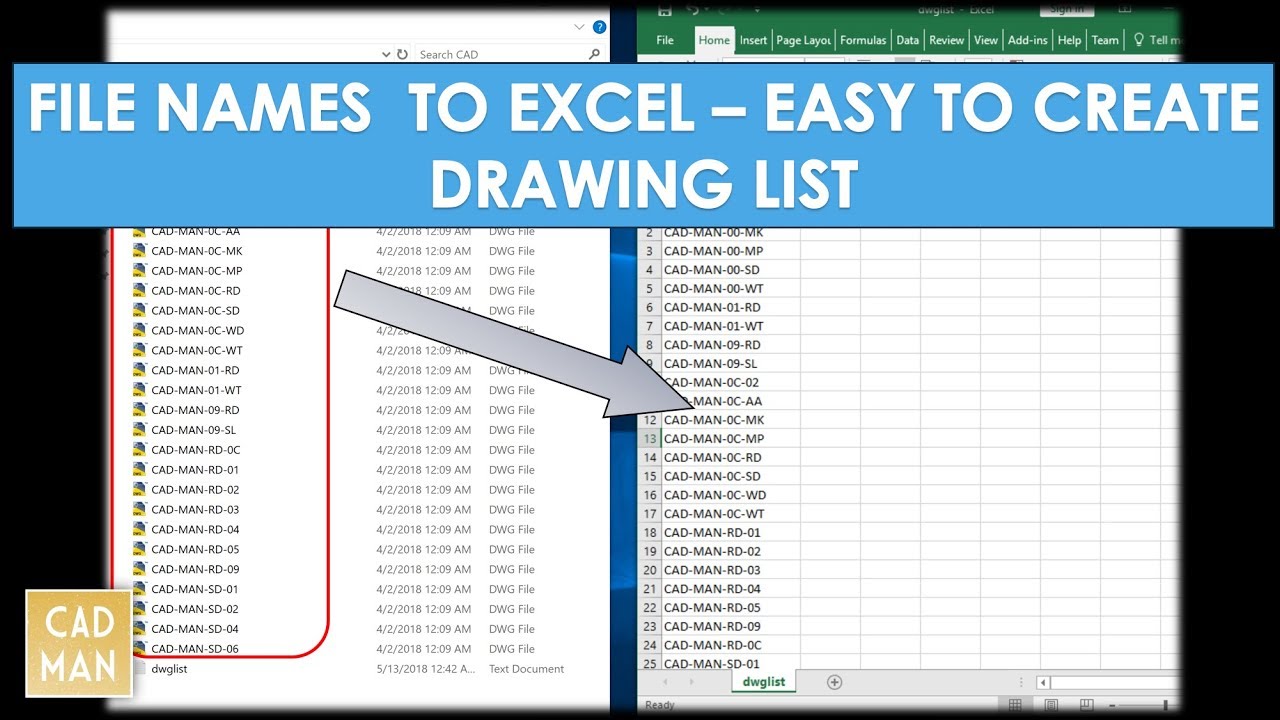
Microsoft Store File Names To Excel From Folder via DOS District Or

Web Jan 31 2017 nbsp 0183 32 The first and easiest way to create a list of file names in a folder is to use the command prompt We can just use the DIR command to export a list of file names to

Web Mar 11 2015 nbsp 0183 32 7 Answers Sorted by 437 The below post gives the solution for your scenario dir s b o gn S Displays files in specified directory

Web Feb 27 2018 nbsp 0183 32 Right click the exe file and select the quot Run as administrator quot option After the app loads open the quot Setup quot menu and then choose the quot Add to Directory Context Menu quot option Now to generate a quick

Web Aug 10 2021 nbsp 0183 32 Thanks to this solution we will be able to create a list with the names of the files in a folder along with other data And it is that in it the size of the files their

Web Nov 25 2023 nbsp 0183 32 Folder support Apart from documents images etc you can add folders in the list Custom column By default it shows the file name type or format file size and the path
Web Apr 14 2020 nbsp 0183 32 Create a From Folder Query From any workbook that you want to create a file inventory in you can create a From Folder query Go to the Data tab in the ribbon Web May 15 2020 nbsp 0183 32 The method is the same as for all versions of Windows starting with Windows 3 1 from 1985 Open File Explorer Navigate to the folder under scrutiny
Web Feb 17 2022 nbsp 0183 32 Right click that folder and select Show more options Click Copy File List to Clipboard on the classic menu You ll still need to paste the copied list into a text file