Create A Link To A Pdf File How To Make A Link For PDF Documents How To Insert Text In Pdf File Daddubai Insert Hyperlinks In Excel In Easy Steps How To Make A Link For PDF Documents How Do I Link An Excel Sheet To Another Excel Sheet Booleshop Riset What to Know Create link in PDF file Open PDF in editing software select text or image Edit Link Add Link to PDF on a website Upload PDF to site create hyperlink making sure to use the
Links and attachments in PDFs Adobe Acrobat Links and attachments in PDFs Last updated on Dec 20 2023 Also Applies to Adobe Acrobat 2017 Adobe Acrobat 2020 More Acrobat User Guide Create a link and share using third party apps When you select any of the available third party app like Microsoft Outlook Gmail Microsoft Teams Whatsapp or the default email client Acrobat creates
How Do I Link An Excel Sheet To Another Excel Sheet Booleshop Riset C mo Crear Un Enlace Dentro De La Misma P gina Usando HTML Wiki How Create A Hyperlink In A Word 2007 Flow Chart Hide Annoying ScreenTips Tutorial 1 05 Create A Link To A PDF Document YouTube Need To Jump To A Later Page In A PDF Pdf How To Create A Link To A File Or Folder In Windows 2 Ways Digital How Do I Create A Link To My Document Keep Share Support Support How To Insert A Link To A PDF Into Your Email YouTube 3 Ways To Insert PDF Into Excel
Create A Link To A Pdf File
 Create A Link To A Pdf File
https://www.sodapdf.com/blog/wp-content/uploads/2018/03/Open-File-Link-Added-How-To-Link-in-PDF-Soda-PDF-12-1024x316.jpg
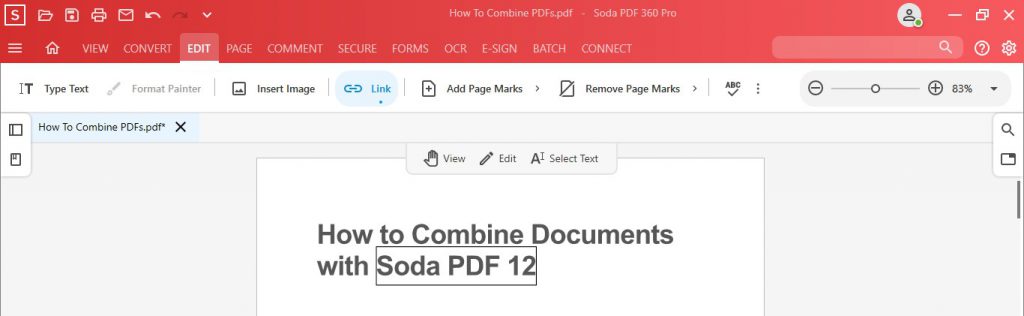
Step 1 Access Editing Toolkit With the PDF opened on UPDF direct into the Edit PDF mode from the left column Step 2 Add the Appropriate Link Type Select Link from the top to add a link to the PDF As you tap on
Templates are pre-designed files or files that can be utilized for numerous functions. They can save time and effort by supplying a ready-made format and design for producing different type of content. Templates can be used for personal or professional projects, such as resumes, invitations, flyers, newsletters, reports, presentations, and more.
Create A Link To A Pdf File

How To Create A Link To A Twitter Page Your Business

C mo Crear Un Enlace Dentro De La Misma P gina Usando HTML Wiki How

Create A Hyperlink In A Word 2007 Flow Chart Hide Annoying ScreenTips

Tutorial 1 05 Create A Link To A PDF Document YouTube
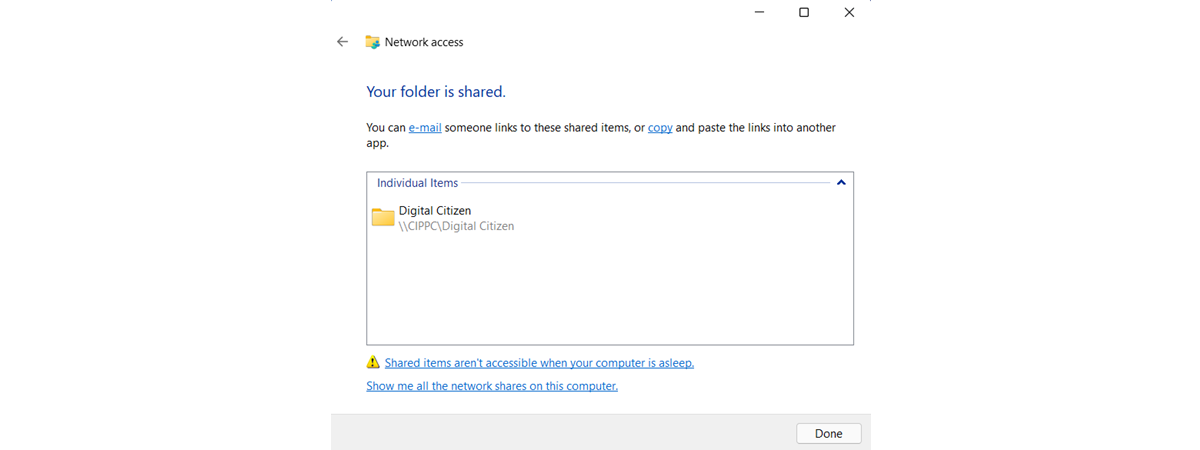
How To Create A Link To A File Or Folder In Windows 2 Ways Digital

How Do I Create A Link To My Document Keep Share Support Support

Click on the My Documents tab to access your stored PDF files Locate the PDF document that you want to convert to a URL link Hover over the document and

In the Home interface click the Tools Edit PDF button Go to Link Add or Edit Drag a rectangle where you want to create a link on the PDF this will
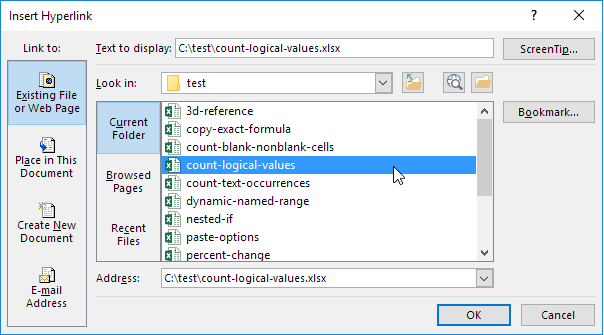
Select the file you want to share Enter the recipient s email address Add a personalized message Share or generate a link to download and share via WhatsApp Viber Gmail

Open a PDF file to a specific page To target an HTML link to a specific page in a PDF file add page page number to the end of the link s URL For
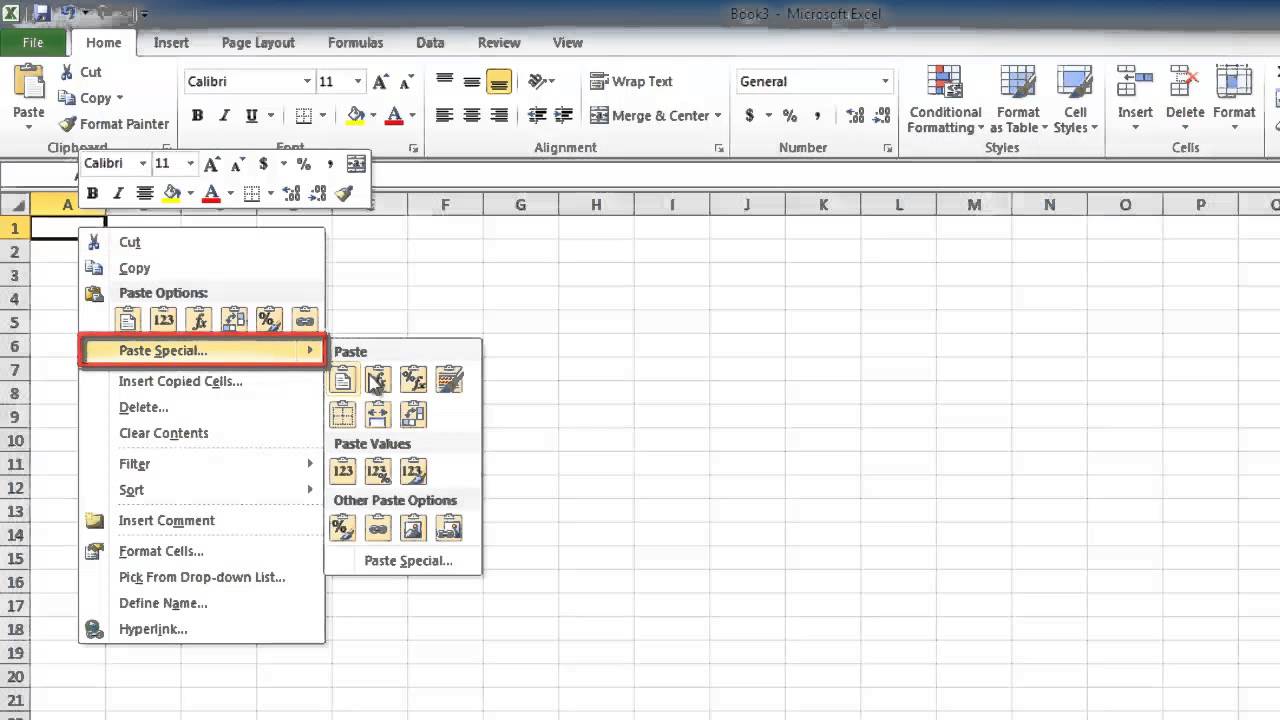
Choose Tools Edit PDF Add or Edit The pointer becomes a crosshair and any existing links in the document including invisible links are temporarily visible Drag a
Select Tools Edit PDF Link Add Edit Web or Document Link then drag the rectangle to where you want to create the link 5 In the Create Link dialog box adjust the link Select a PDF you need to create a shareable link for in the pdfFiller Dashboard and click three dots on the right to access the dialog menu Choose and
Right click on your PDF in Google Drive and select Open with Google Docs 2 Once your PDF content is opened as a Google Doc select and highlight the text you