Copy Formula Without Changing Cell Reference Google Sheets How To Copy A Formula In Excel Without Changing Cell References How To Use Emojis In Excel Formulas video 12 7 Ammo Chart Did It In Paint So Its Kinda Shite But I ve Always Drag Formula Without Changing Value Anchoring And Grouping Cells TechnoExcel Blog I ve found a way to copy formulas only in Google Sheets through Search and Replace Ctrl H feature workaround as follows STEP 1 Cells with Formulas to be copied STEP 2 Press Ctrl H and Tick
123 33K views 3 years ago Google Sheets Formulas Functions Learn to build dashboards in Google Sheets https www spreadsheetclass goog In this video I show Copy Formula in Google Sheets Without Changing Cell Reference admin 7 February 2024Last Update 2 months ago Table of Contents Understanding Relative
Anchoring And Grouping Cells TechnoExcel Blog Solved How To Fill Cell Reference Down Column Without 9to5Answer How To Make An EXACT Copy Of Your Excel Formula Without Changing Cell How To Copy Formula Without Changing Cell Reference Excel Magic Trick Copy Formulas From Excel To Google Sheets Actualizado Agosto 2022 How To Copy And Paste Formulas Without Changing The Cell References In How To Copy Formula With Changing Cell Reference In Excel SpreadCheaters Trending How To Enter A Formula Without A Function In Excel Most 6 Ways To Copy A Formula In Excel With Changing Cell References
Copy Formula Without Changing Cell Reference Google Sheets
 Copy Formula Without Changing Cell Reference Google Sheets
https://www.exceldemy.com/wp-content/uploads/2022/10/how-to-copy-a-formula-in-excel-without-changing-cell-references-2-2048x1612.png
1 Apply Paste Special Command We can apply Copy and Paste Special command from the Edit ribbon to copy formulas to other cells in Google Sheets Steps First select Cell E5 and then go to the
Templates are pre-designed files or files that can be utilized for different functions. They can conserve effort and time by supplying a ready-made format and design for creating different sort of material. Templates can be utilized for individual or professional projects, such as resumes, invitations, flyers, newsletters, reports, discussions, and more.
Copy Formula Without Changing Cell Reference Google Sheets

Excel Hack Copy Formula Without Changing Cell References or Without

Solved How To Fill Cell Reference Down Column Without 9to5Answer

How To Make An EXACT Copy Of Your Excel Formula Without Changing Cell
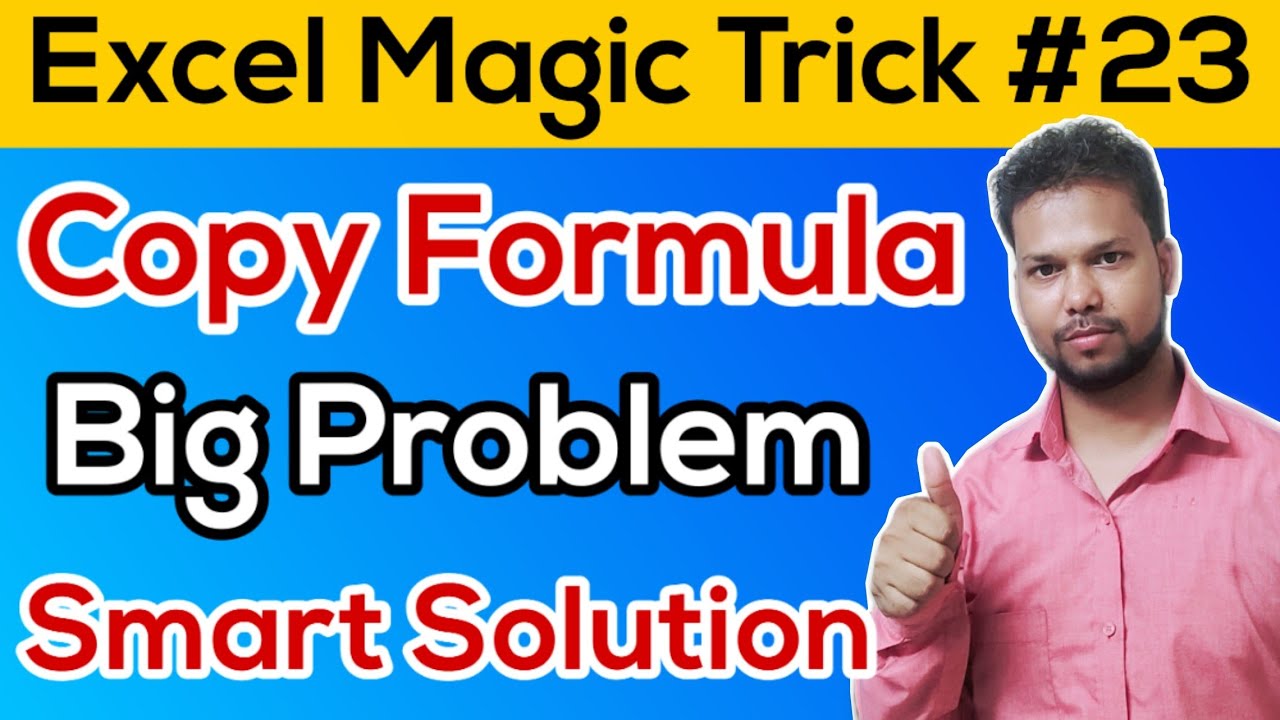
How To Copy Formula Without Changing Cell Reference Excel Magic Trick

How To Copy And Paste Formulas Without Changing The Cell References In
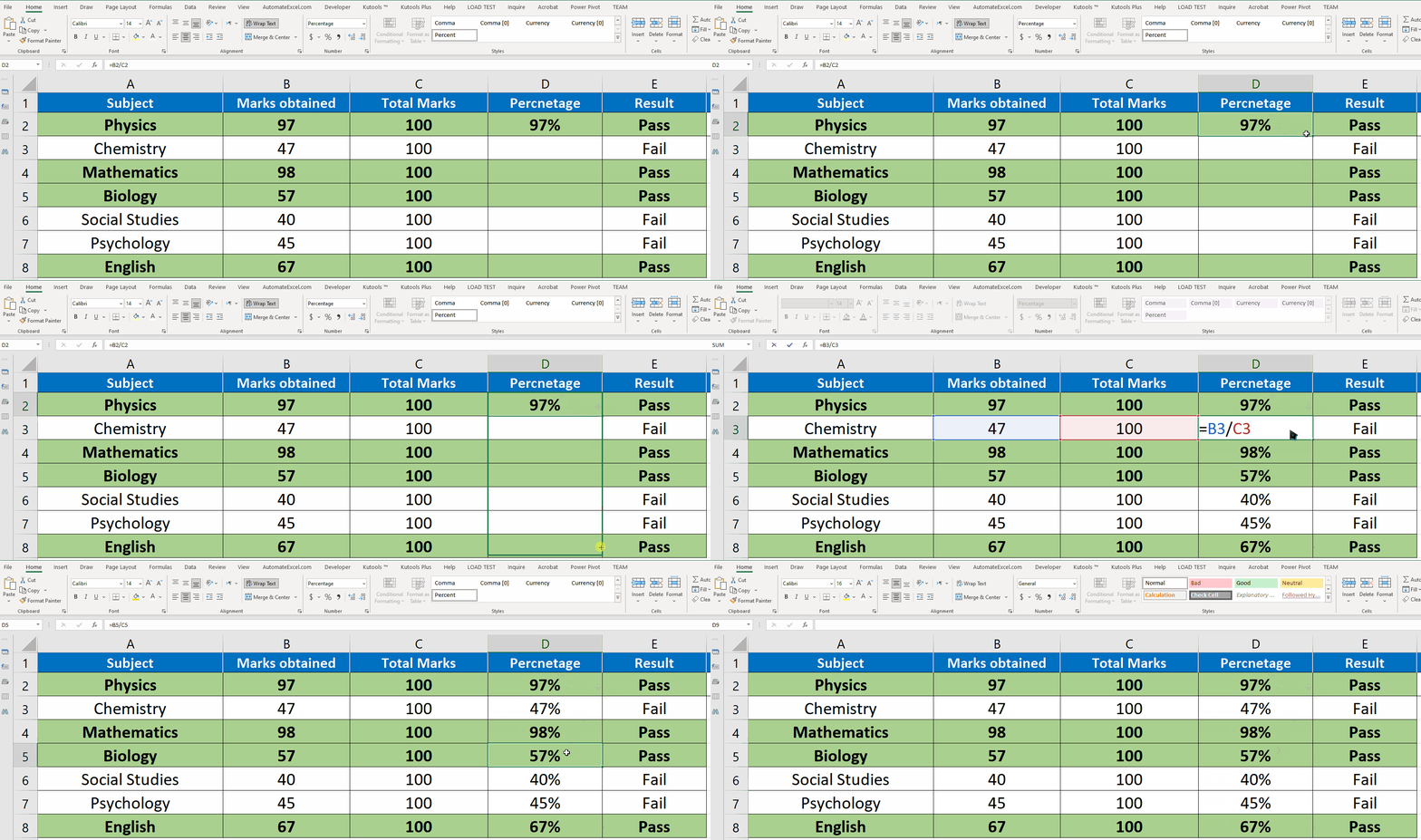
How To Copy Formula With Changing Cell Reference In Excel SpreadCheaters

In Google Spreadsheets to cut and paste cells without auto shifting their formulas you use Ctrl X to cut or Ctrl C to copy and
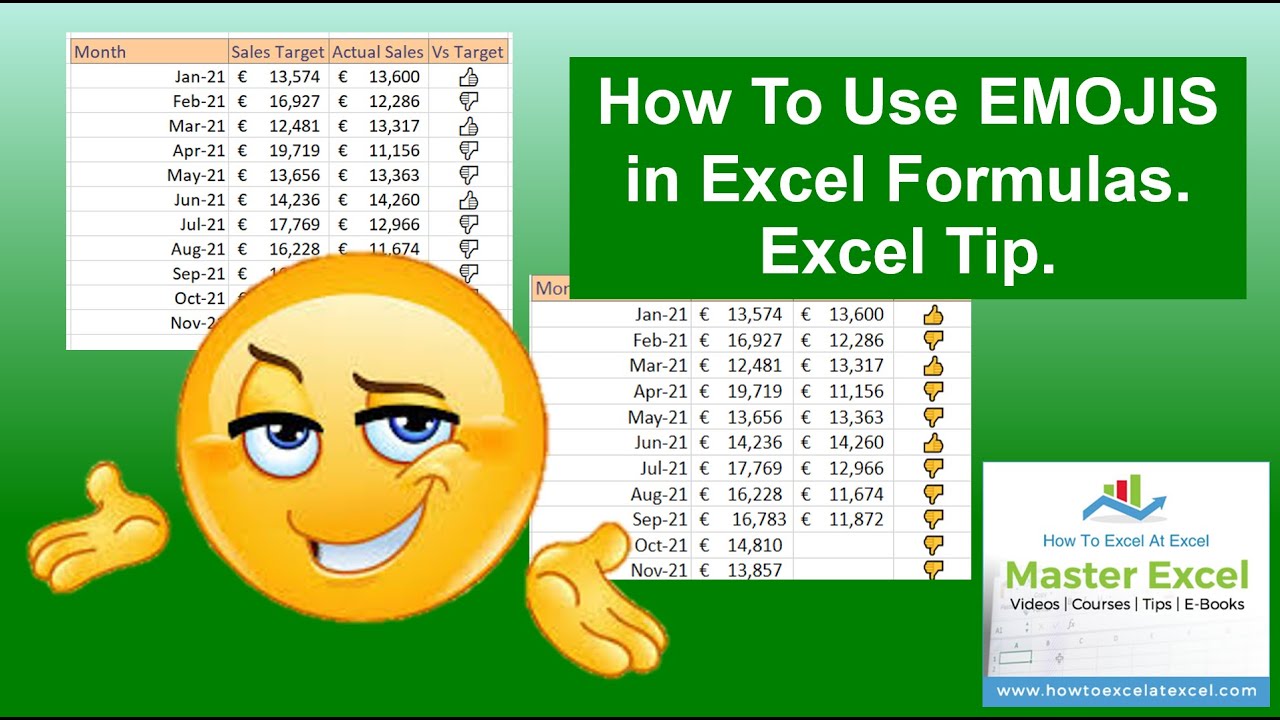
A Yes you can copy a formula without changing the reference in Google Sheets by using absolute references the fill handle copy and paste special or

The most straightforward way to copy a formula without changing its cell references is to use absolute references By adding a dollar sign before the column

How do I copy a formula down without changing cell references To copy the formula down without changing cell references select the cell where you want the result Next type your formula

In cell D2 enter the formula B2 C2 and drag it to the end of the range D6 To copy and paste the exact formula without changing the cell references to another place in your sheet you need to
Two Ways in Google Sheets to Copy Values and Not Formulas Using a Keyboard Shortcut to Copy by Value Using the Paste Special Menu to Copy by Value Click on a cell with a formula in it press Ctrl C on the keyboard to copy it then select another cell and press Ctrl V on the keyboard to paste the formula
In Google Sheets there are two types of references absolute and relative An absolute reference is indicated by adding a dollar sign before the column letter and or row