Copy Dvd On Mac Using Disk Utility Copy DVD Or CD On Mac Using Disk Utility For Free YouTube MacOS Recovery IT Services Install Windows Using Boot Camp Assitiant Apple Community Dr Cleaner Pro Moxamotion How To Restore A Partition Or Lost Space Apple Community SLC MLC TLC QLC
3 Cubox Markdown Web Clipper Force Copy SuperCopy
How To Restore A Partition Or Lost Space Apple Community Extremely Slow Data Transfer To USB From Apple Community How To Burn Movie To Dvd Apple Online Centralcountiesservices NTFS Disk By Omi NTFS On The Mac App Store Best Mac Disk Utility Gagasol How To Use Disk Utility On Mac macOS Disk Management Mac Os Disk Utility Installation Lockqglow How To Turn On Bluetooth On A Mac Mac
Copy Dvd On Mac Using Disk Utility
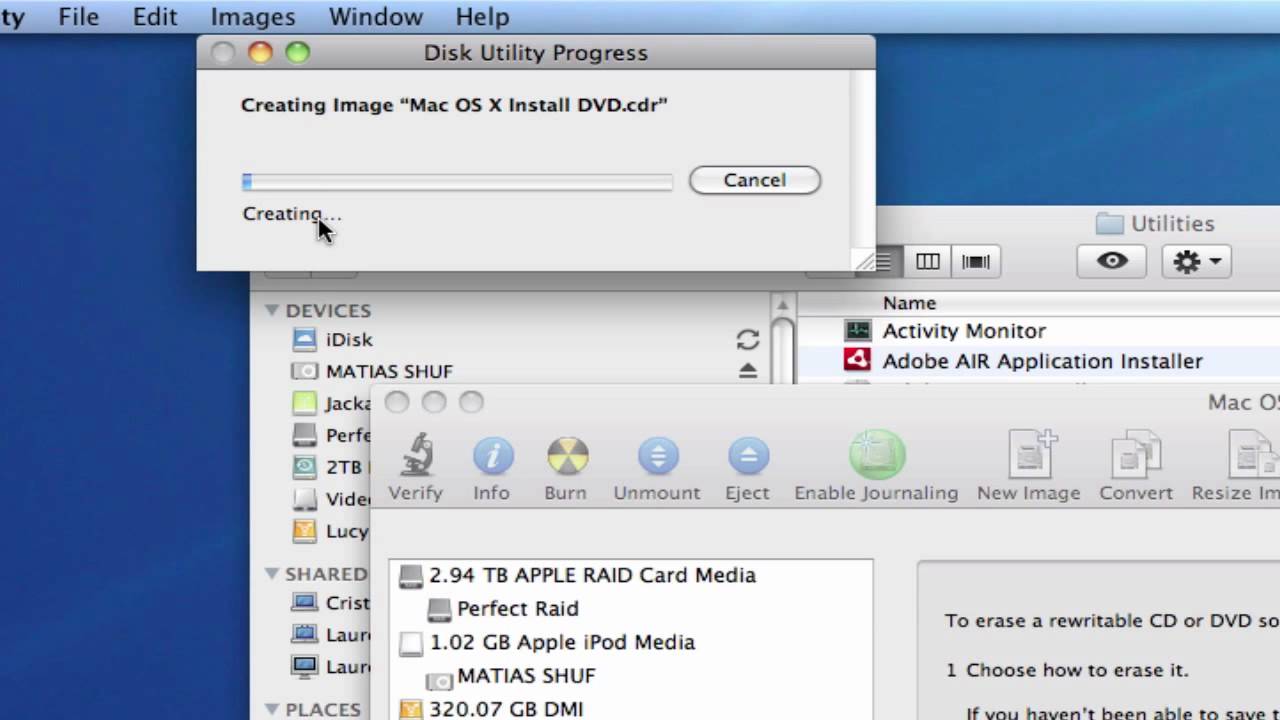 Copy Dvd On Mac Using Disk Utility
https://i.ytimg.com/vi/xDkCsVlkkG8/maxresdefault.jpg
Nov 21 2019 nbsp 0183 32 Windows uses NTFS file system When you copy a large file or folder each file takes time to start and to verify when it is complete It s a usually insignificant amount of time
Templates are pre-designed files or files that can be used for different functions. They can conserve effort and time by offering a ready-made format and design for creating various sort of content. Templates can be utilized for personal or expert jobs, such as resumes, invites, flyers, newsletters, reports, presentations, and more.
Copy Dvd On Mac Using Disk Utility
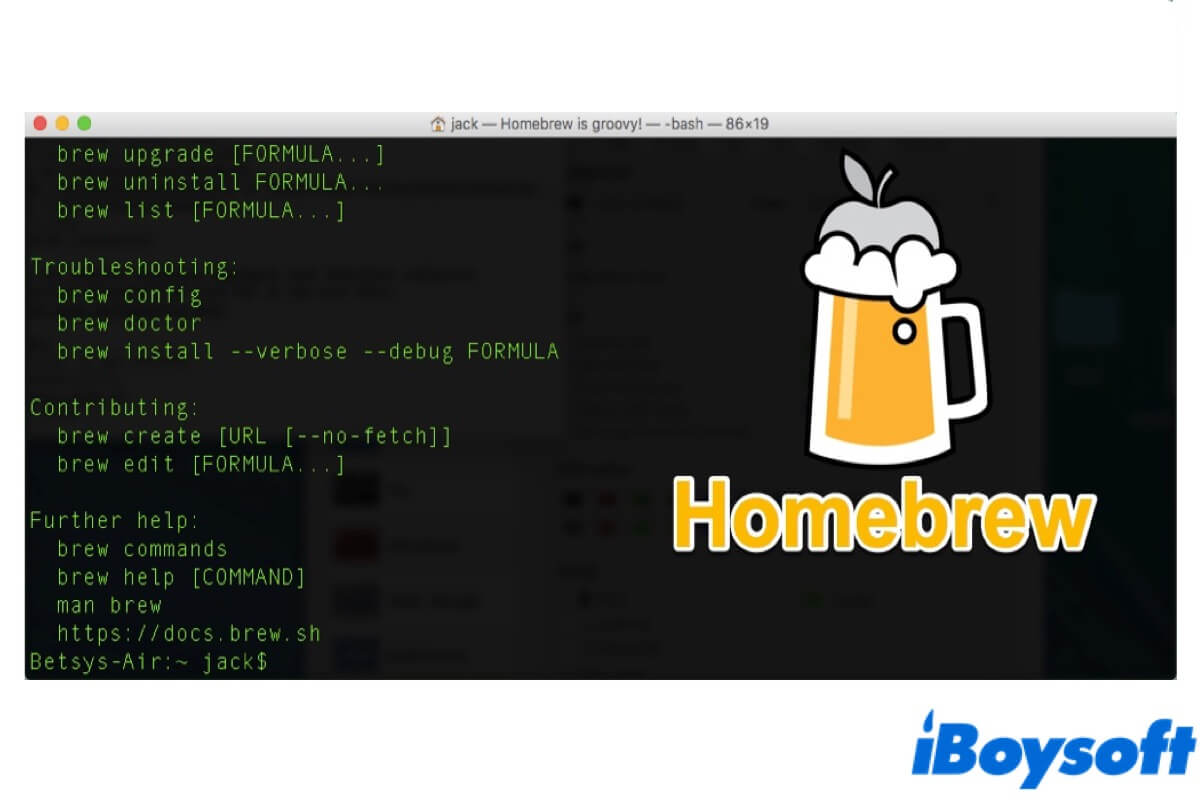
Minesystems Blog
Extremely Slow Data Transfer To USB From Apple Community

How To Burn Movie To Dvd Apple Online Centralcountiesservices

NTFS Disk By Omi NTFS On The Mac App Store
How To Use Disk Utility On Mac macOS Disk Management
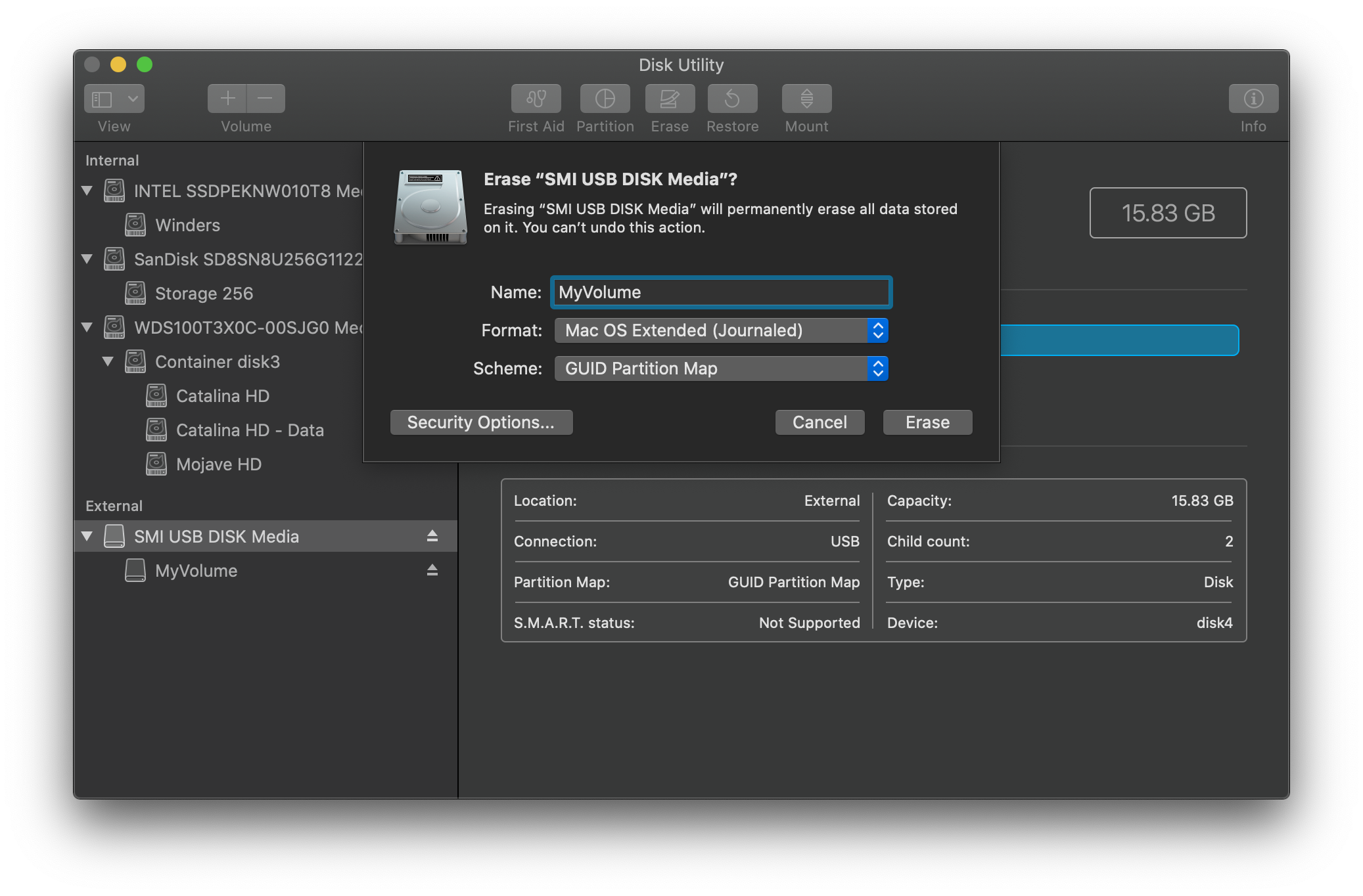
Mac Os Disk Utility Installation Lockqglow

2 Copy Copy Roger

Win10 GPU copy GPUcopy
4 convert G fs ntfs win10 win11 G U G G D D 5 U NTFS

Copy Replicate Duplicate Copy A B A B
2 Alt
[desc-11] [desc-12]
[desc-13]