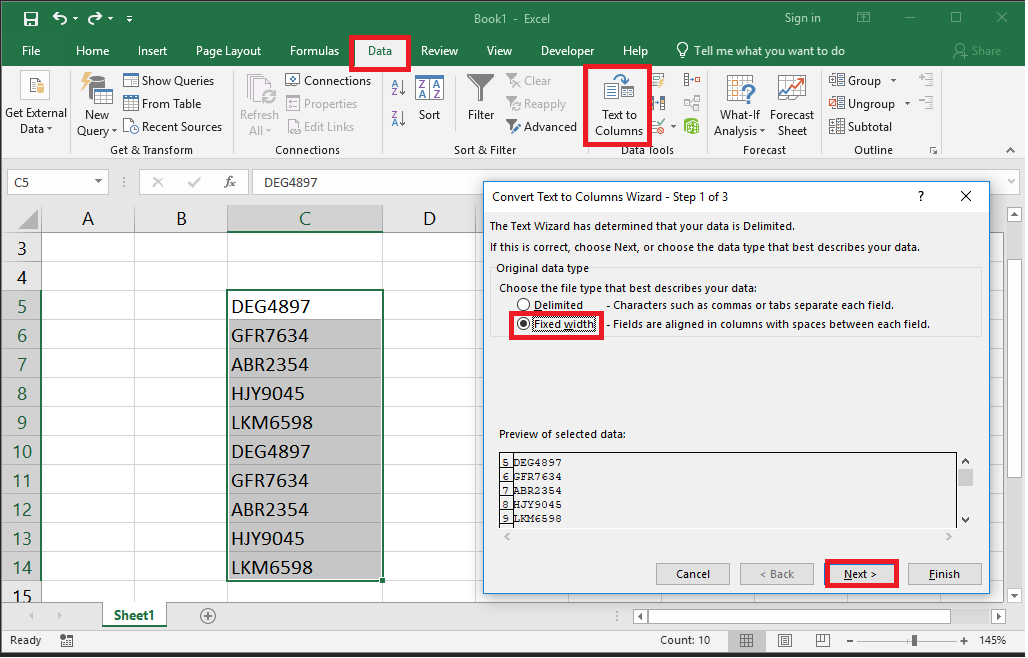
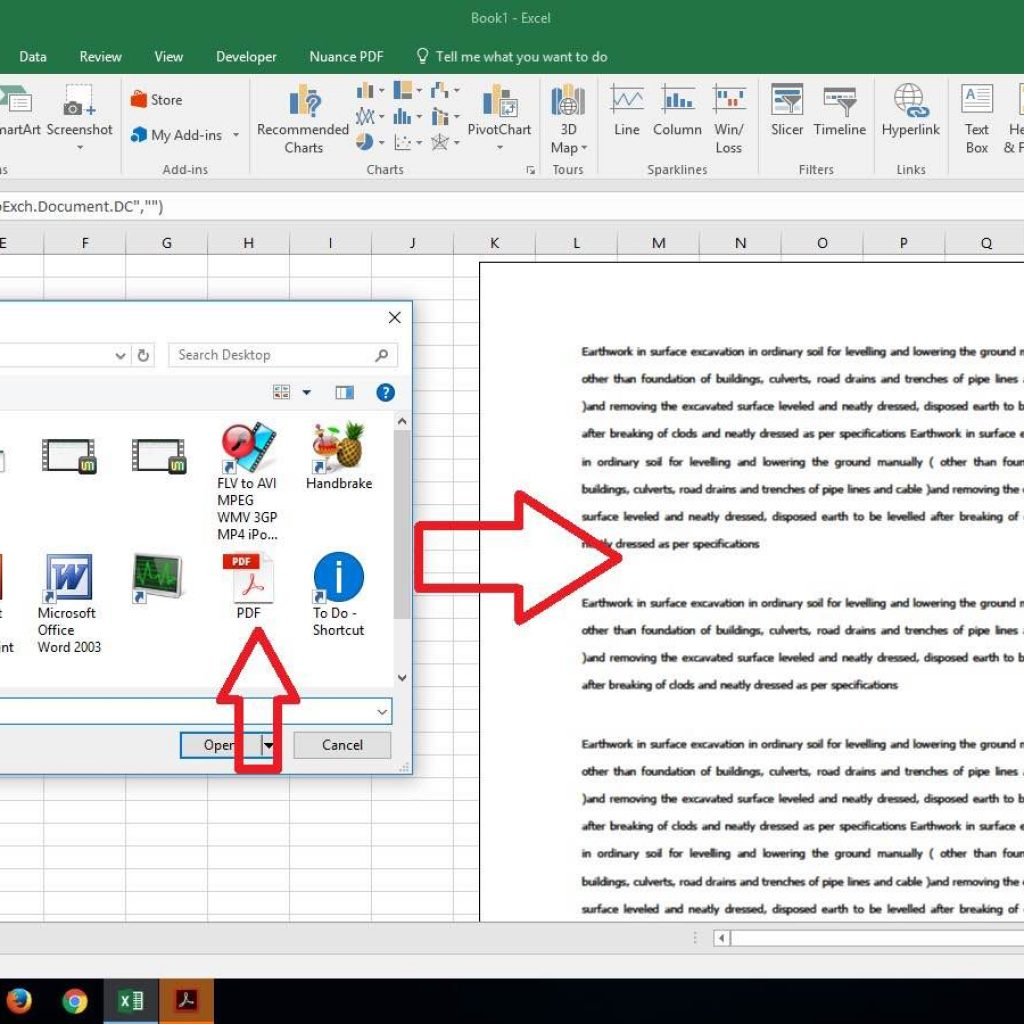
Convert Word Text To Excel Spreadsheet Convert EDC Text To Excel Spreadsheet YouTube How To Convert Text Files Into Excel Using Vba Step By Step Guide Riset Pdf File To Excel Spreadsheet In Convert Pdf To Excel Spreadsheet How To Convert JPG To Excel Spreadsheet OPGYAN Simple Steps To Easily Convert PDF Files To Excel Format You can import data from a text file into an existing worksheet On the Data tab in the Get Transform Data group click From Text CSV In the Import Data dialog box locate and double click the text file that you want to import and click Import Select Load if you want to load the data directly to a new worksheet
How to Convert Word to Excel Online Access the Document Converter on our website Upload the Word file to convert it to PDF first Click Export As and select Excel xlsx Choose the option to convert selectable text And that s it download your Excel sheet Convert Word docs to Excel spreadsheets using our online free online In a Word document select the rows and columns of the table that you want to copy to an Excel worksheet Make sure there aren t any extra carriage returns in the cells of the table otherwise this may cause extra rows in Excel To copy the selection press CTRL C In the Excel worksheet select the upper left corner of the worksheet area where
Simple Steps To Easily Convert PDF Files To Excel Format Pdf Word Convert Word Document To Excel Spreadsheet Natural Buff Dog Convert Microsoft Word Table To Excel Spreadsheet mov YouTube Convert Ms Word Table To Excel Spreadsheet Natural Buff Dog Spreadsheet Template Page 26 Hotel Forecasting Spreadsheet Loan Error 2146827284 When Trying To Write Text To Excel Spreadsheet NI Convert Word text To HTML Or Create Your Own HTML Markup From Your Text Excel Spreadsheet Tutorial In Blank Spreadsheets Printable Pdf Excel
Convert Word Text To Excel Spreadsheet
 Convert Word Text To Excel Spreadsheet
https://i.ytimg.com/vi/iMdGhoMW-m8/maxresdefault.jpg
Let s take a look at how to convert a Word file to Excel 1 Open your Word document Do this by simply opening Word and then clicking on Open Choose the file that you want to convert to Excel 2 Save the document Once you ve opened the correct document you must save it by selecting File from the toolbar at the top then
Pre-crafted templates offer a time-saving service for producing a varied variety of files and files. These pre-designed formats and designs can be utilized for various personal and professional jobs, consisting of resumes, invitations, flyers, newsletters, reports, discussions, and more, simplifying the material production process.
Convert Word Text To Excel Spreadsheet

Converting A Text File To Excel Spreadsheet How It Works Bigpro168
Pdf Word

Convert Word Document To Excel Spreadsheet Natural Buff Dog
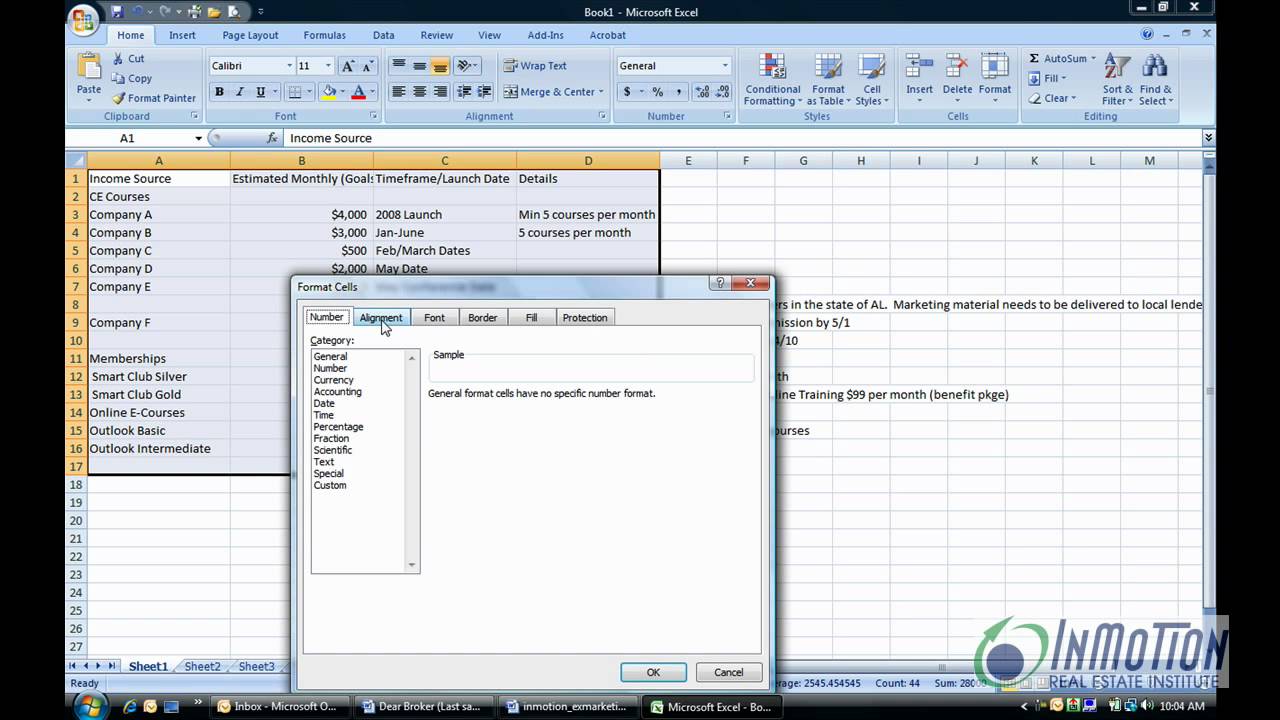
Convert Microsoft Word Table To Excel Spreadsheet mov YouTube
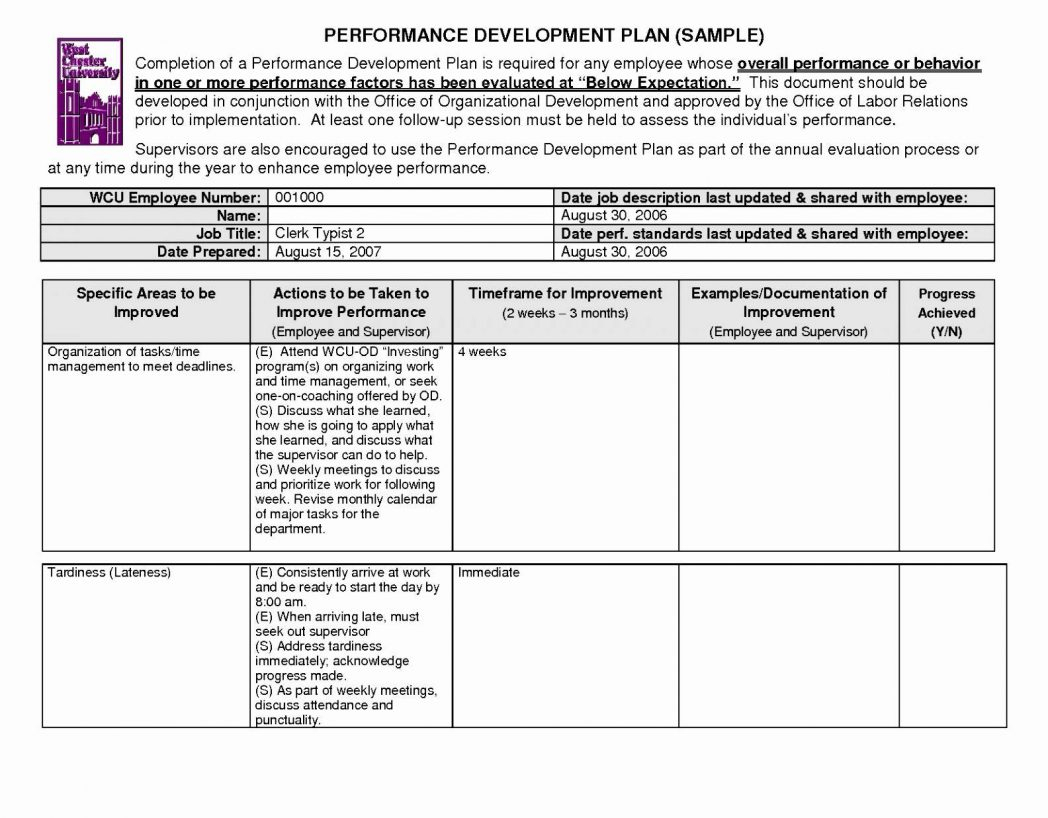
Spreadsheet Template Page 26 Hotel Forecasting Spreadsheet Loan

Error 2146827284 When Trying To Write Text To Excel Spreadsheet NI

To do this open the Word document that contains the list you want to convert to Excel Click File Save As and choose a location where you want to save the text file In the Save as type drop down list select Plain Text txt Press Save to save the file A File Conversion dialog box will appear leave the default settings and click OK
Best way to convert your DOC to XLS file in seconds 100 free secure and easy to use Convertio advanced online tool that solving any problems with any files XLS format is used to refer to the documents of the program Microsoft Excel This file is a spreadsheet All document data distributed and stored in the cells Each cell has a
Select all of the text that you want to convert into a table Click the Insert tab and then click the Table button Select Convert Text to Table Enter the number of lines per record in the the Number of columns field If you have a blank line between each record add one to the total Click OK

Convert Word files to Excel using Free Online Converter Excel has features that are specific to managing numerical data such as formulas functions and charts whereas Word is designed to create text based documents Converting Word to Excel provides the flexibility and convenience needed for today s digital workflow
In the process of conversion each text paragraph becomes a row in the Excel spreadsheet while tables in Word become tables in Excel and maintain their layout and content Word to Excel Converter online Word and Excel files make a powerful duo in today s office work and Word and Excel integration unlocks the potential for data synergy
Step 2 Copy Data Once you have the Word document open select the data that you want to convert to an Excel spreadsheet You can do this by highlighting the text with your mouse or by using the Ctrl A keyboard shortcut to select all of the text in the document Next press Ctrl C or right click and select Copy to copy the data to your Method 2 Restore the Text Import Wizard The Text Import Wizard enables you to control the structure of the data you want to import It starts automatically when you import text files i e a file with a TXT extension Open Microsoft Excel and browse to a text file or change the extension of the CSV file to TXT
Steps First of all press the File Then click on the Save a Copy button Now save the file in the desired location of the File Explorer Choose the File type as Plain Text Finally click on the Save button In this step we convert the word file into a text file The File Conversion window will appear