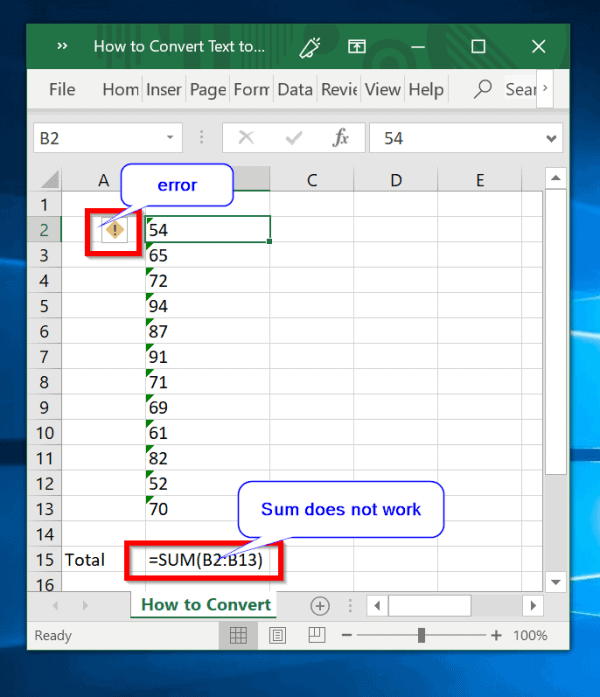
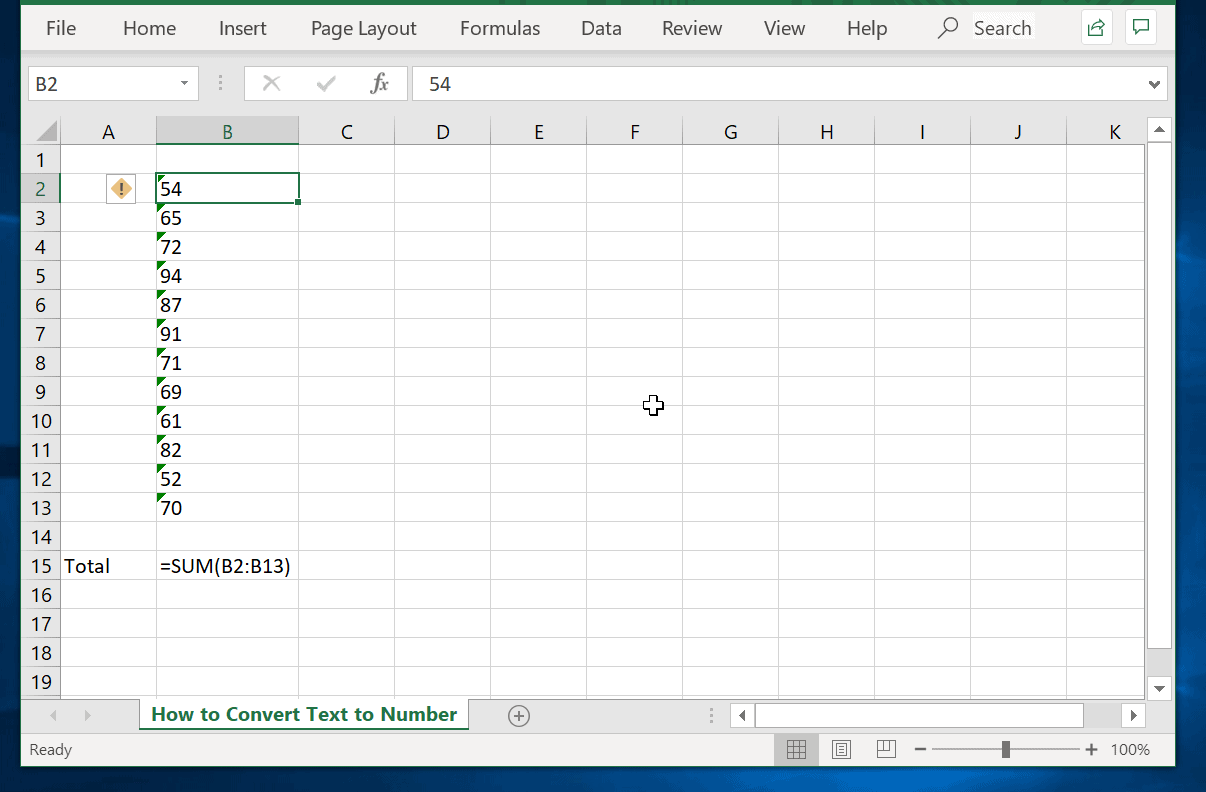
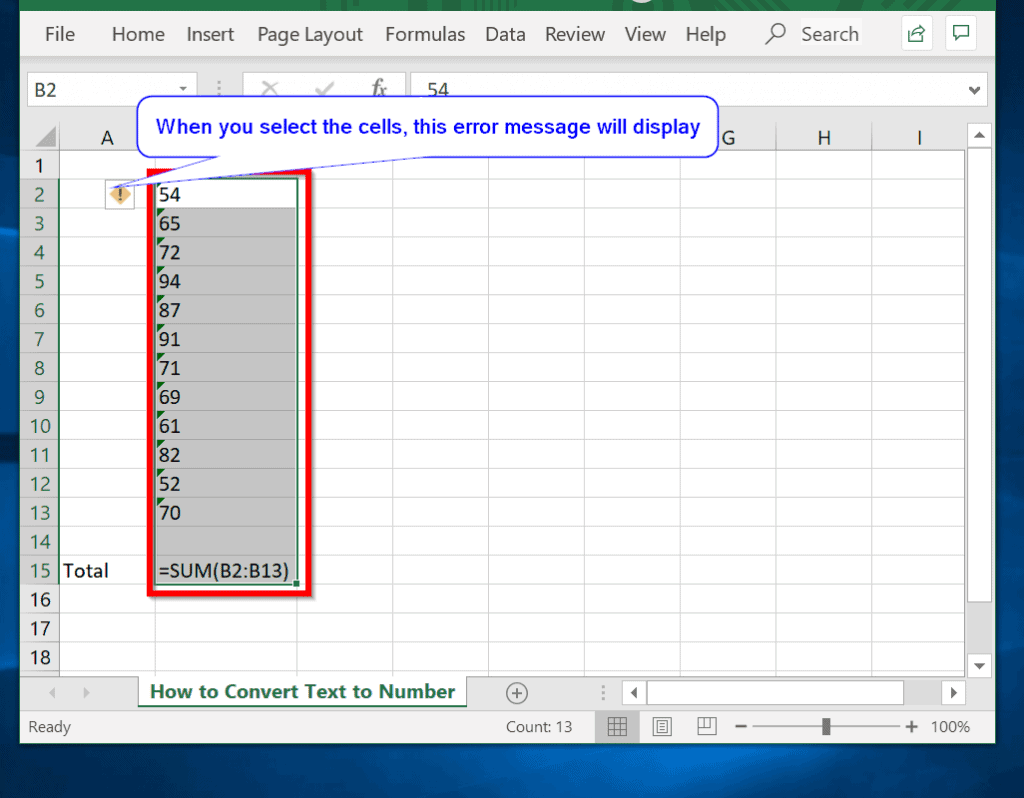
Convert Text To Number Convert Text In To Numbers In Excel YouTube How To Change Or convert Text To Number In Excel How To Convert Number To Text In MS Excel 2016 YouTube Excel convert Text To Number With Formula And Other Ways Ablebits Convert Numbers To Text In Excel What Is It Examples Template Web Select all the cells that you want to convert from text to numbers Click on the yellow diamond shape icon that appears at the top right From the menu that appears select Convert to Number option This would instantly convert all the numbers stored as text back to numbers
Web Aug 29 2023 nbsp 0183 32 Convert Text to Number with VALUE Function There is actually a dedicated function you can use for converting text to numerical values The VALUE function takes a text value and returns the text value as a number VALUE text text is the text value you want to convert into a numerical value Web Nov 30 2022 nbsp 0183 32 In this tutorial you will learn how to recognize numbers stored as text and multiple ways to convert text to numbers Here s what we ll cover How to check if a value is numeric or text The Convert to Number Excel option Change text to numbers with Paste Special Using Text to Columns to convert text Convert text to numbers using
Convert Numbers To Text In Excel What Is It Examples Template How To Mass Convert Numbers Stored As Text To Numbers In Excel Excel Convert Text To Number 4 Ways To Convert Text To Number In Excel Excel Convert Text To Number 4 Ways To Convert Text To Number In Excel Excel Convert Text To Number 4 Ways To Convert Text To Number In Excel Convert Numbers To Text In Excel YouTube Unelirtren Download Convert All Numbers Stored As Text Convert String To Number Stocksdop Convert Text To Number and Date Apache OpenOffice Extensions
Convert Text To Number
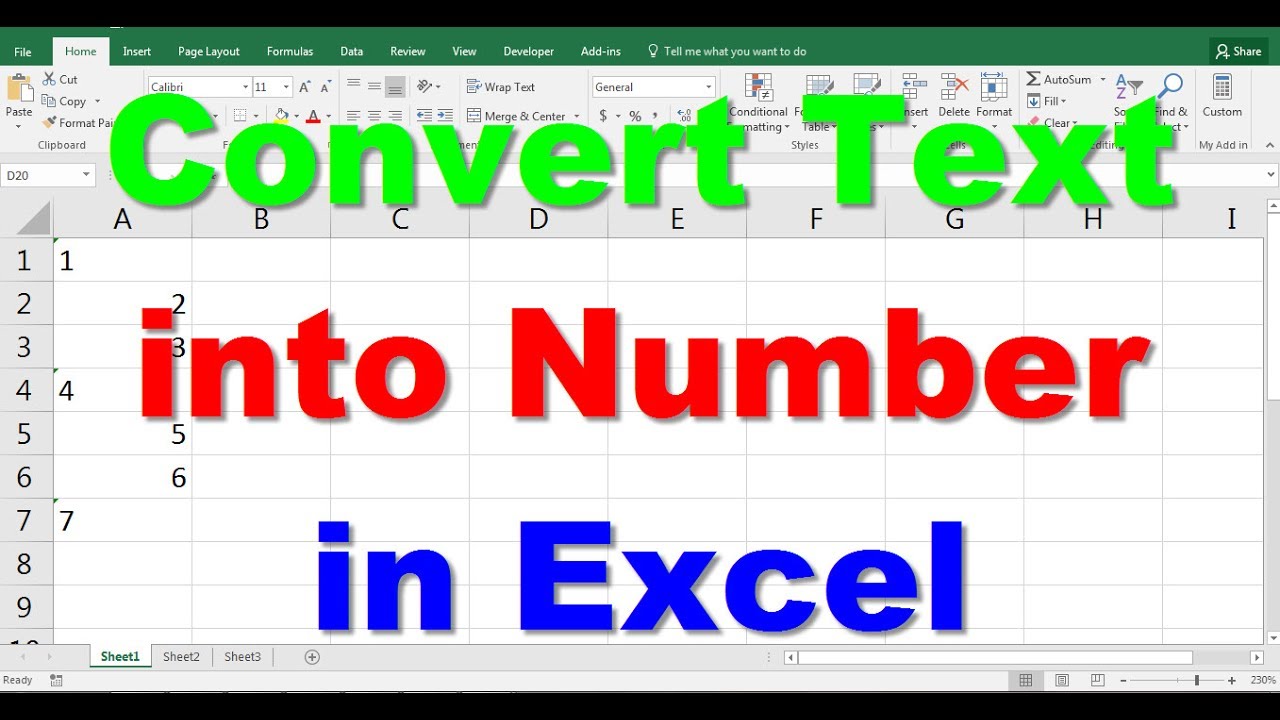 Convert Text To Number
https://i.ytimg.com/vi/kZQ-kPhS8qA/maxresdefault.jpg
Web Feb 2 2023 nbsp 0183 32 1 Use the quot Text to Columns quot button One way you can convert text to numbers in Excel is by using the text to columns button This method involves recognizing when Excel doesn t recognize the values in a column as numbers and then taking steps to alter the column
Pre-crafted templates offer a time-saving option for developing a varied series of files and files. These pre-designed formats and layouts can be used for numerous individual and expert tasks, including resumes, invites, leaflets, newsletters, reports, discussions, and more, improving the content development procedure.
Convert Text To Number
How To Count In Excel Letters Haiper

How To Mass Convert Numbers Stored As Text To Numbers In Excel
Excel Convert Text To Number 4 Ways To Convert Text To Number In Excel
Excel Convert Text To Number 4 Ways To Convert Text To Number In Excel
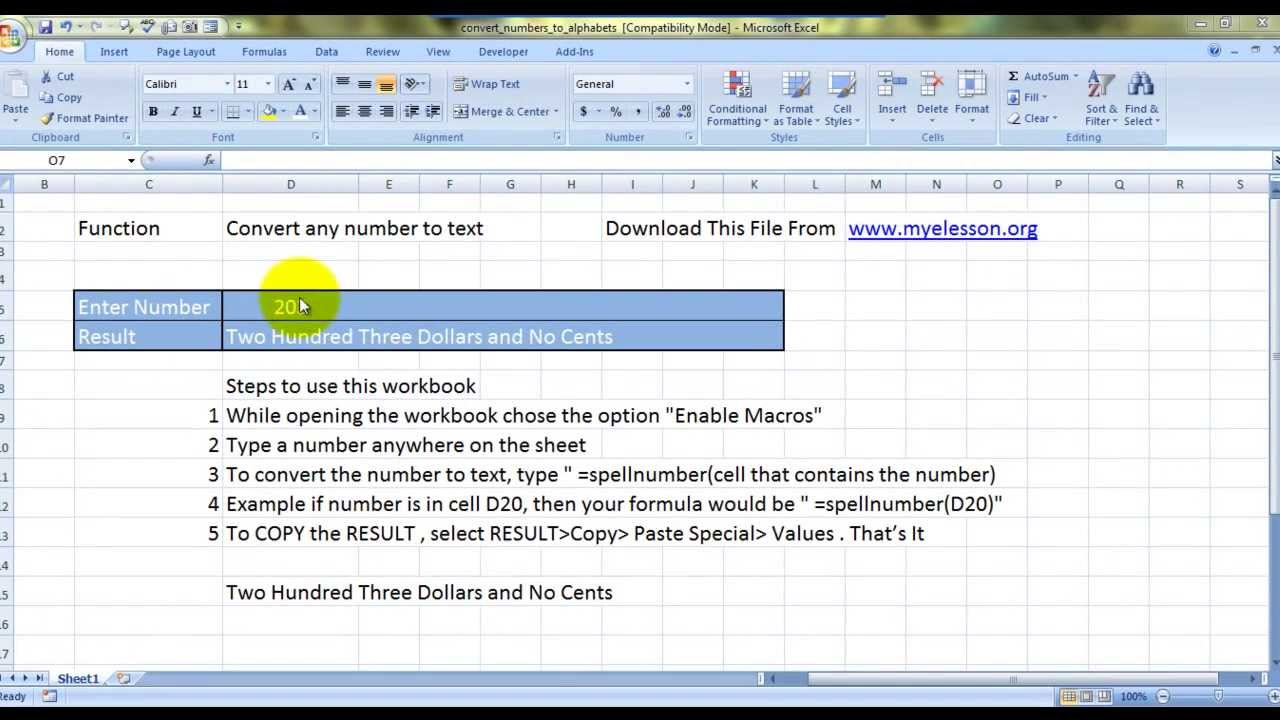
Convert Numbers To Text In Excel YouTube
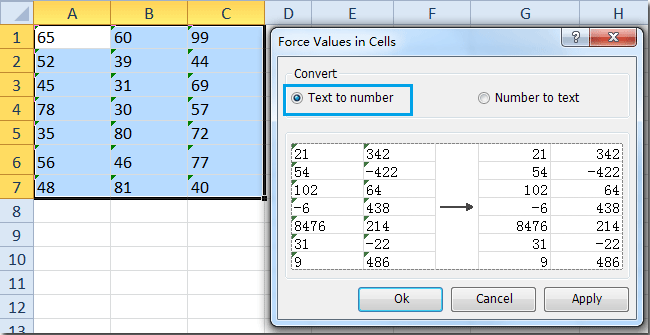
Unelirtren Download Convert All Numbers Stored As Text
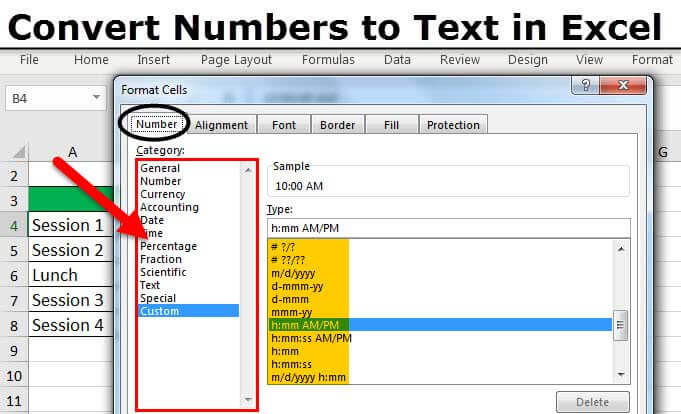
Web Mar 29 2022 nbsp 0183 32 A quick and easy way to convert text to a number is by changing the cell format on the Home tab Use the drop down box at the top of the Number section Choose quot Number quot from the list Alternatively right click the cell s and pick quot Format Cells quot Select the Number tab and pick quot Number quot on the left

Web To convert simple text values to numbers you can use the the VALUE function or simply add zero as described below In the example shown the formula in C5 is VALUE B5 Background Sometimes Excel ends up with text in a cell when you really want a number
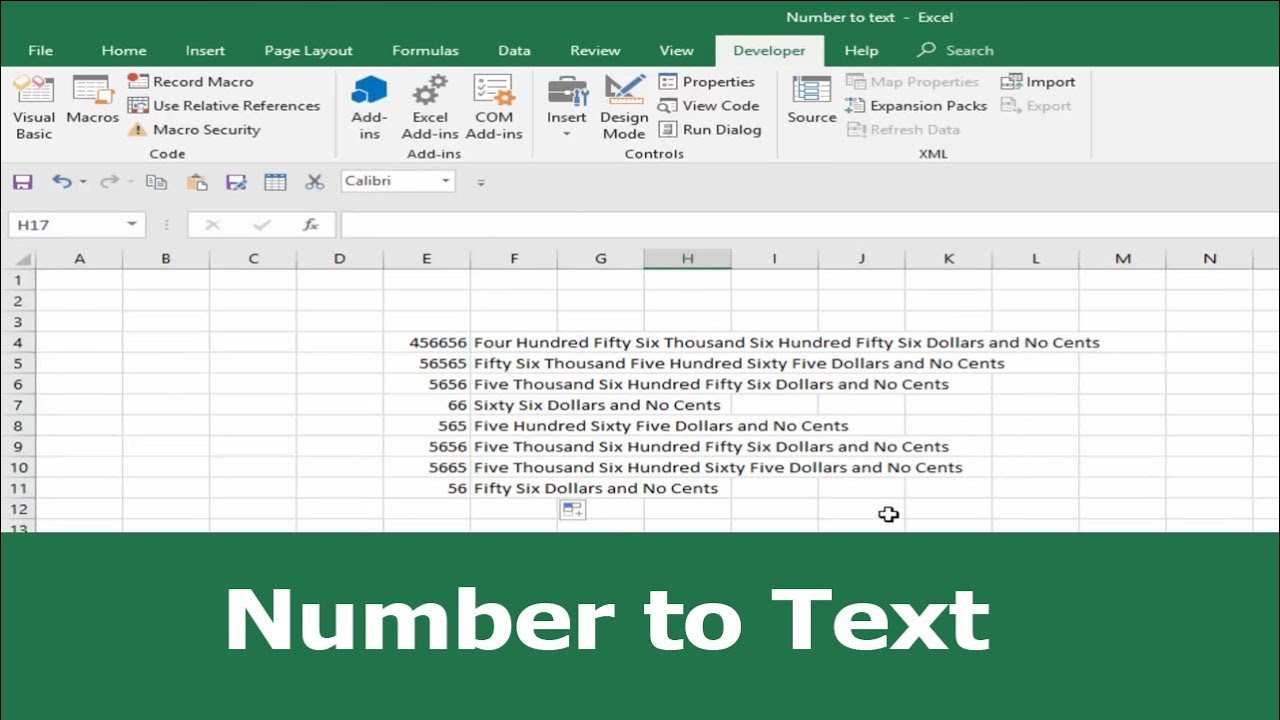
Web Converts text to a number in a locale independent way Syntax NUMBERVALUE Text Decimal separator Group separator The NUMBERVALUE function syntax has the following arguments Text Required The text to convert to a number
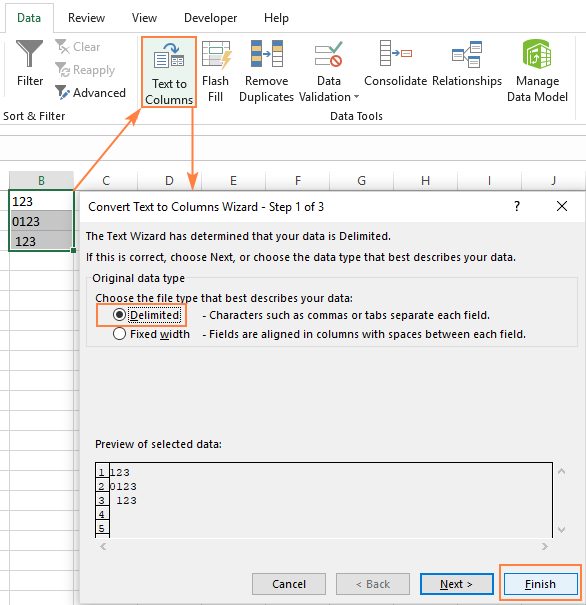
Web Mar 16 2023 nbsp 0183 32 How to convert text to number in Excel Excel s Convert to Number feature Convert text into number by changing the format Change text to number with Paste Special Change string to number with Text to Columns Convert text to number formula Turn text into number with mathematic operations
Web Aug 3 2020 nbsp 0183 32 There is a special function in Excel that ll convert a number formatted as text into a numeric value This is the VALUE function To use this function select the cell where you want the converted number to go and type VALUE G2 Replace G2 above with the cell that has the number you want to convert
[desc-11] [desc-12]
[desc-13]