Convert Text To Int Excel Formula INT Formula In Excel With Example YouTube How To Replace Text In A String In Excel Using Replace Function Riset Convert TEXT To DATE In Excel YouTube How To Convert PDF To Excel YouTube How To Convert Number To Text In MS Excel 2016 YouTube 1 Use Text to Columns Option to Convert Text to Number in Excel In this section of the article we will learn to use the Text to Column feature of Excel to convert text to number Let s follow the steps mentioned below Select the column of Number as Text After that go to the Data tab Text to Columns option
The VALUE function in Excel is designed to convert text values to numbers It can recognize numeric strings dates and times Where text is a text string enclosed in quotation marks or a reference to a cell containing the text to be changed to a number The VALUE function was introduced in Excel 2007 and is available in Excel 2010 Excel 2013 5 Using The VALUE Function There is a special function in Excel that ll convert a number formatted as text into a numeric value This is the VALUE function To use this function select the cell where you want the converted number to go and type VALUE G2 Replace G2 above with the cell that has the number you want to convert
How To Convert Number To Text In MS Excel 2016 YouTube How To Convert PDF To An Excel File Quick And Easy How To Use The INT Function In Excel YouTube How To Have Excel Convert Formula To Value Using VBA Excel DATEVALUE Function Convert Text To Date YouTube Formulas In Excel 2 Round Numbers To Next Lowest Integer In Excel How To Convert Excel To PDF with Pictures WikiHow How To Convert Text To A Number In Excel 2007 YouTube How To Convert Text To Numbers In Excel 5 Ways Avantix Learning
Convert Text To Int Excel Formula
 Convert Text To Int Excel Formula
https://i.ytimg.com/vi/DU5jro17Gqc/maxresdefault.jpg
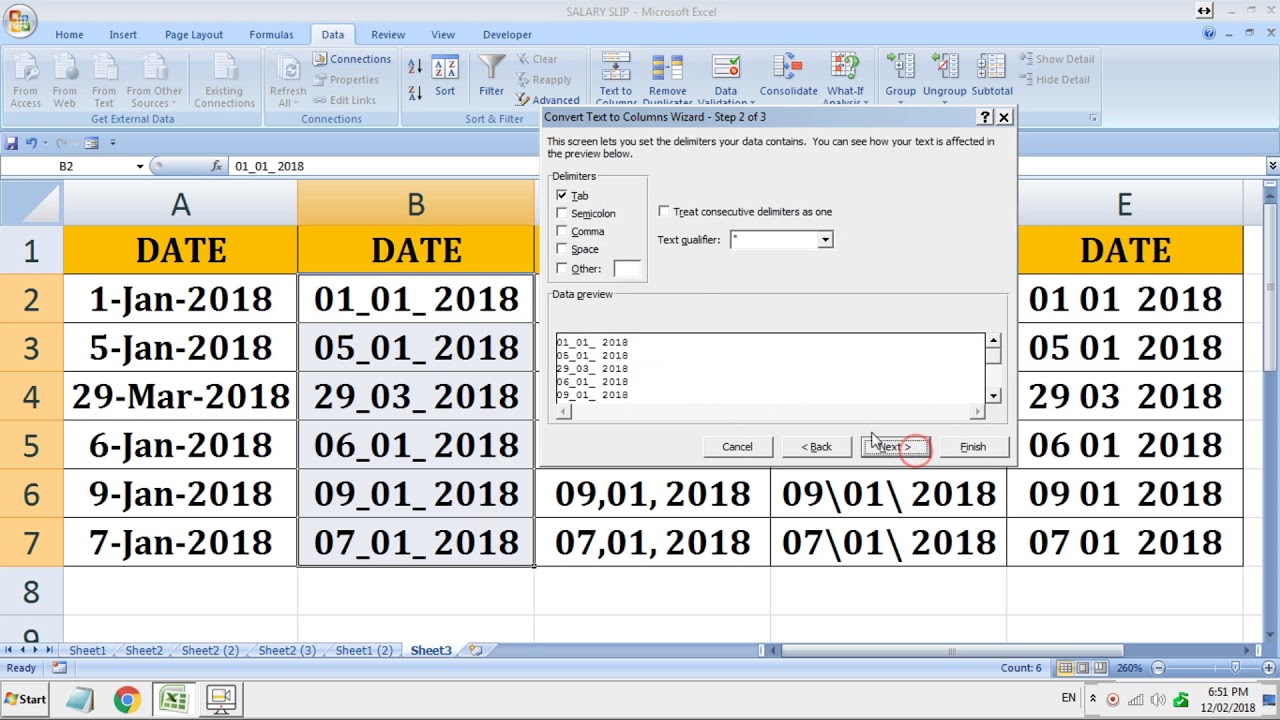
Select all the cells that you want to convert from text to numbers Go to Data Data Tools Text to Columns In the Text to Column Wizard In Step 1 Select Delimited and click on Next In Step 2 Select Tab as the delimiter and click on Next In Step 3 In Column data format make sure General is selected
Pre-crafted templates offer a time-saving service for developing a diverse variety of files and files. These pre-designed formats and layouts can be used for different individual and professional jobs, including resumes, invitations, leaflets, newsletters, reports, discussions, and more, streamlining the material development process.
Convert Text To Int Excel Formula
Text To Number Format Formula In Excel Excel Quickie 77 YouTube
How To Convert PDF To An Excel File Quick And Easy

How To Use The INT Function In Excel YouTube
How To Have Excel Convert Formula To Value Using VBA
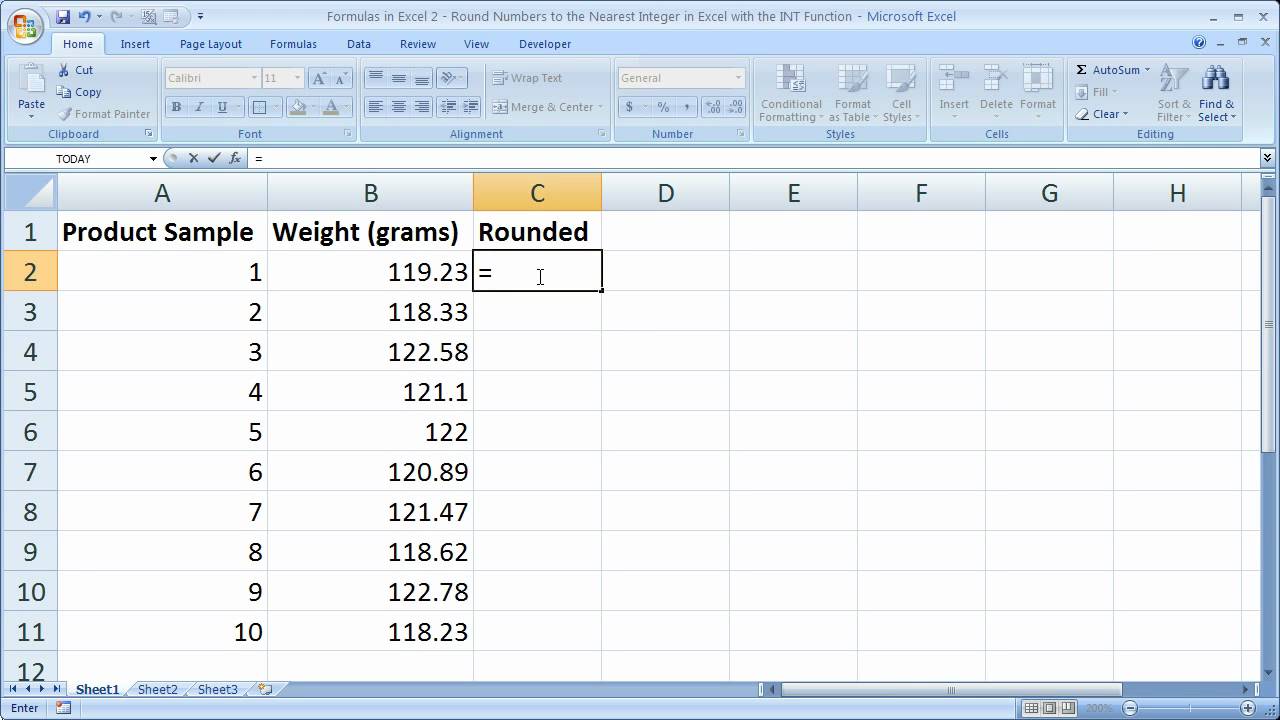
Formulas In Excel 2 Round Numbers To Next Lowest Integer In Excel

How To Convert Excel To PDF with Pictures WikiHow

To convert a column of text values you enter the formula in the first cell and drag the fill handle to copy the formula down the column For more information please see VALUE formula to convert text to number Formula 2 Convert string to date Apart from text numbers the VALUE function can also convert dates represented by text strings
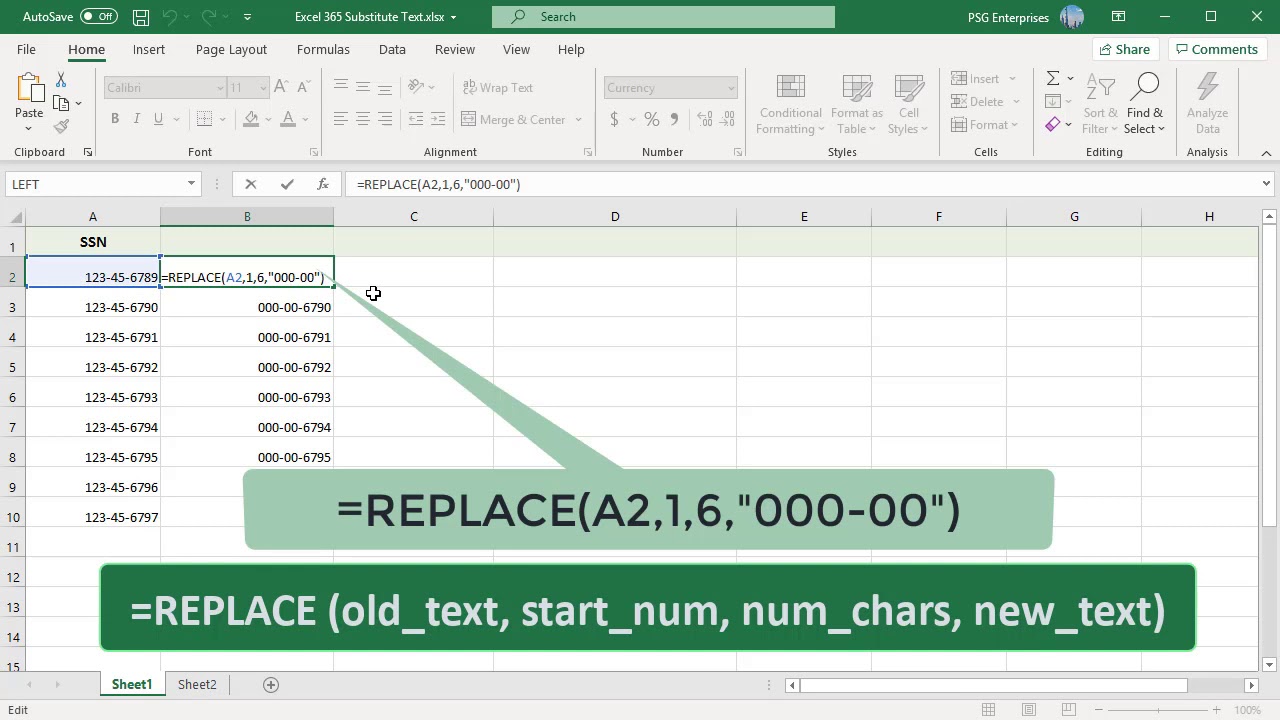
Select a blank cell that doesn t have this problem type the number 1 into it and then press Enter Press Ctrl C to copy the cell Select the cells that have numbers stored as text On the Home tab select Paste Paste Special Select Multiply and then click OK Excel multiplies each cell by 1 and in doing so converts the text to numbers
Text Required The text to convert to a number Decimal separator Optional The character used to separate the integer and fractional part of the result Group separator Optional The character used to separate groupings of numbers such as thousands from hundreds and millions from thousands and paste it in cell A1 of a new Excel worksheet
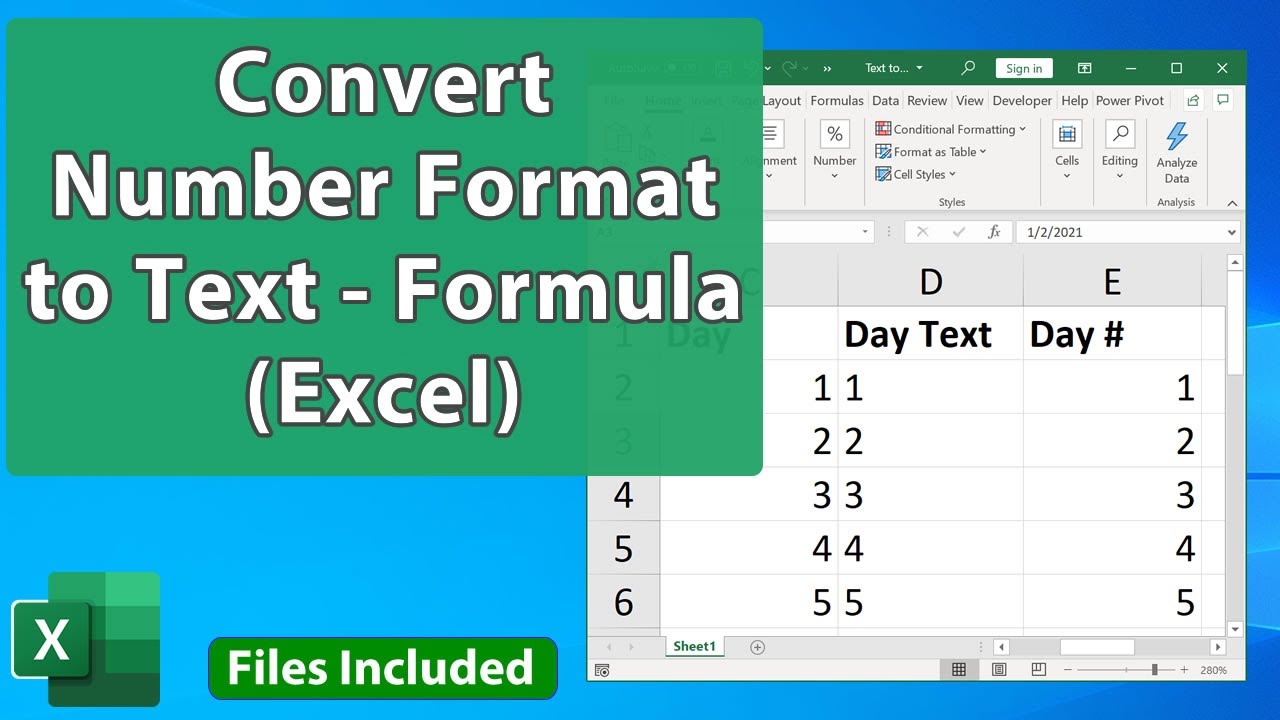
A quick and easy way to convert text to a number is by changing the cell format on the Home tab Use the drop down box at the top of the Number section Choose Number from the list Alternatively right click the cell s and pick Format Cells Select the Number tab and pick Number on the left
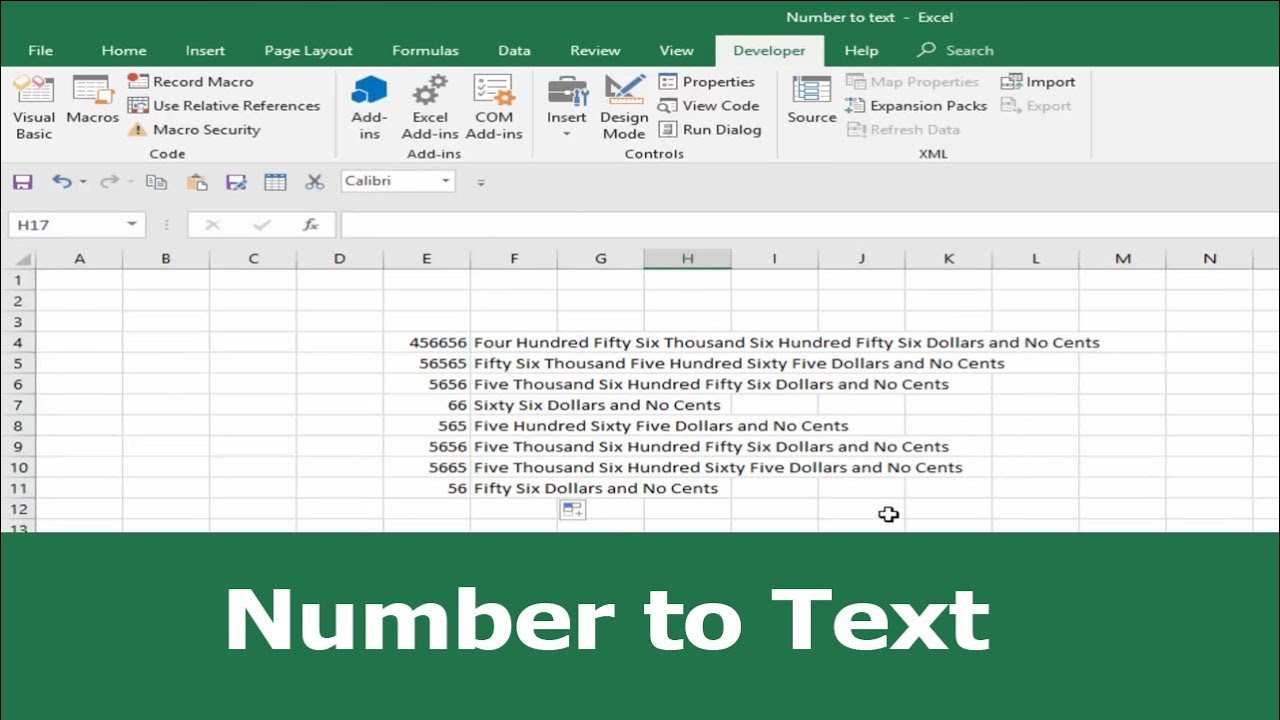
Select the cells that contain the text which you want to convert into number Go to the Data tab Click on the Text to Column command found in the Data Tools tab Select Delimited in the Original data type options Press the Next button Press the Next button again in step 2 of the Convert Text to Columns wizard
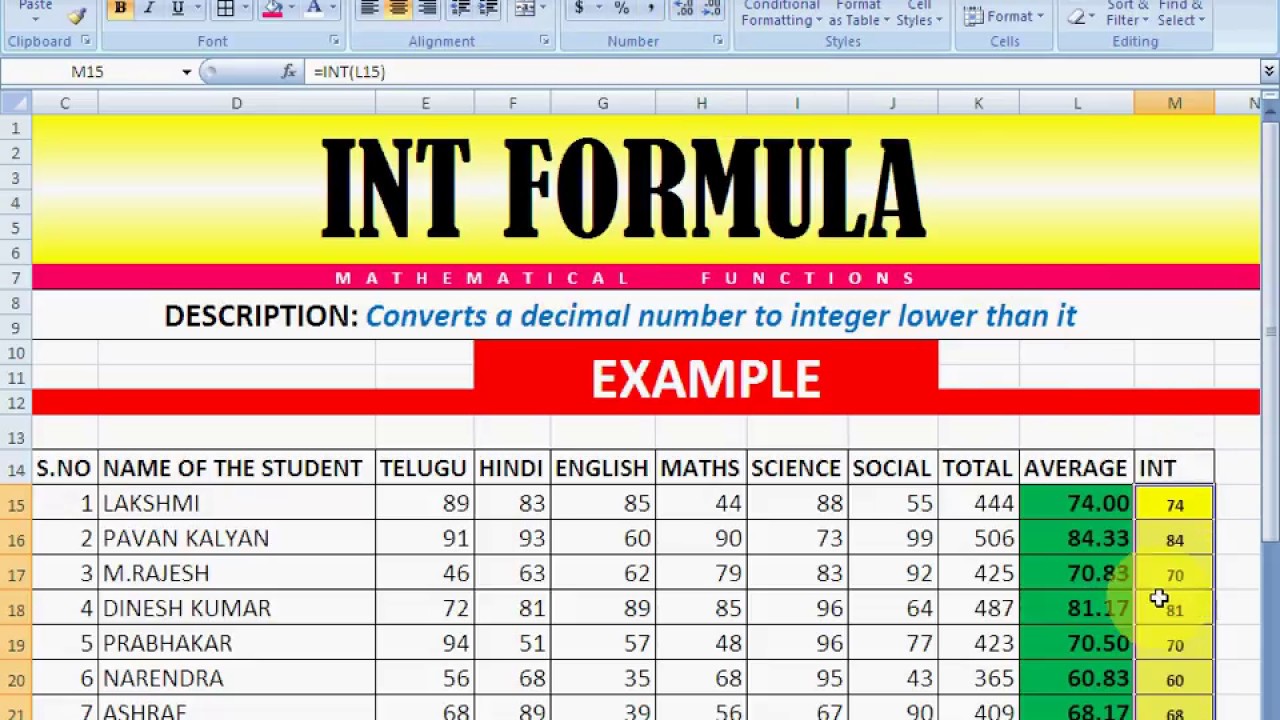
The INT function returns the integer part of a decimal number by rounding down to the integer It is important to understand that the INT function returns the integer part of a decimal number after rounding down One consequence of this behavior is that negative numbers become more negative For example while INT 10 8 returns 10 INT 10 8 returns 11 To do so we need to use Paste Special to perform a simple calculation When a text value is used in a calculation the result is numeric Type the number 1 in a cell any cell Copy that cell value Select the range of values you need to convert to numbers Click Home Paste list arrow and Paste Special 5
Here we are again with the three quickest ways how to convert text to number in Excel You can choose which one seems most convenient for you Let s start