Convert Text To Excel Table Online Convert Numbers To Text In Excel What Is It Examples Template How Do I Convert A File To Excel How To Use TEXT Function In Excel Mahipal Dodia Convert Tabular Data From PDF To Sheets And Excel Screenshots How To Convert Picture To Excel Table In A Blink Of An Eye TechWiser Step 1 Click inside the file drop area to upload TXT file or drag drop TXT file Step 2 Click on Convert button Your TXT files will be uploaded and converted to XLSX result format Step 3 Download link of result files will be available instantly after conversion Step 4 You can also send a link to the XLSX file to your email address FAQ
Text to Excel Converter is a service for online file conversion from one type to another We support many popular formats for work all possible image formats multimedia file formats etc Our Text to Excel conversion tool is easy to use select the desired file type then define the output format of your document upload the file and click Upload TXT file Drag and drop your TXT file into the upload area The maximum file size is 100 MB TXT to XLS Click Convert to change txt to xls The conversion usually takes a few seconds Download your XLS Now you can download the XLS file The download link only works on your device TXT converter TXT to AZW3 TXT to BMP TXT to CSV
How To Convert Picture To Excel Table In A Blink Of An Eye TechWiser How To Convert Text To Numbers In Excel 2016 YouTube Types Of Tables In Excel BEST GAMES WALKTHROUGH How To Convert Text CSV Files To Excel 2 Easy Methods Create Table In Excel From Data How To Convert Excel To PDF with Pictures WikiHow How To Convert Number To Text In MS Excel 2016 YouTube 12 Best PDF To Excel Converters For Windows Offline TalkHelper How To Convert Text CSV Files To Excel 2 Easy Methods
Convert Text To Excel Table Online
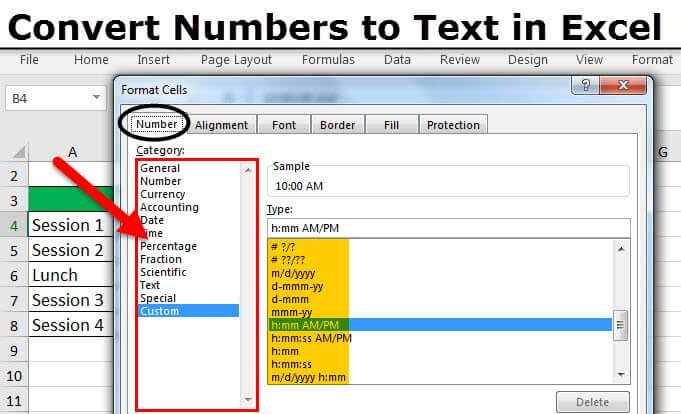 Convert Text To Excel Table Online
https://www.wallstreetmojo.com/wp-content/uploads/2018/10/Convert-numbers-to-text-in-excel.jpg
FAQ Q How to convert TXT to XLSX file A Upload you file by drag and drop it to the upload zone with label Click or drop your files here or click on it to select file using file explorer After that select destination format in which you want to convert your file and click Convert button
Pre-crafted templates use a time-saving solution for creating a varied variety of documents and files. These pre-designed formats and designs can be used for numerous individual and expert jobs, consisting of resumes, invitations, leaflets, newsletters, reports, discussions, and more, improving the material development procedure.
Convert Text To Excel Table Online
Converting Bank Statement PDF To Excel
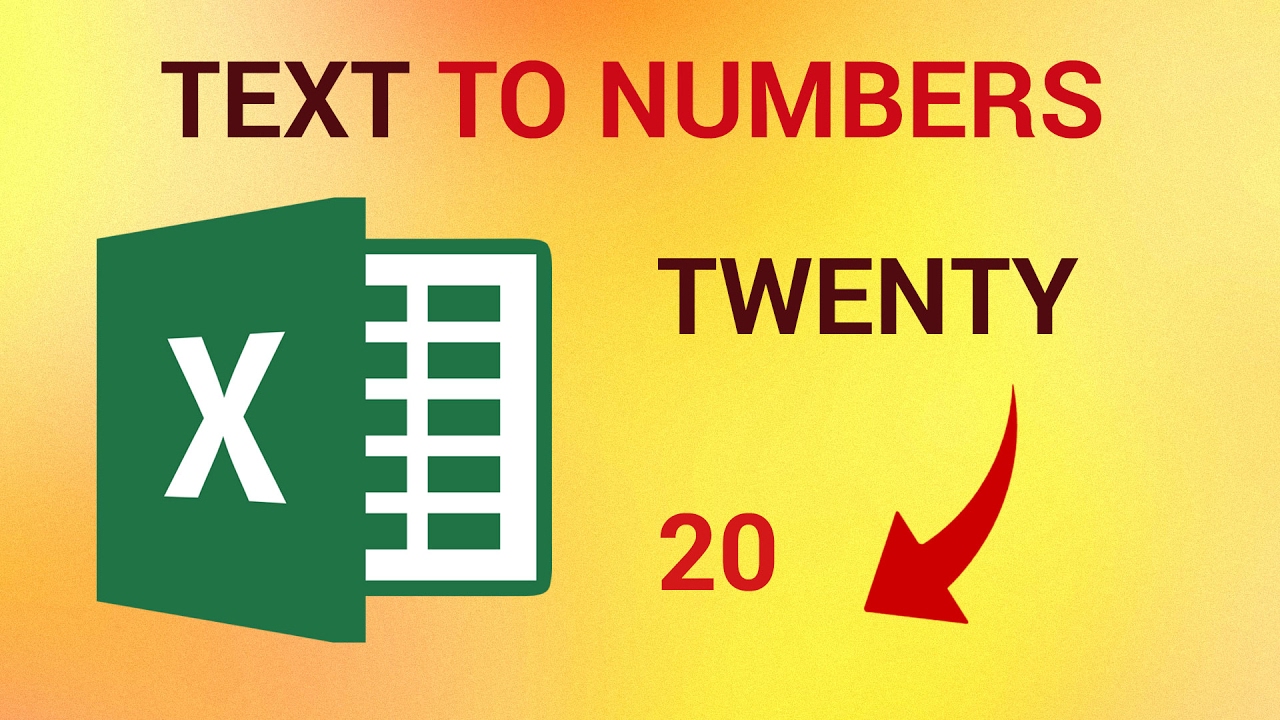
How To Convert Text To Numbers In Excel 2016 YouTube

Types Of Tables In Excel BEST GAMES WALKTHROUGH

How To Convert Text CSV Files To Excel 2 Easy Methods

How To Convert Excel To PDF with Pictures WikiHow
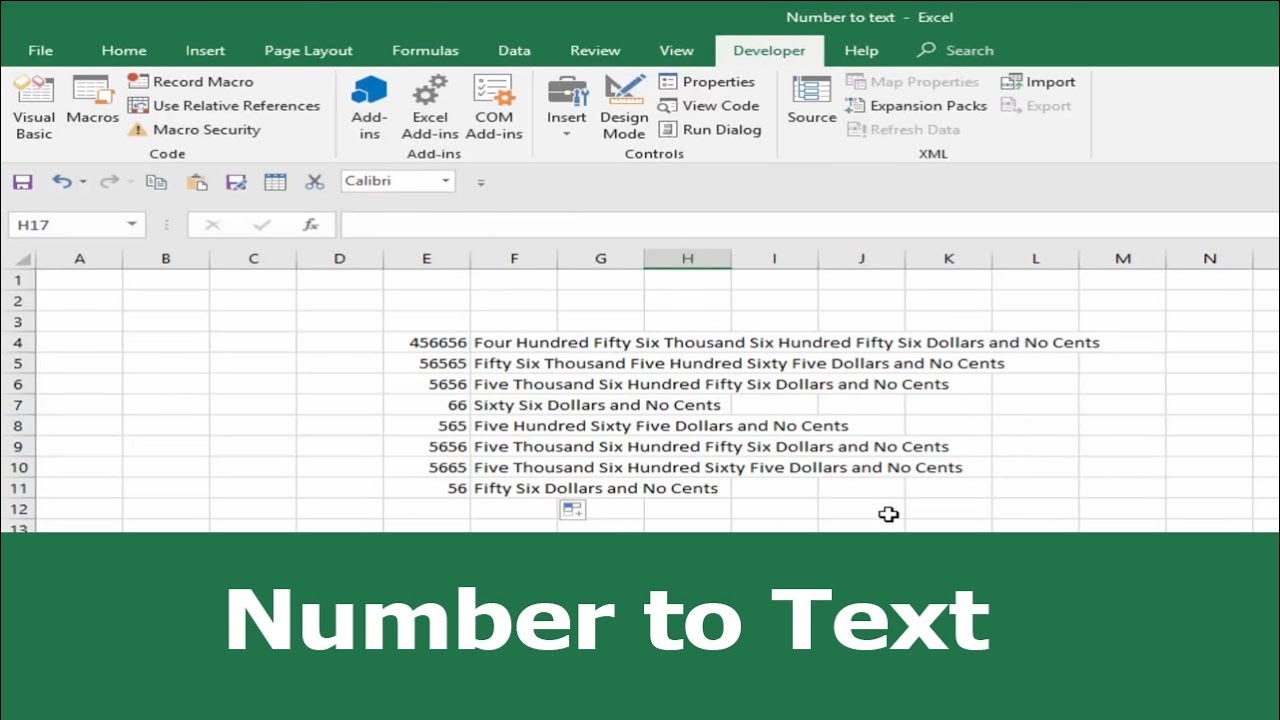
How To Convert Number To Text In MS Excel 2016 YouTube
Convert any text into table in seconds Paste any text with up to 100 data points Enter descriptive simple English column names Download the table as a csv Build Your table

How to convert TXT to Excel Upload TXT files to convert them to Excel format online Specify TXT to Excel conversion options Click the button to convert TXT to Excel online Download the result in Excel format for viewing You can send download link by e mail if you would like to get the results later

1 Data Source Prepare the Excel code to convert into Markdown Table We will not store any of your data 2 Table Editor An Excel like editor or builder allows edit the Excel data of previous easily 3 Table Generator Copy or download the converted Markdown Table data Data Source Excel Fiona AI ChatGPT SidePanel GPTs GPT 4 Example
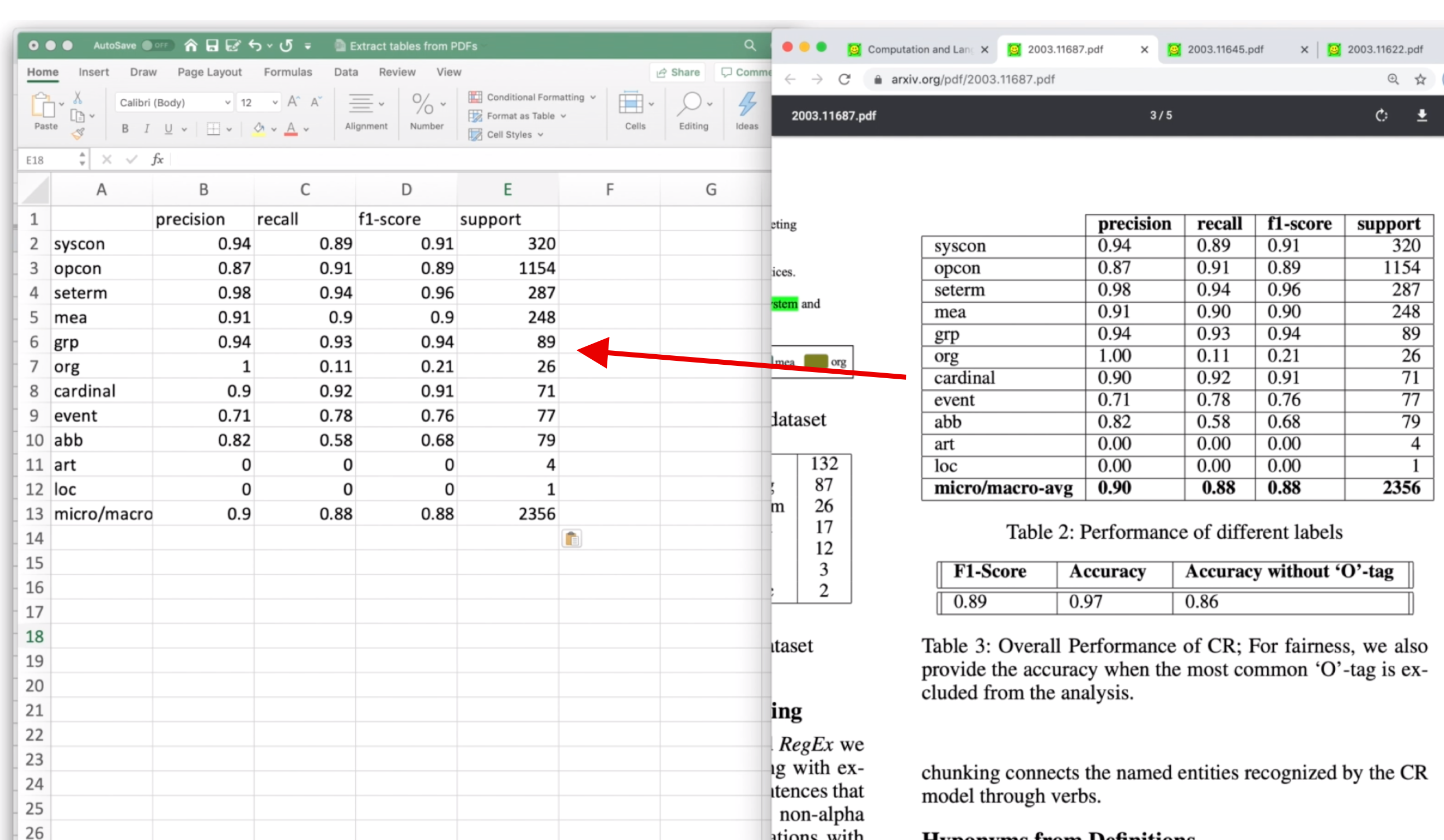
Step 1 Upload txt file You can select txt file you want to convert from your computer Google Drive Dropbox or simply drag and drop it onto the page Step 2 Select to xls Choose xls or any of the other 200 supported formats you d like to convert to Step 3 Download your xls file

This is a free app to convert Txt to Excel format also you can save the result to PDF DOCX PPTX XLS XLSX XLSM XLSB XLT ET ODS CSV TSV HTML JPG BMP PNG SVG TIFF XPS JSON XML SQL MHTML and Markdown Convert Excel online from Mac OS Linux Android iOS and anywhere
This online tools helps you to convert your file to the Excel format If you have a scanned table as image or PDF you can also use optical character recognition OCR to detect tables in your source file like a PDF and convert it to Excel Method 1 Creating a New Excel File from Text Download Article 1 Open Excel If you have a text or comma separated values CSV file that that you want to save as an Excel workbook you can easily open the file in Excel on Windows and macOS Start by opening Excel which will launch to the Open screen
1 Open the text file using Excel This is the simplest method to convert text to Excel No additional software or online tools are required Just follow the steps below Opening text files with Excel Open Excel and select the File option from the menu Click on Open and navigate to the location of your file