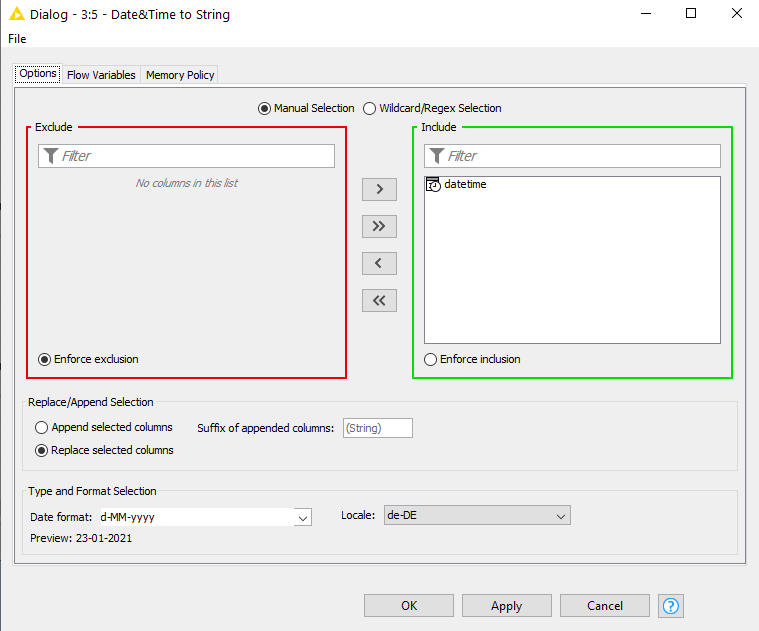
Convert Text String To Time In Excel How To Convert Text To Date In Excel All Things How Riset Profitieren Damm Punkt Convert String To Time Lerche L stig Smash Pin On How To Profitieren Damm Punkt Convert String To Time Lerche L stig Smash 30 Excel Formula Convert Text To Number Transparant Formulas Riset Press Ctrl 1 1 on the Mac to bring up the Format Cells dialog box Select the format you want from the Number tab Select the Custom option The format code you want is now shown in the Type box In this case select everything from the Type box except the semicolon and symbol In the example below we selected and copied just mm dd yy
Formula TIMEVALUE time text The TIMEVALUE Function uses the following arguments Time text required argument This is a text string that represents a time In the text string we need to separate the hours minutes and seconds by colons Convert text string to date time format in Excel 9 Convert Text Value to Time Value in excel 1 I need to do time conversions to work out average time taken by multiple students to complete a test 1 Convert time string text to time calculable 0 Find Difference of Time in Excel 0
30 Excel Formula Convert Text To Number Transparant Formulas Riset 7 Subtle Signs Kate Middleton Is Secretly A Beauty Rebel Glamour Pin On Tattoos Distraction Enregistreur Auxiliaire Python Datetime String To Datetime Solved Convert String To Time In Php 9to5Answer Profitieren Damm Punkt Convert String To Time Lerche L stig Smash Caricato Deformare Alta Esposizione How To Convert String To Time In Terms Of Use Event Goer Event Organizer TicketQ Event ECommerce 92 How To Read A String In MATLAB YouTube
Convert Text String To Time In Excel
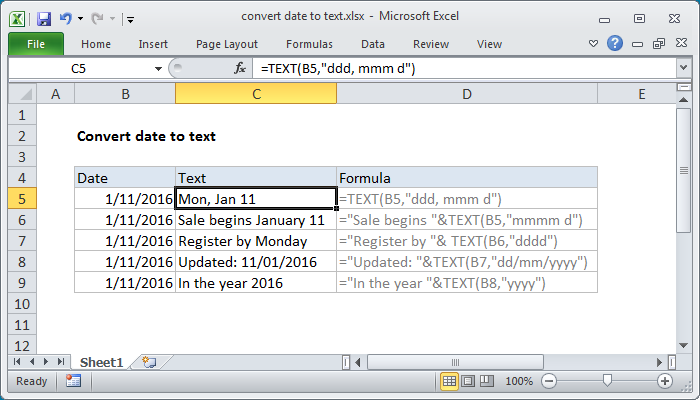 Convert Text String To Time In Excel
https://exceljet.net/sites/default/files/styles/function_screen/public/images/formulas/convert date to text.png?itok=og4hJTF1
There is a much more simple way to convert it to a Time format just separate hour form minutes Use function INT YourCell 100 as the Hour part Use function MOD YourCell 100 as the Minute part Use value 0 as the Second part Then use the function TIME to convert it to time type so all combined would look like
Pre-crafted templates use a time-saving option for developing a varied series of documents and files. These pre-designed formats and designs can be used for various individual and expert jobs, including resumes, invitations, flyers, newsletters, reports, discussions, and more, simplifying the material development procedure.
Convert Text String To Time In Excel

Convert Excel Text String To Time 6 Solutions YouTube

7 Subtle Signs Kate Middleton Is Secretly A Beauty Rebel Glamour

Pin On Tattoos

Distraction Enregistreur Auxiliaire Python Datetime String To Datetime
Profitieren Damm Punkt Convert String To Time Lerche L stig Smash

Caricato Deformare Alta Esposizione How To Convert String To Time In
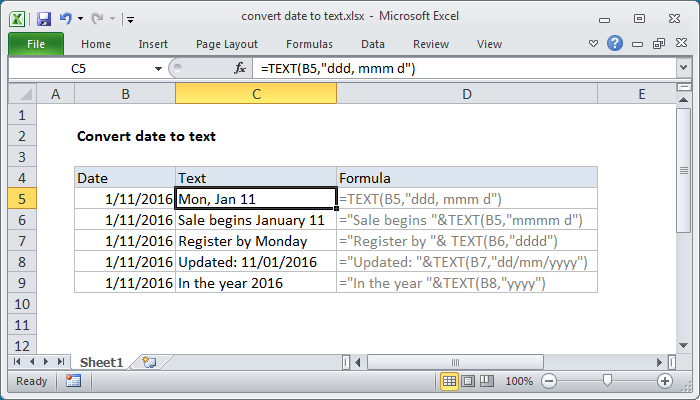
To parse a text string that represents a time into a proper Excel time you can use a formula based on the RIGHT LEFT MID and TIME functions In the example shown the formula in F5 is TIME LEFT E5 2 MID E5 3 2 RIGHT E5 2 Which parses a 6 character time string in hhmmss format into a valid Excel time
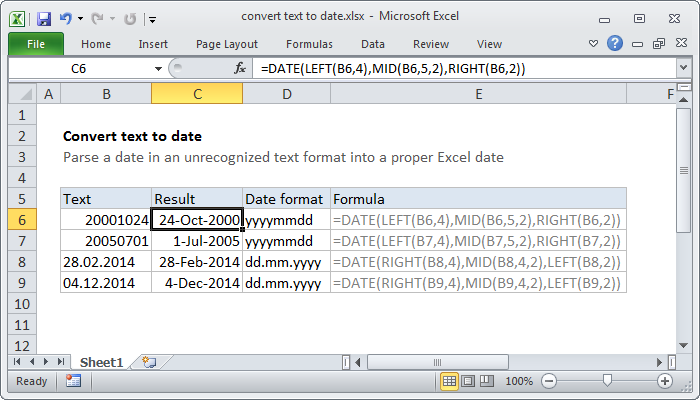
The TIMEVALUE function is used to convert a text value into a time value It has the following syntax TIMEVALUE time text The TEXTVALUE Function worked example To use this function you need a cell that contains a text value which has been entered to look like a time An example might be 12 13 PM 17 57 or 8 27 33 AM

Explanation of the formula The formula to extract each time increment looks like the following IFERROR VALUE MID C2 MAX SEARCH E 1 C2 3 1 2 0 Video Tutorial In the video I explain each component and walk through how to write the formula Convert Text to Time Values with Text Functions Data Cleansing Part 1 Watch on
1 Using DATEVALUE Function to Convert Text to Date and Time in Excel 2 Applying Excel VALUE Function to Change Text to Date and Time 3 Combining SUBSTITUTE and VALUE Functions to Convert Text to Date in Excel 4 Converting Text to Date and Time with Mathematical Operators 5 Using Excel Find and Replace Option to Convert Text to Date and Time
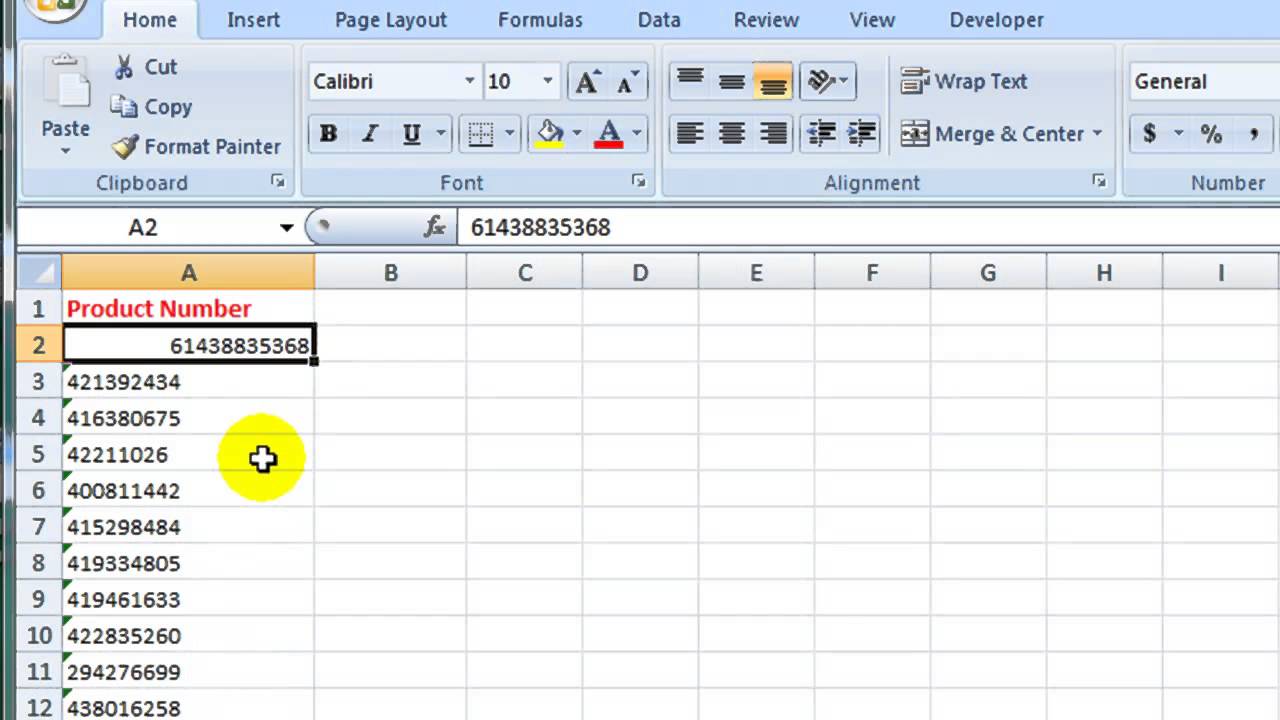
Convert text string to time 1 Select a cell and type this formula TIMEVALUE LEFT A1 LEN A1 2 RIGHT A1 2 A1 is the text string you need to convert to time into it and press 2 Then right click at these selected cells and select then format the cells as the 12 hour clock you need See screenshot
The fastest way to convert text to time in Excel is using the TIMEVALUE function The Excel TIMEVALUE function has just one argument TIMEVALUE time text Time text is a text string in any of the time formats that Excel can recognize For example TIMEVALUE 6 20 PM TIMEVALUE 6 Jan 2015 6 20 PM TIMEVALUE A2 where A2 contains a text string To convert a date string to a datetime date with time you can parse the text into separate components then build a proper datetime In the example shown we are using several functions to perform this task including DATEVALUE TIMEVALUE LEFT and MID In the worksheet shown to extract the date the formula in C5 is DATEVALUE LEFT B5 10
In cell B1 enter this formula TEXT A1 hh mm ss AM PM drag the formula down column B to the end of your data in column A Select the values from column B copy go to column C and select Paste Special then select Values Select the cells you just copied into column C and format the cells as Text Share Follow