Convert Image To Pil Convert PIL Image To NumPy Array Delft Stack Pressefotos Gischt Hannah Mayr Drogendealer Aus Wettenberg berf hrt Sich Selbst Auf Youtube Usar Python PIL Para Convertir Una Imagen RGB En Una Imagen En Blanco Y How To Convert PIL Image To Grayscale In Python The below use is the most simple and common one that we could find Passing L into the pillow convert function converts the image from it s regular RGB colors to simple black and white gray scale from PIL import Image img Image open C Users Shado Desktop kitten jpg new img img convert L new img show
The conversion transforms may be used to convert to and from PIL images or for converting dtypes and ranges Tensor image are expected to be of shape C H W where C is the number of channels and H and W refer to height and width Most transforms support batched tensor input Convert a tensor or an ndarray to PIL Image This transform does not support torchscript Converts a torch Tensor of shape C x H x W or a numpy ndarray of shape H x W x C to a PIL Image while adjusting the value range depending on the mode Parameters mode PIL Image mode color space and pixel depth of input data optional
How To Convert PIL Image To Grayscale In Python H fats TOOLS Steakbesteck Vuelove de Onlineshop 69 95 Lotus Exige S Performance Package 2008 HD Picture 5 Of 7 98110 Photo To Pencil Sketch Converter Sales Shop Save 53 Jlcatj gob mx PiL Tickets F r 2022 2023 Tour Information ber Konzerte Touren Und Apotheke Am Stadtgarten Apotheke Am Stadtgarten Usar Python PIL Para Convertir Una Imagen RGB En Una Imagen En Blanco Y Zuf llig H gel Selbst Pdf Wandler Online Ablehnen Kommandant F nfzig Absolution Wie Man Eine S nde berlebt J R Welsch Sternensand
Convert Image To Pil
 Convert Image To Pil
https://www.delftstack.com/img/Numpy/feature image - pil image to numpy array.png
Saving images is useful if you perform some data preparation on the image before modeling One example is converting color images RGB channels to grayscale 1 channel There are a number of ways to convert an image to grayscale but Pillow provides the convert function and the mode L will convert an image to grayscale
Templates are pre-designed documents or files that can be used for various purposes. They can save effort and time by offering a ready-made format and design for creating various kinds of content. Templates can be utilized for individual or expert projects, such as resumes, invites, flyers, newsletters, reports, discussions, and more.
Convert Image To Pil

File Trident II Missile Image jpg Wikipedia The Free Encyclopedia

H fats TOOLS Steakbesteck Vuelove de Onlineshop 69 95
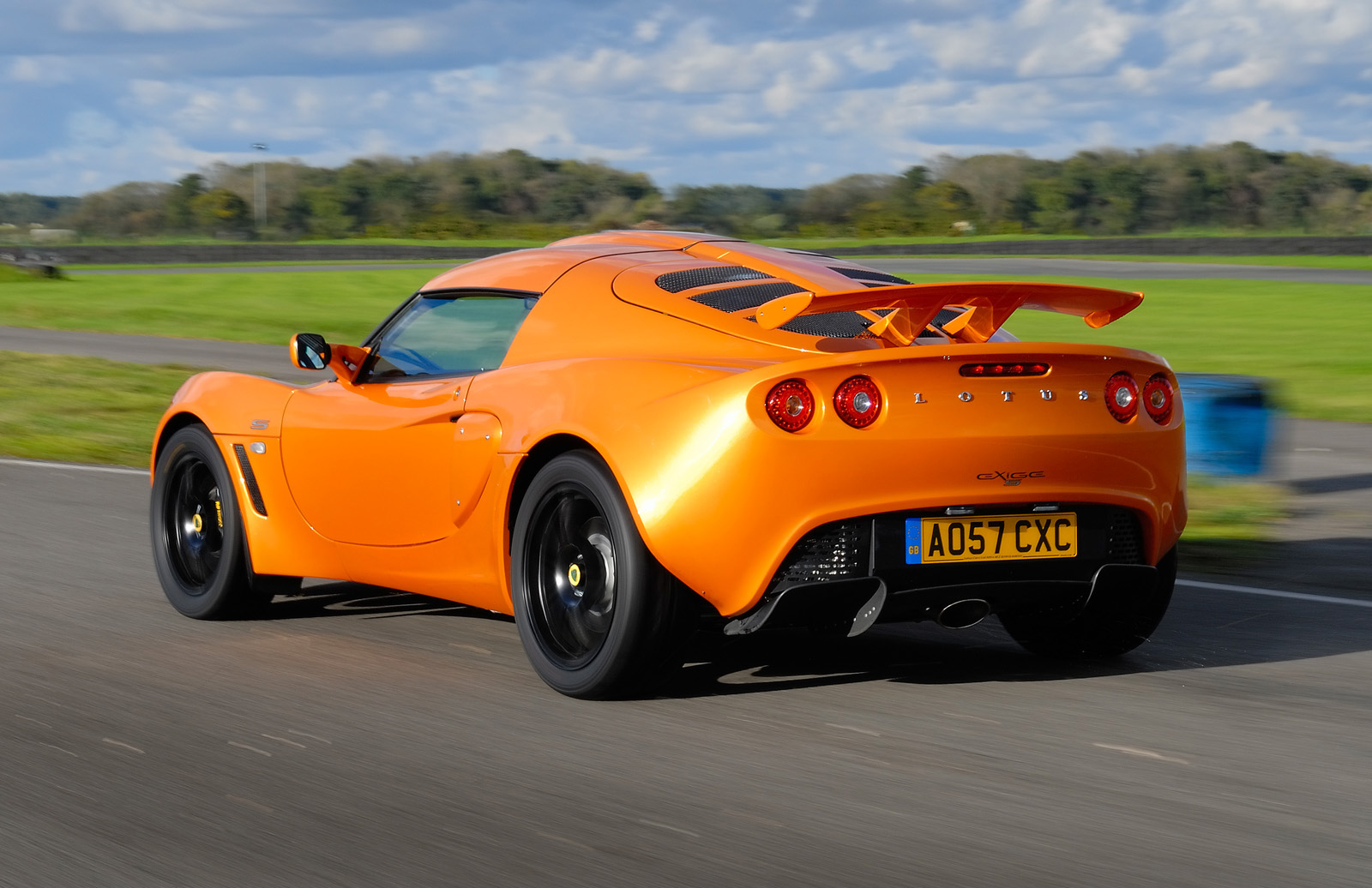
Lotus Exige S Performance Package 2008 HD Picture 5 Of 7 98110
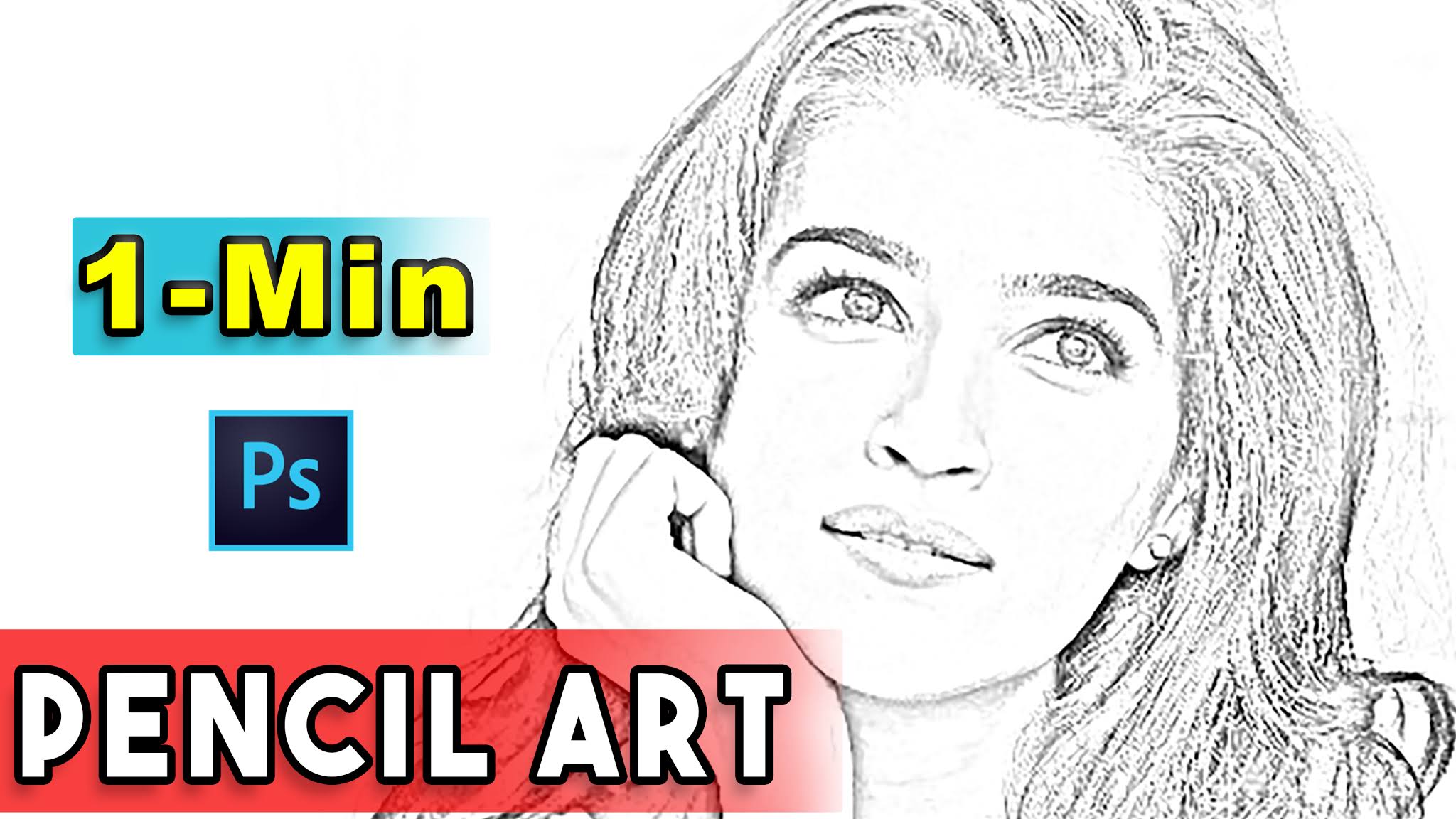
Photo To Pencil Sketch Converter Sales Shop Save 53 Jlcatj gob mx
Apotheke Am Stadtgarten Apotheke Am Stadtgarten

Usar Python PIL Para Convertir Una Imagen RGB En Una Imagen En Blanco Y

The Image module provides a class with the same name which is used to represent a PIL image The module also provides a number of factory functions including functions to load images from files and to create new images Examples Open rotate and display an image using the default viewer

Approach Import module We will take the input image using imread method of cv2 library Syntax imread path flag Parameters path A string representing the path of the image to be read flag It specifies how the image should be read Its default value is cv2 IMREAD COLOR
Parameters pic Tensor or numpy ndarray Image to be converted to PIL Image mode PIL Image mode color space and pixel depth of input data optional Returns Image converted to PIL Image Return type PIL Image Examples using to pil image Optical Flow Predicting movement with the RAFT model Repurposing masks into bounding boxes

Image convert Returns a converted copy of this image For the P mode this method translates pixels through the palette If mode is omitted a mode is chosen so that all information in the image and the palette can be represented without a palette Syntax Image convert mode None matrix None dither None palette 0 colors 256 Parameters

Basic Image Manipulation Bands and Modes of an Image in the Python Pillow Library Image Processing Using Pillow in Python Image Filters Using Convolution Kernels Image Blurring Sharpening and Smoothing Edge Detection Edge Enhancement and Embossing Image Segmentation and Superimposition An Example Image Thresholding Erosion and Dilation
Convert PIL Image to byte array Asked 8 years 2 months ago Modified 9 months ago Viewed 178k times 132 I have an image in PIL Image format I need to convert it to byte array img Image open fh mode r roiImg img crop box Now I need the roiImg as a byte array python image arrays python imaging library Share Follow When we are building web services using Python we often send or receive images in base64 encoded format However when we are doing image processing tasks we need to use PIL or OpenCV In this post I will share how to convert between OpenCV or PIL image and base64 encoded image
We use the Image fromarray function to convert the array back to the PIL image object and finally display the image object using the show method import numpy as np from PIL import Image array np random randint 255 size 400 400 dtype np uint8 image Image fromarray array image show Output