Convert Excel Workbook To Pdf How To Convert Excel All Sheets To PDF Convert Excel Workbook To PDF How To Save Entire Excel Workbook As Pdf For Excel 2011 On Mac Beerlasopa How To Convert Microsoft Excel Workbook To PDF Workbook Microsoft How To Quickly Convert A Workbook To Google Sheet Convert Workbook To PDF Web Oct 4 2023 nbsp 0183 32 Learn the common method to convert numbers to words in Indian Rupees within Excel Step 1 Open the Excel spreadsheet that contains the numbers you want to convert Step 2 Right click on the sheet name and select view code to open the VBA application Step 3 Click Insert and choose module
Web 2 days ago nbsp 0183 32 Now open the Microsoft Excel app and click on the FIle gt New gt Blank workbook option to create a new black workbook Next go to the Data tab from the ribbon and tap on the From Text CSV option Web May 15 2023 nbsp 0183 32 Need a hand at saving standard Excel workbook xlsx files to PDF format Use our online Excel to PDF converter to do so It can open older Excel file types like the Excel 97 2004 workbook file format xls and is free to use
Convert Workbook To PDF Pdf Documentation Convert Excel Spreadsheets To PDF In Java Excel Files Java Converter Excel To PDF Online 100 Free Excel To PDF Converter Convert An Excel Workbook To PDF C How To Convert Excel Workbook To Pdf Without Using Excel Interop Convert An Excel Workbook To A Single PDF YouTube Convert Excel To PDF On IPhone IPad Software RT Convert Excel Workbook To PDF Hands Of Support OEM Solutions
Convert Excel Workbook To Pdf
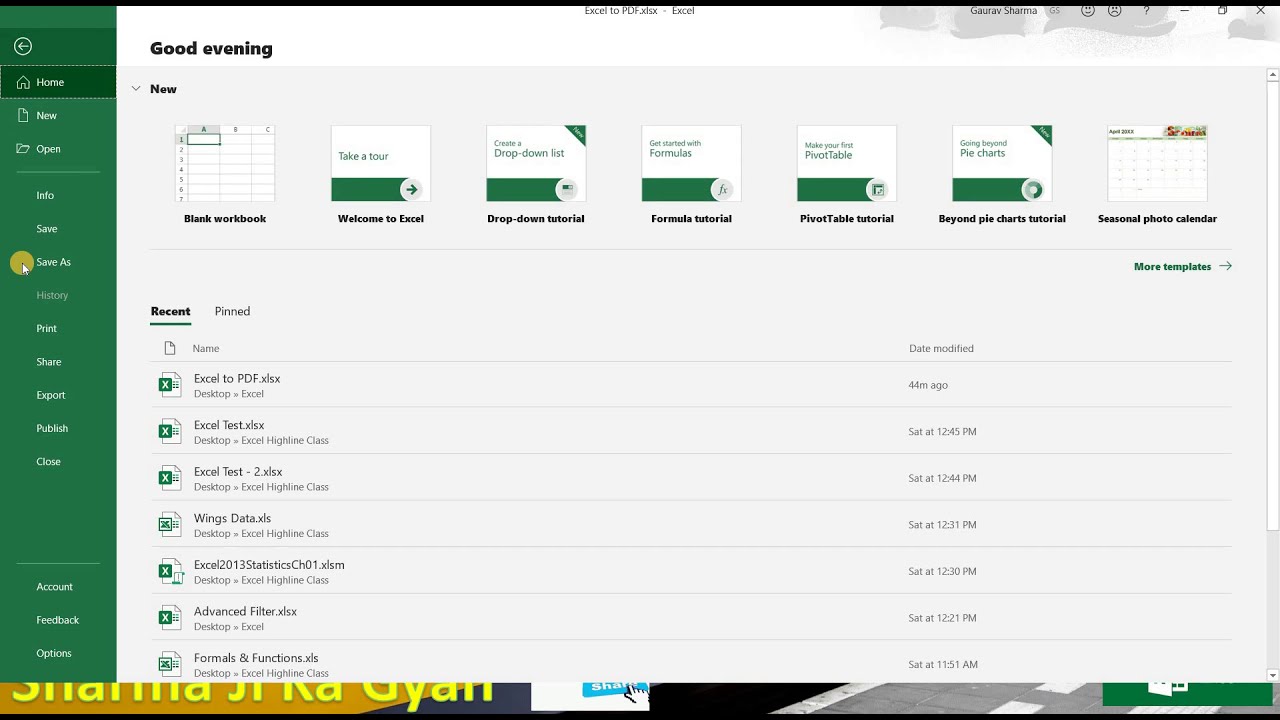 Convert Excel Workbook To Pdf
https://i.ytimg.com/vi/uaz_W7-T3As/maxresdefault.jpg
Web Start using Python To begin using Python in Excel select a cell and on the Formulas tab select Insert Python This tells Excel that you want to write a Python formula in the selected cell Or use the function PY in a cell to enable Python After entering PY in the cell choose PY from the function AutoComplete menu with the Down arrow and
Pre-crafted templates use a time-saving service for developing a varied variety of documents and files. These pre-designed formats and designs can be made use of for numerous individual and expert projects, consisting of resumes, invites, leaflets, newsletters, reports, presentations, and more, enhancing the material production procedure.
Convert Excel Workbook To Pdf

6 Scenarios Of Converting Excel To PDF Using Java

Pdf Documentation

Convert Excel Spreadsheets To PDF In Java Excel Files Java Converter

Excel To PDF Online 100 Free Excel To PDF Converter

C How To Convert Excel Workbook To Pdf Without Using Excel Interop
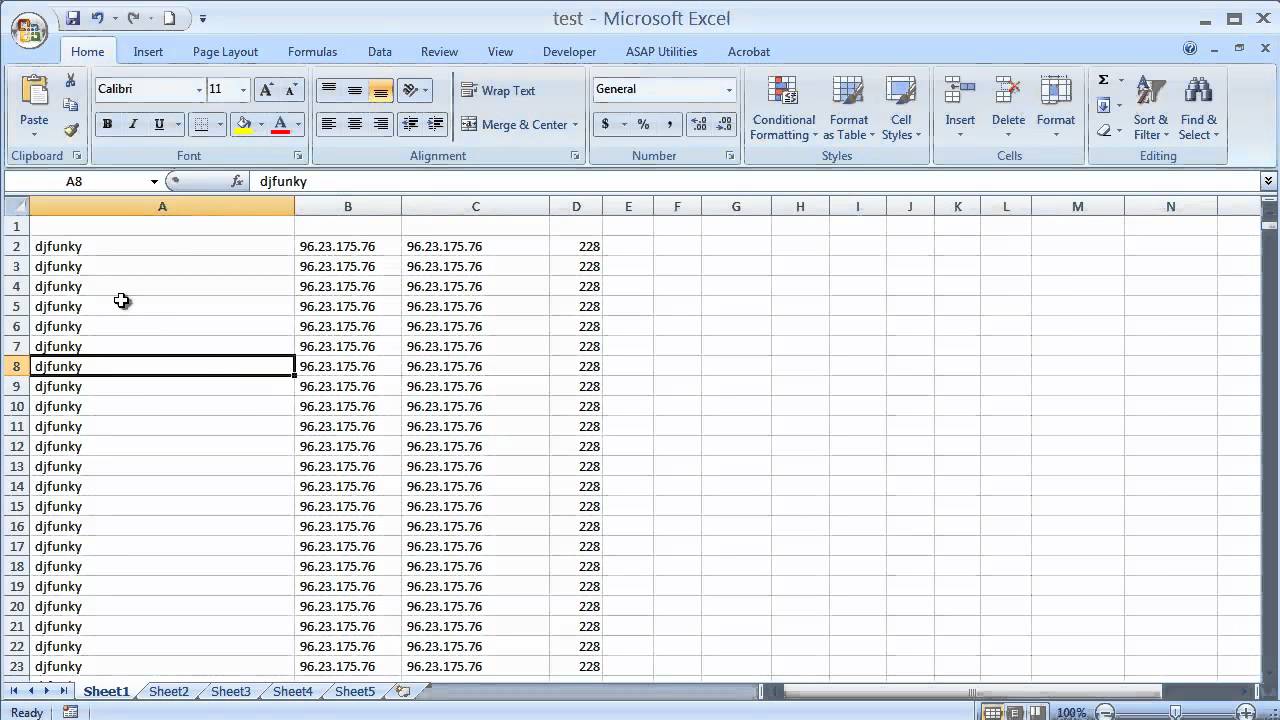
Convert An Excel Workbook To A Single PDF YouTube
Web Adobe Acrobat Convert Excel to PDF Select a Microsoft Excel file to use our Excel to PDF converter Select a file Your file will be securely handled by Adobe servers and deleted unless you sign in to save it Files are secured using HTTPS w TLS 1 2 and stored using AES 256 encryption

Web Make EXCEL spreadsheets easy to read by converting them to PDF Select EXCEL files or drop EXCEL spreadsheets here Convert Excel to PDF and set the page orientation as you prefer Convert Excel to PDF online easily and free

Web Aug 11 2022 nbsp 0183 32 Method 1 Using Excel for Windows Download Article 1 Select the part of the Excel spreadsheet you want to convert to PDF optional If there s only a certain part of the Excel file that you want to turn into PDF format select it
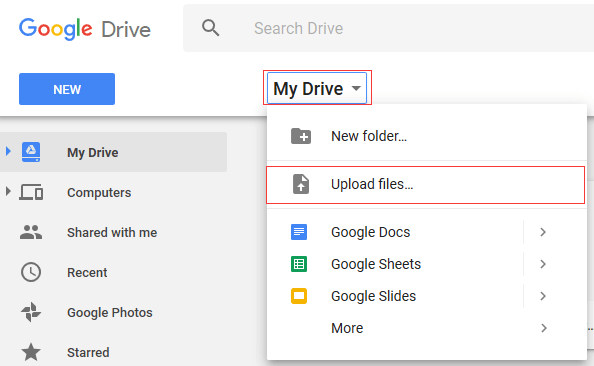
Web Mar 22 2023 nbsp 0183 32 by Svetlana Cheusheva updated on March 22 2023 This short tutorial describes 4 possible ways to convert Excel files to PDF by using Excel s Save As feature Adobe software online Excel to PDF converters and desktop tools Converting an Excel worksheet to PDF is often necessary if you want to let other users view your data but not

Web How to Convert Excel to PDF In Easy Steps PDF This page teaches you how to convert an Excel file to a PDF file 1 Open a workbook 2 On the File tab click Save As 3 Click Browse 4 Select PDF from the drop down list 5 Click Options 6 You can publish a selection active sheet or entire workbook 7 Click OK and then Click Save
[desc-11] [desc-12]
[desc-13]