Convert Excel Date To Number How To Convert Numbers To Dates In Excel TurboFuture Convert Date To Week Number In Excel YouTube Excel Formula Convert Date To Text Exceljet Riset How To Convert Date To Number In Excel 3 Examples Statology How To Convert Numbers To Dates In Excel TurboFuture Web Nov 1 2023 nbsp 0183 32 Enter the formula in cell D2 DATEVALUE B2 Create valid dates using the DATE function The DATE function uses three arguments year month and day The challenge is to extract the characters from a string using custom text functions
Web Nov 21 2023 nbsp 0183 32 Enter the DATEVALUE in a cell Then enter starting parentheses Refer to the cell where you have the date Now enter closing parentheses and hit enter Get the Excel File Download In this tutorial we will learn to convert a date into a number Excel store dates as serial numbers and you can convert a date Web Mar 11 2015 nbsp 0183 32 Use the DATEVALUE function to convert an Excel date to a serial number for example DATEVALUE quot 1 1 2015 quot Use the TIMEVALUE function to get the decimal number representing the time for example TIMEVALUE quot 6 30 AM quot To know both date and time concatenate these two functions in the following way
How To Convert Numbers To Dates In Excel TurboFuture Learn New Things How To Stop Numbers Converting Into Dates In MS Excel Learn New Things How To Stop Numbers Converting Into Dates In MS Excel Get Date Format In Excel Using Formula Background Formulas Riset Convert Text To Rows In Excel SemusliX How To Convert Number To Word In Excel Spellnumber YouTube Convert Month Name To Number And Vice Versa In Excel TeachExcel Convert Number To Words In Excel Tutorial YouTube How To Calculate Current Date In Excel Haiper
Convert Excel Date To Number
 Convert Excel Date To Number
https://images.saymedia-content.com/.image/t_share/MTczODYwNTQ5NDEwMTY5OTIw/how-to-convert-an-excel-number-to-date.jpg
Web Overview of the steps Step 1 Understanding date values in Excel Step 2 Converting dates to serial numbers Step 3 Applying the converted date numbers in your Excel worksheets Key Takeaways Converting dates to numbers in
Templates are pre-designed documents or files that can be utilized for various functions. They can save time and effort by providing a ready-made format and design for creating different sort of content. Templates can be utilized for individual or professional tasks, such as resumes, invitations, leaflets, newsletters, reports, presentations, and more.
Convert Excel Date To Number

How To Convert Date To Text Month In Excel 8 Quick Ways
Learn New Things How To Stop Numbers Converting Into Dates In MS Excel
Learn New Things How To Stop Numbers Converting Into Dates In MS Excel

Get Date Format In Excel Using Formula Background Formulas Riset
How To Convert Number To Word In Excel Spellnumber YouTube
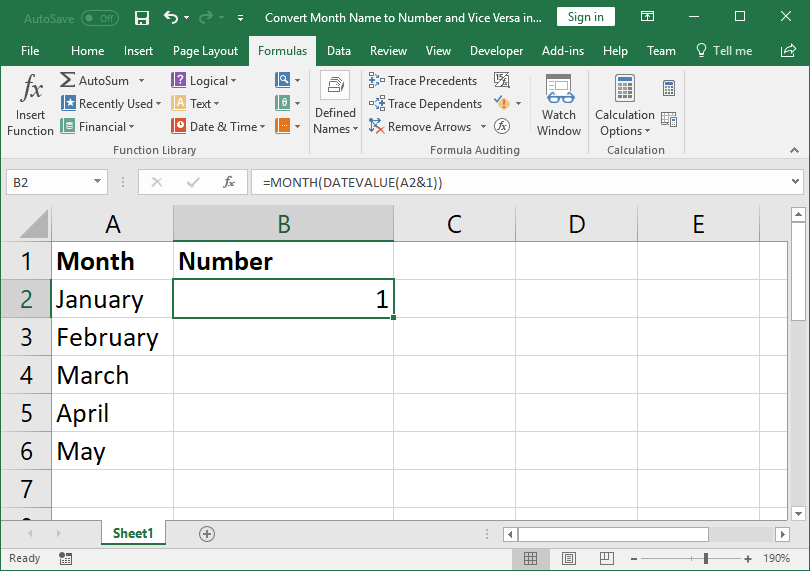
Convert Month Name To Number And Vice Versa In Excel TeachExcel
Web Feb 6 2023 nbsp 0183 32 Number to Date To convert a serial number to a date all you need to do is the change the formatting from General or Number to a date format ex Short Date Convert Date to Number in Google Sheets All of the above examples work exactly the same in Google Sheets as in Excel
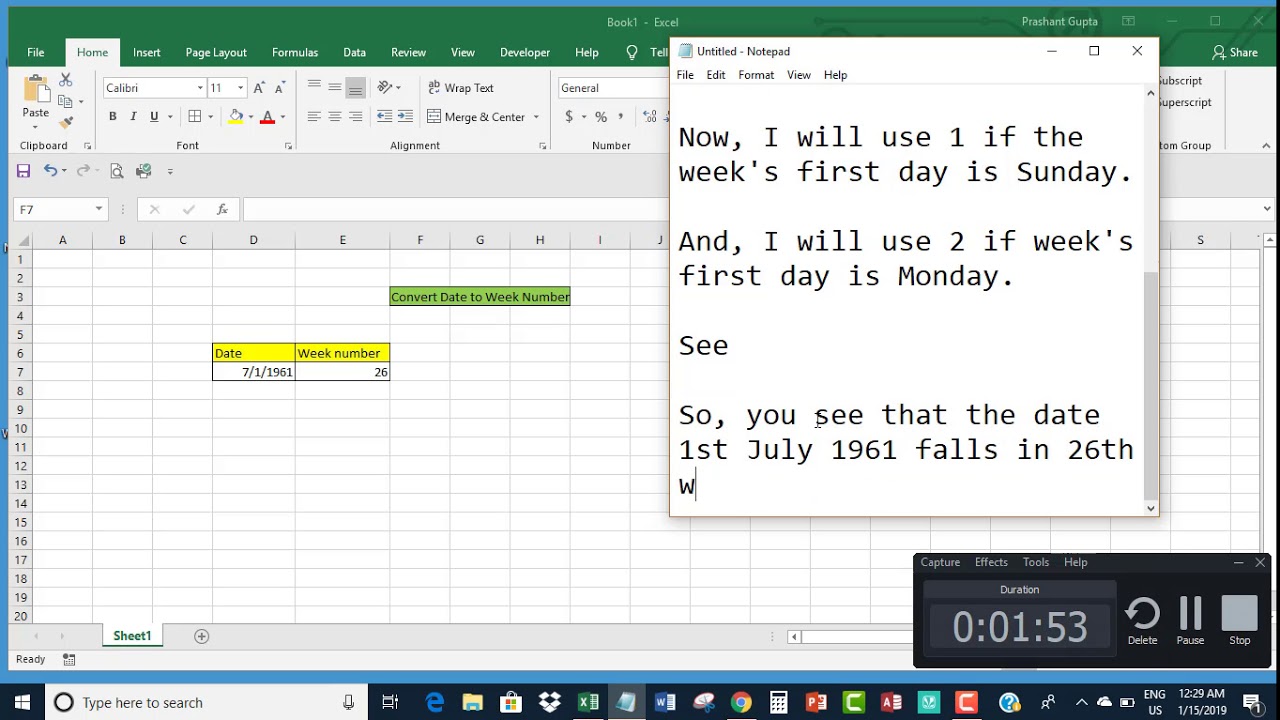
Web Jan 1 2008 nbsp 0183 32 The DATEVALUE function converts a date that is stored as text to a serial number that Excel recognizes as a date For example the formula DATEVALUE quot 1 1 2008 quot returns 39448 the serial number of the date 1 1 2008
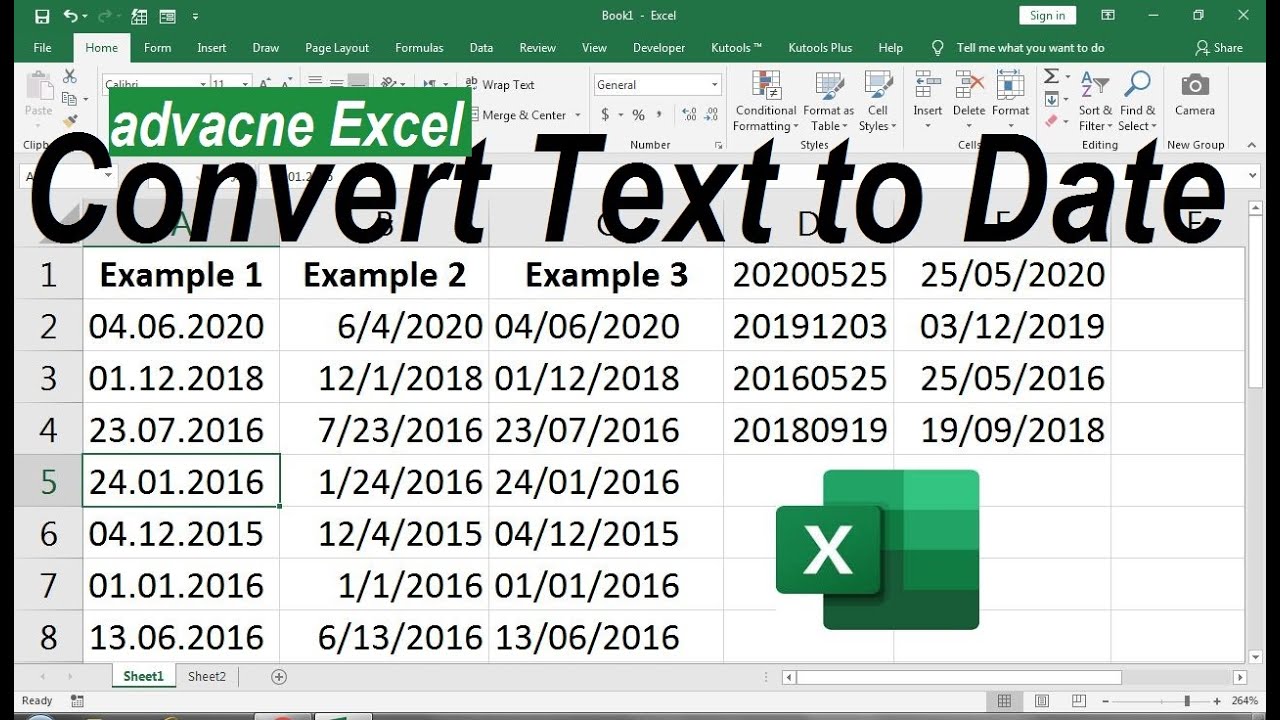
Web Dec 18 2023 nbsp 0183 32 In this method we ll use the Home tab of the Excel ribbon to transform a date into a 5 digit serial number This screenshot shows a list of dates in the Date format From the Home tab navigate to the Number section there is a box that shows the format of the selected cells and options to change into another format

Web Nov 28 2023 nbsp 0183 32 With the DATEVALUE function you can quickly convert text dates to serial numbers The syntax is DATEVALUE text where you can use a cell reference range or exact date as the argument In this example we ll convert the cell range A2 through A13 from text dates to numbers with this formula DATEVALUE A2 A13
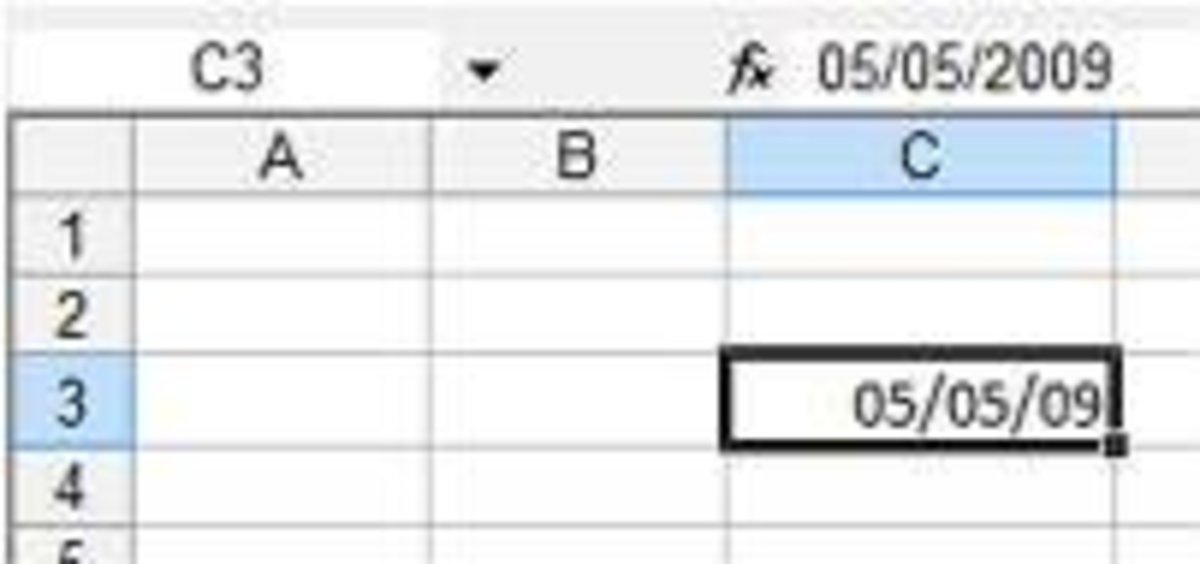
Web Summary If you need to convert dates to text i e date to string conversion you can use the TEXT function The TEXT function can use patterns like quot dd mm yyyy quot quot yyyy mm dd quot etc to convert a valid date to a text value See table below for a list of available tokens
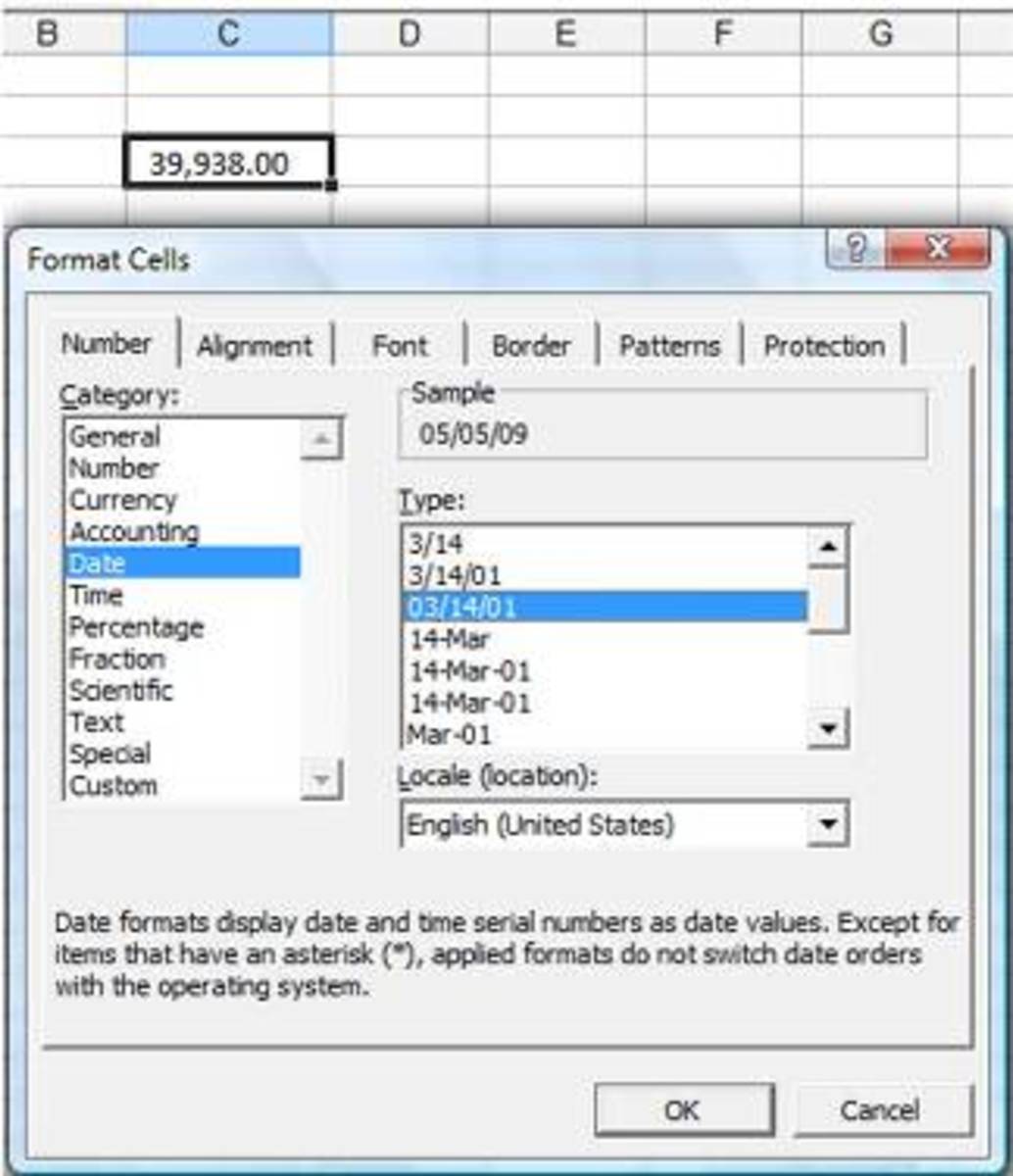
Web Dec 31 2021 nbsp 0183 32 In the Format Cells dialog box go to the quot Number quot tab In the quot Category quot list select quot General quot or quot Number quot to convert the date to a number You can also adjust the number of decimal places if needed Click quot OK quot to apply the changes The dates will now be converted to numbers Method 2 Using a Formula Web Nov 16 2022 nbsp 0183 32 Step 1 Select the cells Go to the Data tools in the Data tab Click on Text to Column Step 2 In the next widget choose delimited and click next Step 3 In the next screen deselect all the delimiters and click next Step 4 Finally enter the destination cell number and click finish
Web Windows Web Occasionally dates may become formatted and stored in cells as text For example you may have entered a date in a cell that was formatted as text or the data might have been imported or pasted from an external data source as text Dates that are formatted as text are left aligned in a cell instead of right aligned