Control Table Column Width In Word How To Adjust Table Cell Width And Height In Microsoft Word YouTube Adjusting Table Column Width C How To Change Column Width Of A Table When Creating A Word Document ITecNote Adjust Row Height And Column Width In Word Tables Layout Design Words Word Table Solved Table Column Fixed Width Does Not Fire 9to5Science On mobile devices Word lets you take advantage of your touch screen for changing column width row height and the size of tables On your Android device or Windows tablet Tap above a column or in front of a row and then drag the handles to change the size of rows and columns
Select the table in your document You can do this by placing your cursor over the table and clicking the table handle four sided arrow on the top left This highlights the whole table Right click and move your cursor to AutoFit in the shortcut menu Then pick either AutoFit to Contents or AutoFit to Window in the pop out menu To adjust table row and column size in Word Click anywhere in the table In Table Tools click the Layout tab locate the Cell Size group and choose from of the following options To fit the columns to the text or page margins if cells are empty click AutoFit select AutoFit Contents To fit the table to the text click AutoFit
Solved Table Column Fixed Width Does Not Fire 9to5Science Solved Dot aligned Table Column With Defined Width 9to5Science Adjust Row Height And Column Width In Word Tables Column Microsoft The Row How To Adjust Table Columns In Word AutoFit Cedarville University How To Change Table Column Width In Powerpoint Brokeasshome Cable Untouched Audition Html Table Cell With Fixed Width Alinamassier ro How To Set Table Column Width And Table Row Height In Ms Word In Urdu Class No 09 YouTube Adjust Row Height Word Psadoshare Solved Ability To Adjust Column Width Inside Table In Pow Microsoft Power BI Community
Control Table Column Width In Word
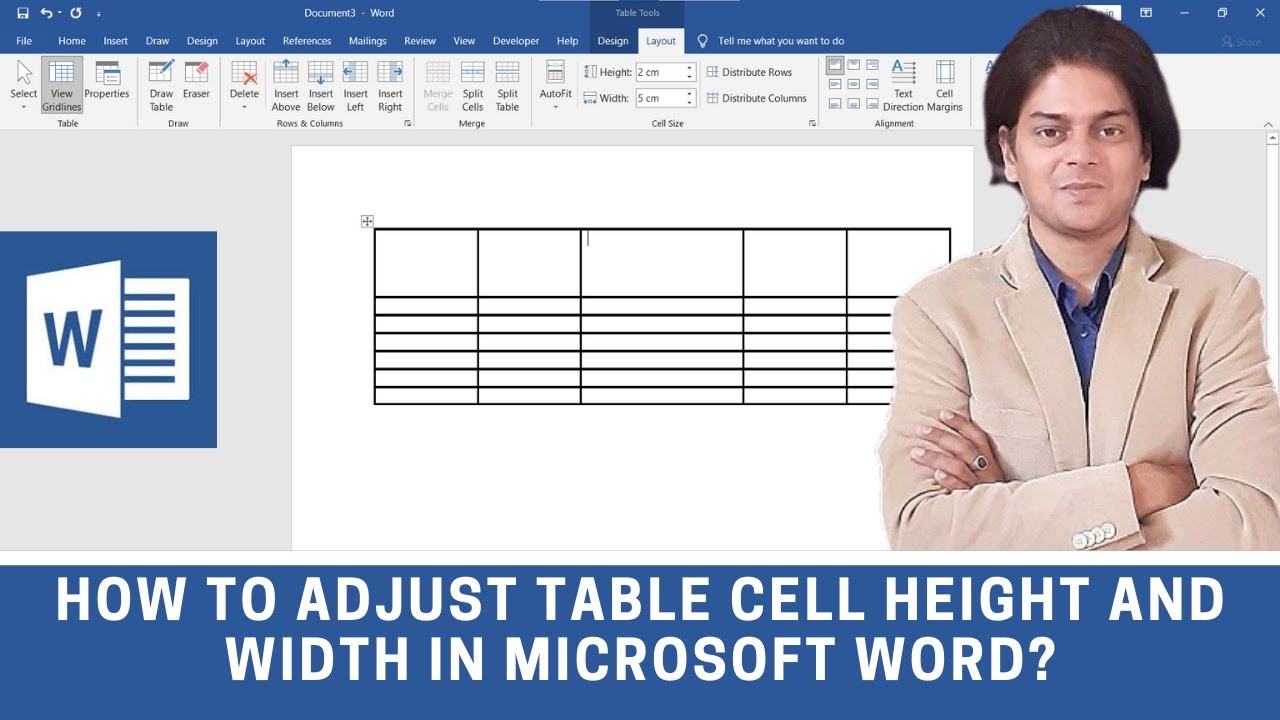 Control Table Column Width In Word
https://i.ytimg.com/vi/nbRNpl9SQDQ/maxresdefault.jpg
Select the table The contextual tabs Table Design and Layout appear in the ribbon On the Layout tab you can specify the custom height and width To resize specific rows or column click on a cell and then adjust the row column To make multiple rows or columns the same size select the columns or rows and click Distribute Rows or
Pre-crafted templates offer a time-saving option for producing a diverse range of files and files. These pre-designed formats and designs can be utilized for different individual and professional tasks, including resumes, invites, flyers, newsletters, reports, discussions, and more, improving the material development procedure.
Control Table Column Width In Word
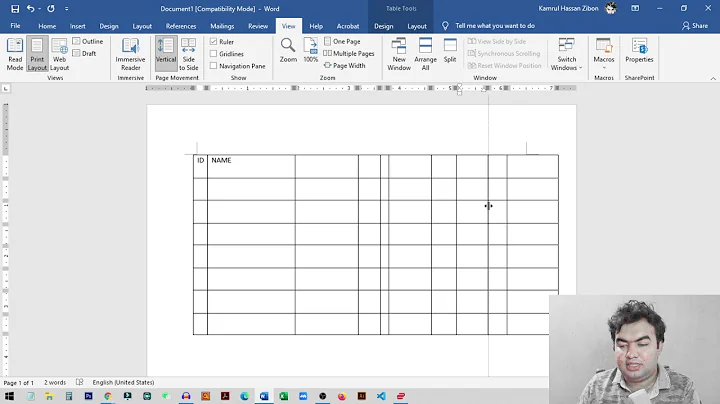
Solved Table Column Fixed Width Does Not Fire 9to5Science
Solved Dot aligned Table Column With Defined Width 9to5Science

Adjust Row Height And Column Width In Word Tables Column Microsoft The Row
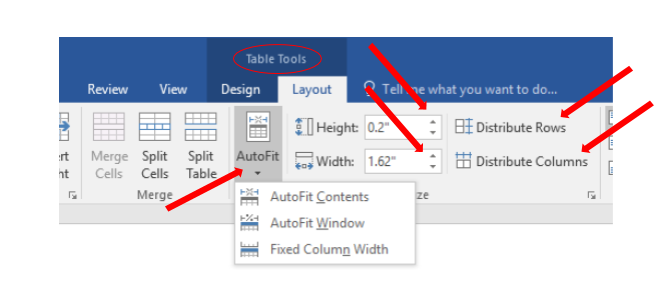
How To Adjust Table Columns In Word AutoFit Cedarville University
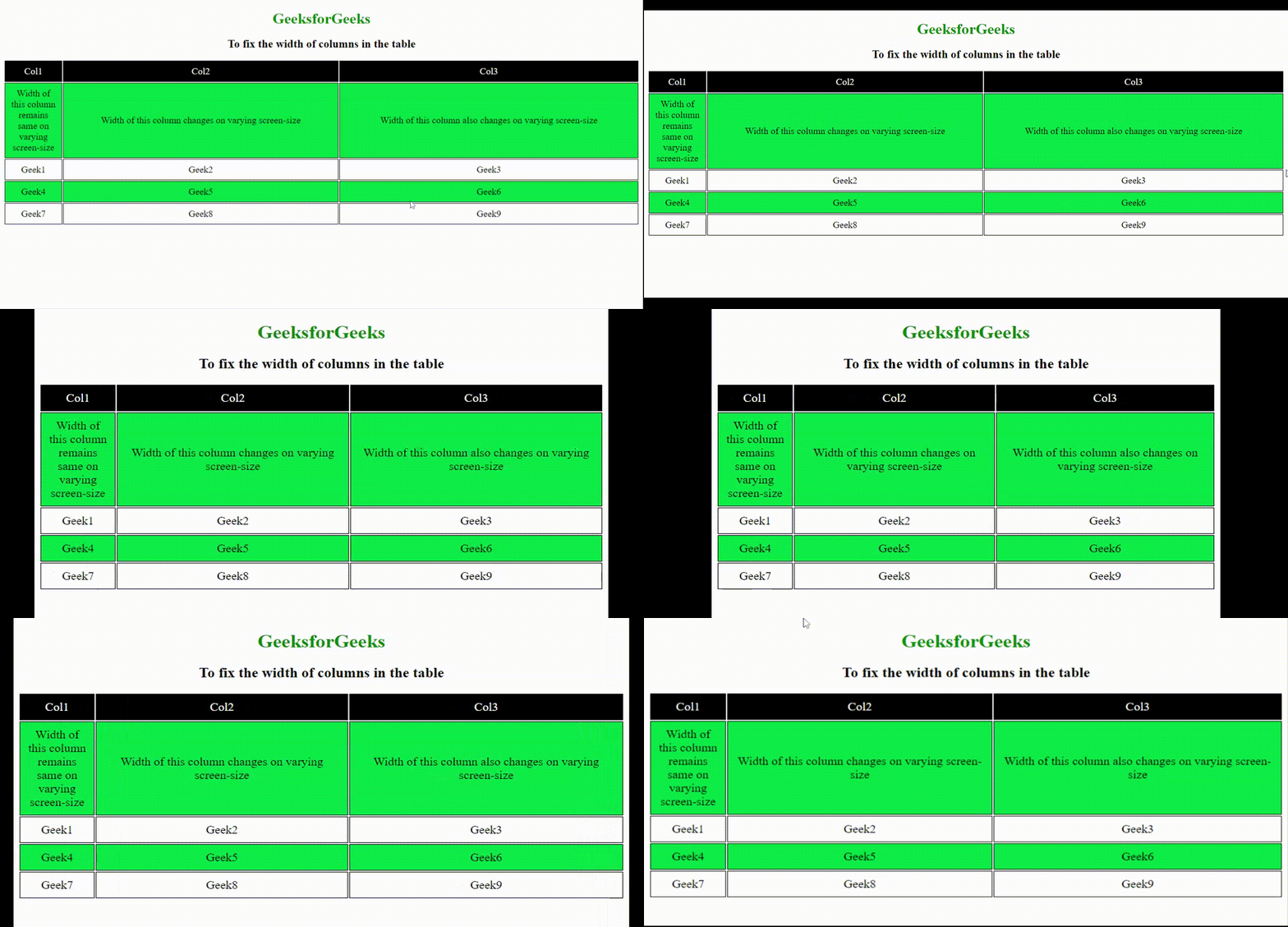
Cable Untouched Audition Html Table Cell With Fixed Width Alinamassier ro

How To Set Table Column Width And Table Row Height In Ms Word In Urdu Class No 09 YouTube
Trying to set the widths of cells only seems to work when it s not set to the window autofit mode and it only seems to resize when the specified width is greater than half of the table width or rather I can make a cell bigger than half the width but not smaller What would be the simplest way to reproduce the intended table c ms word docx
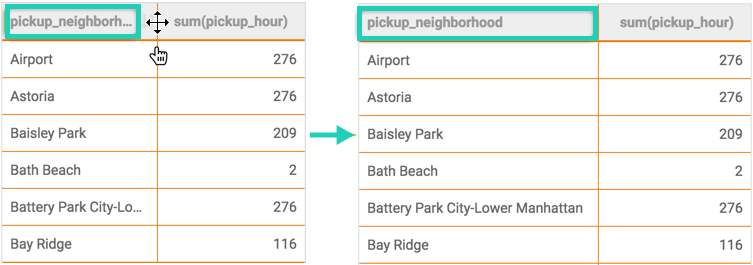
Table Tools Layout AutoFit Fixed Column Width gives you control over column widths When you select the option Word clears the Preferred width setting for the whole table and disables Automatically resize to fit contents in the Table Options dialog box Source Table Column Widths Fixing Size in Word 2010

Click the Layout tab in the Table Tools ribbon group Click the Distribute Columns button or the Distribute Rows button The columns or rows in the table are all set to the same width or height Automatically Resize You can also have rows and columns resize automatically to fit the table s contents Click the AutoFit button

First click in the column or select the columns you want to change right click choose Table Properties and then click the Column tab Under Size set the column s width by selecting Preferred width and choosing a size In the Measure in box choose whether you want to measure the width in inches or a percentage

In Word switch to the Layout tab on the Ribbon That s where the column magic happens Click the Columns button and a dropdown menu opens with a number of options Choose any of the numbers on the list to create that many columns with their default widths
Select the boundary of the column or row you want to move and drag it to the width or height you want Select the rows or columns and then select Layout and choose your height and width Select View Ruler checkbox select the cell you want and then drag the markers on the ruler Note In Excel select Home Format and then select Column Width Method 1 Utilize Ruler First click View tab and then check the Ruler box in Show group Next you can see the ruler on the top of the document And there are tabs on the ruler above each column border Click on one of these tabs to adjust a specific column This approach affects just one column but the table width will be
To adjust row height and column width in Word tables by using the mouse place the mouse pointer over the border of the column or row to adjust until the mouse pointer turns into a double line with an intersecting arrow Then click and drag to adjust the column width or row height