Contact Info Qr Code Iphone How To Scan QR Codes On Android Securely YouTube Two Easy Ways To Create QR Codes To Share Contact Information YouTube QR Codes For Contact Info The Ultimate Guide YouTube How To Create QR Code For Contact On IPhone Quick And Easy Guide Create QR Code Art Stunning QR Codes In 10 Minutes YouTube Web Nov 28 2023 nbsp 0183 32 Select the rear facing camera Hold your device so that the QR code appears in the viewfinder in the Camera app Your device recognizes the QR code and shows a notification Tap the notification to open the link associated with the QR code Published Date November 28 2023 Helpful Explore Apple Support Community
Web Oct 2 2022 nbsp 0183 32 First you need to tap on the contact icon on the QR Code Business Card on the right bottom Add contact icon on bottom right of a QR Code Business Card 2 Tap on the Profile Image Now the contact will popup and you tab strong on the profile image or the placeholder if no foto exists until a context menu appears Web Sep 17 2019 nbsp 0183 32 Choose Control Center Tap Customize Controls Under More Controls tap the green next to QR Code Reader Move QR Code Reader to whatever location you d like in Control Center using the hamburger icon to the right of it To use the QR Code Reader from Control Center Tap the QR Code Reader icon in Control Center
Create QR Code Art Stunning QR Codes In 10 Minutes YouTube QR Code PNG Transparent Image Download Size 3000x3000px 45 OFF IPhone IPad Veya IPod Touch n zla QR Kodu Tarama Apple Destek TR Flyer Design Templates Print Templates Flyer Template Flyer Design AR QR Code What Is It And How Do You Scan It Avast 56 OFF Customize Facebook Cover Photos With Free Templates Fotor JPC Image With Contact Info QR Code Acworth Hair Salon Scan Me Qr Code Vector Design
Contact Info Qr Code Iphone
 Contact Info Qr Code Iphone
https://i.ytimg.com/vi/DttdxvbeY_w/maxresdefault.jpg
Web Aug 31 2021 nbsp 0183 32 1 Download the free QRbot app from the App Store 2 Launch the app and tap on My Codes 3 Tap the button on the top left corner to create a custom QR code 4 Select the type of QR code you want to create from the provided options You can also create a barcode with this app
Templates are pre-designed files or files that can be used for numerous purposes. They can conserve effort and time by offering a ready-made format and design for developing different kinds of content. Templates can be utilized for individual or professional jobs, such as resumes, invites, leaflets, newsletters, reports, discussions, and more.
Contact Info Qr Code Iphone
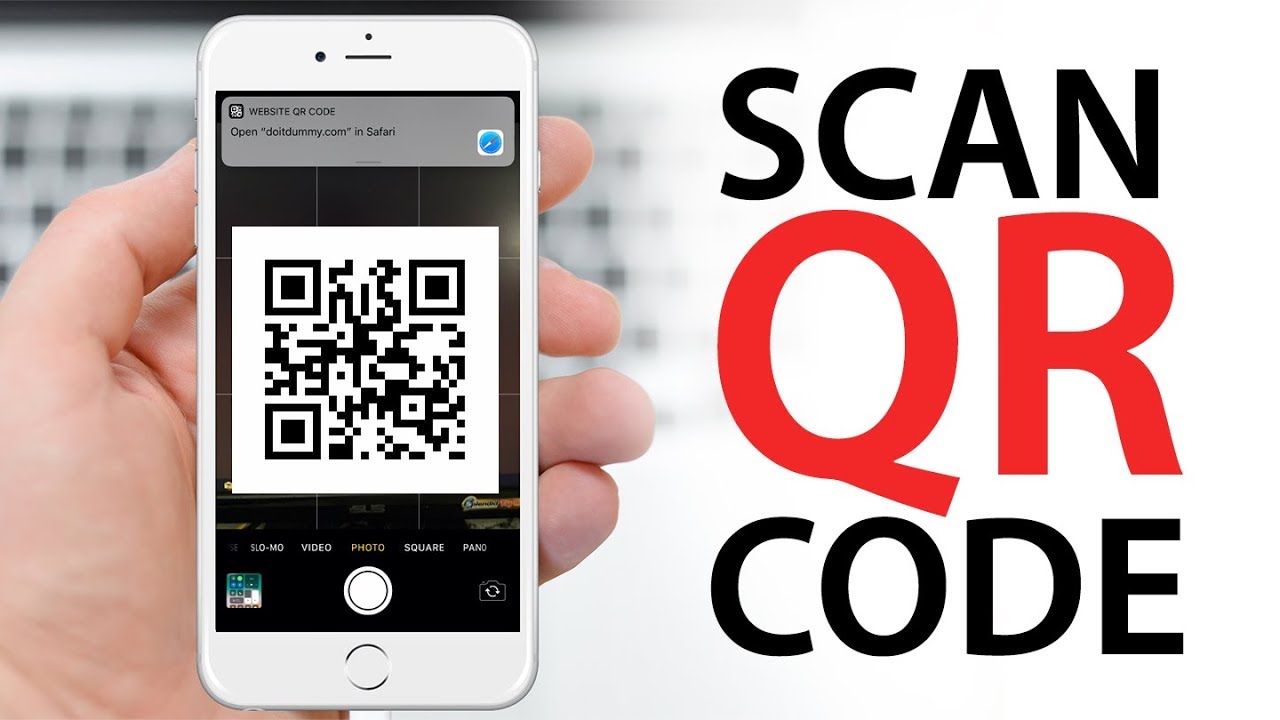
How To Scan QR Code NO APPS On IPhone IPod IPad YouTube

QR Code PNG Transparent Image Download Size 3000x3000px 45 OFF

IPhone IPad Veya IPod Touch n zla QR Kodu Tarama Apple Destek TR

Flyer Design Templates Print Templates Flyer Template Flyer Design
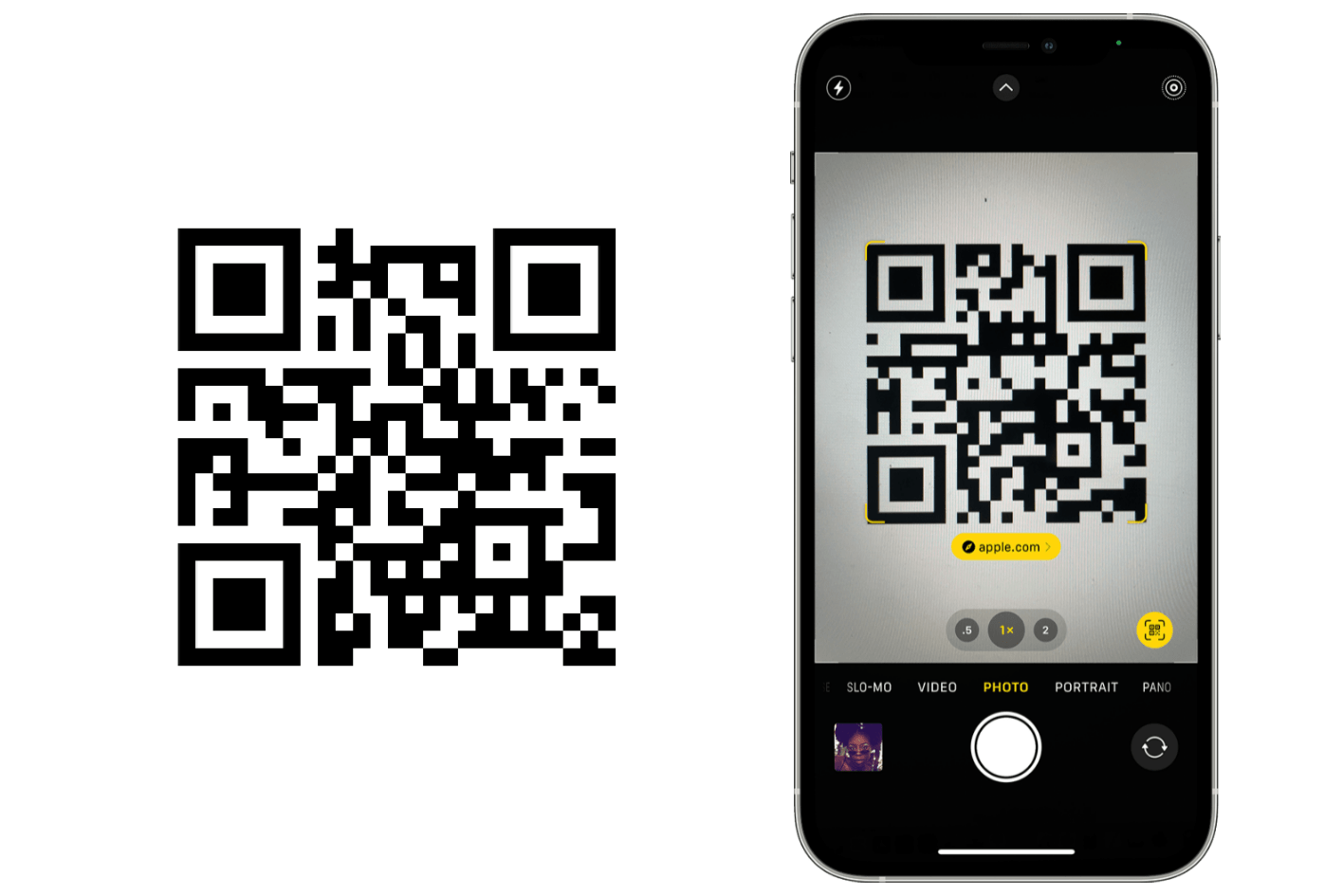
QR Code What Is It And How Do You Scan It Avast 56 OFF
Customize Facebook Cover Photos With Free Templates Fotor

Web Mar 23 2023 8 03 AM in response to matzematik matzematik The following custom shortcut will display a vCard formatted QR code for a chosen contact from the Contacts app When that QR code is scanned by another device the embeddded contact info is displayed in the device s contacts app

Web Step by Step Guide to Creating QR Codes for Contact Info Creating a QR code for your contact info is simple and straightforward There are several free online QR code generators that you can use You start by selecting Contact Information as the type of information you want to encode

Web Nov 9 2017 nbsp 0183 32 Type in an email address or whatever info you need to type in based on the QR code you re creating and then tap on quot Generate quot in the top right corner Your QR code will be created and from there you have several options

Web Jan 4 2024 nbsp 0183 32 Open Chrome on your iPhone navigate to the website or contact information tap the Share button and select Create a QR Code On a Mac right click anywhere on the page and select Create QR Code You can then share the QR code with anyone via email text message or social media You can share a phone number URL

Web Scan a QR code with your iPhone camera You can use Camera or the Code Scanner to scan Quick Response QR codes for links to websites apps coupons tickets and more The camera automatically detects and highlights a QR code
Web iPhone QR Me Contact allows you to create your own personalized QR Codes to share your contact information quickly and easily with anyone Simply have the other person scan your QR Code with their phone s camera and your contact will appear in their contact book MULTIPLE QR CODES Web Download Contact QR Code and enjoy it on your iPhone iPad and iPod touch Contact QR Code allows you to share your contact information by displaying a QR code on your iPhone that others can scan to add your info to their Contacts
Web Nov 25 2023 nbsp 0183 32 Enter your contact information Fill in the required details such as your name phone number email address and any other relevant information Generate the QR code Once you ve entered your contact information the app will generate a unique QR code based on the data provided