Connect Wifi From Terminal Linux Connect Wi Fi From Linux Terminal Using Nmcli Command Admin s Cave How To Connect To WiFi From The Terminal In Ubuntu Linux LemonTreeSites How To Connect To WiFi From The Terminal In Ubuntu Linux Share Wifi From Phone To Laptop Without Hotspot Karimi How To Connect Wifi From Computer To Phone Way Whishis To connect some devices to your phone without a cord you can use Bluetooth After you pair a Bluetooth device for the first time your devices can connect automatically If your phone is
Select the arrow to connect For your security all remote desktop sessions are fully encrypted Stop a remote session When you re finished close your tab to stop your session You can Official Google TV Help Center where you can find tips and tutorials on using Google TV and other answers to frequently asked questions
How To Connect Wifi From Computer To Phone Way Whishis How To Connect To WiFi From The Terminal In Ubuntu Linux How To Connect To WiFi From Terminal On Ubuntu 20 04 Linuxhowto 3 Cara Menghubungkan Ke WiFi Dari Command Line Di Debian Lainnya Wi Fi Inschakelen Op Een Dell laptop 2022 Using Usbsrv Linux Pointdpok Anime How To Connect To Wifi How To Connect To WiFi From The Terminal In Ubuntu Linux Admin s Cave How To Connect To WiFi From Terminal On Ubuntu 20 04 Linuxhowto
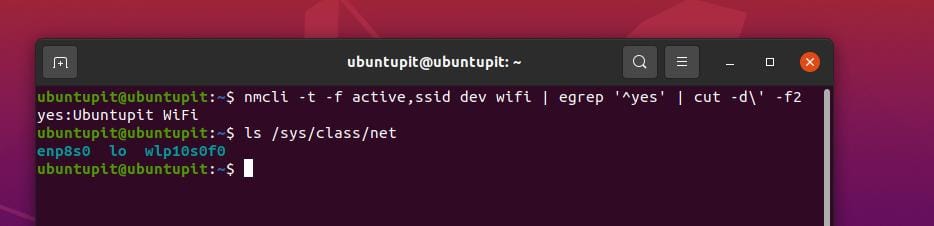
Connect Wifi From Terminal Linux
 Connect Wifi From Terminal Linux
https://www.adminscave.com/wp-content/uploads/2018/04/Connect-to-WiFi-network-in-Linux-from-command-line-Scan-Wifi-Network-using-iw-blackMORE-Ops-51.png
Connect your device to the same Wi Fi network as your Google TV Open the app that has the content you want to cast In the app find and select Cast On your device select the name of
Templates are pre-designed documents or files that can be used for various purposes. They can save effort and time by supplying a ready-made format and layout for developing different type of content. Templates can be utilized for personal or professional tasks, such as resumes, invitations, flyers, newsletters, reports, presentations, and more.
Connect Wifi From Terminal Linux

How To Connect WiFi Without Password In Mobile 2017 YouTube
How To Connect To WiFi From The Terminal In Ubuntu Linux

How To Connect To WiFi From Terminal On Ubuntu 20 04 Linuxhowto
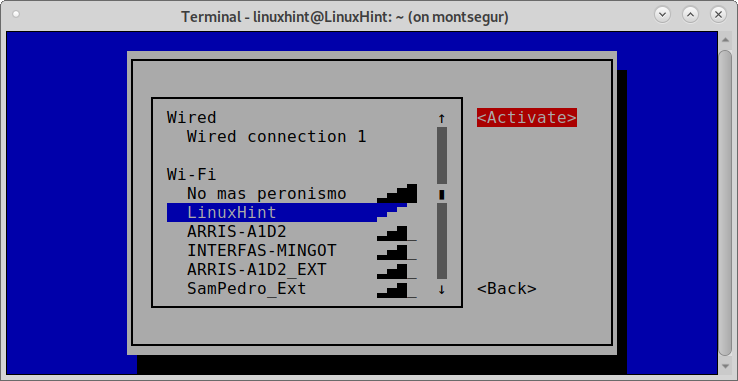
3 Cara Menghubungkan Ke WiFi Dari Command Line Di Debian Lainnya
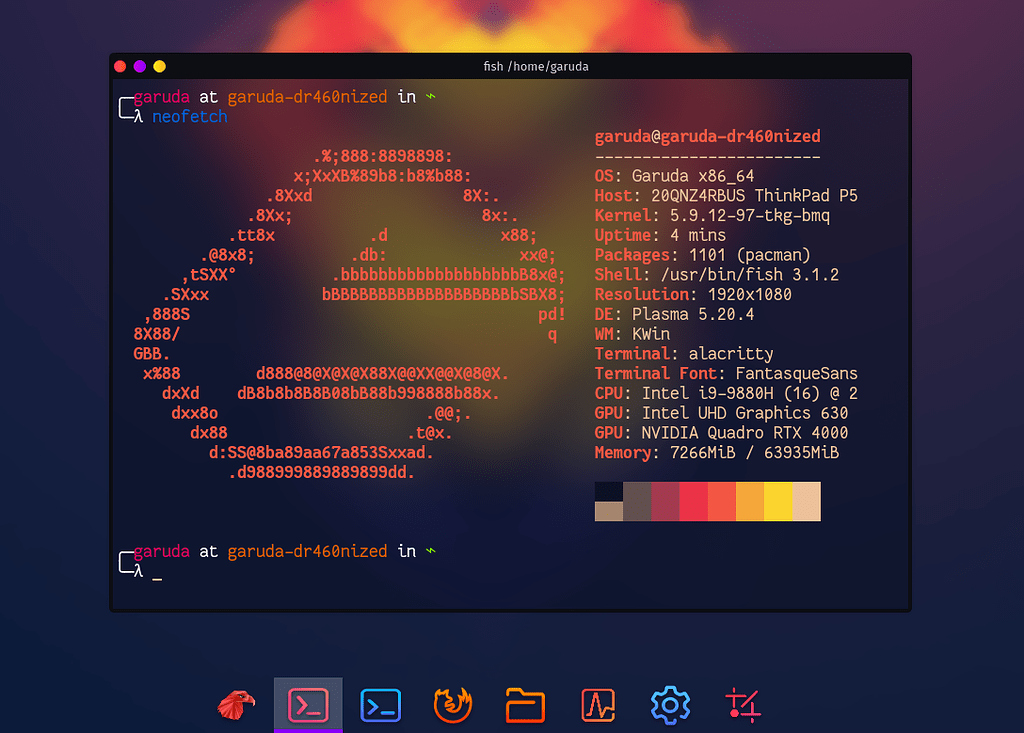
Using Usbsrv Linux Pointdpok
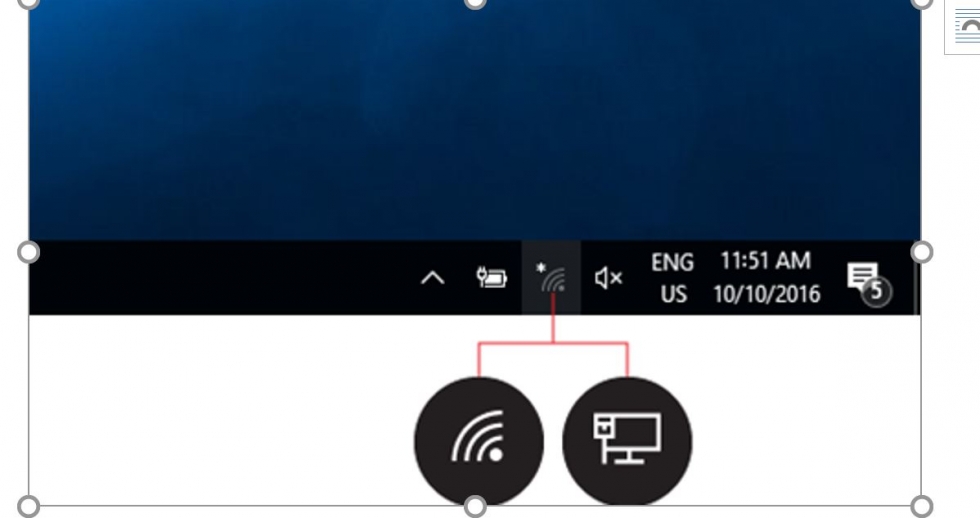
Anime How To Connect To Wifi

Open your phone s Settings app Tap Settings Network amp Internet SIMs Select your carrier If you already have a SIM but it s inactive click SIM and turn on Use SIM

After you connect your Nest speaker or display to Wi Fi follow the in app steps to customize your device You can opt out of some settings like camera sensing Sleep Sensing Voice Match
This article will guide you through setting up and using Drive for desktop To get started follow these steps Learn about Drive for desktop benefits
Connect the USB power cable to your Chromecast Plug the other end of the USB power cable into the included power adapter then plug it into a wall outlet Note Only use the provided AC
Connect your phone to the other device with a USB cable A notification shows at the top of the screen On your phone swipe down from the top of the screen Touch and hold Hotspot Turn
[desc-11] [desc-12]
[desc-13]