Configure Node Red Home Assistant Hassio With SSL And Node Red Configuration Home Assistant Community Changes In Node Red Node RED Home Assistant Community Node Red Entity Names Node RED Home Assistant Community Switches Not Showing In Dropdown Node RED Home Assistant Community Node Red Consolidation Node Red Home Assistant Community Mobile Legends In this video we show how to install and configure the Node RED add on for Home AssistantBecause Node RED provides a visual way to create your home automatio
Configuring a motion sensor state changed node Once configured attach a debug node and trip the sensor Below you ll see the resultant output Motion Sensor tripped debug After 90 seconds the default for Xiaomi Aqara the motion sensor returns to it s clear state and sends a payload of off The Beginner s Guide to Node red with Home Assistant Part 3 Timers If you ve read part 1 and part 2 then you ll already know how to work with MQTT both receiving and sending commands how to take sensor information from home assistant as well as control entities directly in home assistant and most importantly how to work with the
Node Red Consolidation Node Red Home Assistant Community Mobile Legends Node RED POST Node Node RED Home Assistant Community Node Red Attribute Message Node RED Home Assistant Community Node red Alexa Home Skill Home Assistant And Node RED Lighting Automation With Presence Detection Node Red Or Automation Node RED Home Assistant Community Why Is My Transition Not Working Via Node Red Node RED Home How I Handled Scenes In Node red Node RED Home Assistant Community Node RED Get Entities From Home Assistant How To Use Node RED
Configure Node Red Home Assistant
 Configure Node Red Home Assistant
https://i1.wp.com/diyfuturism.com/wp-content/uploads/2017/11/Screen-Shot-2017-11-26-at-10.43.33-PM.png?fit=1520%2C712&ssl=1
Hey everyone In this video we will be covering how to install and setup Node Red in Home Assistant as well as setting up a couple of basic routines like t
Templates are pre-designed documents or files that can be used for numerous functions. They can save time and effort by offering a ready-made format and design for developing various kinds of content. Templates can be utilized for personal or professional tasks, such as resumes, invites, flyers, newsletters, reports, discussions, and more.
Configure Node Red Home Assistant

My Combination Manual Alarm YAML And Node RED Alarm Example And
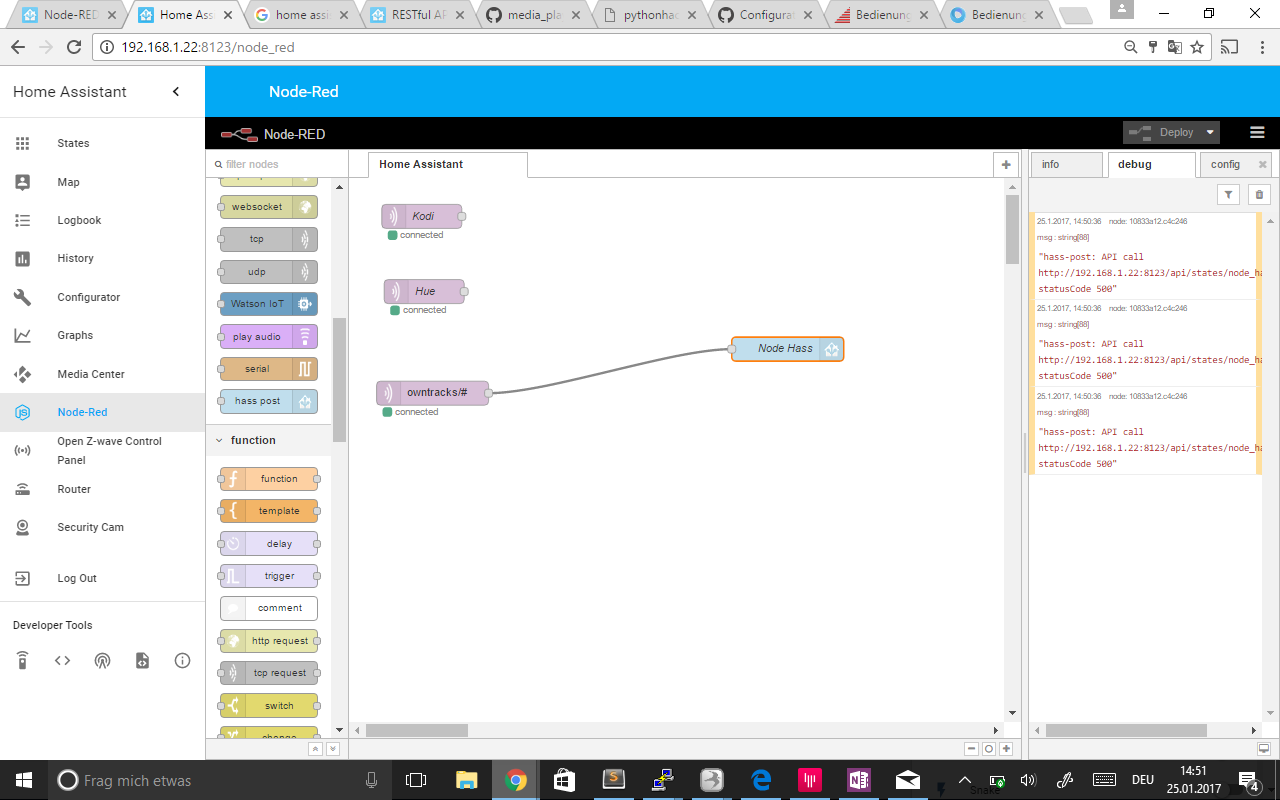
Node RED POST Node Node RED Home Assistant Community
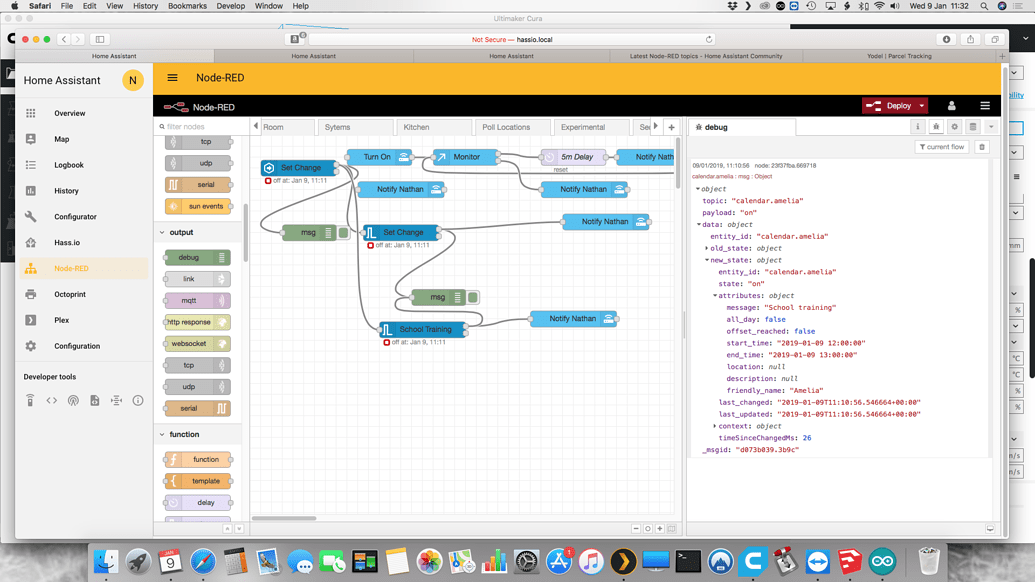
Node Red Attribute Message Node RED Home Assistant Community

Node red Alexa Home Skill

Node Red Or Automation Node RED Home Assistant Community

Why Is My Transition Not Working Via Node Red Node RED Home

About Flow based programming for the Internet of Things Node RED is a programming tool for wiring together hardware devices APIs and online services in new and interesting ways
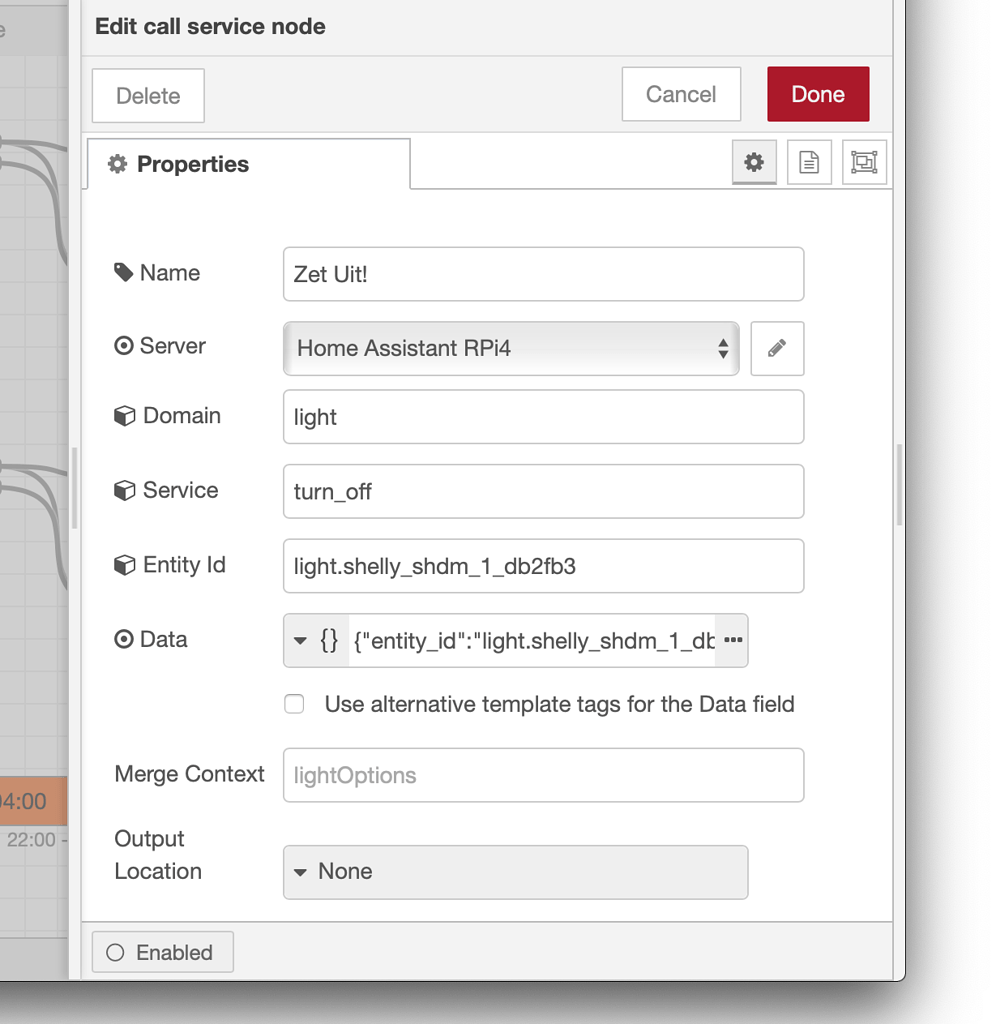
Manage Palette Click on the Install tab and type in home assistant You ll see it brings up a variety of different nodes You ll want the one titled node red contrib home assistant websocket You can see it s been updated fairly recently If you wish to learn more about this node you can browse here Home Assistant Node red palette

Installing the Node RED add on in Home Assistant The Node RED UI Creating The Trigger Evaluating The Condition Taking Action Hurry Up and Wait Deploying Testing The Automation Conclusion Getting Into Home Automation and Home Assistant During the recent pandemic it seemed like everyone was picking up a new hobby and I was no exception
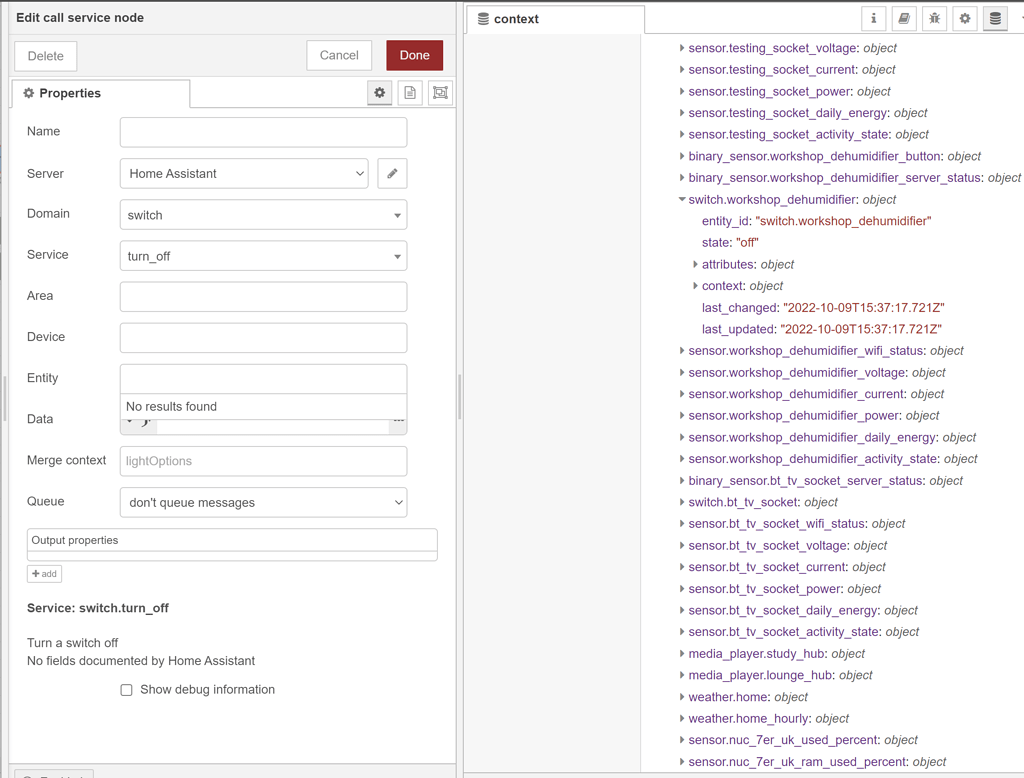
Add Node RED From the Hass io ADD ON STORE scroll down to find Node Red and click on it Click the INSTALL link Once Installed scroll down to the Config section Set a credential secret which is used to encrypt sensitive data This is just a password which you should save in a secondary location Next set ssl and require ssl to false

You will need to configure the connection tab and the security tab with the relevant connection details For me I filled in the following MQTT receive in add new mqtt config add new mqtt config security Server port username and password Once that s done connect the mqtt to a debug node and hit deploy
Integrating Home Assistant and Node RED open source tool developed by IBM gives you a great way to create and manage flow automation rules It is one of the three ways you can work with automations in Home Assistant and definitely the most visual n Note This is just an example don t copy and paste it Create your own n Option log level n The log level option controls the level of log output by the addon and can nbe changed to be more or less verbose which might be useful when you are ndealing with an unknown issue Possible values are n n trace Show every detail like all called internal functions
Home Assistant and Node RED are the ultimate automating duo get started today with this video Thank you to Govee for sponsoring this video Check out thei