Conda Install Spyder Command Line Spyder Terminal Spyder 5 Documentation Conda Install Matplotlib Teddynex Terminal Hangs In Windows Issue 121 Spyder ide spyder terminal Python Terminal Command Conda Install Spyder ERROR Spyder Line Profiler Spyder 4 Documentation Run a package after install example Spyder Update any installed program Command line help Must be installed and have a deployable command usually PACKAGENAME conda create name py35 python 3 5 WINDOWS activate py35 LINUX macOS source activate py35 conda env list conda create clone py35 name py35 2 conda list conda list revisions
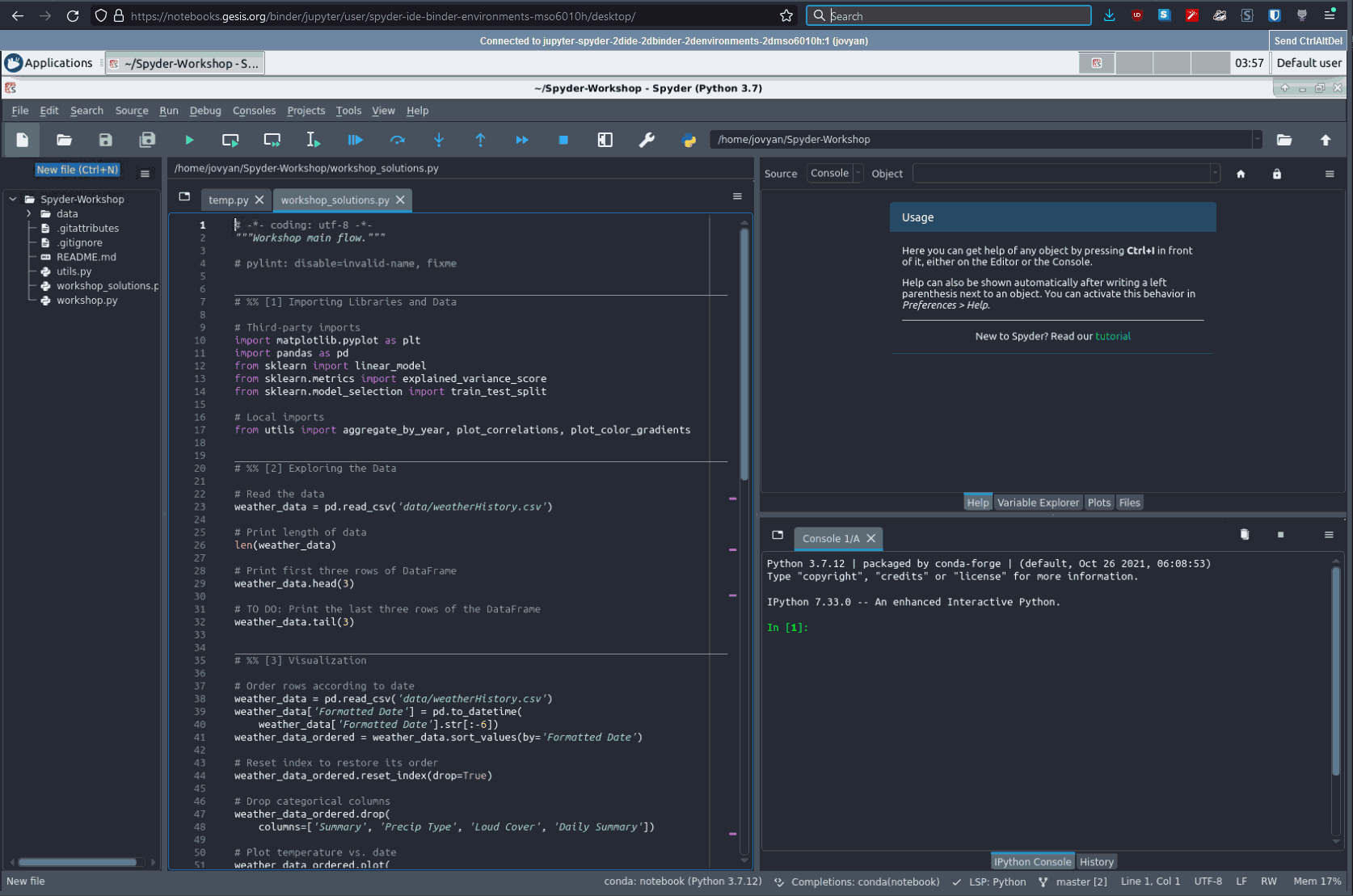
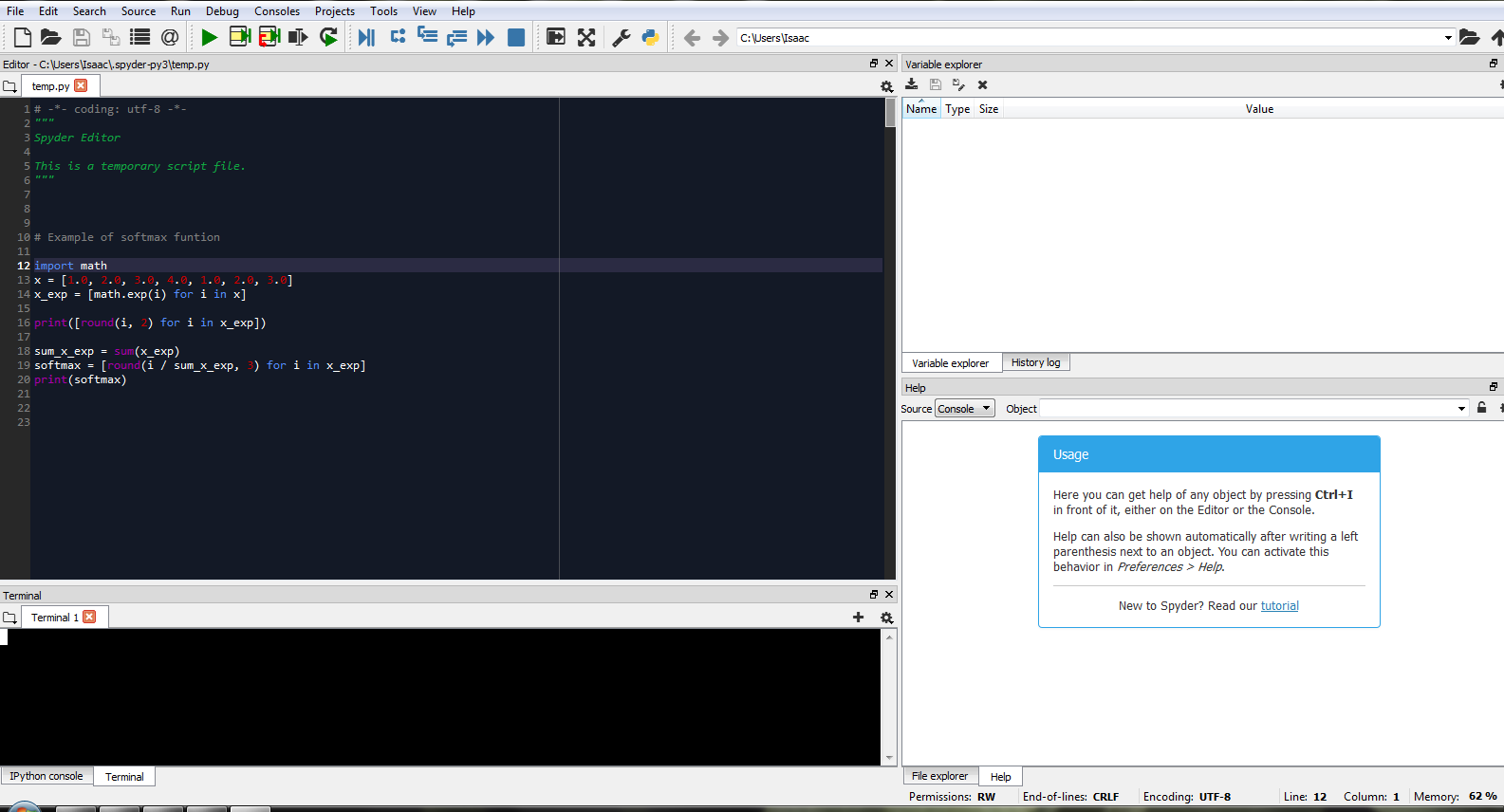
Spyder the Scientific Python Development Environment is a free integrated development environment IDE that is included with Anaconda It includes editing interactive testing debugging and introspection features After you have installed Anaconda start Spyder on Windows macOS or Linux by running the command spyder Spyder is also pre First steps with Spyder Part 1 Getting Started Watch on Transcript Learning the basics Learn the basics of using Spyder s four main panes Open and edit a file in Spyder s Editor Run a script in the Editor and see the output in Spyder s I Python Console Execute basic Python commands in the IPython Console
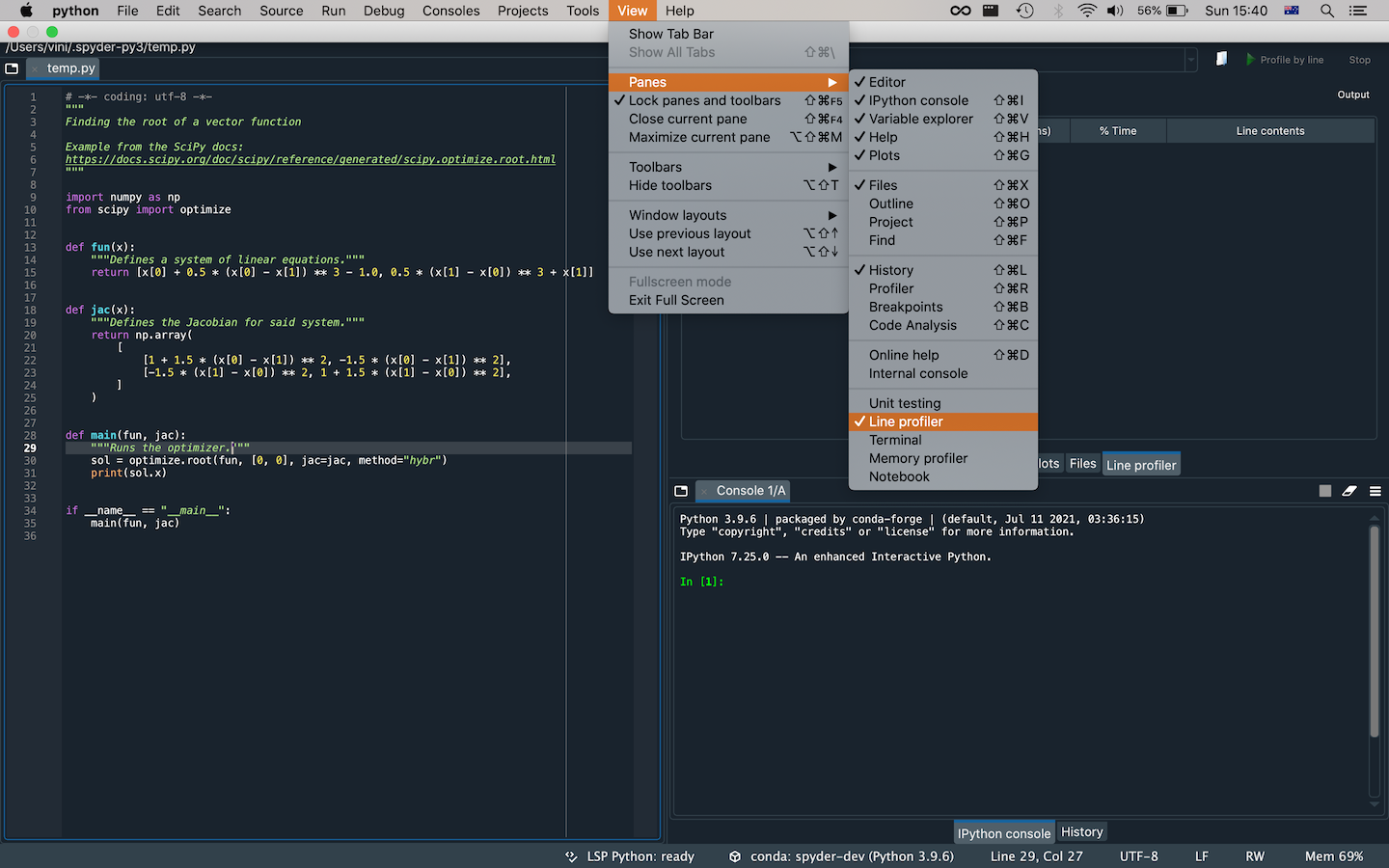
Spyder Line Profiler Spyder 4 Documentation Spyder Terminal Spyder 5 Documentation Python Terminal Command Conda Install Spyder ERROR Spyder Notebook Spyder 4 Documentation Python netcdf4 Spyder And Command Line Introduction To Spyder And Command Line By Spyder spyder kernels How To Open Anaconda Prompt In Windows Open Conda Prompt Anaconda Anaconda spyder N er anaconda spyder
Conda Install Spyder Command Line
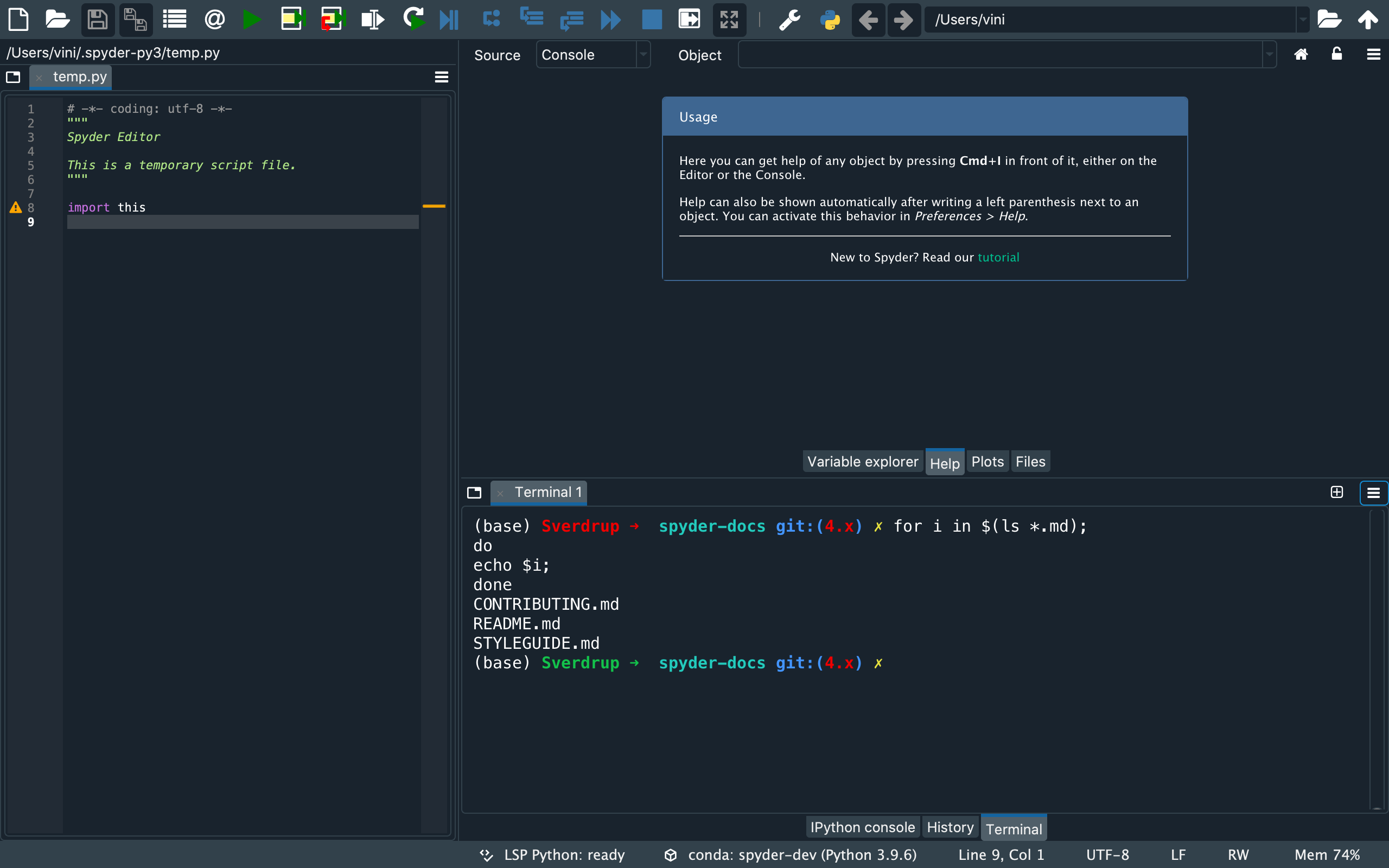 Conda Install Spyder Command Line
http://docs.spyder-ide.org/5/_images/terminal-standard.png
Getting started with conda Conda is a powerful command line tool for package and environment management that runs on Windows macOS and Linux This guide to getting started with conda goes over the basics of starting up and using conda to create environments and install packages
Pre-crafted templates offer a time-saving service for producing a varied range of documents and files. These pre-designed formats and layouts can be made use of for numerous personal and expert jobs, consisting of resumes, invites, flyers, newsletters, reports, discussions, and more, improving the material creation process.
Conda Install Spyder Command Line

Spyder python
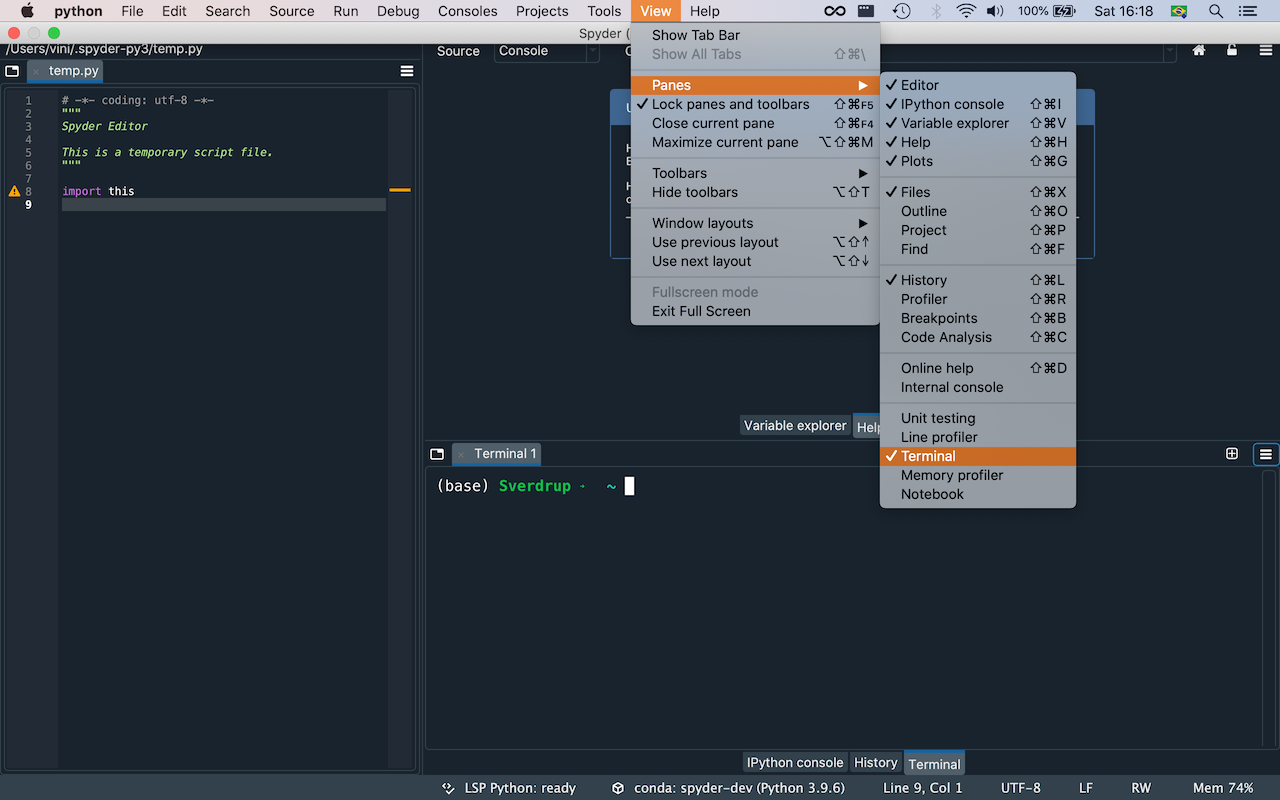
Spyder Terminal Spyder 5 Documentation

Python Terminal Command Conda Install Spyder ERROR
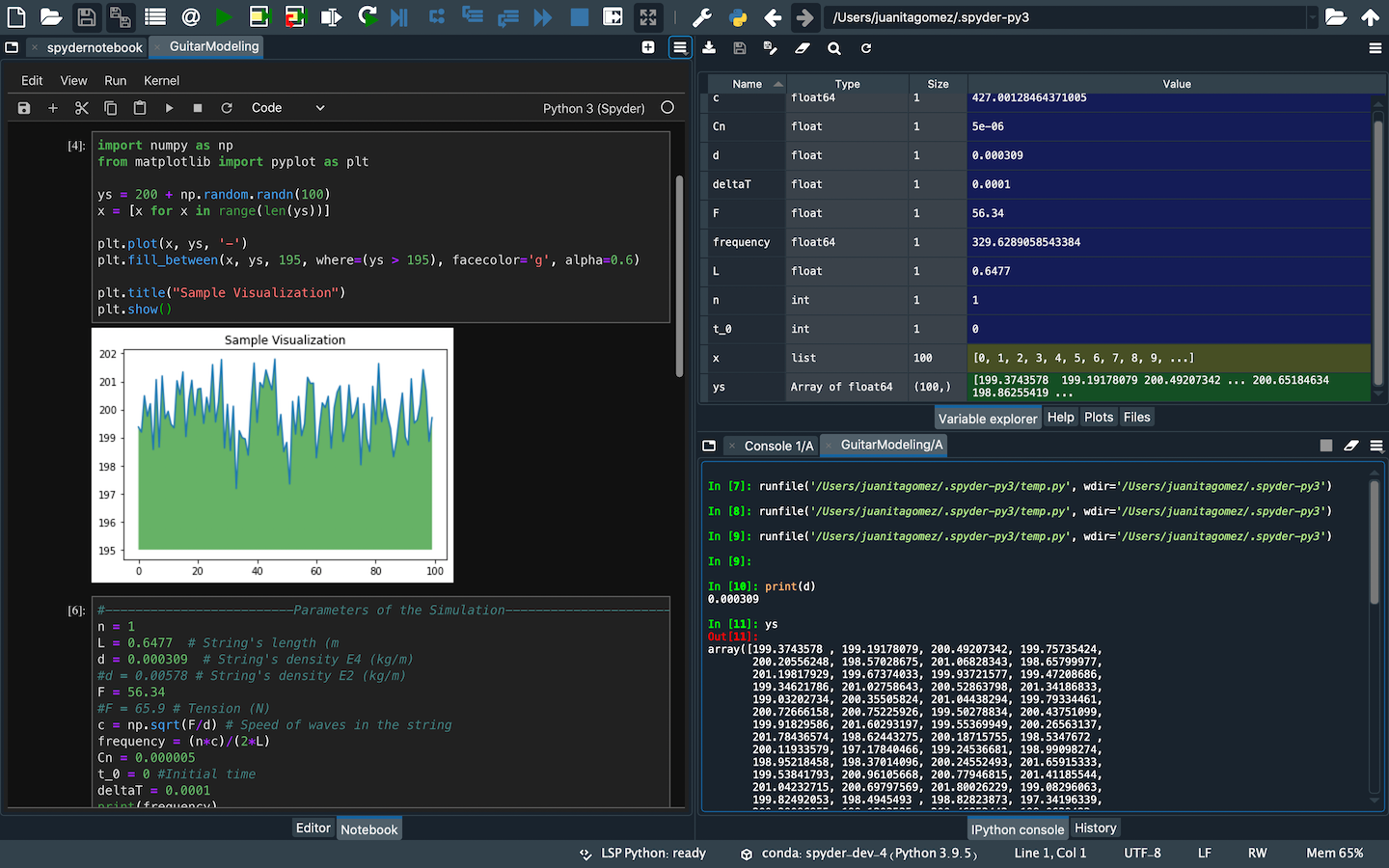
Spyder Notebook Spyder 4 Documentation
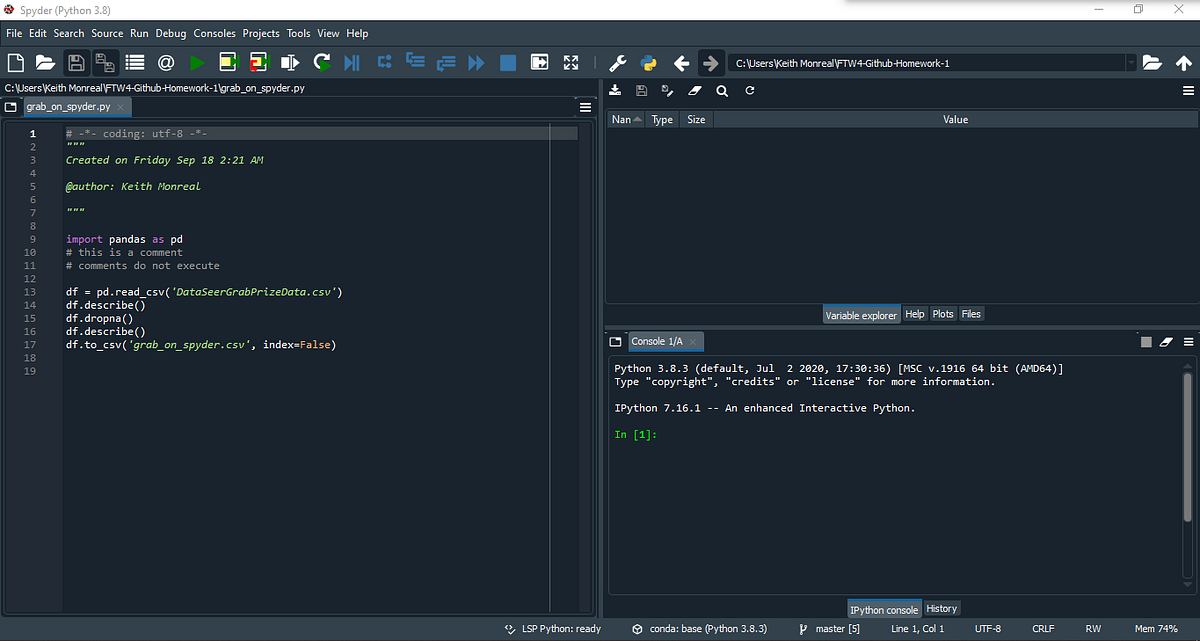
Spyder And Command Line Introduction To Spyder And Command Line By

Spyder spyder kernels
It features a unique combination of the advanced editing analysis debugging and profiling functionality of a comprehensive development tool with the data exploration interactive execution deep inspection and beautiful visualization capabilities of a scientific package n Furthermore Spyder offers built in integration with many popular scien
Installing and updating Q How do I install Spyder Q How do I install Spyder on Windows Subsystem for Linux 2 WSL2 Q How do I update Spyder using conda Q How do update I Spyder using Anaconda Navigator Running Spyder Q How do I run Spyder Q Can I try Spyder without installing it Q What are the system requirements for Spyder
Spyder is a package too you can install packages using pip or conda and spyder will access them using your python path in environment Spyder is not a package manager like conda but an IDE like jupyter notebook and VS Code Jul 27 2020 at 6 41 Add a comment 7 Answers Sorted by Reset to default This answer is useful 8

List of packages to install or update in the conda environment Named Arguments revision Revert to the specified REVISION file Read package versions from the given file Repeated file specifications can be passed e g file file1 file file2 dev Use sys executable m conda in wrapper scripts instead of CONDA EXE This is mainly for
Open a command line session and change directory to the conda based installer directory of the Spyder repository create the environment with the desired Python version and install the reqiured packages for the build environment follow the instruction above to install the conda based Spyder standalone application If you have Spyder
Restart your machine in case the problem lies with a lingering process or another such issue From the Anaconda Prompt Terminal command line on Windows Mac Linux run the command spyder reset which will restore Spyder s config files to their defaults which solves a huge variety of Spyder issues Installing in silent mode You can use silent installation of Miniconda or Anaconda for deployment or testing or building services such as GitHub Actions Follow the silent mode instructions for your operating system Windows macOS Linux Installing conda on a system that has other Python installations or packages
2 This is what worked for me First I removed spyder conda remove spyder Then I installed spyder 5 conda install spyder 5 For some reason I had to put spyder 5 when installing Otherwise I would only get spyder 3 Not sure why Share Improve this answer Follow edited Nov 13 2021 at 23 32 Paul 4 471 5 25 45 answered Nov 13 2021 at 22 47