Computer Ka First Name Gr nlund Flyer LED Riippuvalaisin 70cm Edullisesti Netist My s KYNTTIL NJAL KA CARTER Nikkeli SISUSTUS VILLA VILHELMIINA File Ford Ka II Rear 20100809 jpg Wikimedia Commons Fichier First Bank Of US jpg Wikip dia Computer Ka Hindi Naam Kya Hai To open Gmail you can sign in from a computer or add your account to the Gmail app on your phone or tablet Once you re signed in open your inbox to check your mail
Import from an existing CSV or vCard file On your computer go to Google Contacts On the left click Import Select file If you don t find the menu on the left at the top left click Menu For CSV files look for the csv file extension For vCard files look for the vcf file extension Choose your file Click Import Tip If you can t find a detail about a contact you imported once the A Google Account gives you access to many Google products With a Google Account you can do things like Send and receive email using Gmail
Computer Ka Hindi Naam Kya Hai File Gilbert Stuart Williamstown Portrait Of George Washington jpg Jeong Yu mi actress Born 1984 Wikipedia File ModernEgypt Muhammad Ali By Auguste Couder BAP 17996 jpg Asp Net Core Mvc Not Binding To Fresh Model During Postback Dev The Mandalorian Esittelee Trailerillaan Uuden Star Wars salamurhaajan File Tatung einstein computer png Wikimedia Commons File Gerhard Von K gelgen Portrait Of Friedrich jpg Wikimedia Commons Class 1 Parts Of Computer Computer Parts Name Computer Class 1
Computer Ka First Name
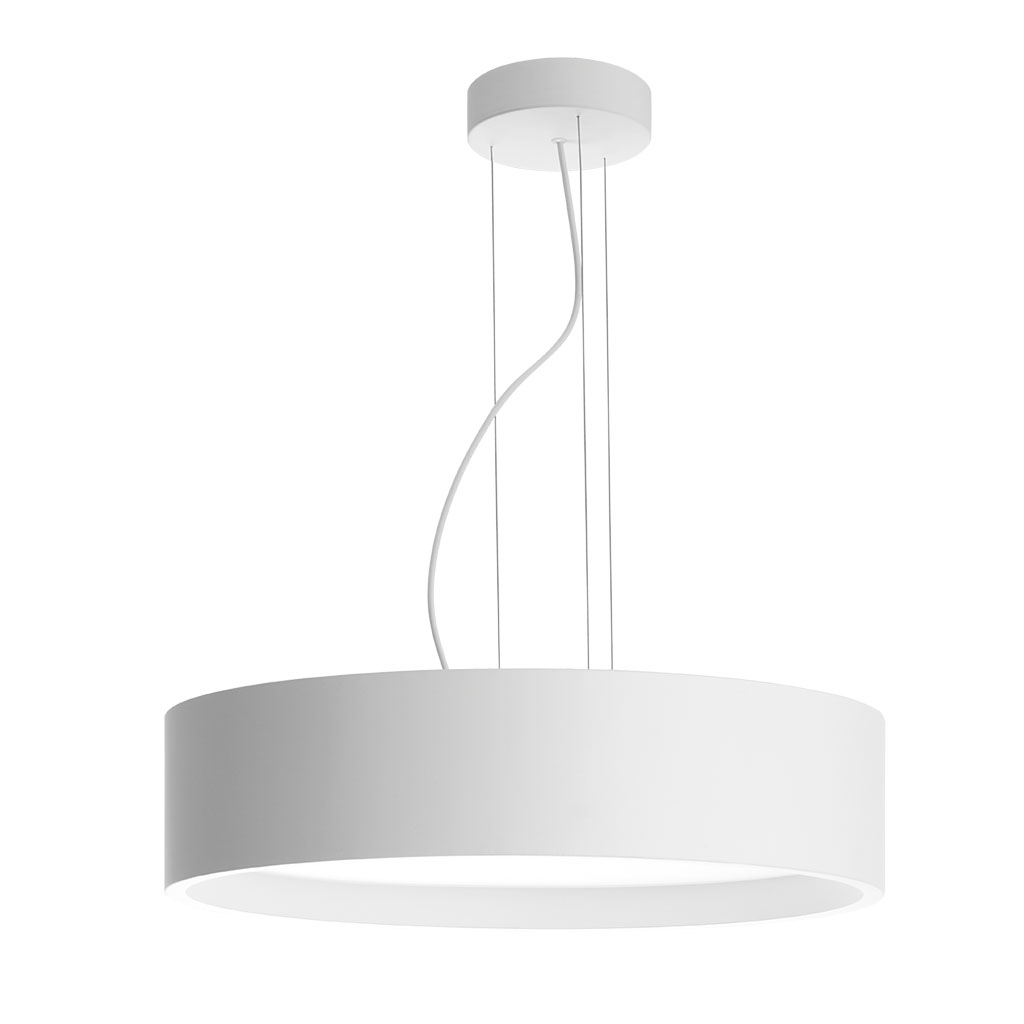 Computer Ka First Name
https://www.kallenkaluste.fi/pictures/689935flyer-50-valkoinen.jpg
Open Incognito mode Important When you use an Incognito window you can browse more privately You can switch between Incognito tabs and regular Chrome tabs On your computer open Chrome At the top right select More New Incognito window A new window opens On the right of the address bar you ll find the Incognito icon To open an Incognito window you can
Templates are pre-designed files or files that can be used for various purposes. They can save time and effort by providing a ready-made format and layout for producing different kinds of material. Templates can be used for personal or expert projects, such as resumes, invites, leaflets, newsletters, reports, presentations, and more.
Computer Ka First Name

Piirr Ja Arvaa
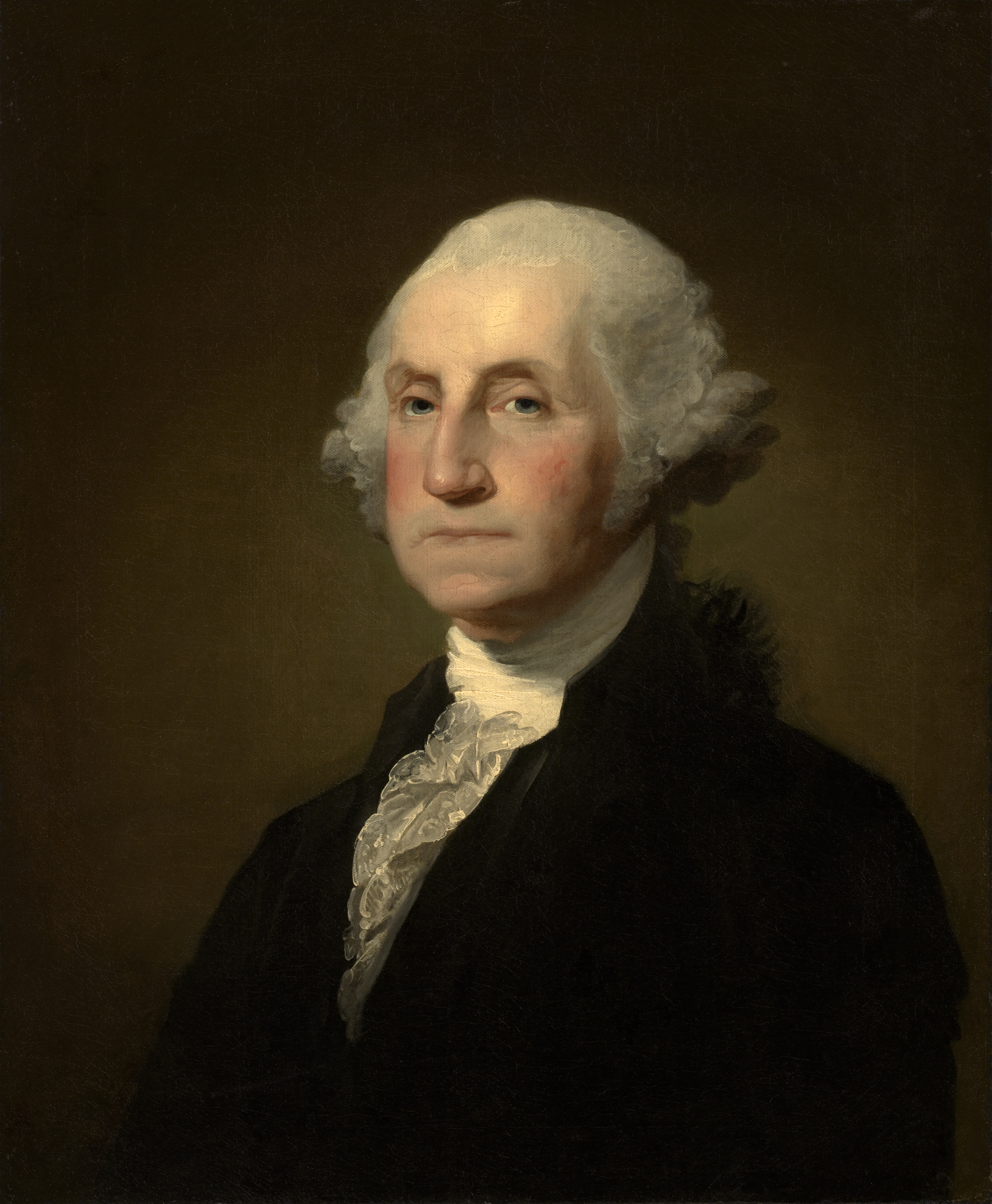
File Gilbert Stuart Williamstown Portrait Of George Washington jpg

Jeong Yu mi actress Born 1984 Wikipedia
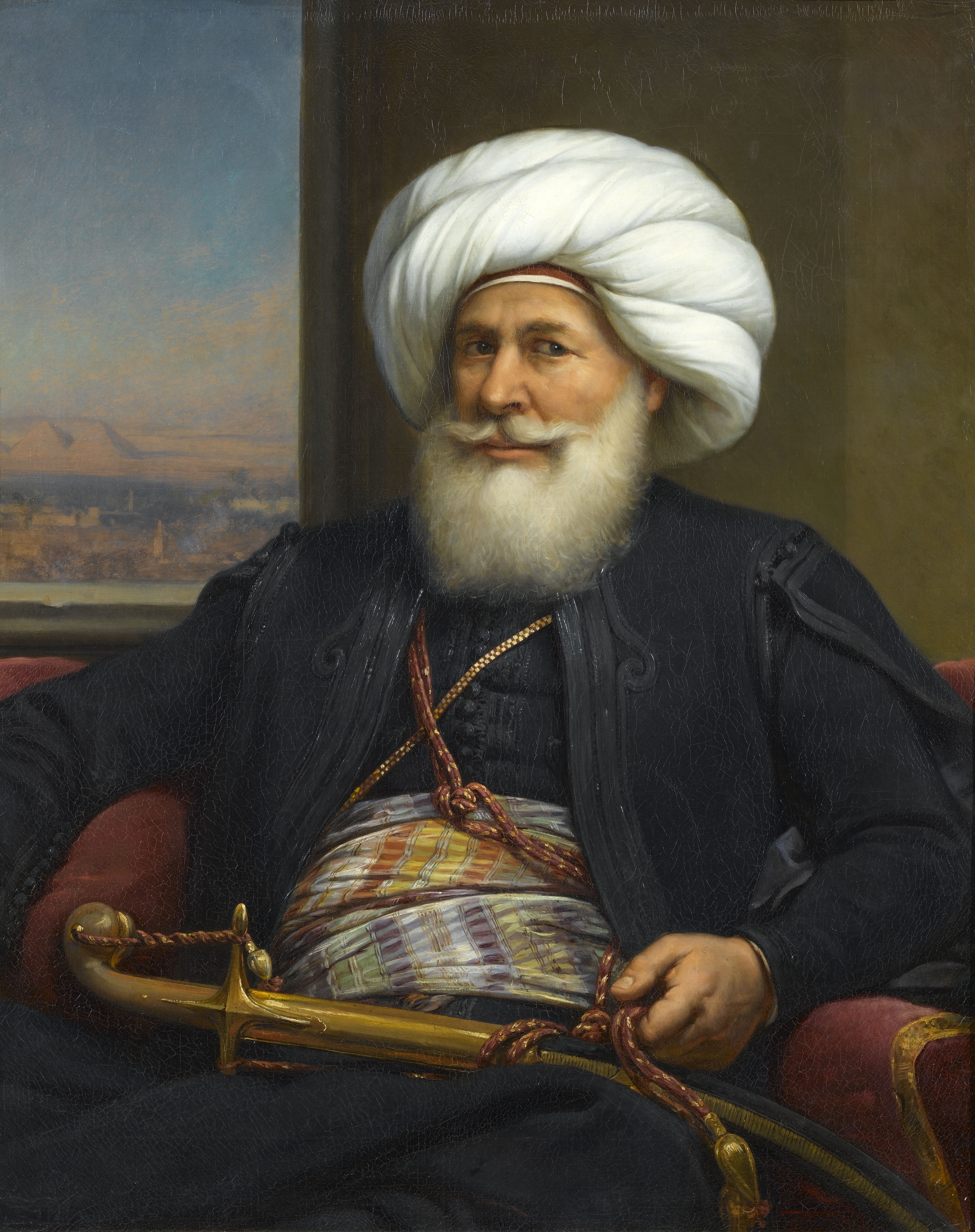
File ModernEgypt Muhammad Ali By Auguste Couder BAP 17996 jpg

The Mandalorian Esittelee Trailerillaan Uuden Star Wars salamurhaajan

File Tatung einstein computer png Wikimedia Commons
You can translate text handwriting photos and speech in over 200 languages with the Google Translate app You can also use Translate on the web

How to install Chrome Important Before you download you can check if Chrome supports your operating system and other system requirements

Google Duo and Google Meet have been combined into a new Meet app for video calling and meetings You can access your meetings in the new Meet app

How to install Chrome Important Before you download you can check if Chrome supports your operating system and other system requirements

On your computer go to your Search history in My Activity Choose the Search history you want to delete You can choose All your Search history Above your history click Delete Delete all time A specific time period Above your history click Delete Delete custom range A specific day Next to the day click Delete all activity from day
[desc-11] [desc-12]
[desc-13]