Computer Date And Time Changes Automatically On Reboot Windows 10 Windows 10 Date And Time Settings Complete Guide Www vrogue co How To Fix Computer Date And Time Keeps Changing In Windows 10 YouTube How To Update Windows 10 And Resolve Update Issues IMS Teknologi How To Fix Time And Date Problem On Computer Date And Time Computer Date And Time Setting Set Date And Time In Windows 10 On your computer open Google Translate At the top of the screen select the languages to translate From Choose a language or select Detect language To Select the language that
On your computer open Chrome At the top right select More Help About Google Chrome Select Relaunch If you can t find the Relaunch option you re on the latest version Tip The browser If you re new to Google Drive this article will help you get started by covering the most important and useful things you can do from learning how to use Drive and keeping your files organized
Computer Date And Time Setting Set Date And Time In Windows 10 How To Change Date And Time Formats On Windows 10 Windows Central Fixed Date And Time Changes Automatically Windows 10 8 7 After Comment Rebooter Son PC Facilement Sous Windows 10 Editing And Making Changes To Bookings ChurchSuite Support Articles How To Fix Reboot And Select Proper Boot Device In Windows 7 Ocean News How To Run CHKDSK On Reboot Windows 10 2 Ways Image Recovery Data Fix Microsoft Teams Checking Your Credentials Loop Technipages What Is The Proper Way To To Automatically Reboot A Windows Server
Computer Date And Time Changes Automatically On Reboot Windows 10
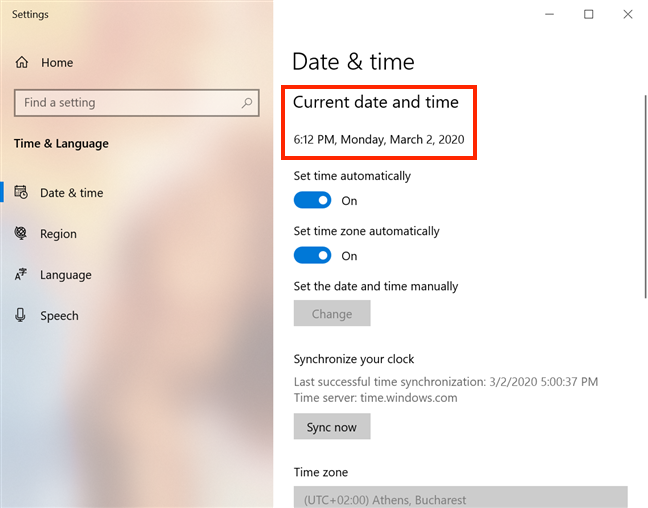 Computer Date And Time Changes Automatically On Reboot Windows 10
https://www.digitalcitizen.life/wp-content/uploads/2021/03/win10_time-2.png
On your computer open Google Maps Click Directions Enter the starting point and destination Click points on the map type an address or add a place name Choose your mode of
Templates are pre-designed files or files that can be utilized for numerous functions. They can save time and effort by supplying a ready-made format and design for producing various sort of material. Templates can be used for individual or expert jobs, such as resumes, invites, leaflets, newsletters, reports, discussions, and more.
Computer Date And Time Changes Automatically On Reboot Windows 10

How To Change Computer Date And Time In Window 7 8 10 In Hindi

How To Change Date And Time Formats On Windows 10 Windows Central

Fixed Date And Time Changes Automatically Windows 10 8 7 After

Comment Rebooter Son PC Facilement Sous Windows 10
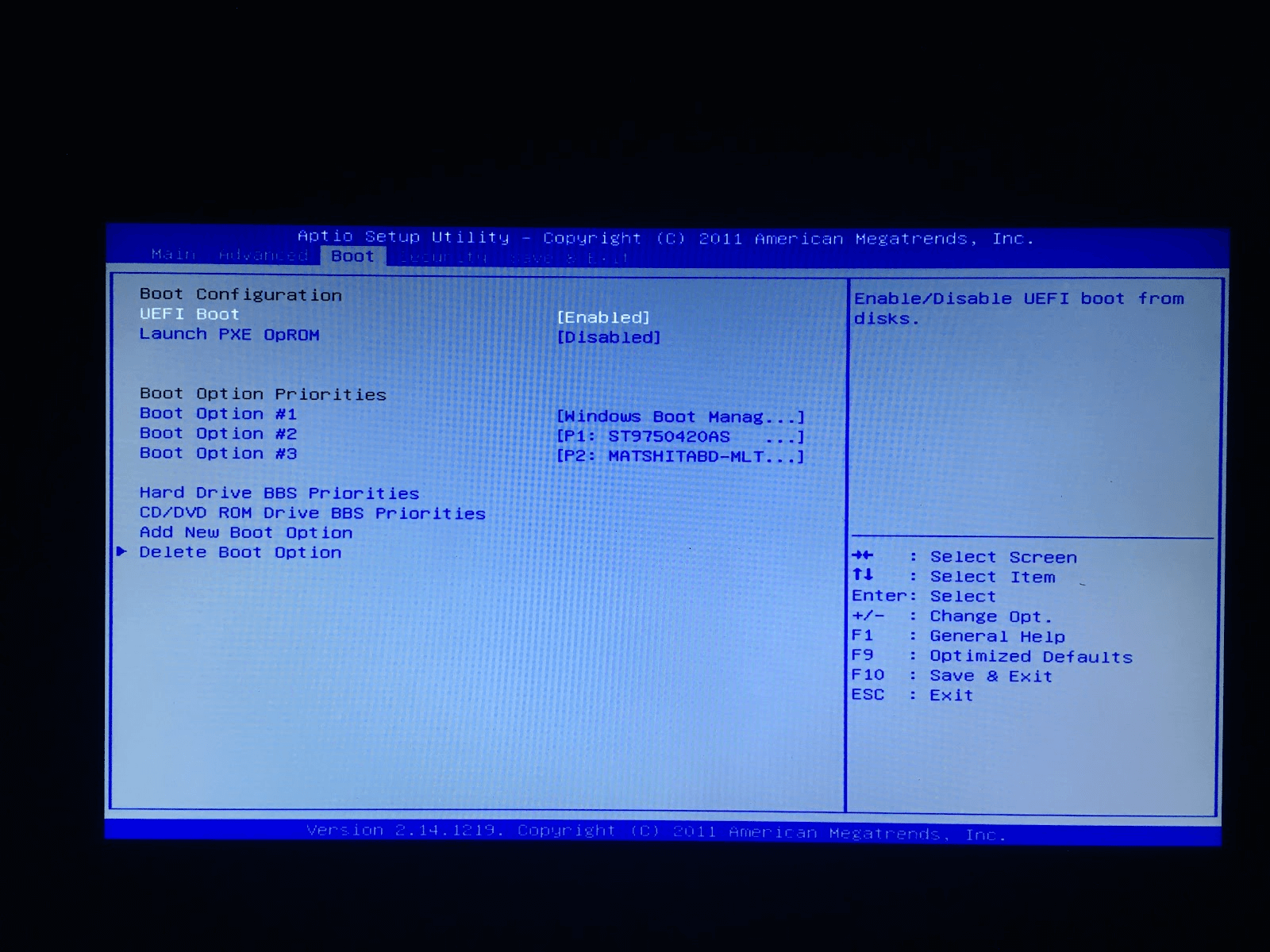
How To Fix Reboot And Select Proper Boot Device In Windows 7 Ocean News

How To Run CHKDSK On Reboot Windows 10 2 Ways Image Recovery Data

You can translate text handwriting photos and speech in over 200 languages with the Google Translate app You can also use Translate on the web

Google Duo and Google Meet have been combined into a new Meet app for video calling and meetings You can access your meetings in the new Meet app
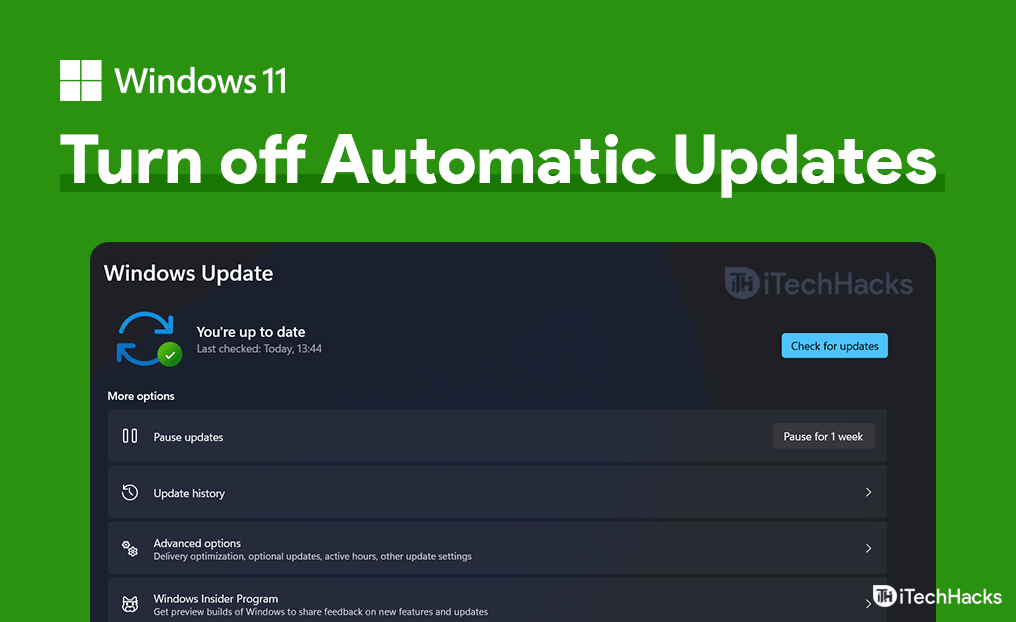
How to install Chrome Important Before you download you can check if Chrome supports your operating system and other system requirements

On your computer open Chrome At the top right select More New Incognito window A new window opens On the right of the address bar you ll find the Incognito icon To open an

Mit Google Kalender haben Sie folgende M 246 glichkeiten Videokonferenzen und Veranstaltungen planen Aufgaben zuweisen Terminplan freigeben Erstellen mehrerer Kalender
[desc-11] [desc-12]
[desc-13]