Compare Two Excel Sheets And Highlight Differences Using Formula How To Compare Two Excel Sheets And Find Differences YouTube How To Compare Two Excel Sheets And Highlight Differences 7 Ways Date Interval Calculator DarleneSarok How To Compare Two Excel Sheets And Highlight Differences 7 Ways Compare Two Excel Sheets And Highlight Differences YouTube Open Spreadsheet Compare In the lower left pane choose the options you want included in the workbook comparison such as formulas cell formatting or macros Or just Select All On the Home tab choose Compare Files In the Compare Files dialog box in the Compare row browse to the earlier version of your workbook
Method 1 Conditional Formatting To use conditional formatting to compare the two worksheets do the following Select all the data in the first worksheet On the Ribbon s Home tab click on Conditional Formatting in the Styles group Select New Rule in the menu Under Select a Rule Type select Use a formula to determine which cells to Select the folder icon next to the Compare older files dialog box to add the first document you want to compare to the tool Add the second file to the To newer files box and select OK to proceed Spreadsheet Compare will process the files and highlight cells with varying values in green
Compare Two Excel Sheets And Highlight Differences YouTube Compare Two Excel Sheets And Highlight Differences Macro LAOBING KAISUO How To Compare Two Excel Sheets Compare Two Excel Sheets And Highlight Differences Vba Spreadsheets Compare Two Excel Spreadsheets For Differences In 2022 Car Cost Pin On Budget Spreadsheet How To Compare Two Excel Files For Differences Layer Blog Compare Excel Files 2016 Spreadsheets Compare Two Excel Files Compare Two Excel Sheets For Differences
Compare Two Excel Sheets And Highlight Differences Using Formula
 Compare Two Excel Sheets And Highlight Differences Using Formula
https://i.ytimg.com/vi/rnEHF9tCTwA/maxresdefault.jpg
The video shows how to quickly compare two Excel sheets and highlight differences between them in values formulas and formatting Read more https www ab
Pre-crafted templates provide a time-saving solution for creating a diverse range of files and files. These pre-designed formats and designs can be used for numerous personal and professional projects, consisting of resumes, invitations, flyers, newsletters, reports, discussions, and more, simplifying the content production procedure.
Compare Two Excel Sheets And Highlight Differences Using Formula
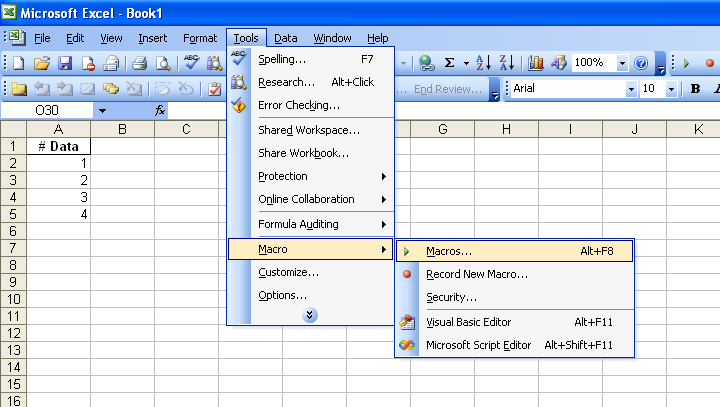
How To Compare Two Excel Spreadsheets For Differences Excel TMP

Compare Two Excel Sheets And Highlight Differences Macro LAOBING KAISUO
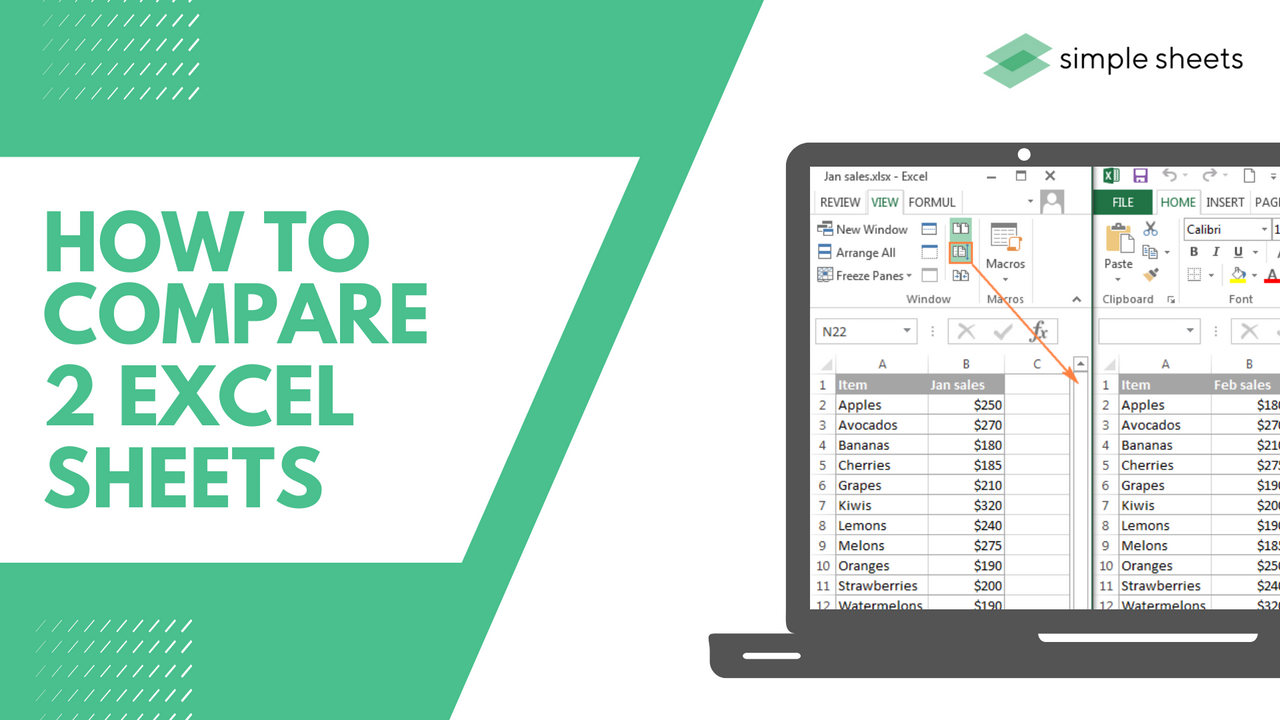
How To Compare Two Excel Sheets

Compare Two Excel Sheets And Highlight Differences Vba Spreadsheets

Pin On Budget Spreadsheet

How To Compare Two Excel Files For Differences Layer Blog
Compare two sheets in same workbook Sometimes 2 sheets that you want to compare reside in the same workbook To view them side by side perform the following steps Open your Excel file go to the View tab Window group and click the New Window button This will open the same Excel file in a different window

In this section we will use the Conditional Formatting option to compare the two sheets of the same workbook Steps Select the data range on which you want to apply the Conditional Formatting Go to Home Tab Conditional Formatting Dropdown New Rule Option Then the New Formatting Rule wizard will appear

Highlight differences in values formulas formatting Compare Multiple Sheets Wizard quickly finds and highlights differences in two or more Excel lists or sheets You will select the main worksheet and the sheets to compare it with and find different values formatting or formulas The differences can be highlighted with border fill or

How to Highlight Differences Between Two Excel Sheets In addition to identifying the differences between the two sheets you can also highlight the differences using conditional formatting For example suppose we want to highlight each cell in Sheet2 that has a different value from the corresponding cell in Sheet1 To do this we can use the

The Compare Sheets tool is part of Ablebits Ultimate Suite for Excel that will help you quickly find and highlight differences between two Excel worksheets and tables Compare Sheets can check your Excel lists for unique rows and differences in values formulas and cells formatting The tool shows differences with fill font or border color
This formula means that in the selected range of data the data in Sheet2 will compare that of Sheet1 one by one and highlight the different cells 5 Set the format select the highlight color for the mismatched data and confirm 6 Click OK at this time the differences between the two worksheets values will be immediately highlighted 1 Open all the Excel workbooks you would like to compare and go to View View Side by Side Select the file you want to start comparing with in the Compare Side by Side dialog box How to compare two Excel files Compare side by side 2 Click Arrange All to view all the opened files at the same time
Compare Sheets with the Match Function Prepare your two worksheets in the same workbook Select a column where you want to put the matching data Enter the Following Index Match Formula method to compare the two Excel sheets quickly match b2 sheet1 b2 b6 0 Press Enter to see how many matches are for specific data