Common Cmd Commands Windows 10 Some CMD Commands Every Windows User Should Know Basic Networking 5 Useful CMD Commands That A Windows User Should Know Wikigain The List Of Some Useful CMD Commands For Your Windows Full List Of Windows CMD Commands You Need To Know LearnFully CMD Commands Every Windows User Should Know Command Prompt Tricks CMD Web Mar 17 2022 nbsp 0183 32 How to Open the Command Prompt in Windows 10 and Windows 11 There are a few ways to open the Command Prompt in Windows Below are the most convenient Type quot command prompt quot into the Start menu to search for it You can also type quot cmd quot the short name of the executable that runs the Command Prompt if you prefer
Web Some Command Prompt commands let you move files while others let you change your internet settings Here are some of the most useful Command Prompt commands and what they do Web Aug 15 2019 nbsp 0183 32 By typing simple commands into the Command Prompt you can automate tasks run system diagnostics and perform numerous other advanced administrative functions There are almost 300 Command Prompt commands available in Windows You can view the full list here Windows commands Microsoft Docs
CMD Commands Every Windows User Should Know Command Prompt Tricks CMD Top 15 Best CMD Commands Used For Hacking In 2019 Learn Hacking Life 10 Cmd Commands All Windows Users Should Know Www vrogue co List Of Windows 7 Command Prompt Commands Command Prompt Commands A Complete List CMD Commands Top 10 Command Prompts Commands From Zerothcode Blog Windows Cheat Sheet Windows Command Line Cheat Sheet By Boogie CLOUD 15 CMD Commands Every Windows User Should Know Microsoft Has Slowly 10 Useful CMD Commands Of The Year
Common Cmd Commands Windows 10
 Common Cmd Commands Windows 10
https://i.ytimg.com/vi/yAJJ4tVfVWY/maxresdefault.jpg
Web Aug 9 2022 nbsp 0183 32 Windows Command Line Commands powershell start cmd v runAs Run the Command Prompt as an Administrator driverquery Lists All Installed Drivers It is important to have access to all drivers because they often cause chdir or cd Changes the Current Working Directory to the Specified
Pre-crafted templates provide a time-saving option for creating a varied series of files and files. These pre-designed formats and designs can be made use of for different individual and expert projects, including resumes, invites, flyers, newsletters, reports, presentations, and more, streamlining the material development process.
Common Cmd Commands Windows 10
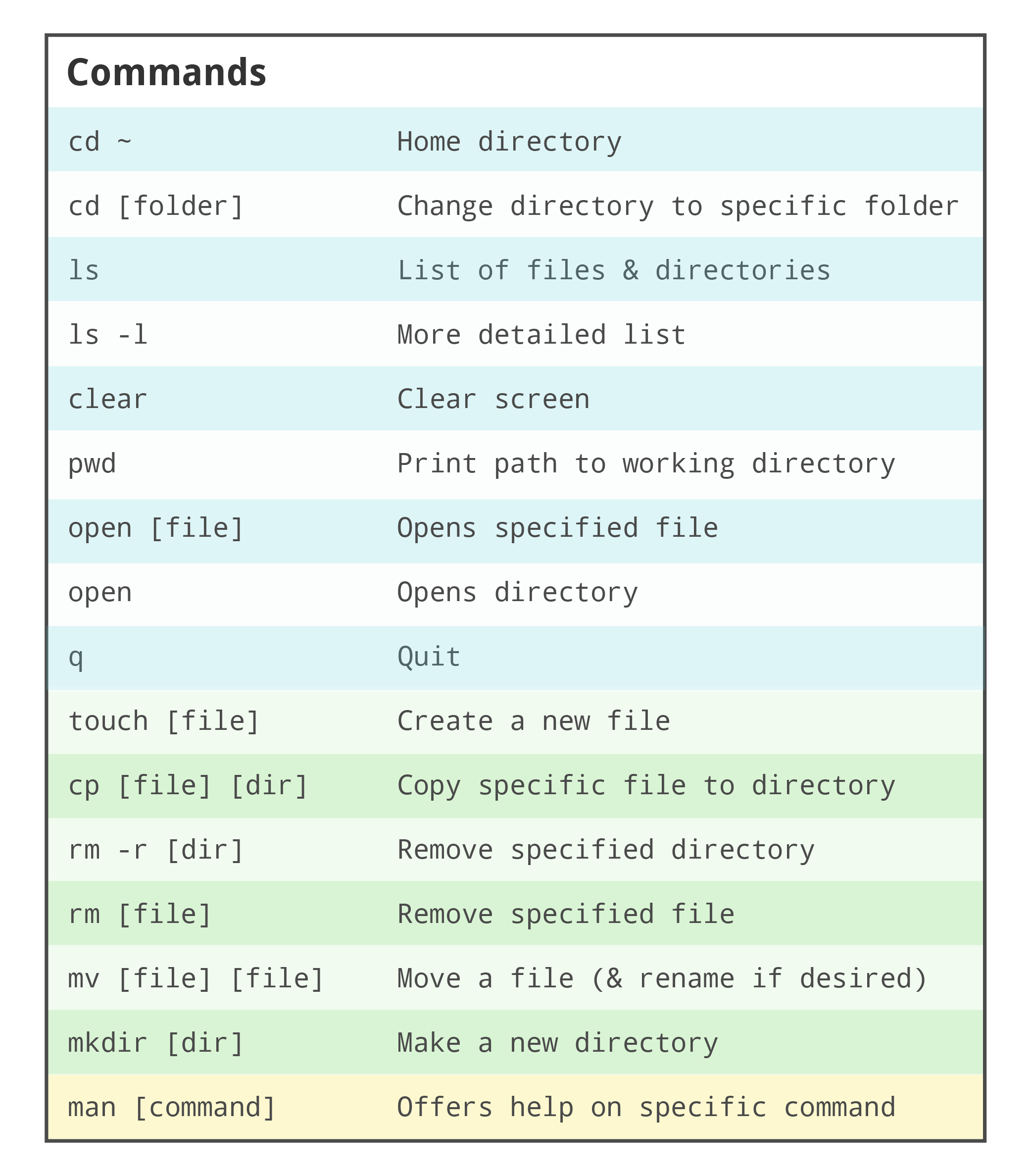
Simple Command Prompt Commands Lokasinshoppe

Top 15 Best CMD Commands Used For Hacking In 2019 Learn Hacking Life
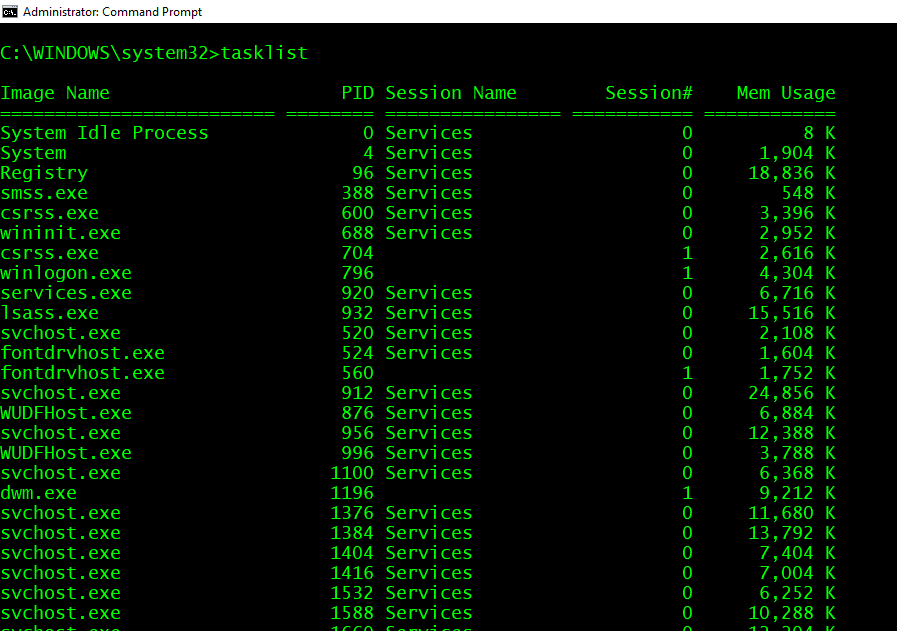
10 Cmd Commands All Windows Users Should Know Www vrogue co

List Of Windows 7 Command Prompt Commands
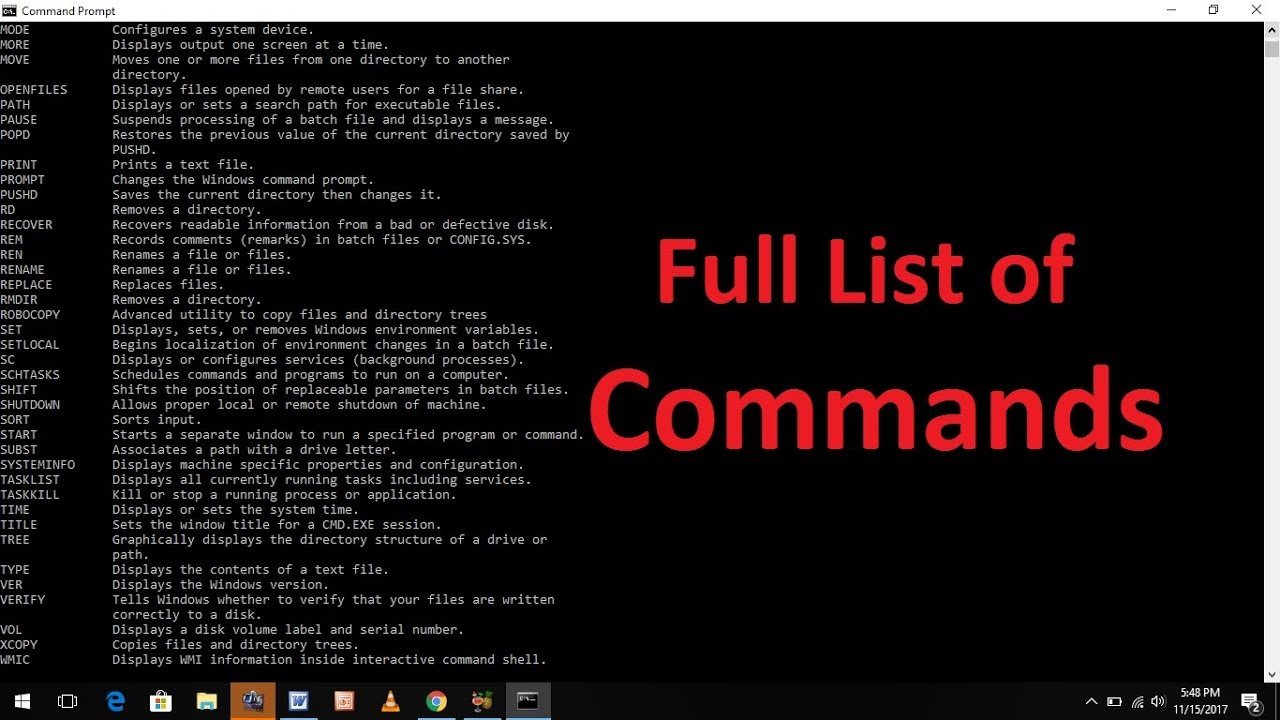
Top 10 Command Prompts Commands From Zerothcode Blog
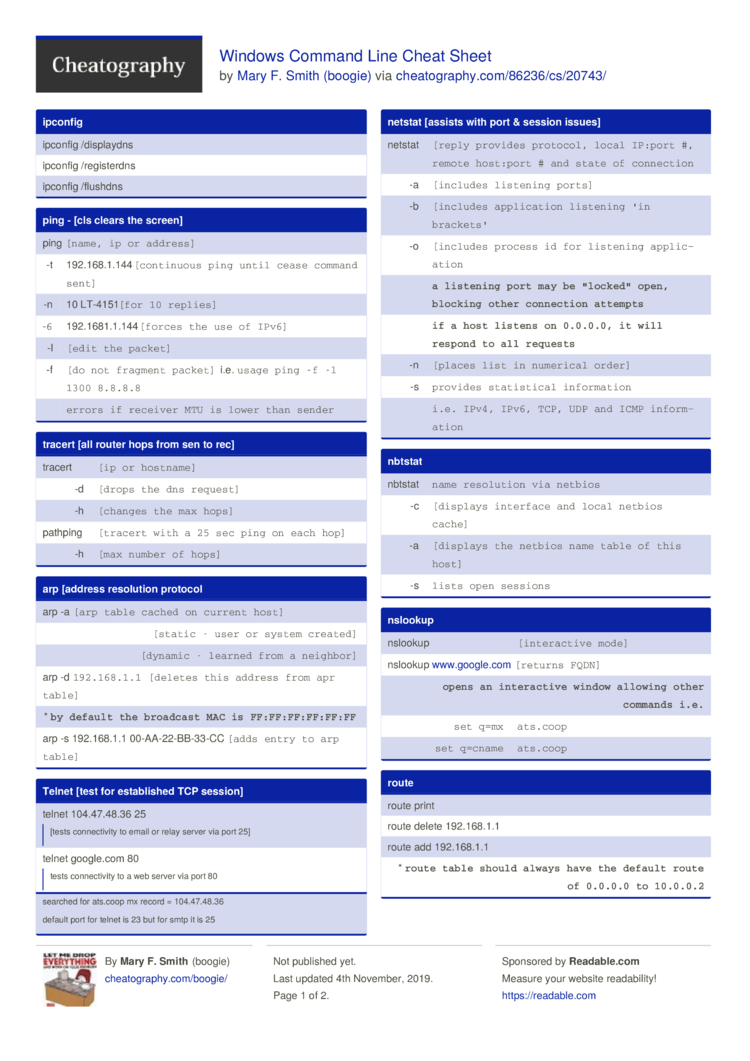
Windows Cheat Sheet Windows Command Line Cheat Sheet By Boogie CLOUD

Web May 22 2023 nbsp 0183 32 Windows Command Prompt Commands 1 Assoc Most files on Windows are associated with a specific program that is assigned to open the file by default At times remembering these 2 Cipher 3 File Compare 4 Ipconfig 5 Netstat
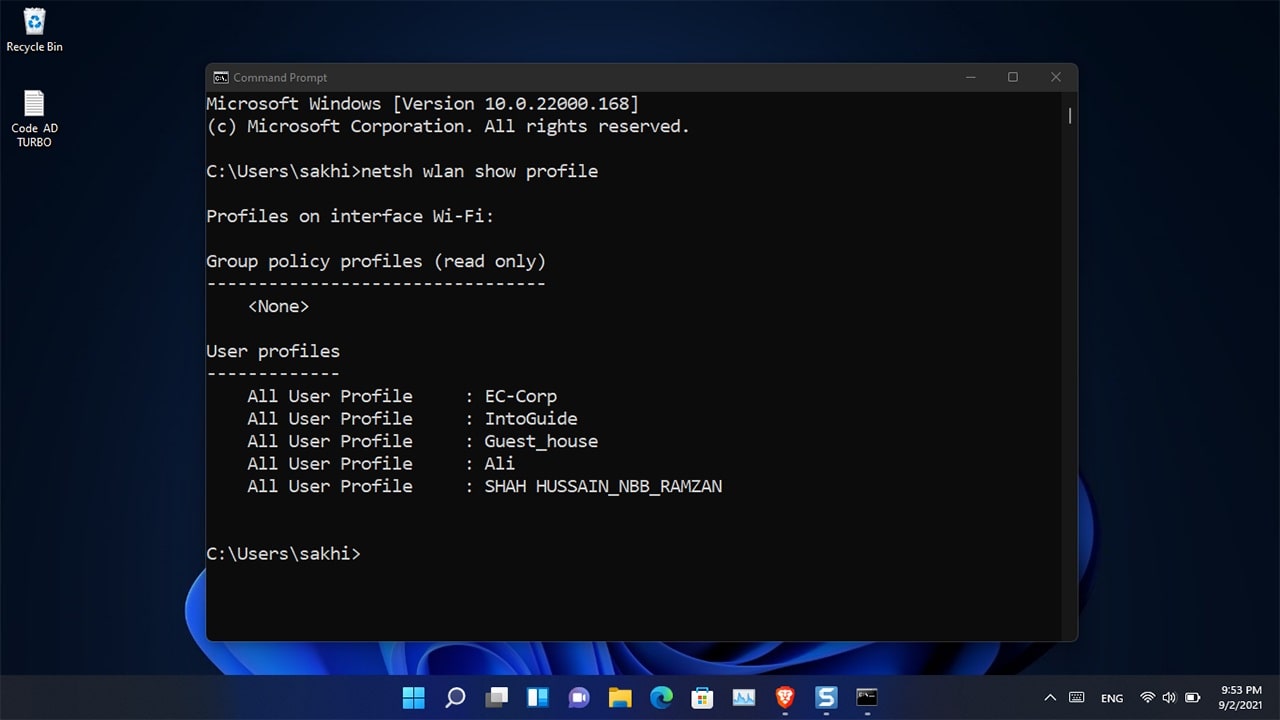
Web Feb 21 2019 nbsp 0183 32 14 Command Prompt CMD Commands Windows Users Should Know 1 ASSOC Fix File Associations The ASSOC command is one of the most powerful tools in the CMD command library Your 2 FC File Compare It can be challenging to tell the difference between two similar files The good news is that 3
Web Apr 26 2022 nbsp 0183 32 Do you use Command Prompt in Windows 10 or Windows 11 NOTE The information shared in this tutorial applies to Windows 11 Windows 10 and even older Microsoft operating systems such as Windows 7 1 How to change the directory in CMD CD in Command Prompt
Web May 26 2023 nbsp 0183 32 This way you can quickly look up whether the CMD commands that you know still function with
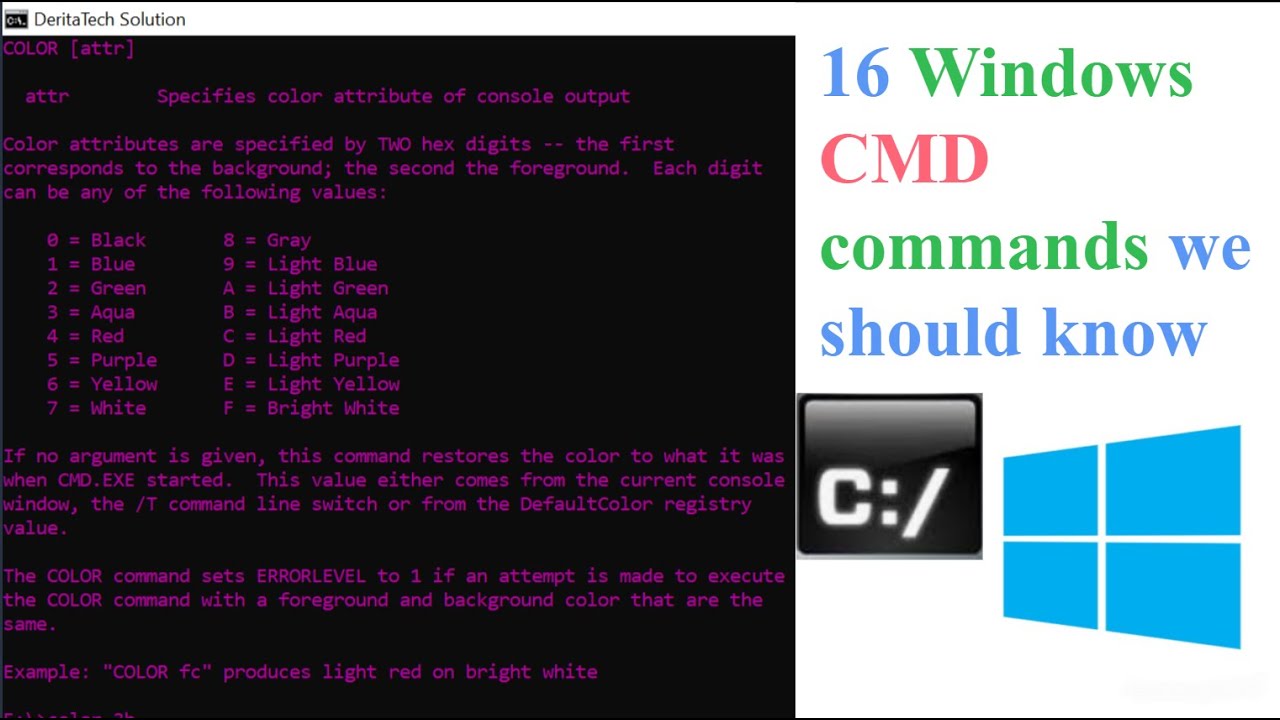
Web Jan 11 2023 nbsp 0183 32 Below is an overview of some common Windows CMD Command Prompt commands Every command has a brief explanation and an example use case Note All commands were tested on a Windows 10 machine in Command Prompt
Web Aug 12 2023 nbsp 0183 32 10 Ways to Open the Command Prompt in Windows 10 Open Command Prompt from Windows X Power Users Menu Press Windows X to open the Power Users menu and then click quot Command Prompt quot or quot Command Prompt Open a Command Prompt from Task Manager Open a Command Prompt in Admin Mode from Task Web May 12 2021 nbsp 0183 32 To adjust this so that Command Prompt appears on the power user menu Press Windows key I to open Settings Click Personalization gt Taskbar Slide Replace Command Prompt with Windows PowerShell in the menu when I right click the start button or press Windows logo key X to Off 3
Web Dec 8 2022 nbsp 0183 32 For most windows commands you can type the command followed by to view the help info it will display the full syntax and parameters So to view the help for ping use this command ping l switch specifies a packet size ping l 2024 192 168 5 1 a switch will do a reverse name resolution on the IP PTR record lookup ping a