Comment Css Codepen Comment Bien Utiliser Codepen YouTube Comment Thread With Reply Forms CodePen CSS Comment Icon UI Design Comment 5 Comments In CSS Single Line Comment Multi Line Comment CSS The comment syntax is used for both single and multiline comments There is no other way to specify comments in external style sheets However when using the style element you may use to hide CSS from older browsers although this is not recommended As with most programming languages that use the comment syntax comments cannot be nested
In the figure below the first reply has a spacing on the left to indicate that it s visually related to the first comment In CSS we can do something like this li data nested true li data nested true Check out the Codepen demo That s it Now we have comments with spacing that reflects their relationship CSS Comment Example How To Comment Out CSS Comments are used in CSS to explain a block of code or to make temporary changes during development The commented code doesn t execute Both single and multi line comments in CSS begin with and end with and you can add as many comments to your stylesheet as you like For example This is
5 Comments In CSS Single Line Comment Multi Line Comment CSS CodePen Comment Box Control How To Make A Responsive Comment Box Using HTML And CSS YouTube How To Comment In CSS with Pictures WikiHow Css Background Animation Codepen American Prove How To Create A Comment Box With Text Using CSS Ttn Css commentttn tutorials Mettre Une Image En Background Css Comment For CSS
Comment Css Codepen
 Comment Css Codepen
https://i.ytimg.com/vi/YBW40sxAdbU/maxresdefault.jpg
Comment in CSS body font family system ui font size 62 5 1em 10px line height 1 4 The stuff inside the marks are CSS comments This allows you to enter notes into CSS that will not be interpreted In this case this comment lets someone reading the CSS file know that that particular line of CSS was intended to allow
Pre-crafted templates use a time-saving option for producing a varied range of files and files. These pre-designed formats and layouts can be used for different personal and expert projects, including resumes, invitations, leaflets, newsletters, reports, presentations, and more, enhancing the content production process.
Comment Css Codepen
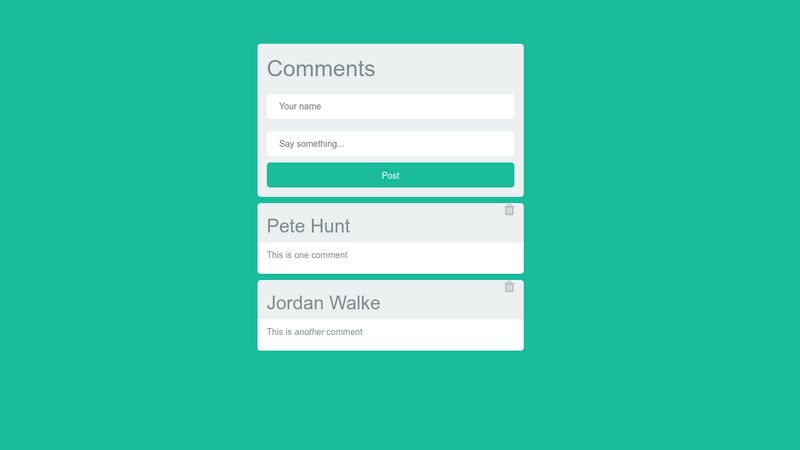
React Comment Box
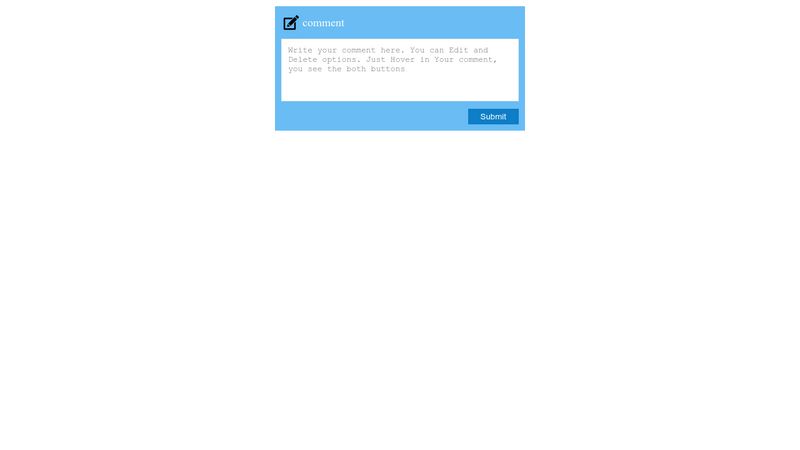
CodePen Comment Box Control
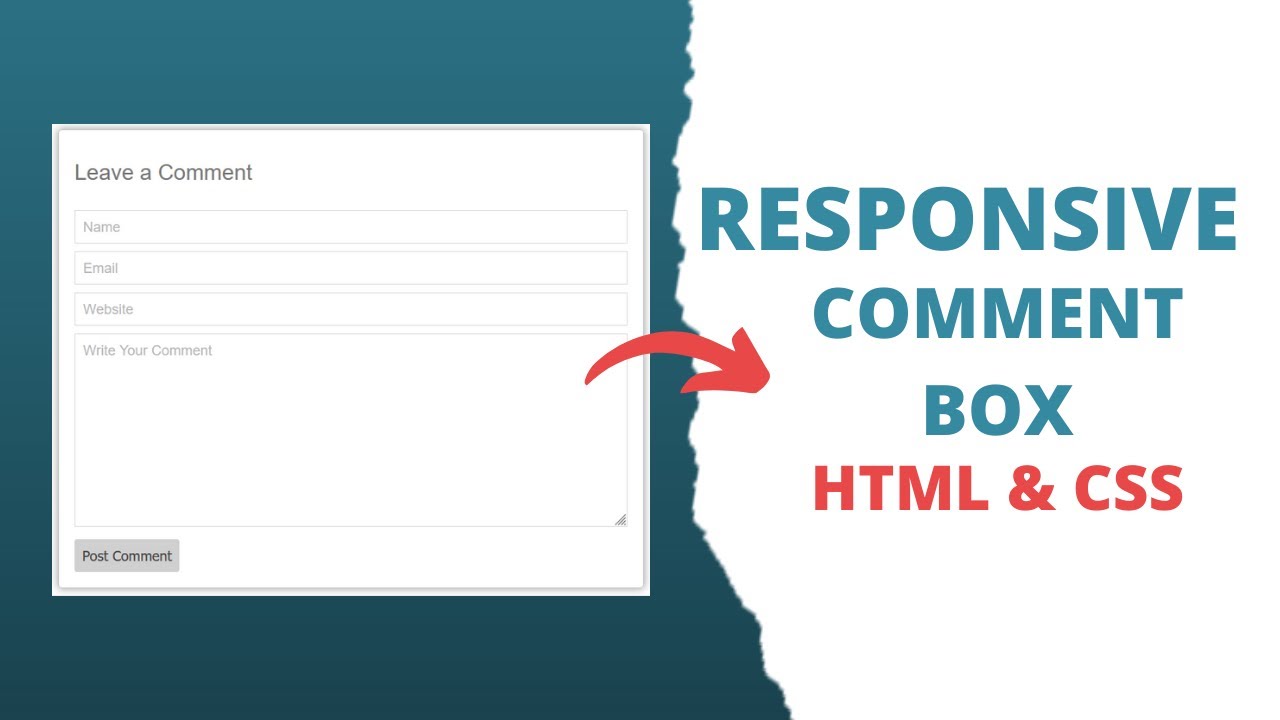
How To Make A Responsive Comment Box Using HTML And CSS YouTube

How To Comment In CSS with Pictures WikiHow

How To Create A Comment Box With Text Using CSS

Ttn Css commentttn tutorials

You can apply CSS to your Pen from any stylesheet on the web Just put a URL to it here and we ll apply it in the order you have them before the CSS in the Pen itself You can also link to another Pen here use the css URL Extension and we ll pull the CSS from that Pen and include it

You can apply CSS to your Pen from any stylesheet on the web Just put a URL to it here and we ll apply it in the order you have them before the CSS in the Pen itself You can also link to another Pen here use the css URL Extension and we ll pull the CSS from that Pen and include it

In process of simplifying comments before merging with Olive Pen Settings HTML CSS JS Behavior Editor HTML In CodePen whatever you write About CSS Preprocessors CSS preprocessors help make authoring CSS easier All of them offer things like variables and mixins to provide convenient abstractions

You can apply CSS to your Pen from any stylesheet on the web Just put a URL to it here and we ll apply it in the order you have them before the CSS in the Pen itself You can also link to another Pen here use the css URL Extension and we ll pull the CSS from that Pen and include it

Anchor links are added inside each of the comments and these are styled to look like borders on the left hand side The body of the comment is now aligned with the replies The ment heading which contains the votes author and time added has a fixed height of 50px
CodePen is an ever changing place In native HTML and CSS what you see above is the only syntax for commenting For example if you select multiple lines but still use the line comments key command it will use line comments on each line rather than wrap the area in a block comment But rather than explain every single thing in this The Analyze CSS button is in the same position in the CSS settings panel as the Analyze HTML button is in the HTML settings panel CSS analysis is provided by CSS Lint a project by Nicole Sullivan and Nicholas C Zakas We have all the default rules turned on Click the button get warning messages shown inline in the editor
The most social view Details View is perhaps the most shareable view on CodePen in that it features your work prominently right up top allows the code to be seen as well and encourages social interaction like hearing commenting and re sharing Details View is where you come to see all the meta information on a Pen like The Pen s