Command To Run In Visual Studio Code Create A NET Console Application Using Visual Studio Code NET Microsoft Learn How To Run Python In Visual Studio Code Youtube Riset Run Visual Studio Code Online Fadreference How To Install Matplotlib In Python Youtube Riset Visual Studio Code For Mac To Run C Program Canvasmpo Use the Run active file in terminal command to execute the current file in VS Code s
From the Command Palette Ctrl Shift P select Preferences Open Keyboard Shortcuts File bind the desired shortcut to the workbench action tasks runTask 1 Open a terminal window 2 Navigate to the folder or file you want to open using cd 3 Type code path to file
Visual Studio Code For Mac To Run C Program Canvasmpo Run Python In Visual Studio Code Lasopainn Visual Studio Code Javascript Types Fadsimply How To Run In Visual Studio Code Mac Pagdvd VSCode Cannot Seem To Find Run Button To Run Javascript Code ITecNote How To Run Html Code In Visual Studio Code BEST GAMES WALKTHROUGH Microsoft Defends Intrusive Dialog In Visual Studio Code That Asks If You Really Trust The Code Visual Studio Code Logo 640x480 Simplelas How To Run Code In Visual Studio Code Luxejza
Command To Run In Visual Studio Code
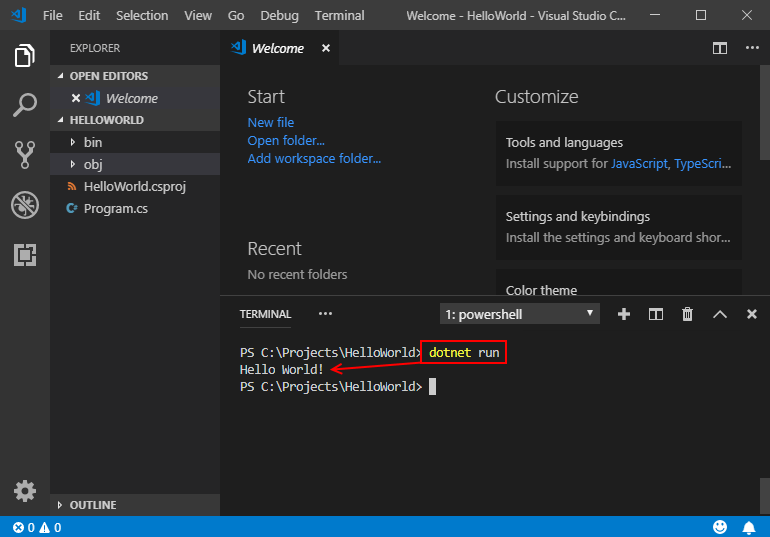 Command To Run In Visual Studio Code
https://learn.microsoft.com/en-us/dotnet/core/tutorials/media/with-visual-studio-code/dotnet-run-command.png
Image Next run Command Shift P Now you should see this image 1 What we ve done here is opened up the VS Code command palette image
Templates are pre-designed files or files that can be used for various purposes. They can save time and effort by offering a ready-made format and design for producing different kinds of content. Templates can be used for individual or professional projects, such as resumes, invitations, leaflets, newsletters, reports, presentations, and more.
Command To Run In Visual Studio Code
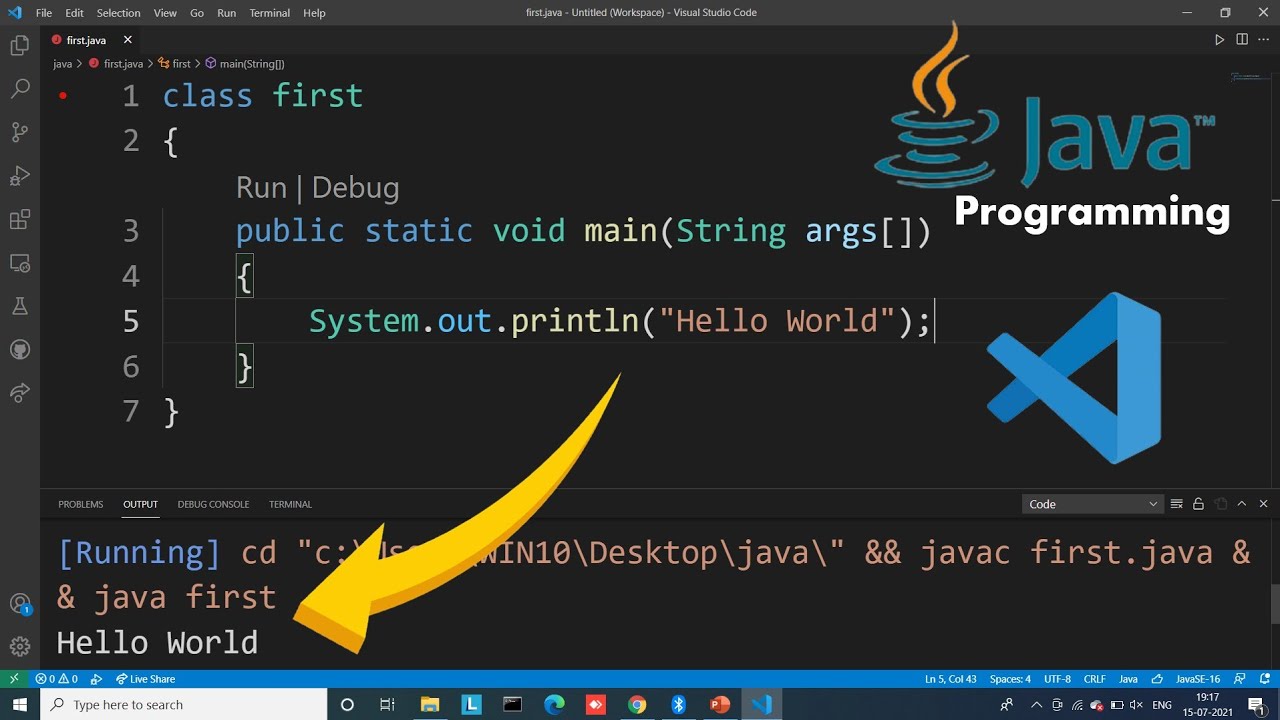
How To Create A Java Project In Visual Studio Code
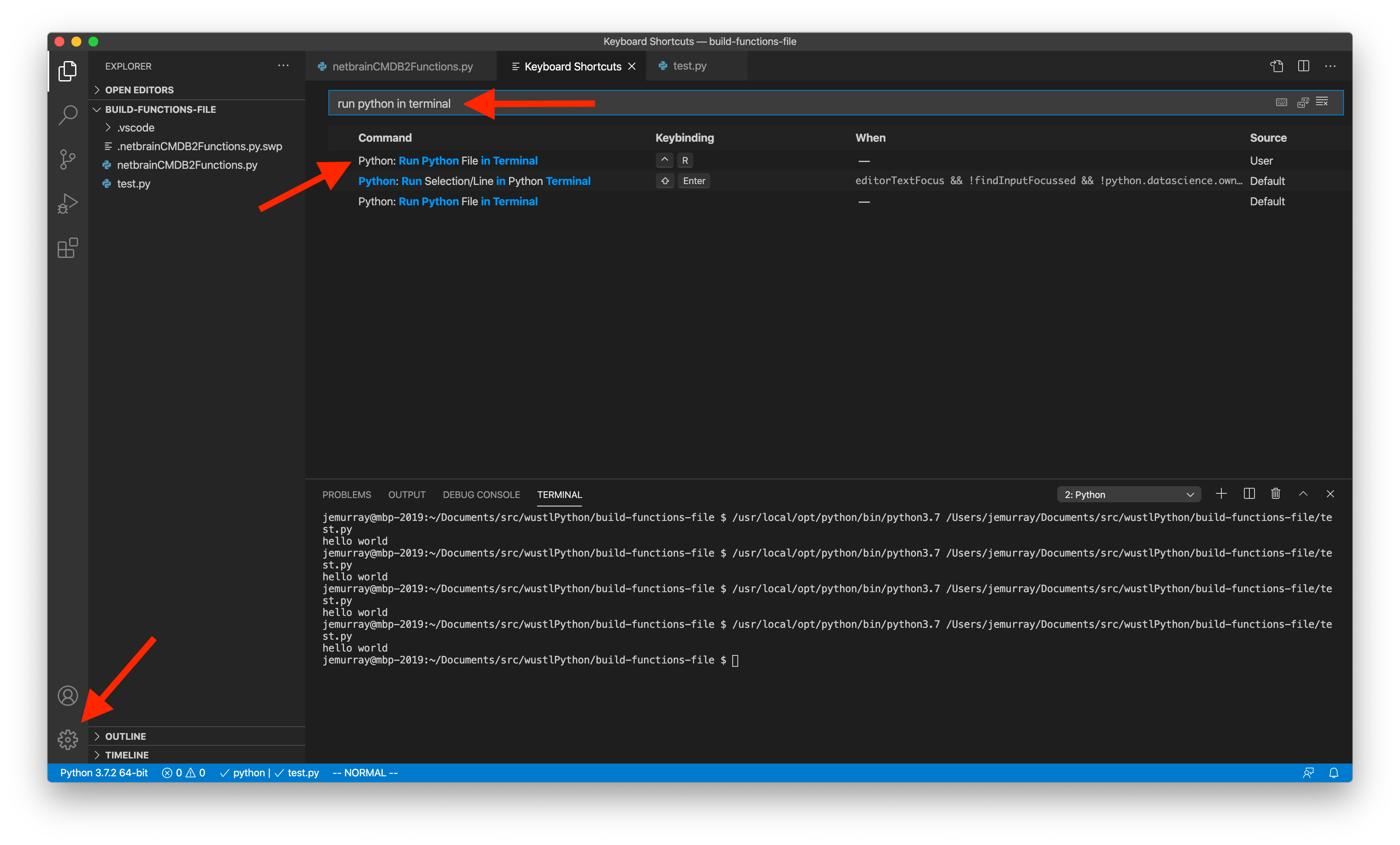
Run Python In Visual Studio Code Lasopainn
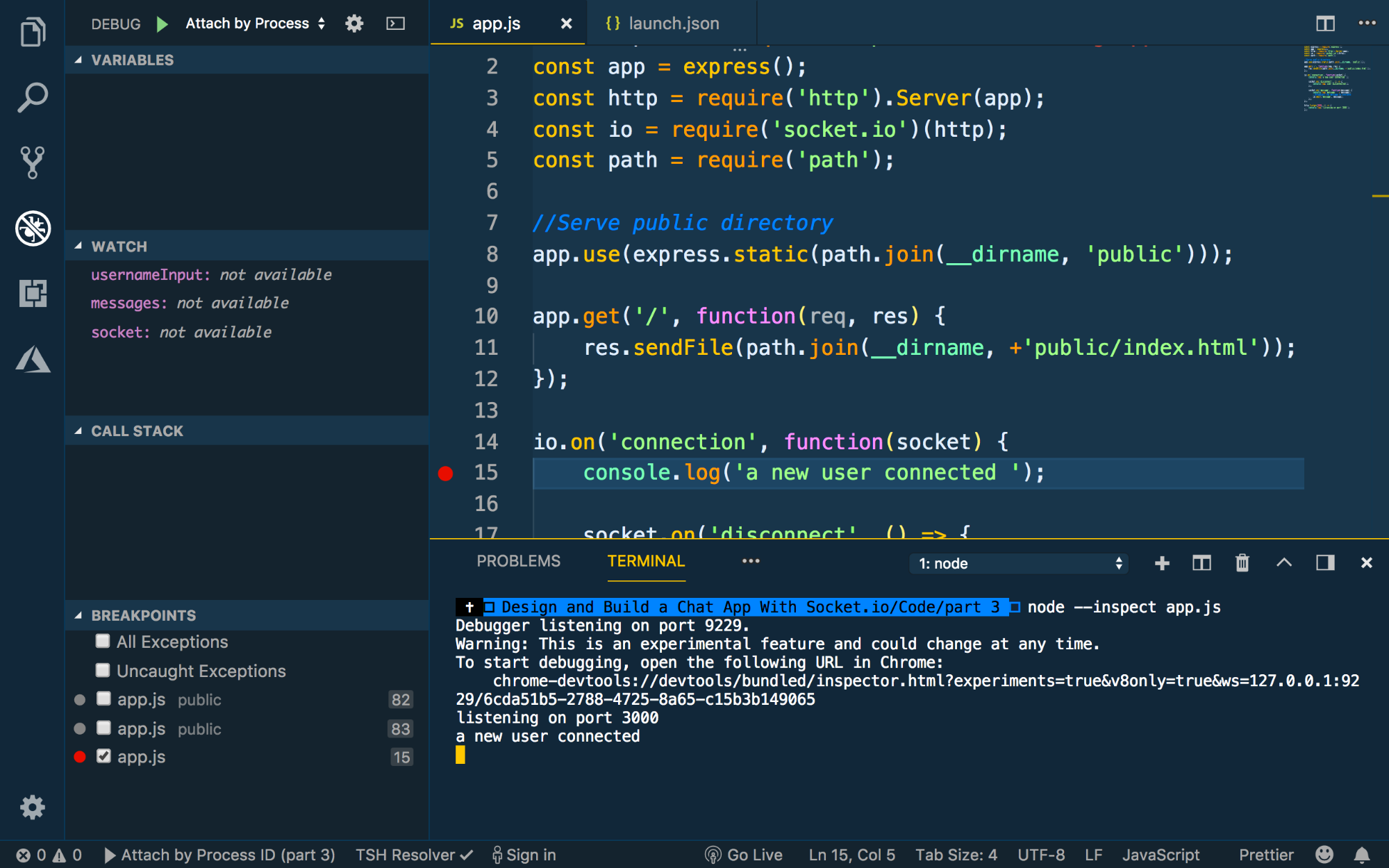
Visual Studio Code Javascript Types Fadsimply
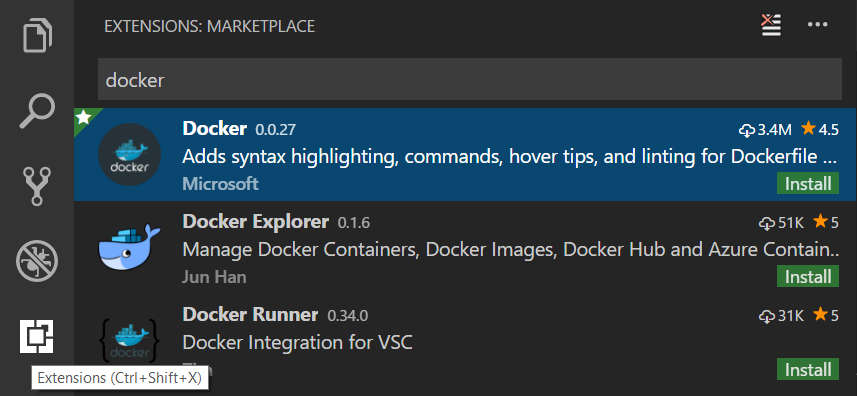
How To Run In Visual Studio Code Mac Pagdvd
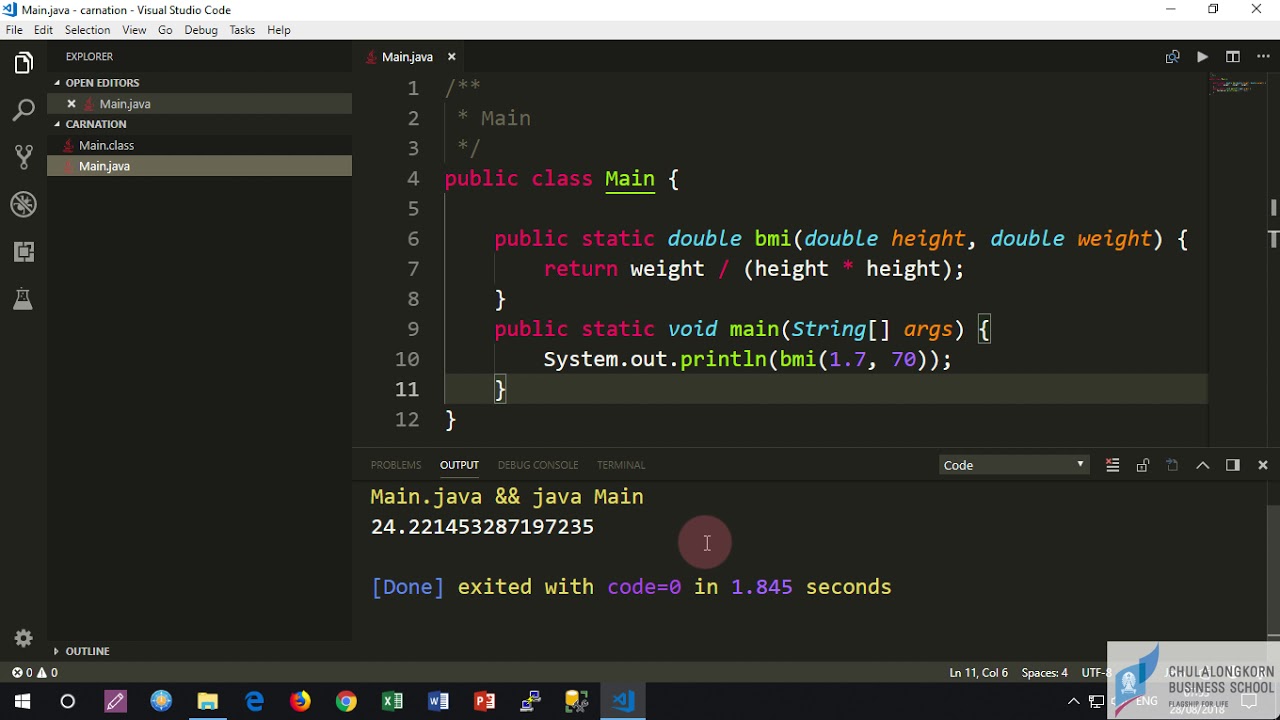
How To Run Html Code In Visual Studio Code BEST GAMES WALKTHROUGH
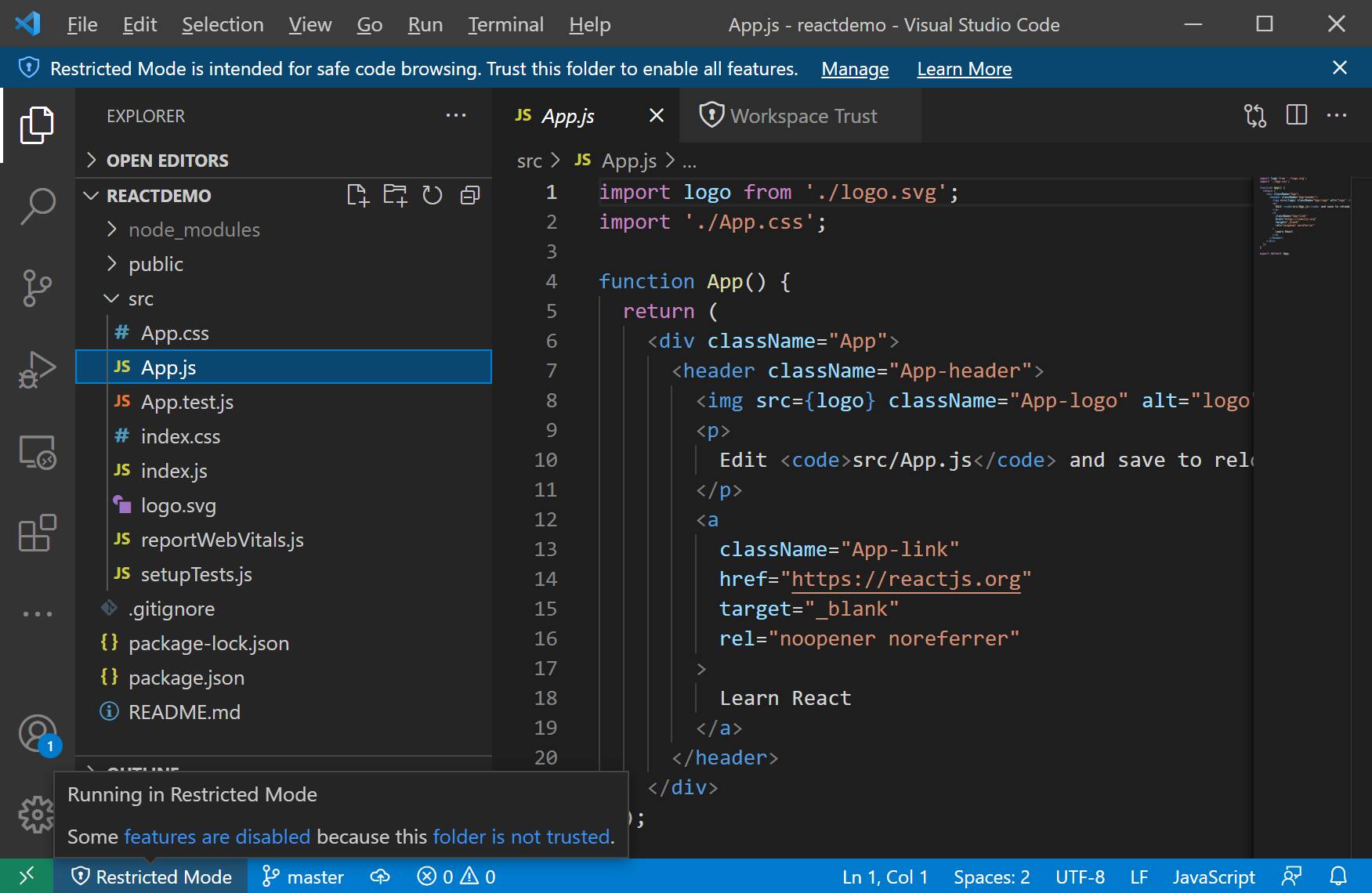
Microsoft Defends Intrusive Dialog In Visual Studio Code That Asks If You Really Trust The Code
A guide to using commands programmatically in Visual Studio Code extensions plug ins Commands URIs are links that execute a given command

Learn the basics of editing and running code in VS Code From a terminal or command prompt type node version Create new file

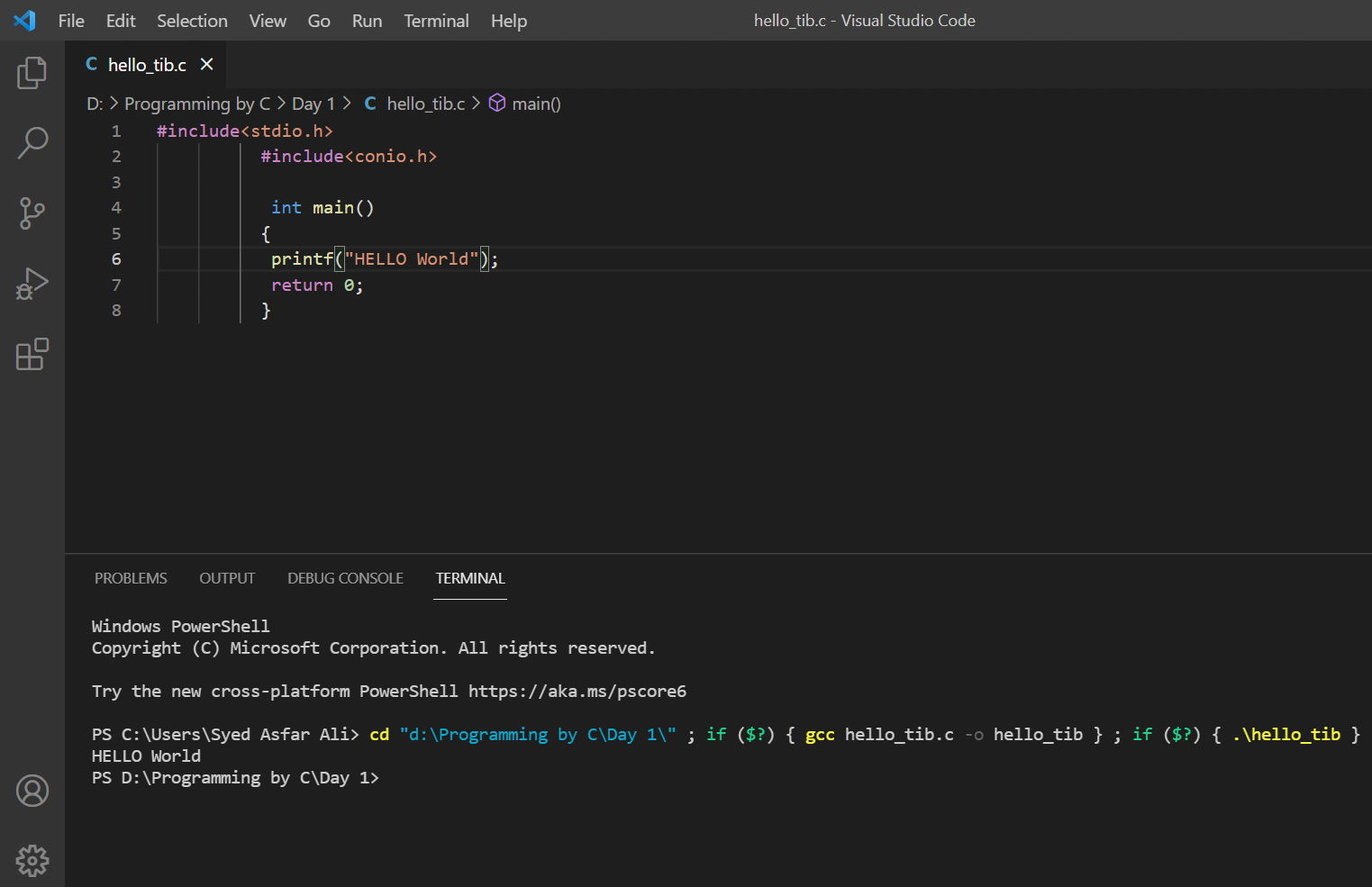
To run or debug a simple app in VS Code select Run and Debug on the Debug start view or press F5 and VS Code will try to run your currently active file
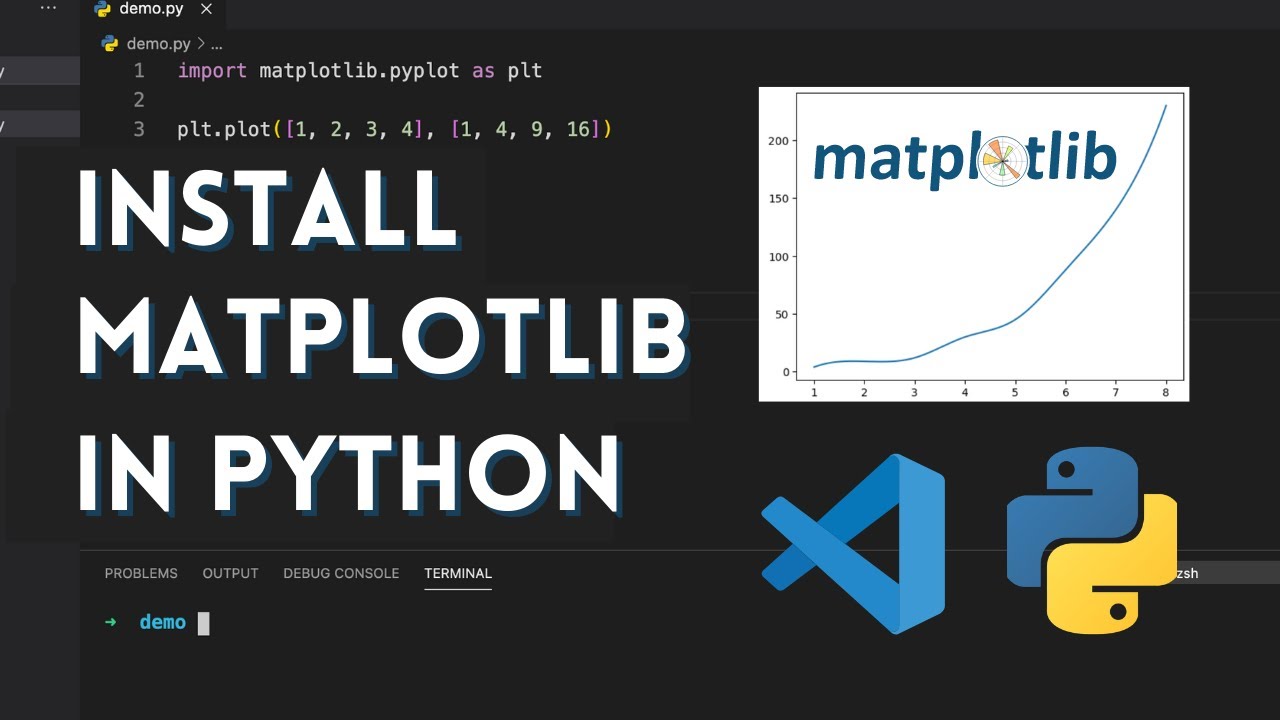
If you want to run a command line tool in the context of the folder you currently have open in VS Code right click the folder and select Open in Command Prompt
To use the runSelectedText command select text in an editor and run the command Terminal Run Selected Text in Active Terminal via the Command Palette Ctrl
In VS Code you only need to use a shortcut to run your code That shortcut is Ctrl Alt N There are a few more ways to run code Your code will now run automatically when you press Ctrl Shift B or Cmd Shift B on macOS
Open Visual Studio On the menu bar select Tools Command Line Developer Command Prompt or Developer PowerShell Screenshot of the Command