Command To Kill Defunct Process In Linux Procesos Zombie Y Su Prevenci n Barcelona Geeks Kill Command In Linux How To Find And Kill Zombie Process In Linux How To Identify And Kill Zombie Defunct Processes In Linux Linux How To Use The Linux cp Command To Copy Files And Directories How to find zombie processes D uninterruptible sleep I idle R running S sleeping T stopped by job control signal t stopped by debugger during
Zshrc and run the killZombie command killZombie pid ps A ostat ppid awk zZ a To remove a zombie process the parent process calls the wait function Once the wait function is called into play the zombie process is completely removed
How To Use The Linux cp Command To Copy Files And Directories Type Command In Linux How To Display Information About Command How To Find The Process ID Of A Program And Kill It In Linux How To Kill Process In Linux Using Kill Command Easily Distroid Linux Kill Process By PID Zombie Process In Linux How To Work With Defunct zombie Processes In Kill Process In Linux By PID Name Or Group IpFail How To Kill A Process In Linux Using Commands Site24x7 P dagogik Beruf Es Ist Sinnlos Nvidia Kill Process Geeignet Seite Leiter
Command To Kill Defunct Process In Linux
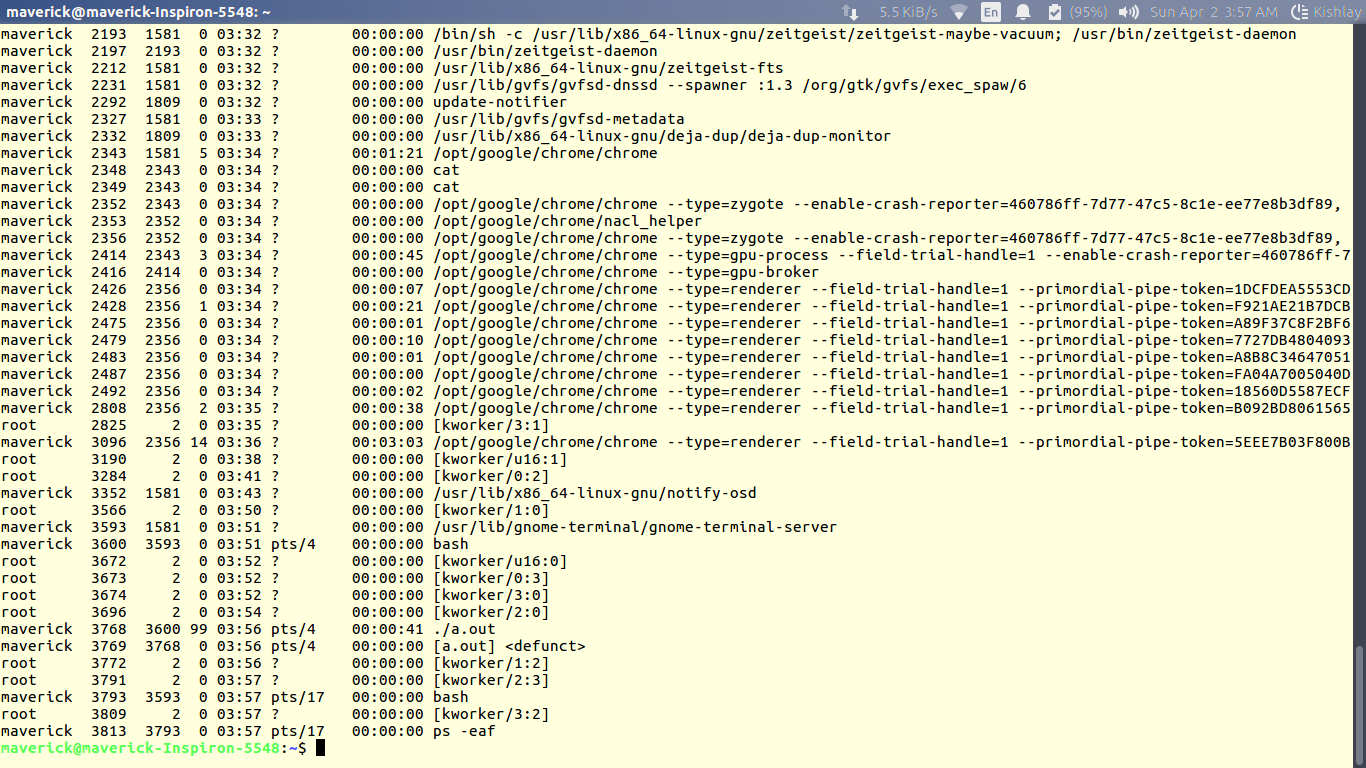 Command To Kill Defunct Process In Linux
https://media.geeksforgeeks.org/wp-content/uploads/zombie1_2.png
Whether it s systemd System V SysV or another option Linux needs a mechanism to start itself As the more modern alternative let s look at
Pre-crafted templates offer a time-saving service for creating a diverse series of documents and files. These pre-designed formats and designs can be used for various personal and professional jobs, consisting of resumes, invites, leaflets, newsletters, reports, discussions, and more, enhancing the content creation procedure.
Command To Kill Defunct Process In Linux
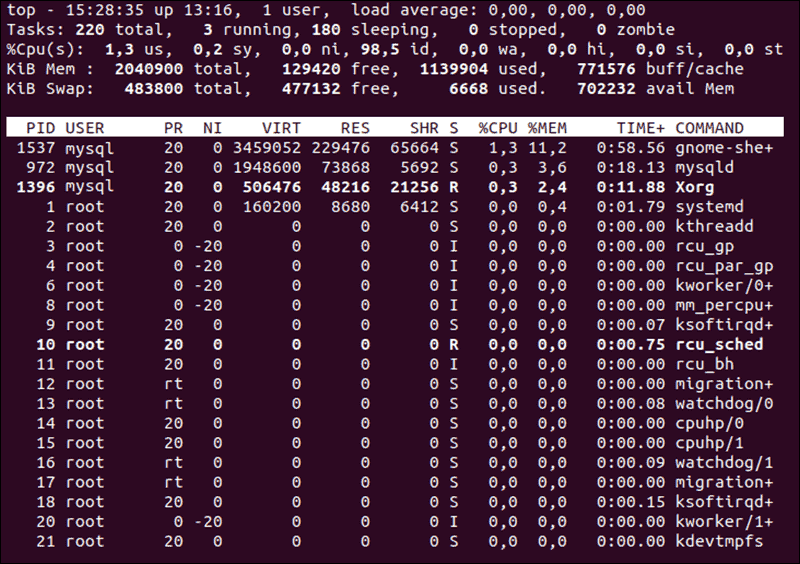
Linux Kill Process How to s Tutorials Community Support
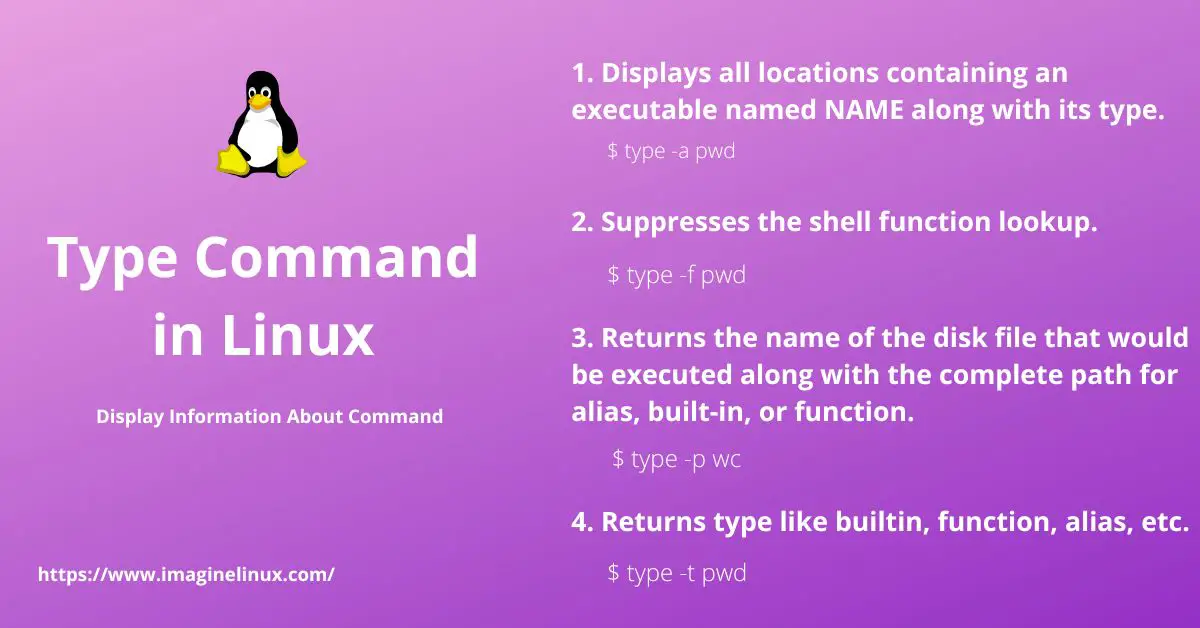
Type Command In Linux How To Display Information About Command
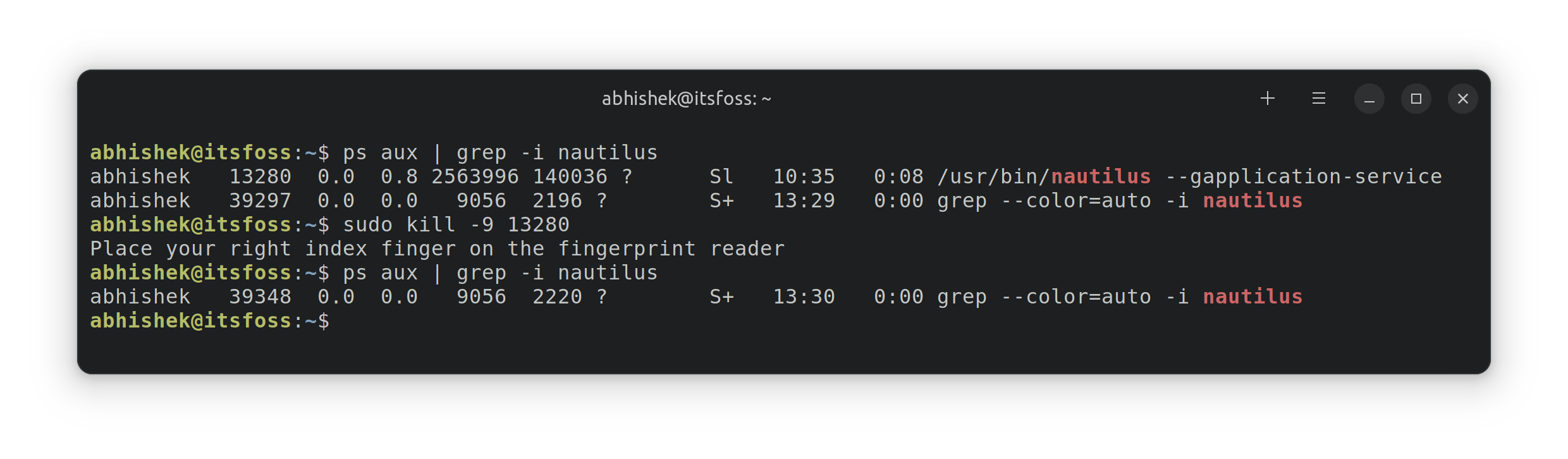
How To Find The Process ID Of A Program And Kill It In Linux

How To Kill Process In Linux Using Kill Command Easily Distroid

Zombie Process In Linux How To Work With Defunct zombie Processes In
Kill Process In Linux By PID Name Or Group IpFail
Solution is to try the command fg in every open terminal window Then the defunct processes disappear Share

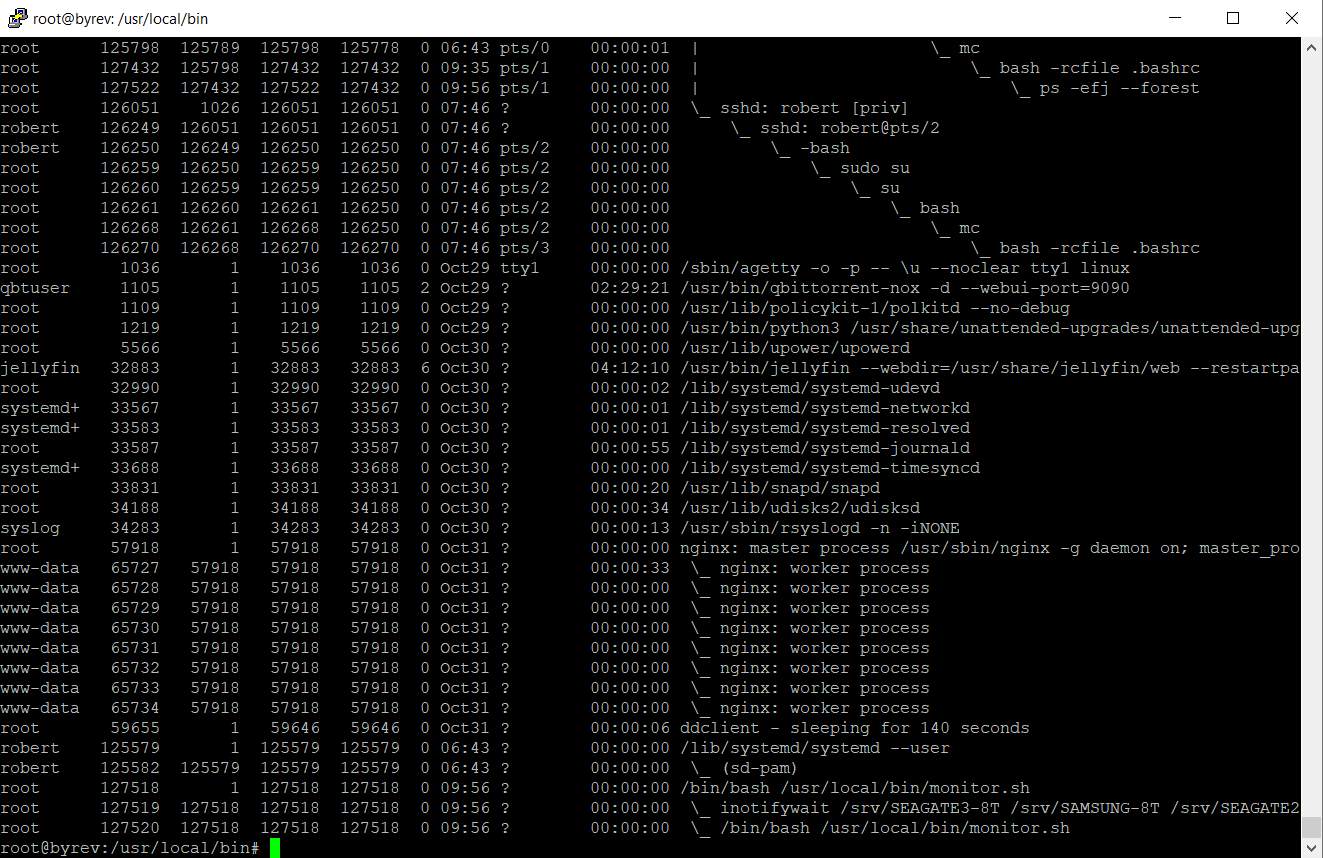
In order to kill a Zombie process we need to identify it first The following command can be used to find zombie processes
You can terminate processes in a Linux system with the kill command Despite the name the kill command and a set of others such as pkill

The only way you could remove the zombie defunct process would be to kill the parent Since the parent is init pid 1 that would also take down your

Defunct processes are processes that have become corrupted in such a way the no long can communicate not really the right word more like signal each other
A defunct process cannot be killed Cause All processes are in the defunct state for a very short time when they exit This state allows the While the easiest way of killing zombie processes is by restarting your computer sometimes this is not a feasible option especially if you re
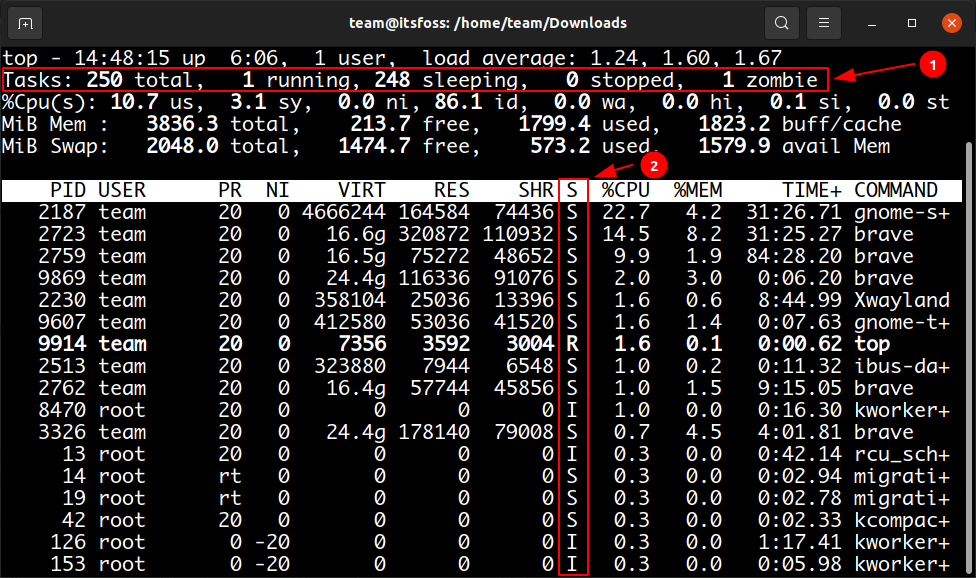
The top command is a convenient way to see if you have any zombies Type the following top This system has eight zombie processes We can list