Command To Kill All Process In Linux Kill Command In Linux Minecraft Guide Command To Kill All Mobs My Otaku World Linux Kill Process How to s Tutorials Community Support Linux List Processes How To Check Running Processes Use Killall And Kill Commands To Stop Processes On Linux Web Mar 17 2022 nbsp 0183 32 Tutorial How To Use ps kill and nice to Manage Processes in Linux Updated on March 17 2022 Linux Basics Linux Commands System Tools By Alex Garnett Senior DevOps Technical Writer English Introduction A Linux server like any modern computer runs multiple applications These are referred to and managed as
Web Nov 29 2010 nbsp 0183 32 The killall command takes the following form killall process name killall will terminate all programs that match the name specified Without additional arguments killall sends SIGTERM or signal number 15 which terminates running processes that match the name specified Web Dec 2 2019 nbsp 0183 32 To terminate or kill a process with the kill command first you need to find the process ID number PID You can do this using different commands such as top ps pidof and pgrep Let s say the Firefox browser has become unresponsive and you need to kill the Firefox process
Use Killall And Kill Commands To Stop Processes On Linux Use Killall And Kill Commands To Stop Processes On Linux Linode Docs Kill Process In Linux By PID Name Or Group IpFail Linux Kill Process By PID How To Kill A Process In Linux Using Commands Site24x7 How To Kill A Process In Linux PiShop Blog 2 Ways To Kill Linux Processes Pure Storage Blog How To Kill A Process In Linux Using Commands Site24x7 P dagogik Beruf Es Ist Sinnlos Nvidia Kill Process Geeignet Seite Leiter
Command To Kill All Process In Linux
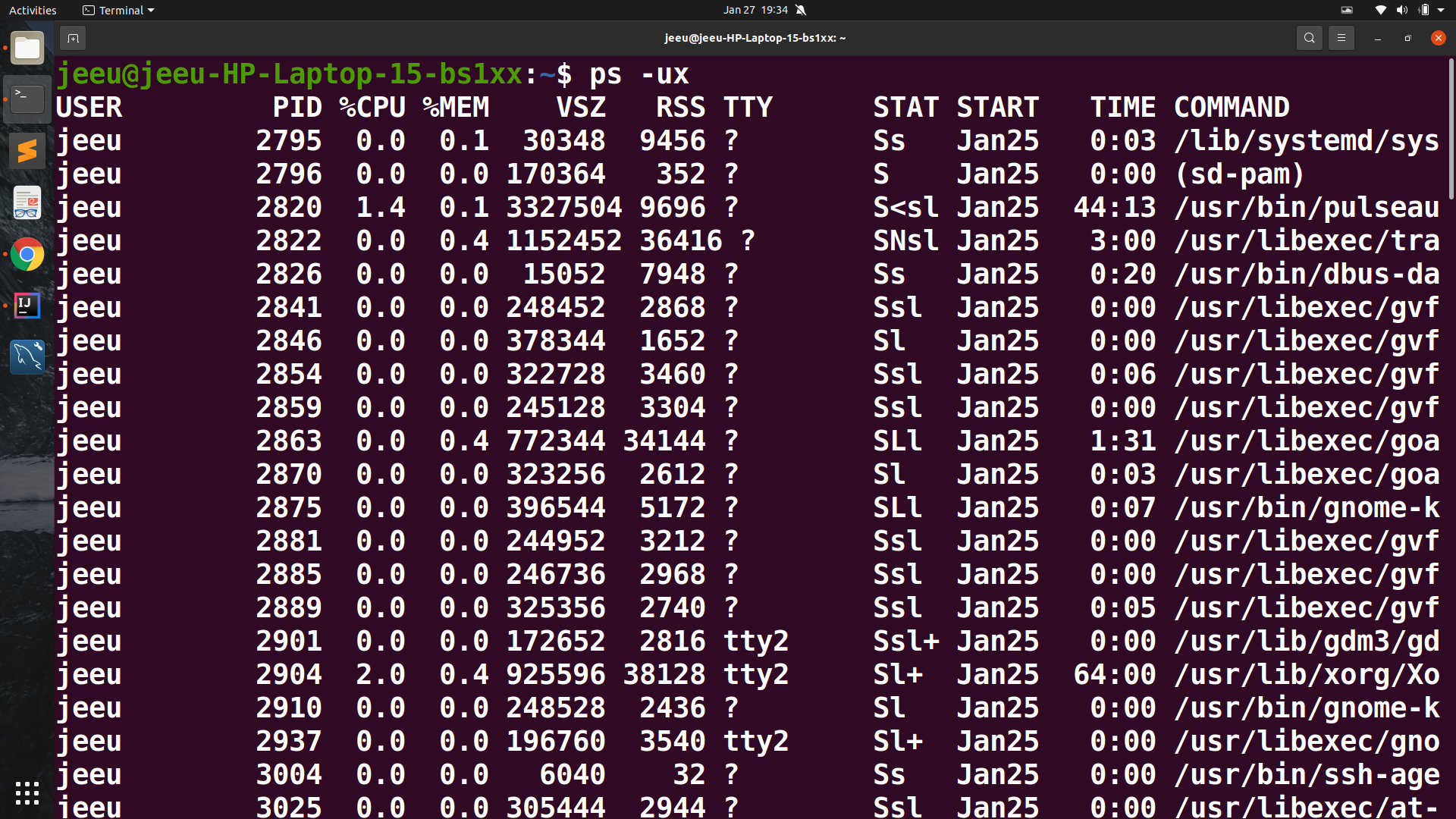 Command To Kill All Process In Linux
http://www.codebind.com/wp-content/uploads/2022/01/Screenshot-from-2022-01-27-19-34-11.png
Web Apr 12 2020 nbsp 0183 32 To terminate a process with the kill command first you need to find the process PID You can do this using different commands such as top ps pidof and pgrep Let s say the Firefox browser has become unresponsive and you need to kill the browser process To find the process ID use the pidof command pidof firefox
Pre-crafted templates provide a time-saving option for producing a diverse range of files and files. These pre-designed formats and layouts can be utilized for different individual and professional projects, including resumes, invitations, leaflets, newsletters, reports, discussions, and more, improving the material development process.
Command To Kill All Process In Linux
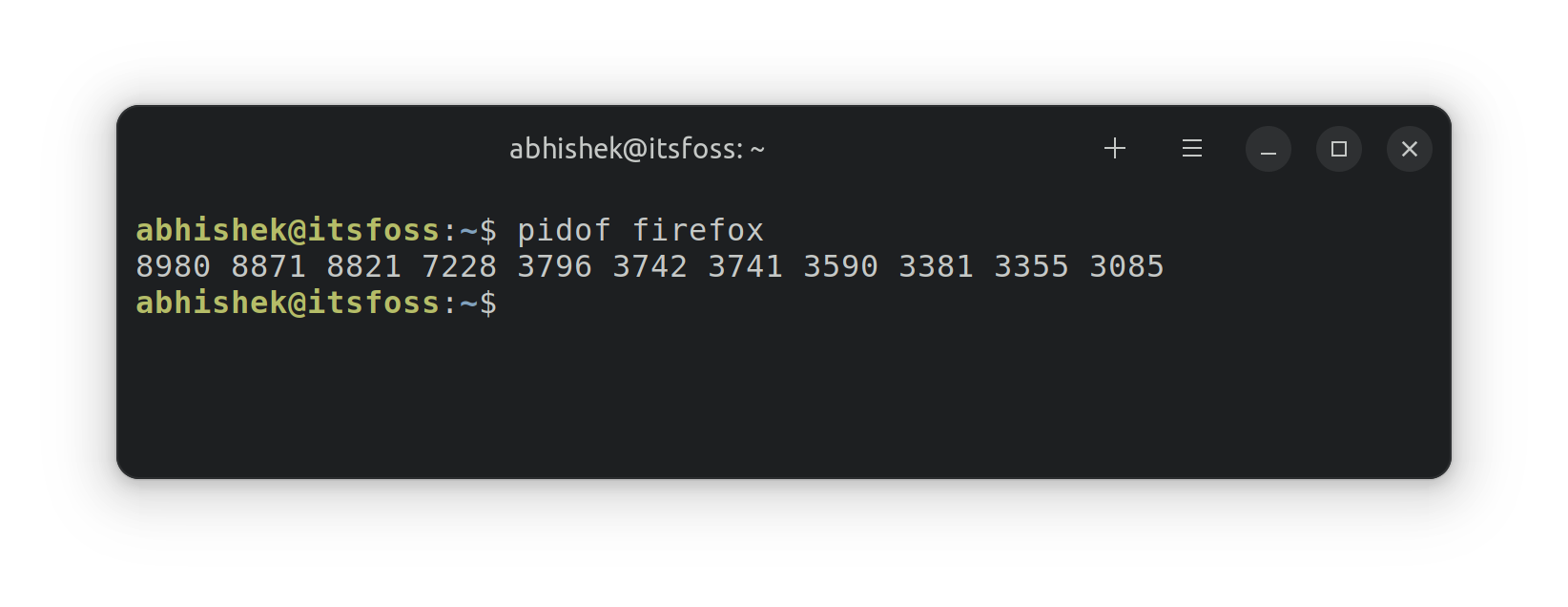
How To Find The Process ID Of A Program And Kill It In Linux

Use Killall And Kill Commands To Stop Processes On Linux Linode Docs
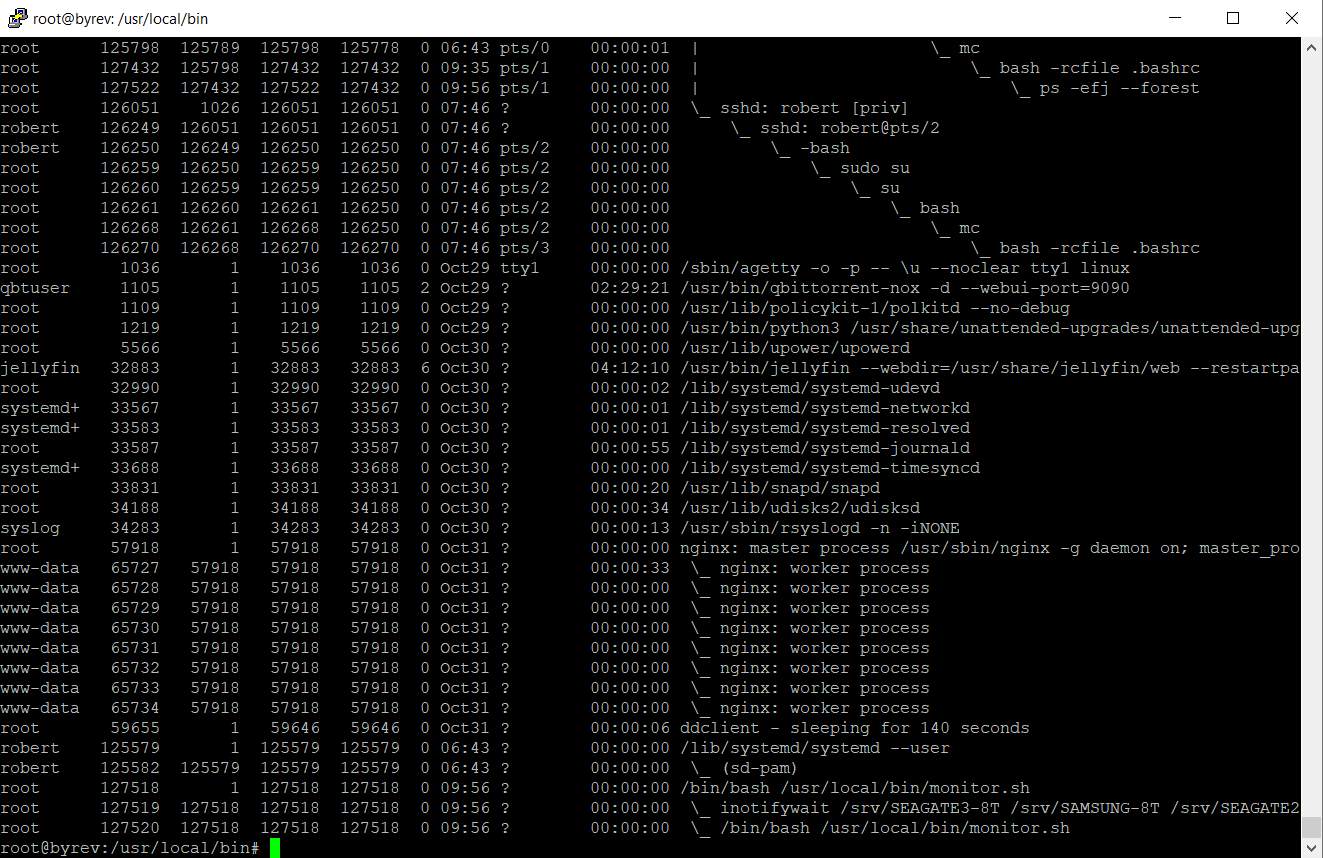
Kill Process In Linux By PID Name Or Group IpFail
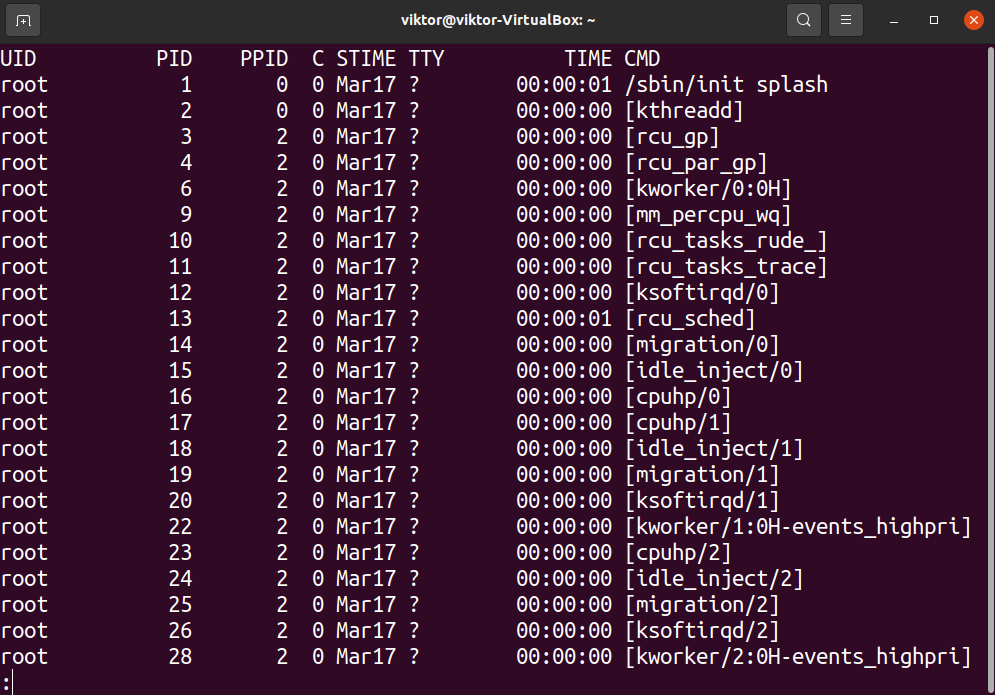
Linux Kill Process By PID
How To Kill A Process In Linux PiShop Blog

2 Ways To Kill Linux Processes Pure Storage Blog

Web Mar 21 2014 nbsp 0183 32 The easiest way is to use the Magic SysRq key Alt SysRq i This will kill all processes except for init Alt SysRq o will shut down the system killing init also Note that you may need to set the keyboard to XLATE mode first Alt SysRq r

Web Dec 13 2023 nbsp 0183 32 Before killing a process you need to locate it Processes can be found by the process name or a partial process name or the process ID also known as a PID There are multiple ways to find a process in Linux Via the ps command Via the pgrep or pidof command
Web Sep 1 2020 nbsp 0183 32 Use killall to end a process by name on Linux How does the killall command work The killall command kills a process by name For example if you have a SSH daemon which runs under the process name of sshd on your system and need to end it the following command would be used sudo killall sshd

Web Nov 23 2023 nbsp 0183 32 How to Kill a Process from the Linux Command Line To kill a process from the Linux command line you can use the kill command followed by the process ID PID of the target process For example to terminate a process with PID 1234 you would use the following command

Web Nov 2 2020 nbsp 0183 32 The primary contrast between the kill and killall command is that the kill ends process cycles dependent on Process ID number PID while the killall orders end running cycles dependent on their names and different attributes
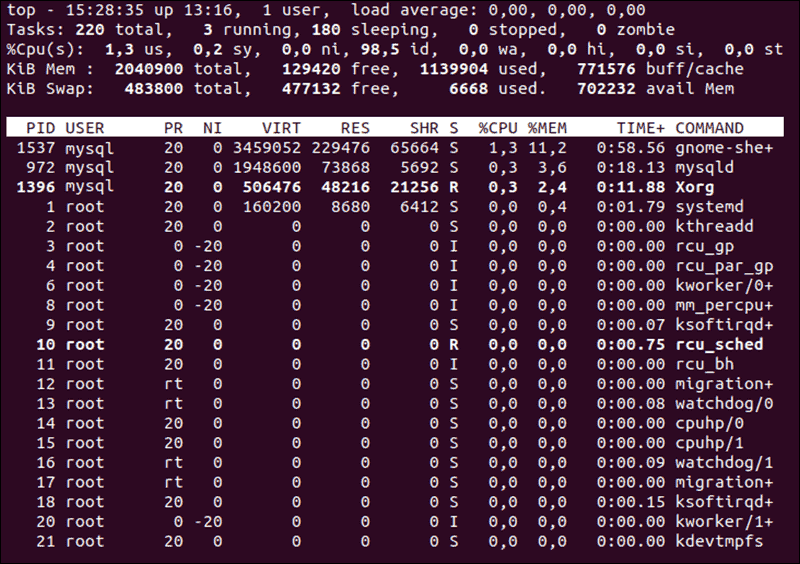
Web Jan 3 2022 nbsp 0183 32 There are two commands I use to locate a process top and ps Top is a tool every administrator should get to know With top you get a full listing of currently running process From the command line issue top to see a list of your running processes Figure 1 Figure 1 The top command gives you plenty of information Web Dec 14 2023 nbsp 0183 32 ps ef List All Running Processes If you want to find a specific process name PID you can use a grep command that will list all processes running on the system and filter the results to show only those containing the term mariadb ps
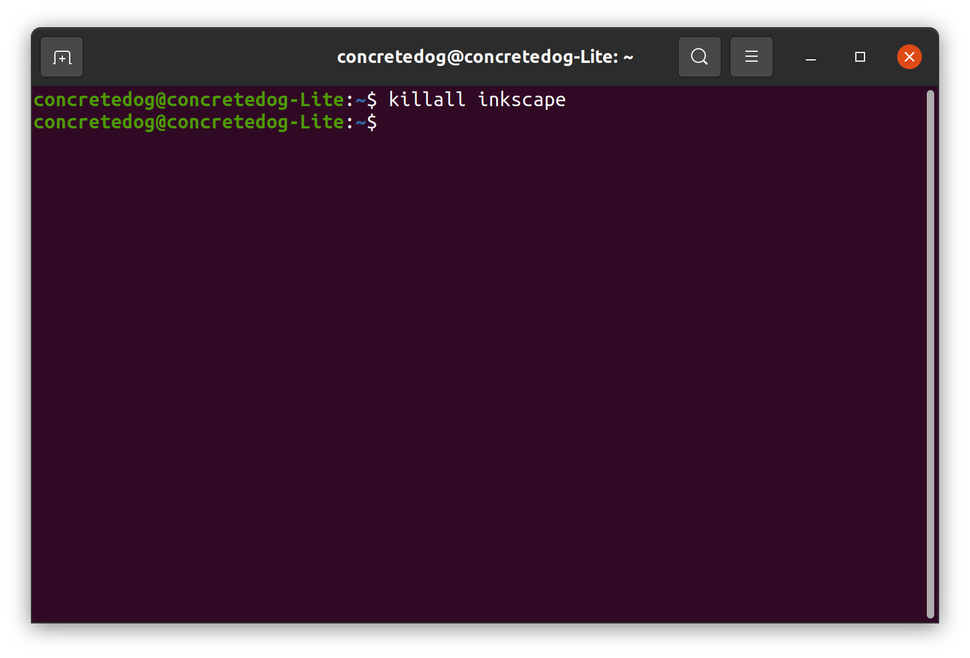
Web Apr 16 2022 nbsp 0183 32 1 Launch Inkscape or another test application from the system gui 2 In the terminal use the killall command to kill all Inkscape processes You should see that Inkscape closes