Command To Install Python Module In Windows How To Install Modules For Python 3 X Using Pip In Windows 10 Command Line Python Using Python On Windows 10 Adafruit Learning System Install OpenCV 3 And Dlib On Windows Python Only Learn OpenCV Installing The Python control Module In Windows EroFound What Is IgfxEM Module In Windows 10 How To Check Security Web Jan 11 2021 nbsp 0183 32 On Windows to install a module named module name open a Command Prompt window and run pip install user module name On macOS and Linux pip is for the older Python 2 version so you need to open a Terminal window and run pip3 instead On Ubuntu Linux pip doesn t come with the pre installed version of Python
Web 2 days ago nbsp 0183 32 Install Python Launcher for Windows 1 InstallLauncherAllUsers Installs the launcher for all users Also requires Include launcher to be set to 1 1 Include lib Install standard library and extension modules Omitting this may lead to an unusable installation 1 Include pip Install bundled pip and setuptools 1 Include symbols Install Web Sep 21 2021 nbsp 0183 32 Open a terminal and type pip to install a module system wide The module will be installed if you type the code below sudo pip install module name In addition you can choose to install to a specific user account mostly the active user Achieving these isolated packages for the given user will require you to run the following command
What Is IgfxEM Module In Windows 10 How To Check Security Solved Installing A Python Module In Windows 9to5Answer How To Install Python 3 On Windows 10 Desktop How To Install Python And Access Using Command Line On Windows Windows 7 How To Install Python Senturinatomic Best Portable Hard Drives For Mac Streetpass How To Install Requests Module In Python 3 On Windows 108 Riset Debian Install Python Module On Windows Slowmegazone Classic Art Aesthetic
Command To Install Python Module In Windows
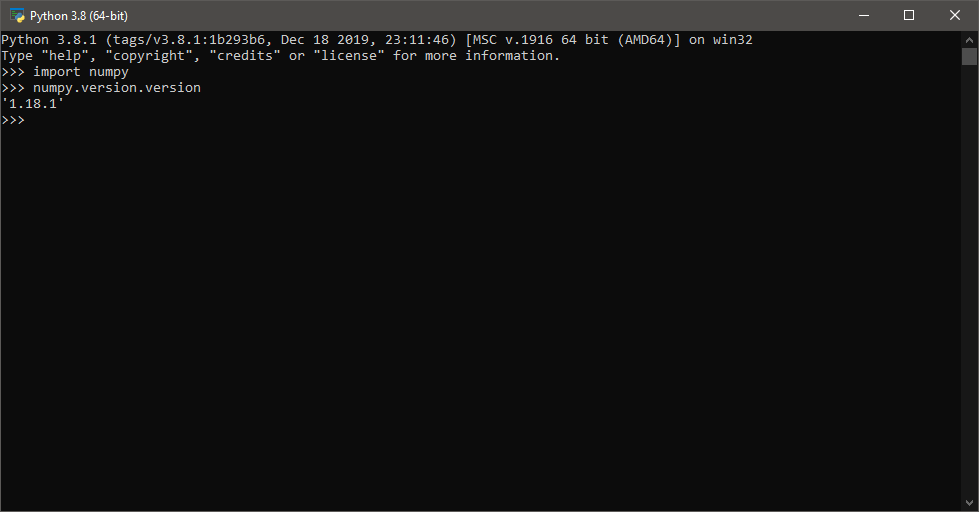 Command To Install Python Module In Windows
https://tipsmake.com/data/thumbs/how-to-install-modules-for-python-3x-using-pip-in-windows-10-thumb-3u4Rs5Bt5.png
Web What Your Options Are How to Install on Ubuntu and Linux Mint How to Install on Debian Linux How to Install on openSUSE How to Install on CentOS and Fedora How to Install on Arch Linux How to Build Python From Source Code How to Install Python on iOS How to Install Python on Android Online Python Interpreters Conclusion Remove ads
Pre-crafted templates offer a time-saving service for developing a diverse series of documents and files. These pre-designed formats and designs can be made use of for various personal and expert projects, consisting of resumes, invitations, leaflets, newsletters, reports, presentations, and more, enhancing the material production procedure.
Command To Install Python Module In Windows
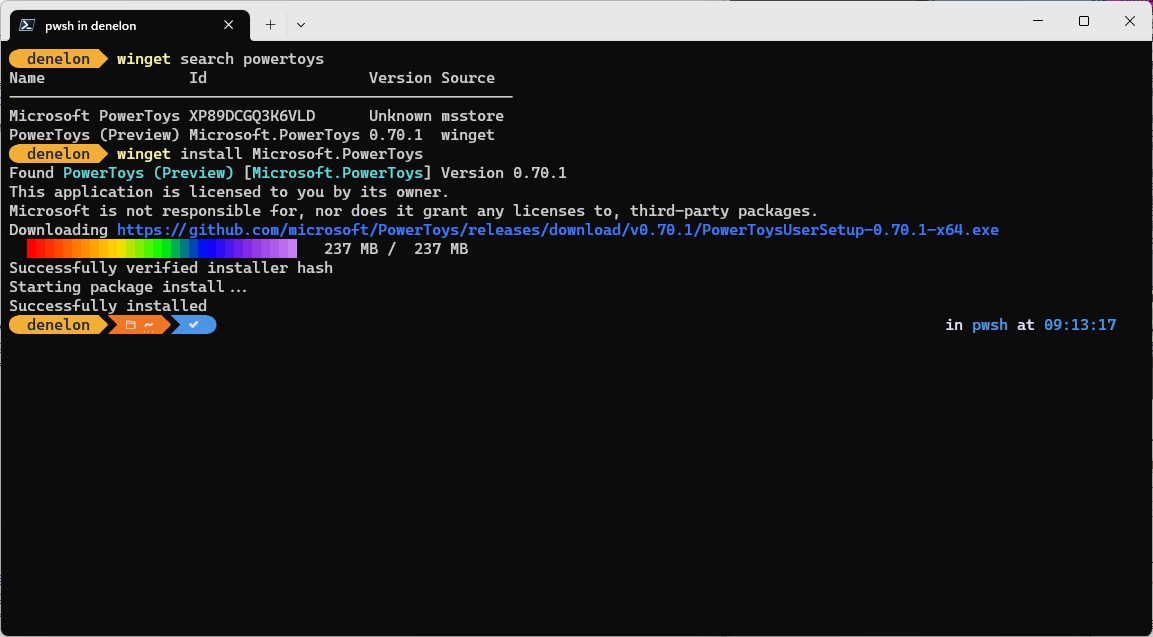
Befehl install Microsoft Learn

Solved Installing A Python Module In Windows 9to5Answer
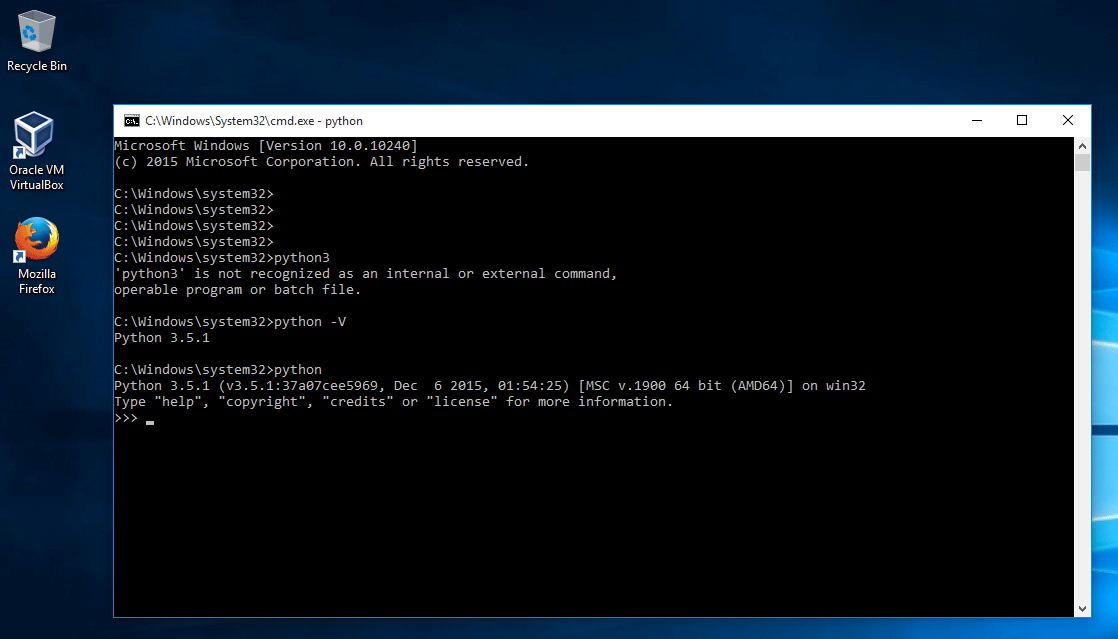
How To Install Python 3 On Windows 10 Desktop

How To Install Python And Access Using Command Line On Windows

Best Portable Hard Drives For Mac Streetpass
How To Install Requests Module In Python 3 On Windows 108 Riset
Web Nov 24 2014 nbsp 0183 32 Newer versions of Python for Windows come with the pip package manager source pip is already installed if you re using Python 2 gt 2 7 9 or Python 3 gt 3 4 Use that to install packages cd C Python Scripts pip exe install lt package name gt So in your case it d be pip exe install mechanize Share

Web Dec 21 2023 nbsp 0183 32 Step 1 Open the Command Prompt Open the command prompt Windows or terminal Mac or Linux on your computer Step 2 Installing Python Modules with Pip Use the following command to install a module via pip which is the package installer for Python pip install lt module name gt Replace lt module name gt with
Web Apr 22 2020 nbsp 0183 32 How to install python packages from CMD Asked Viewed 5k times 2 I want to install urllib2 and JSON but it doesn t seem to let me I tried using pip install in cmd which didn t work and also tried specifying the Scripts path and then doing the command but that does not work either

Web Mar 8 2024 nbsp 0183 32 Pip install is the command you use to install Python packages with the Pip package manager If you re wondering what Pip stands for the name Pip is a recursive acronym for Pip Installs Packages There are two ways to install Python packages with pip Manual installation

Web 7 Answers Sorted by 14 Under present versions of Python version 3 4 or above do the following Windows At the command prompt enter py 3 m pip install BeautifulSoup4 Linux At the terminal enter sudo python3 m pip install BeautifulSoup4 Share Improve this answer Follow answered Mar 17 2017 at 22 03
Web Mar 13 2024 nbsp 0183 32 Windows If you installed Python from source with an installer from python or via Homebrew you should already have pip If you re on Linux and installed using your OS package manager you may have to install pip separately see Installing pip setuptools wheel with Linux Package Managers Web Open a terminal command prompt cd to the folder containing the get pip py file and run Linux python get pip py MacOS Windows More details about this script can be found in pypa get pip s README Standalone zip application Note The zip application is currently experimental
Web Oct 23 2023 nbsp 0183 32 Run Python scripts from your operating system s command line or terminal Execute Python code and scripts in interactive mode using the standard REPL Use your favorite IDE or code editor to run your Python scripts Fire up your scripts and programs from your operating system s file manager