Command To Clone Git Repository In Visual Studio Code Clone A Repo In Visual Studio Microsoft Learn Connect To Projects In Team Explorer Visual Studio Windows Microsoft Learn Github How Can I Unlink A Git Repository In Visual Studio Code Stack Overflow Using Git In Visual Studio Vselittle Github Visual Studio Code 1 Open Visual Studio Code from your Dock or Applications menu to get started 2 Click the Git icon from the sidebar on the left 3 Click on Clone
At the command palette prompt enter gitcl select the Git Clone command then select Clone from GitHub and press Enter gitcl command in the Visual Studio Clone Git Repository In Visual Studio Code Open VSCode and select a folder where to download the Git project to Ctrl K wait a second Ctrl
Github Visual Studio Code Pushing Git Changes From Visual Studio Code A Step by Step Guide What Is Mark Down VSCode GitHub Azure Microsoft Learn Getting Started With Git For Windows Gambaran How To Clone GitHub Repository In Visual Studio Code Scribe Github Fundamentals Clone Fetch Push Pull Fork Open Source By Mehul Gala Medium Git Commands Cloud Studio Collaborate On GitHub Iclone 2 5 Studio Free Download Hirfilb
Command To Clone Git Repository In Visual Studio Code
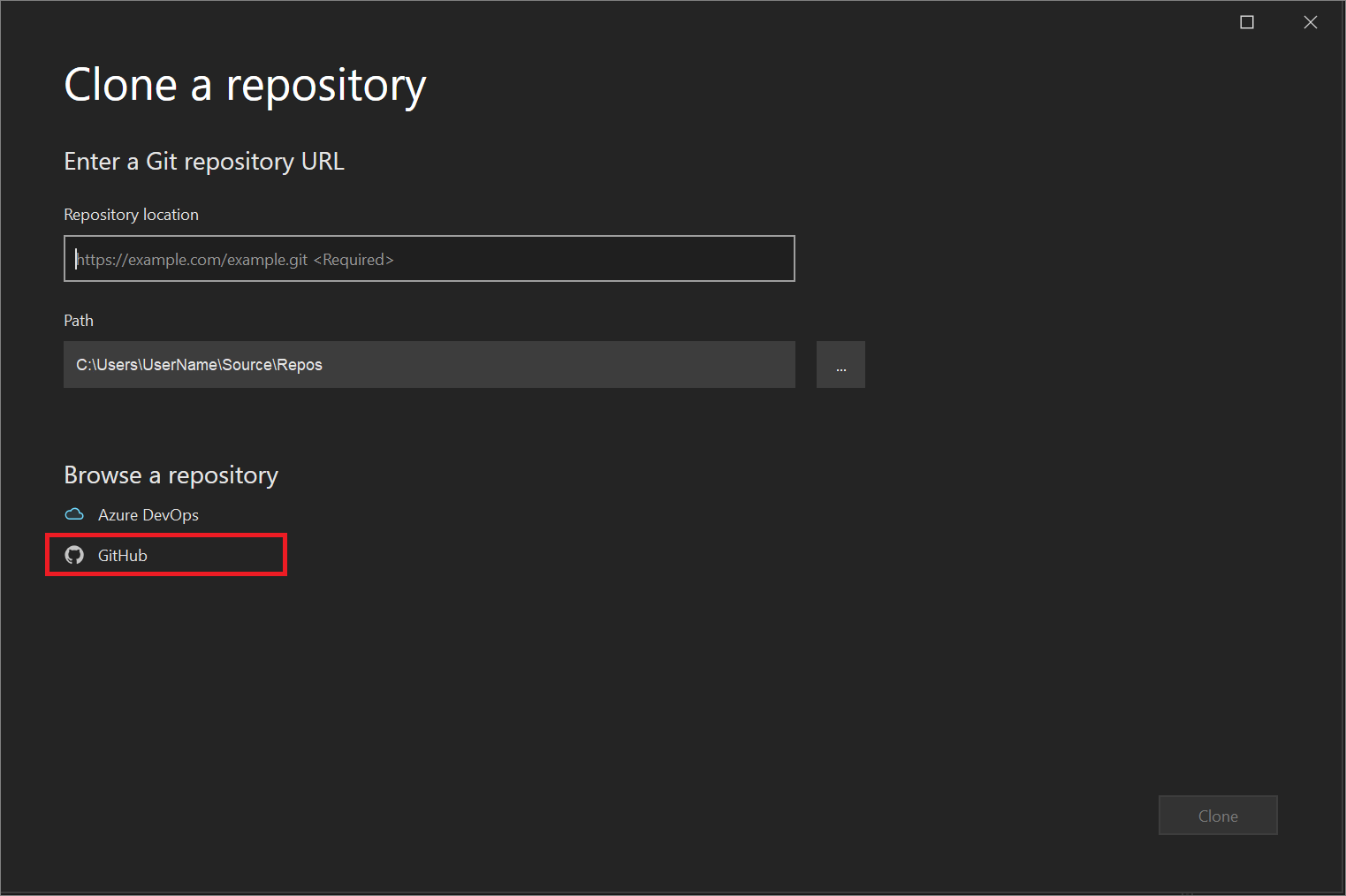 Command To Clone Git Repository In Visual Studio Code
https://learn.microsoft.com/en-us/visualstudio/version-control/media/vs-2022/git-menu-clone-repo-dialog.png?view=vs-2022
Mkdir test cd test Git bash git c core sshCommand ssh Tv clone git github or in POwershell git c core sshCommand ssh
Templates are pre-designed files or files that can be utilized for different functions. They can conserve effort and time by supplying a ready-made format and design for producing different sort of material. Templates can be utilized for individual or expert projects, such as resumes, invitations, flyers, newsletters, reports, discussions, and more.
Command To Clone Git Repository In Visual Studio Code
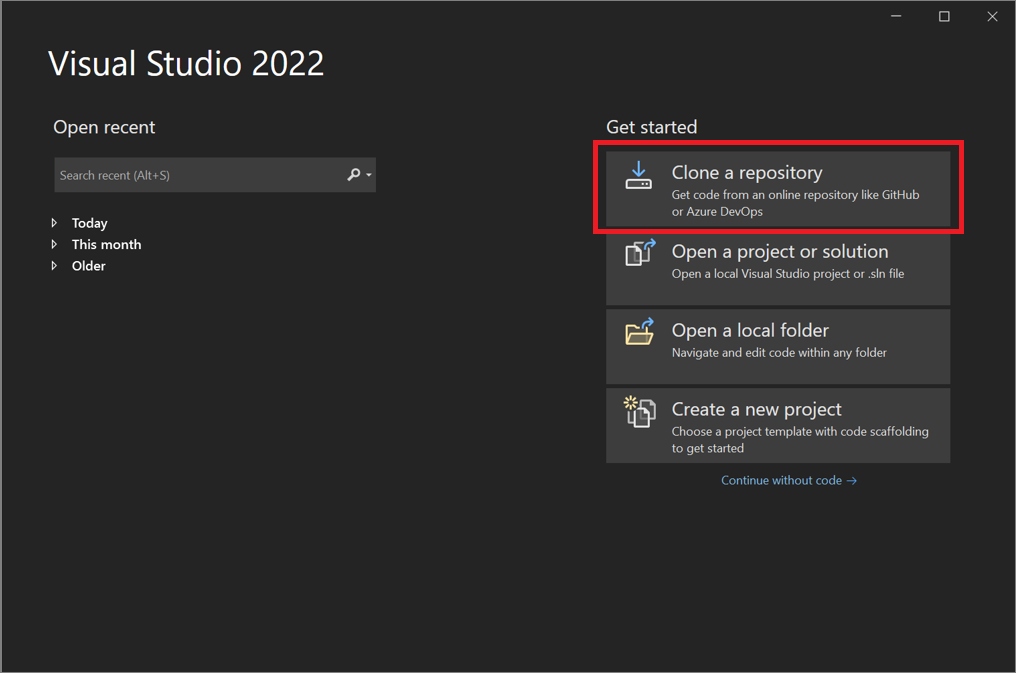
Tutorial Open A Project From A Repo In Visual Studio Visual Studio Windows Microsoft Learn

Pushing Git Changes From Visual Studio Code A Step by Step Guide What Is Mark Down
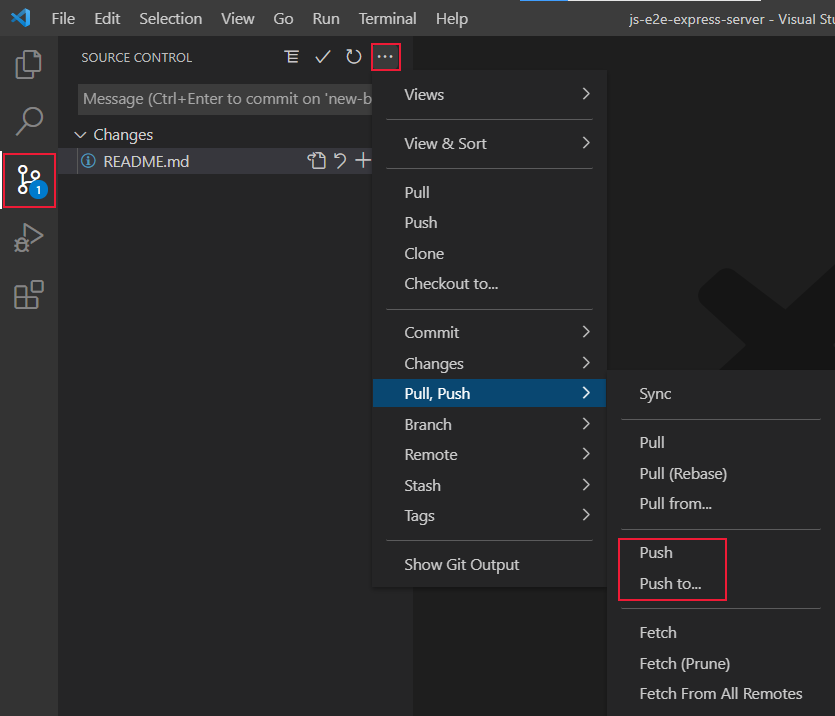
VSCode GitHub Azure Microsoft Learn
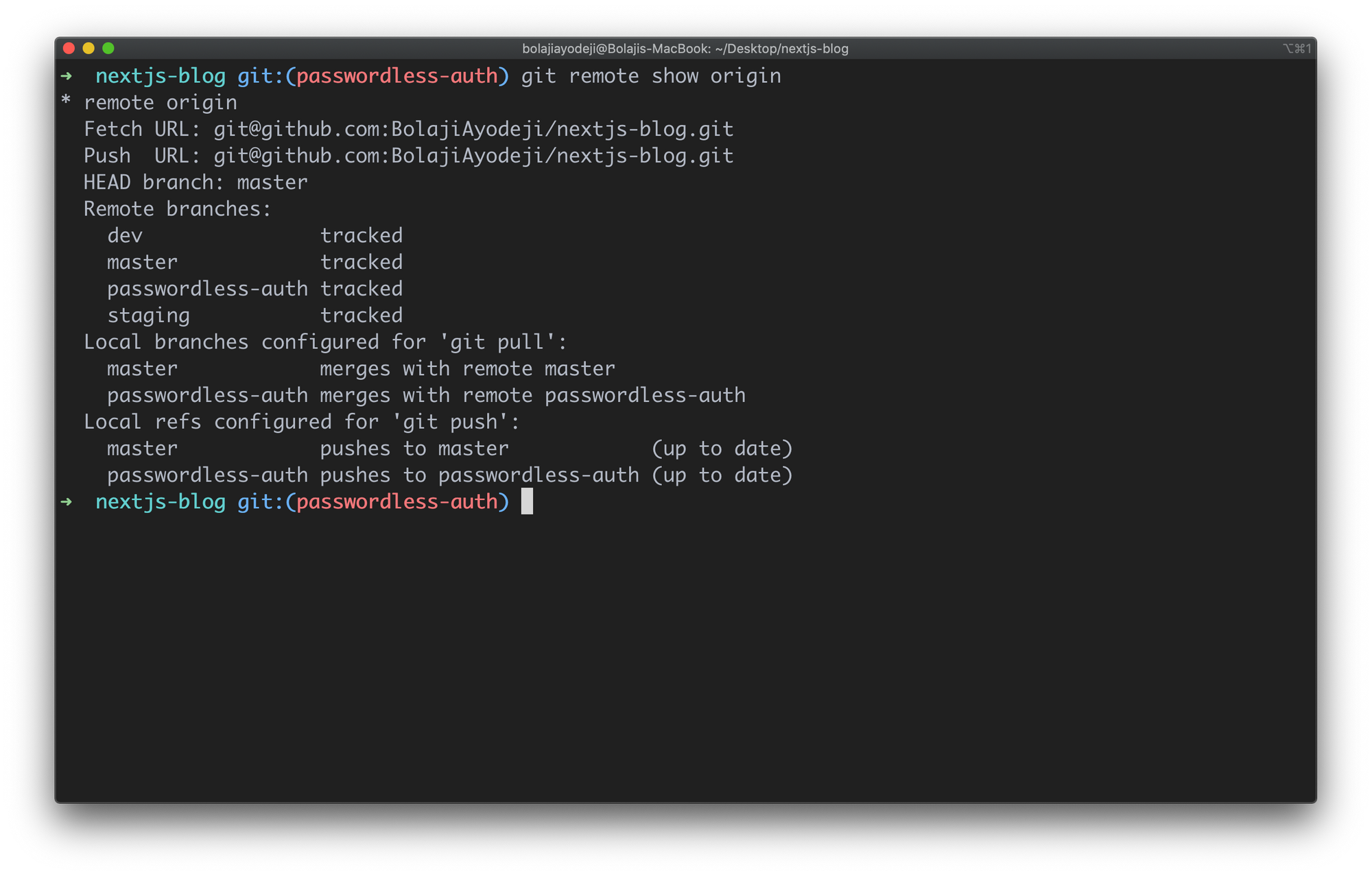
Getting Started With Git For Windows Gambaran
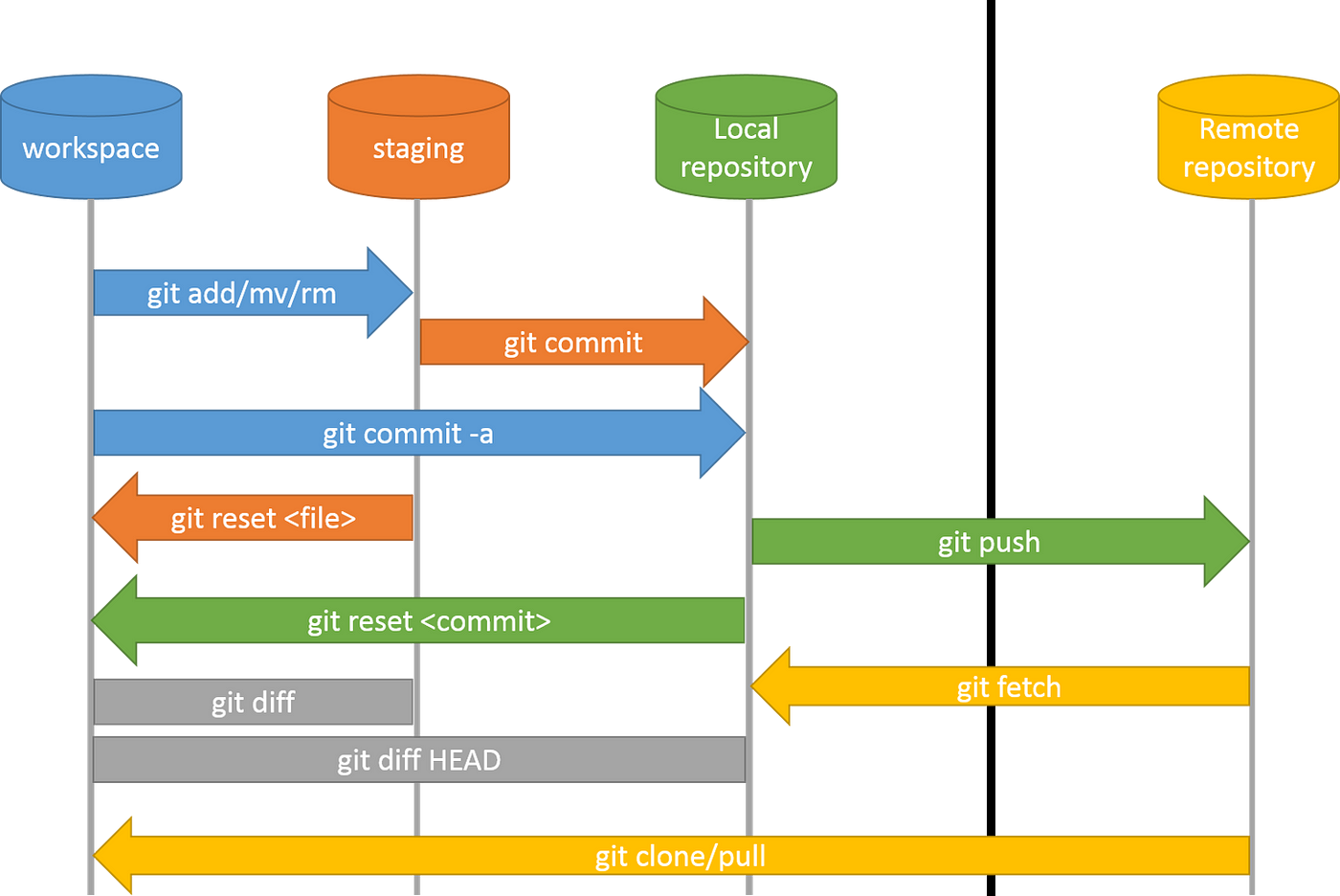
Github Fundamentals Clone Fetch Push Pull Fork Open Source By Mehul Gala Medium
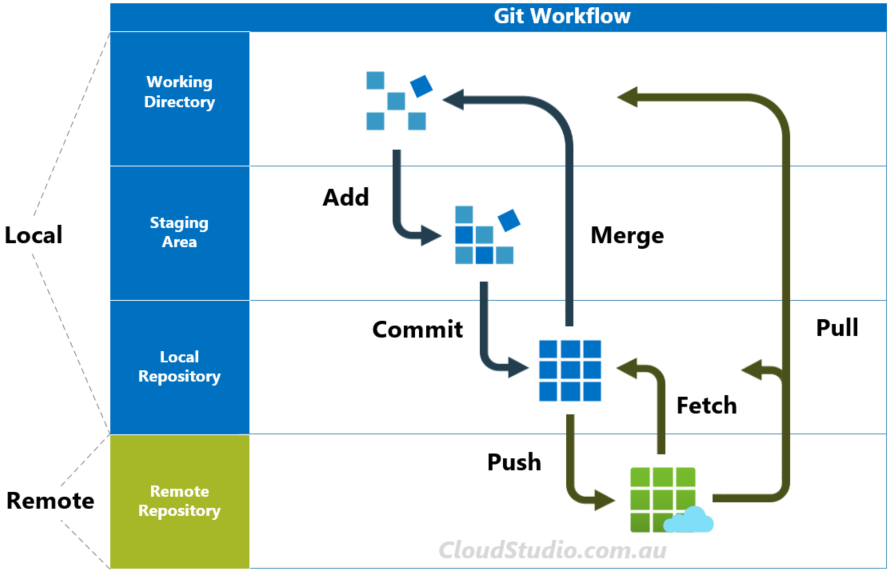
Git Commands Cloud Studio
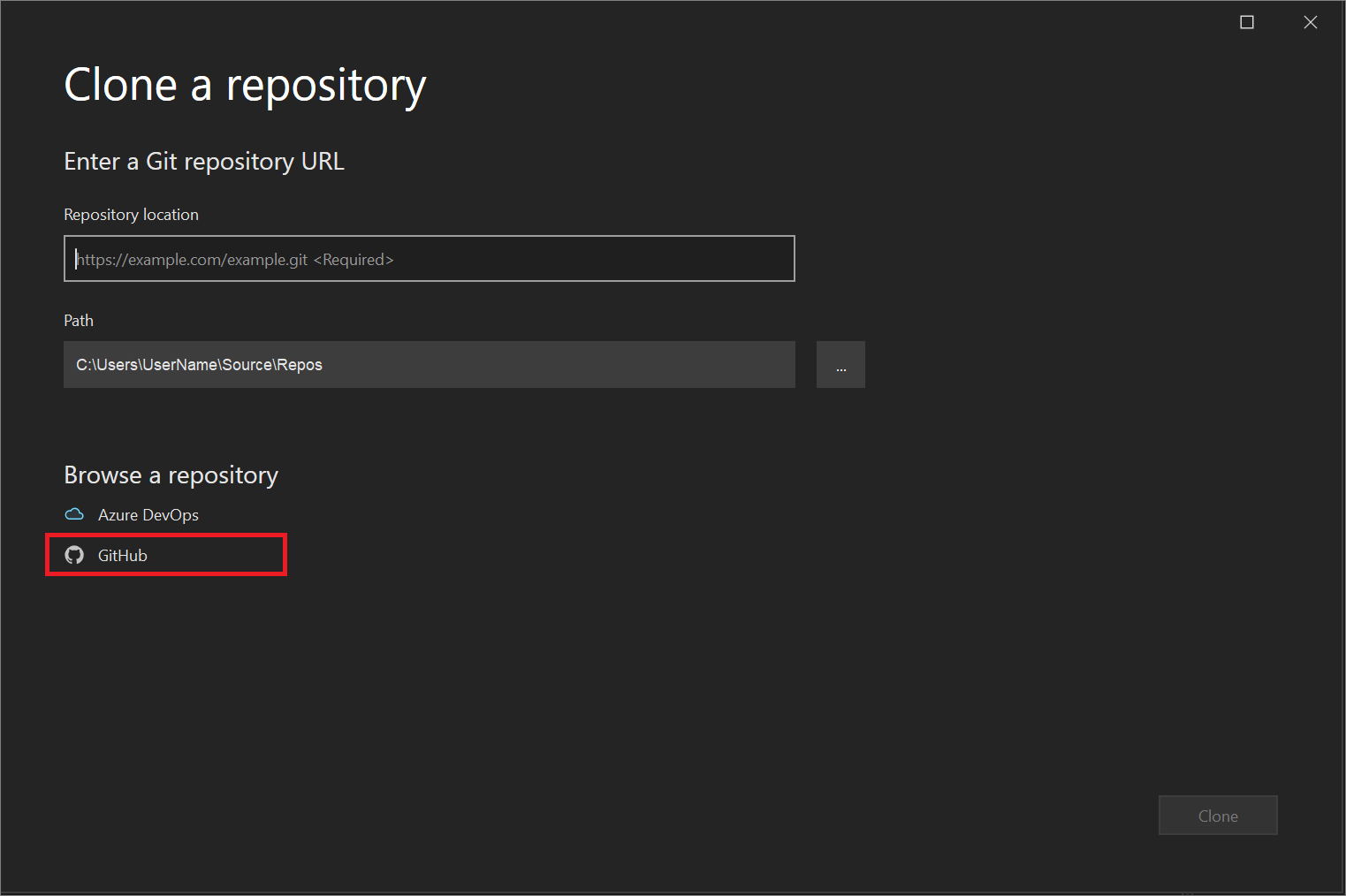
To clone a repository from GitHub execute the Git Clone command or select the Clone Repository button in the Source Control view

You can also start the flow to clone a Git repository with the Git Clone command in the Command Palette Ctrl Shift P To see a step by step walkthrough

Code HTTPS Copy URL Type git clone your url then press ENTER Type git clone your url then press ENTER Cloned Successfully

In this video I walk through the steps for cloning a Git repository with VSCode In this
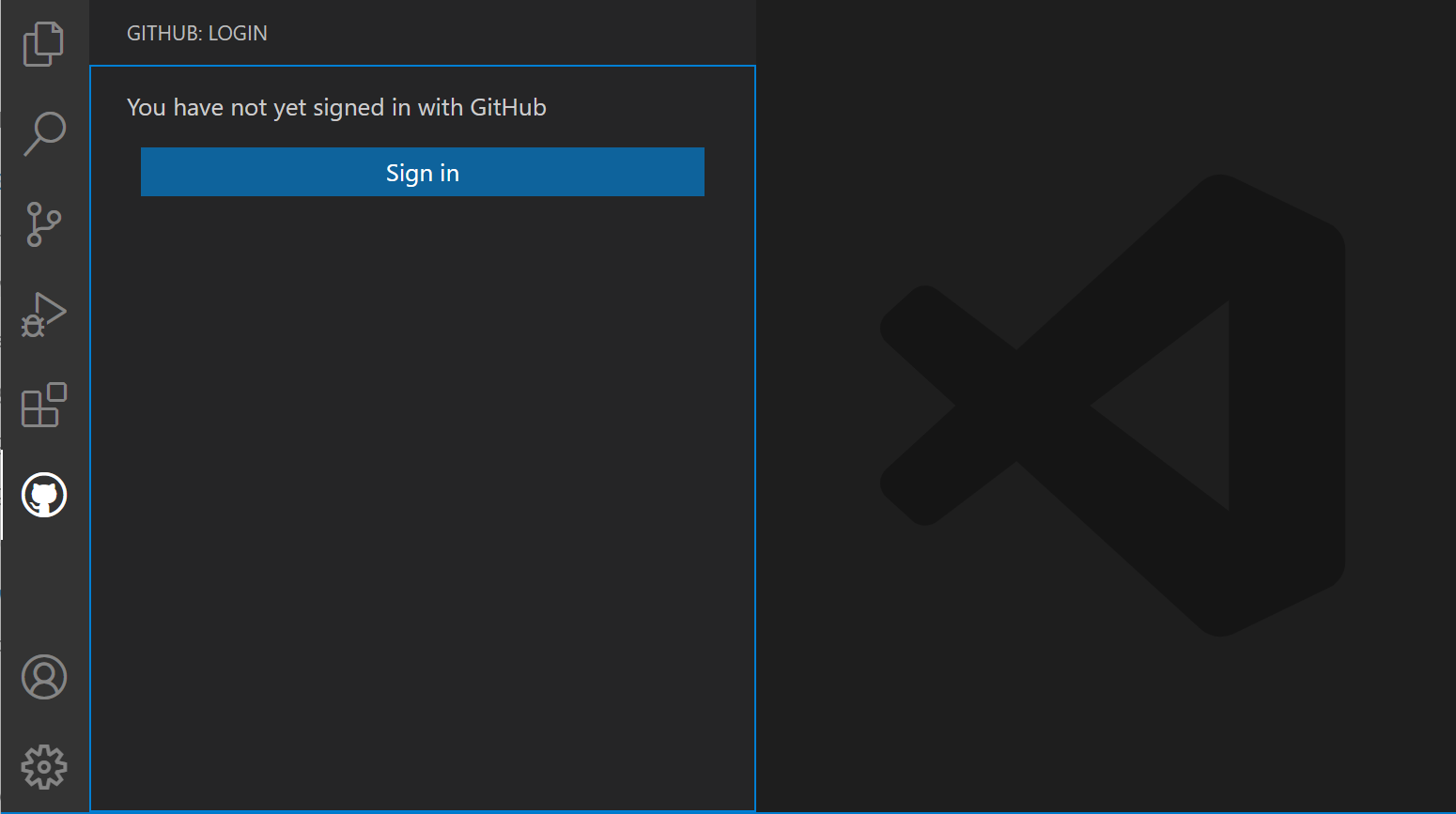
Join this channel to get access to perks https www youtube channel
Back inside of a new window in VSCode open up the Explorer tab and click Clone Repository Then paste the URL in and press Enter Select the directory you At the command palette prompt enter code gitcl code select the Git Clone command and press Enter 3 When prompted for the Repository URL
Clone and open in Visual Studio Code Go to the project s overview page Select Clone Under either the HTTPS or SSH method select Clone with Visual Studio