Command To Check Oracle Services In Linux How To Check Oracle Database Tablespace DZone Oracle Database Growth Monthly And Tablespace Growth Oracle HTTP Server Monitoring 7 Ways To Check Your Oracle Version How Database Vrogue Ip Addr Set Ip Web Mar 27 2023 nbsp 0183 32 This lab explores introductory tasks for using Oracle Linux Objectives In this lab you ll Execute commands using a shell and the command line Work with files
Web I am new to Unix and trying to find out a command that checks if Oracle DB is installed in my Unix box I came across commands ps ef grep smon and ps ef grep pmon in net Web May 3 2022 nbsp 0183 32 Oracle Linux Technologies Oracle Linux systemd Released May 3 2022 Note This tutorial is available in an Oracle provided free lab environment It uses
Ip Addr Set Ip How To Check Oracle User Group In Linux A Comprehensive Guide How To Check Oracle Database Read Write Mode DatabaseFAQs To Be A Rock Solid Engineer Configuration Assistant Oracle Services For Microsoft Transaction Oracle Privileges1 Sql Server Datetime To Oracle Date Gambaran Cpuinfo Linux Oracle Health Check Collections Manager Application Features
Command To Check Oracle Services In Linux
 Command To Check Oracle Services In Linux
https://dz2cdn3.dzone.com/storage/article-thumb/194030-thumb.jpg
Web Feb 28 2014 nbsp 0183 32 Every bit helps Join Patreon How To Startup Oracle Database on a Unix Linux Use the su username command to login as oracle user Open the Terminal
Pre-crafted templates provide a time-saving service for producing a varied variety of files and files. These pre-designed formats and designs can be utilized for different individual and professional jobs, consisting of resumes, invitations, flyers, newsletters, reports, presentations, and more, improving the content development process.
Command To Check Oracle Services In Linux

How To Check Oracle Version In Windows Silkroom

How To Check Oracle User Group In Linux A Comprehensive Guide

How To Check Oracle Database Read Write Mode DatabaseFAQs
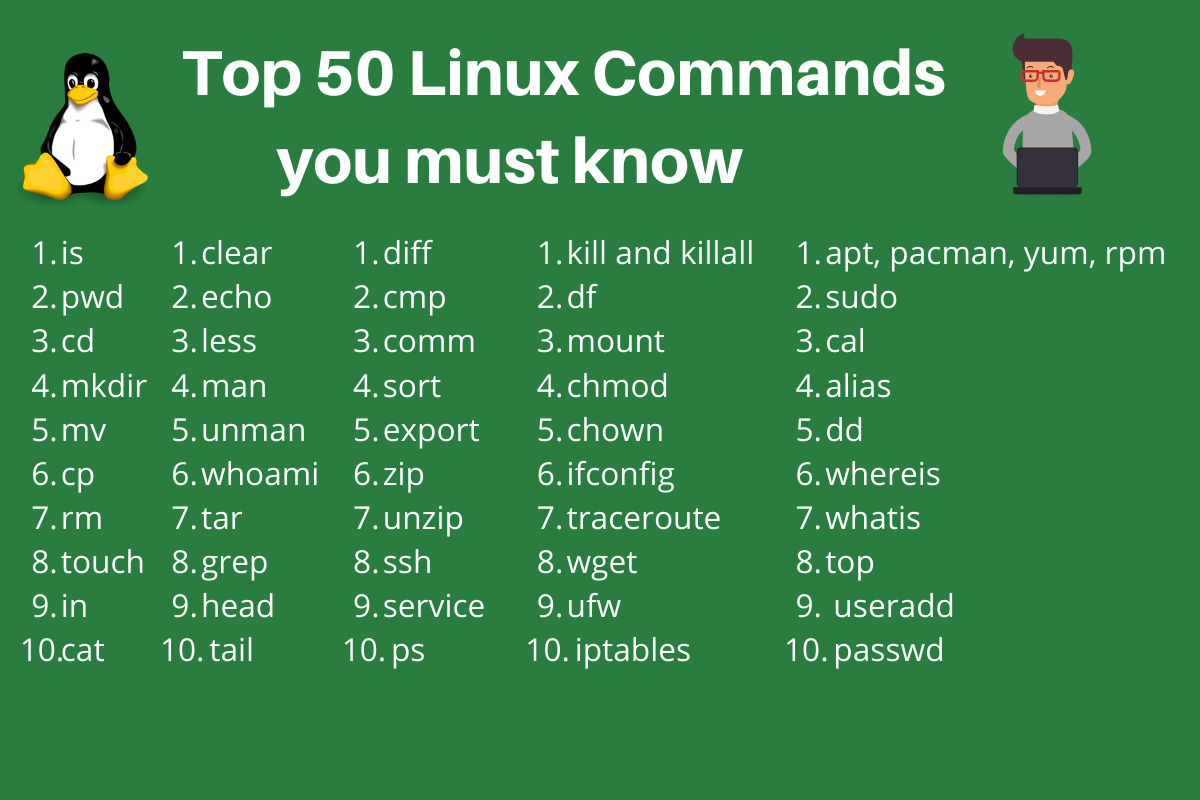
To Be A Rock Solid Engineer
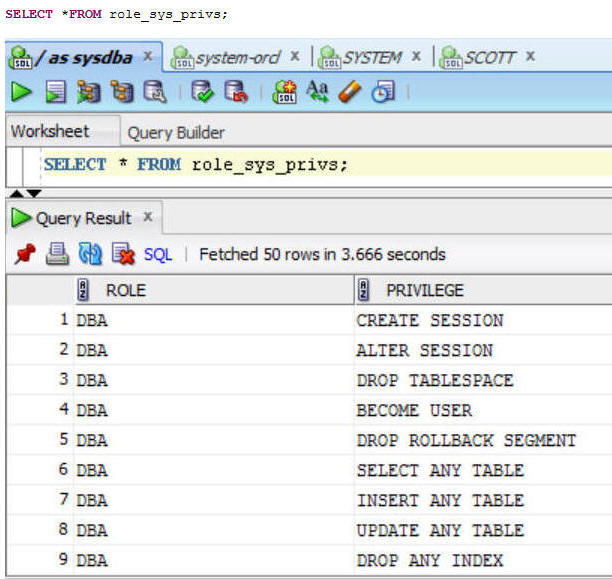
Oracle Privileges1
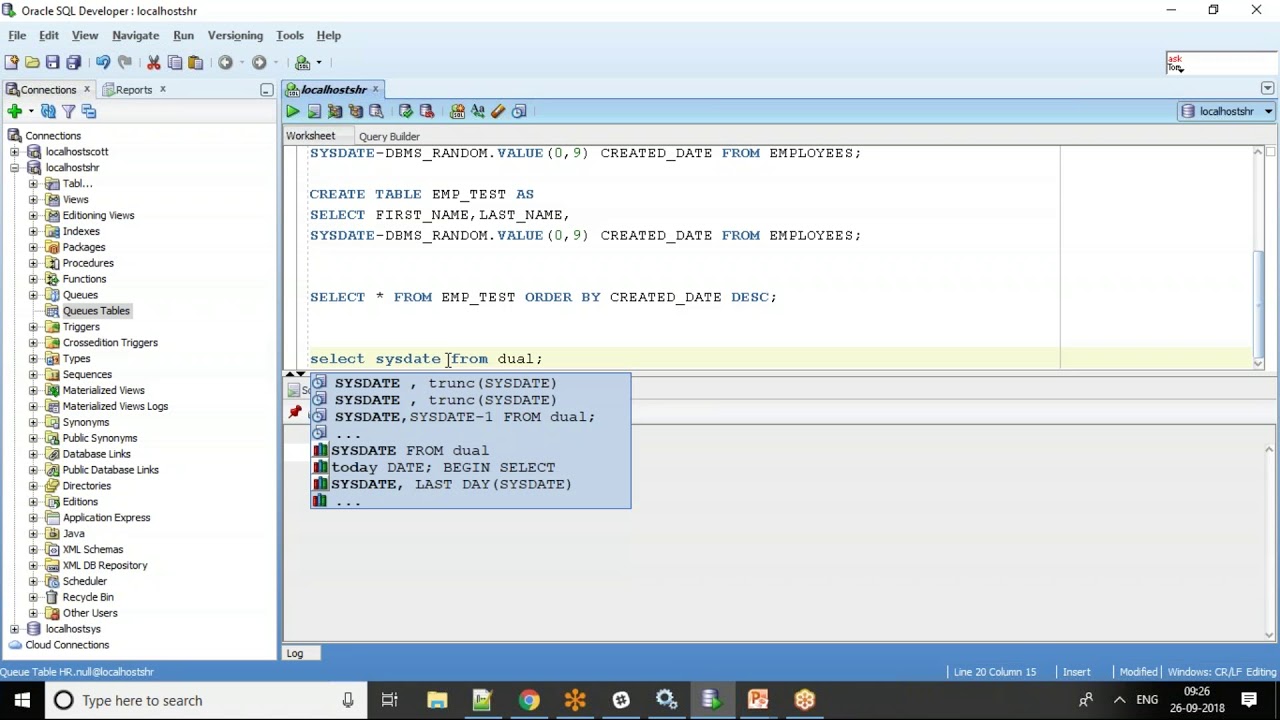
Sql Server Datetime To Oracle Date Gambaran
Web Aug 19 2023 nbsp 0183 32 To see all running services on a Linux system with systemd use the command quot systemctl type service state running quot This will show you each active

Web 5 days ago nbsp 0183 32 Method 1 Listing Linux Running Services with service command To display the status of all available services at once in the System V SysV init system run the service command with the

Web Use the following commands to get the status of all services All loaded and active services systemctl list units type service All loaded services systemctl list units type service all All available

Web ssh Y oracle myserver Use the export ORACLE HOME variable to restart the listener Ensure that this variable identifies set to equal the directory path on which you installed
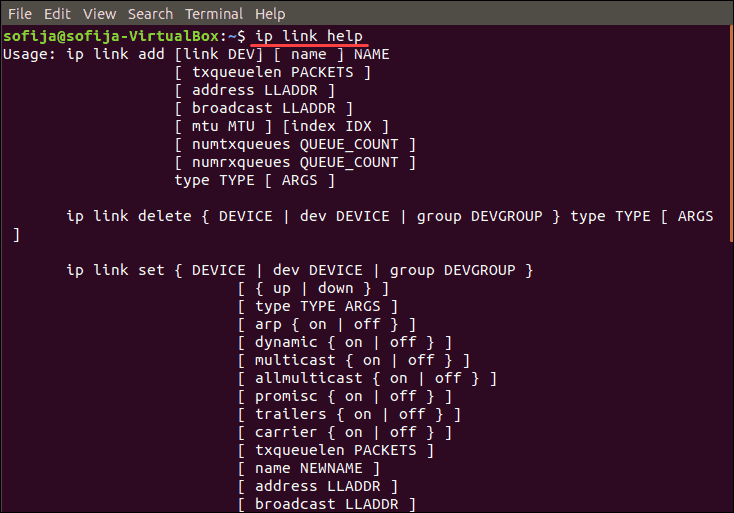
Web Dec 6 2020 nbsp 0183 32 List Services using service The easiest way to list services on Linux when you are on a SystemV init system is to use the service command followed by status all option This way you will be
Web Oracle Linux 6 You can start and stop the database using the etc init d oracle xe 18c script Run the following command to start the listener and database etc init d oracle xe 18c start Run the following command to stop the database and the listener etc init d oracle xe 18c stop Web Aug 27 2020 nbsp 0183 32 Viewing the Status of a Service The syntax is as follows for the systemctl command systemctl status service name systemctl status unit name Please note
Web Mar 14 2014 nbsp 0183 32 select SERVICE NAME from gv session where sid in select sid from V MYSTAT If the name is SYS USERS the session is connected to a default service