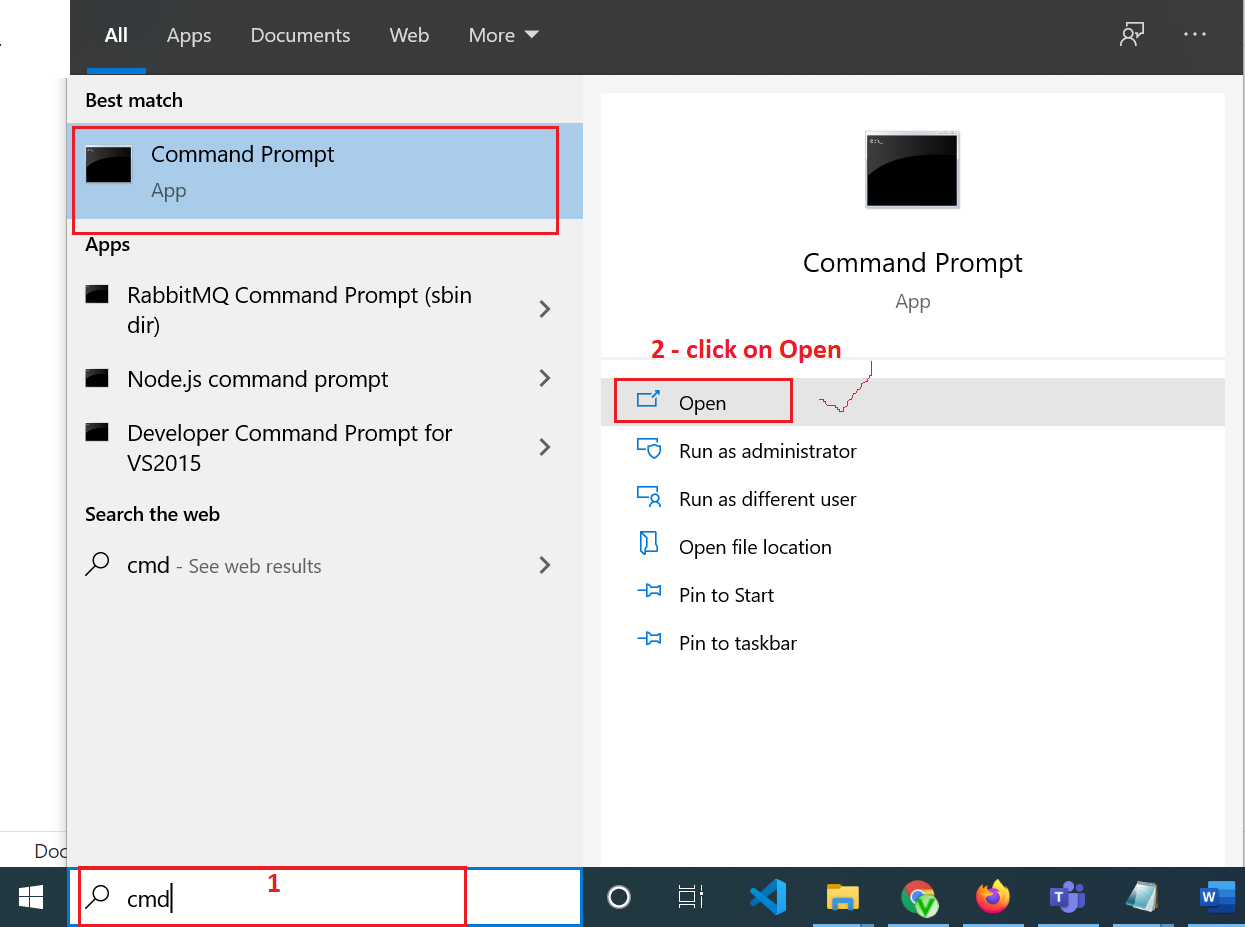
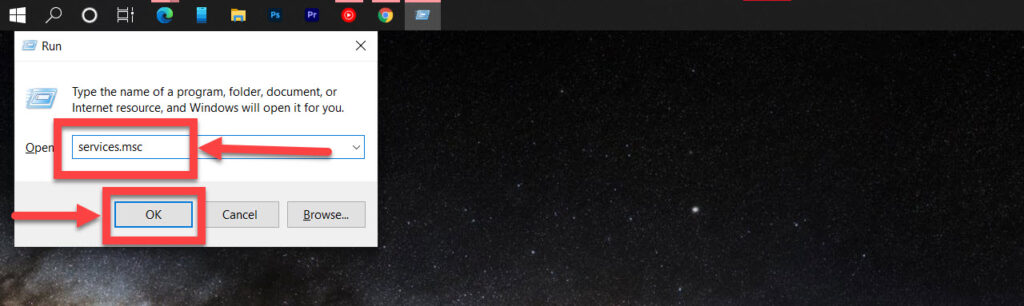
Command Prompt Restart Dns Client Service How To Restart DNS Client Service YouTube Restart Windows Using Cmd And PowerShell ShellGeek Restart DNS client service Candid Technology DNS 8 Quick Ways To Fix DNS PROBE FINISHED NXDOMAIN Rovity Command that 1 command
Apr 10 2025 nbsp 0183 32 command Mac command command command Jul 27 2025 nbsp 0183 32 CAD command command s CAD CAD
8 Quick Ways To Fix DNS PROBE FINISHED NXDOMAIN Rovity Fix This Site Can t Be Reached Error On Chrome AwsmTips For A Lot Of Sites Page Not Available Error In Chrome Techyv Windows XP Services DNS Client Service Slow PC Texpert Solusi Mengatasi DNS PROBE FINISHED NXDOMAIN Petunjuk Onlene 7 Cara Mengatasi Server IP Address Could Not Be Found Di Google Chrome 7 Cara Mengatasi Server IP Address Could Not Be Found Di Google Chrome Cara Mengatasi DNS PROBE FINISHED NXDOMAIN So Behebt Man Den Fehler Server DNS Adresse Konnte Nicht Gefunden Werden
Command Prompt Restart Dns Client Service
 Command Prompt Restart Dns Client Service
https://i.ytimg.com/vi/Txg_K7g4eDw/maxresdefault.jpg
Apr 29 2023 nbsp 0183 32 CAD command command s LISP LISP CAD command
Templates are pre-designed documents or files that can be utilized for numerous functions. They can save time and effort by offering a ready-made format and layout for producing various type of content. Templates can be used for personal or expert jobs, such as resumes, invitations, flyers, newsletters, reports, discussions, and more.
Command Prompt Restart Dns Client Service

Domain Name System Windows SBS 2012 DNS Client Have To Constantly

Fix This Site Can t Be Reached Error On Chrome AwsmTips
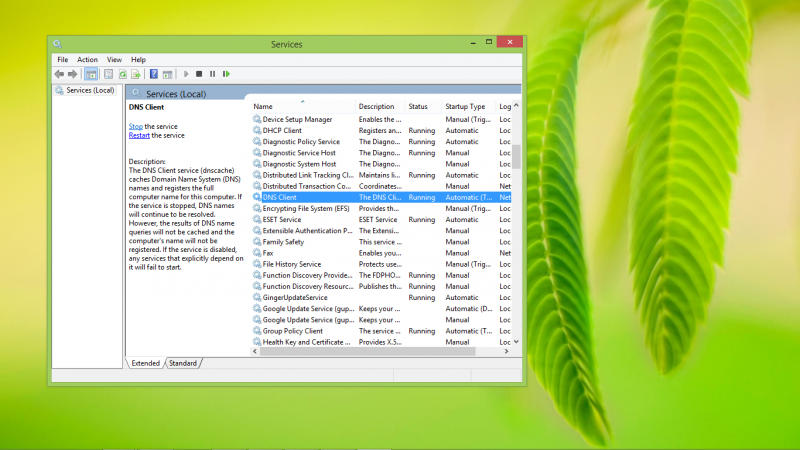
For A Lot Of Sites Page Not Available Error In Chrome Techyv
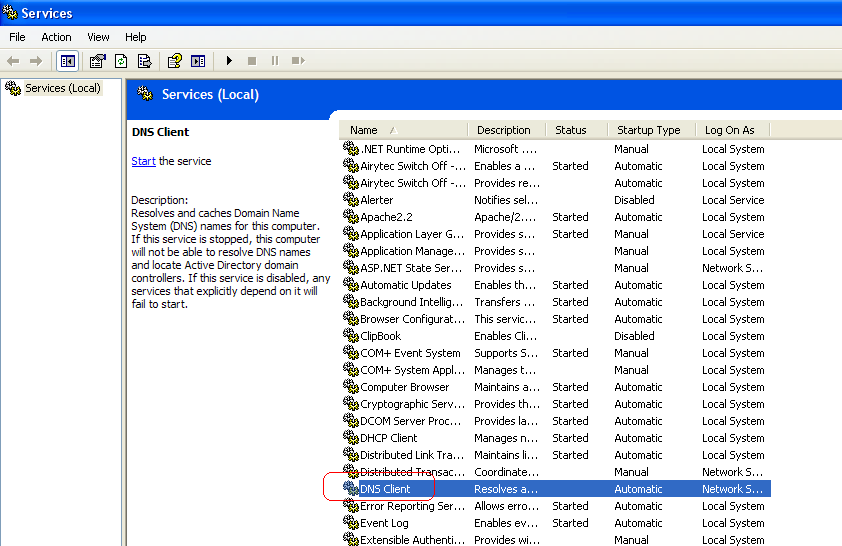
Windows XP Services DNS Client Service Slow PC Texpert
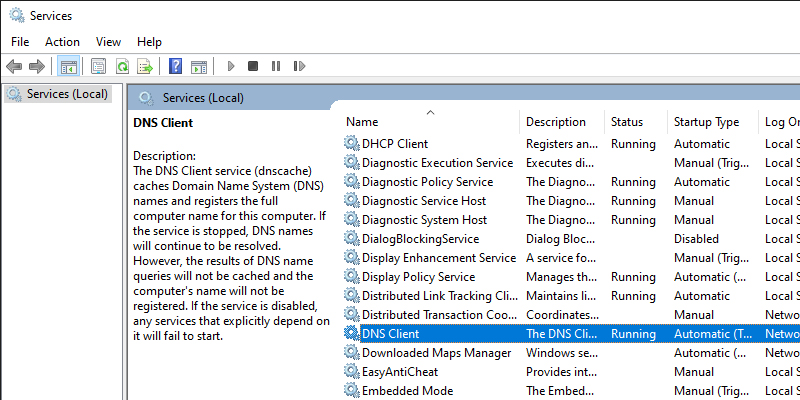
7 Cara Mengatasi Server IP Address Could Not Be Found Di Google Chrome
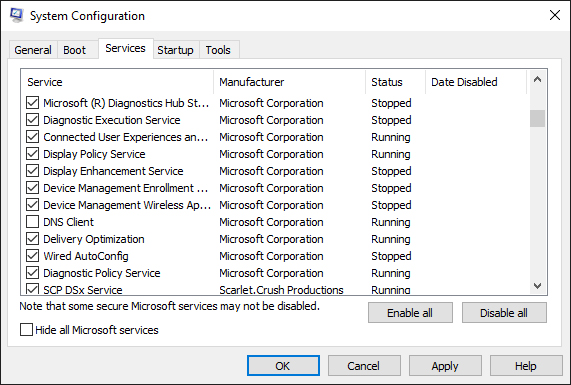
7 Cara Mengatasi Server IP Address Could Not Be Found Di Google Chrome

1 command line 2 command system 3 in command 4 command prompt 5 in command of command
Dec 14 2023 nbsp 0183 32 Command Option Esc Command Command N
Command command command macOS Windows

command Command Apple key 4 Option PC Ctrl

Aug 6 2024 nbsp 0183 32 no command
[desc-11] [desc-12]
[desc-13]