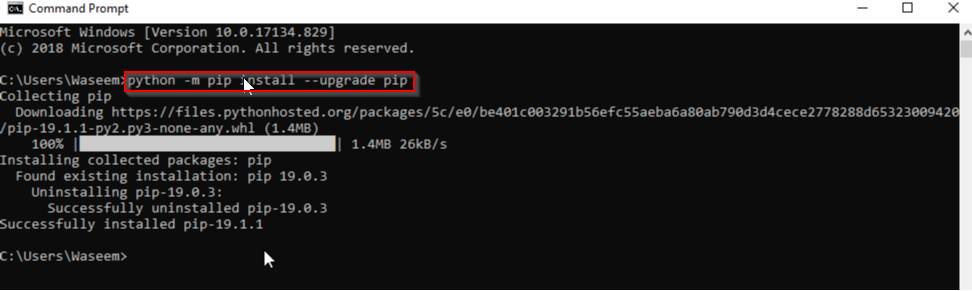
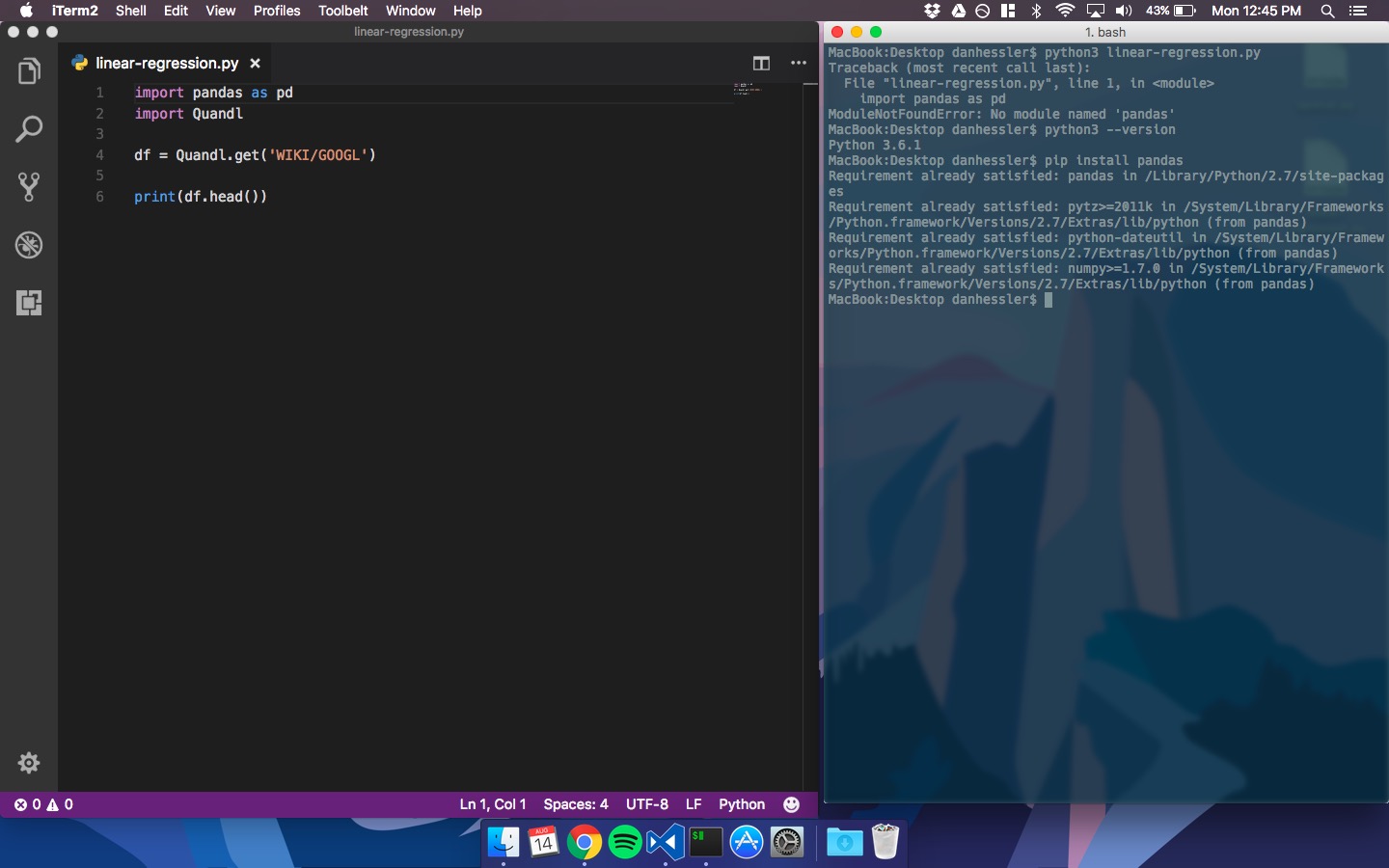
Command Line Python Install Module Pip Install Install And Remove Python Packages Land Tutorial How To In Programming Edureka Python Install Module Proxy Install Python 2 7 Ubuntu Command Line Mainstashok On Mac Python Install Modules Hooligal Classic Art Aesthetic Web Jan 11 2021 nbsp 0183 32 On macOS and Linux run python3 m pip install user module name Remember to run pip or python from the command line either Terminal or Command Prompt and not from the Python interactive shell The Python interactive shell will have the gt gt gt prompt However you can run pip from the Python interactive shell by running
Web Aug 25 2016 nbsp 0183 32 What you re looking to do is to install a package with pip like this C Users T J gt pip install send2trash and after that s done you can open the interpreter again and import the module like this C Users T J gt python gt gt gt import send2trash Web Unix macOS python3 m pip install upgrade pipx python3 m pip uninstall pipx Windows pipx also allows you to install and run the latest version of an application in a temporary ephemeral environment For example pipx run cowsay moooo To see the full list of commands pipx offers run pipx help
Classic Art Aesthetic Downloading And Installing Packages CADS FSB Miami University Install Module Pandas Python Actualizado Junio 2023 Getting The Syntax Error On Python Interpreter And Not On Command Line Python Help Install OpenCV 3 And Dlib On Windows Python Only Learn OpenCV Python Version 3 8 Herevfile Downloading And Installing Packages CADS Farmer School Of Business Miami University Membuat Program Sederhana Dengan Python Install Module IMAGESEE Python Download Windows Parsrejaz
Command Line Python Install Module
 Command Line Python Install Module
https://d1jnx9ba8s6j9r.cloudfront.net/blog/wp-content/uploads/2019/06/2019-06-28-14_51_57-Photos.png
Web Sep 8 2023 nbsp 0183 32 If you re accustomed to installing packages from the command line you can proceed with your workflow using the Terminal Reuse installed packages Create a new virtual environment and install packages that you want to be used in other projects
Templates are pre-designed files or files that can be used for various functions. They can save time and effort by providing a ready-made format and layout for creating various kinds of material. Templates can be used for individual or expert tasks, such as resumes, invitations, flyers, newsletters, reports, presentations, and more.
Command Line Python Install Module
On Mac Python Install Modules Hooligal
Downloading And Installing Packages CADS FSB Miami University

Install Module Pandas Python Actualizado Junio 2023

Getting The Syntax Error On Python Interpreter And Not On Command Line Python Help
Python Version 3 8 Herevfile

Downloading And Installing Packages CADS Farmer School Of Business Miami University

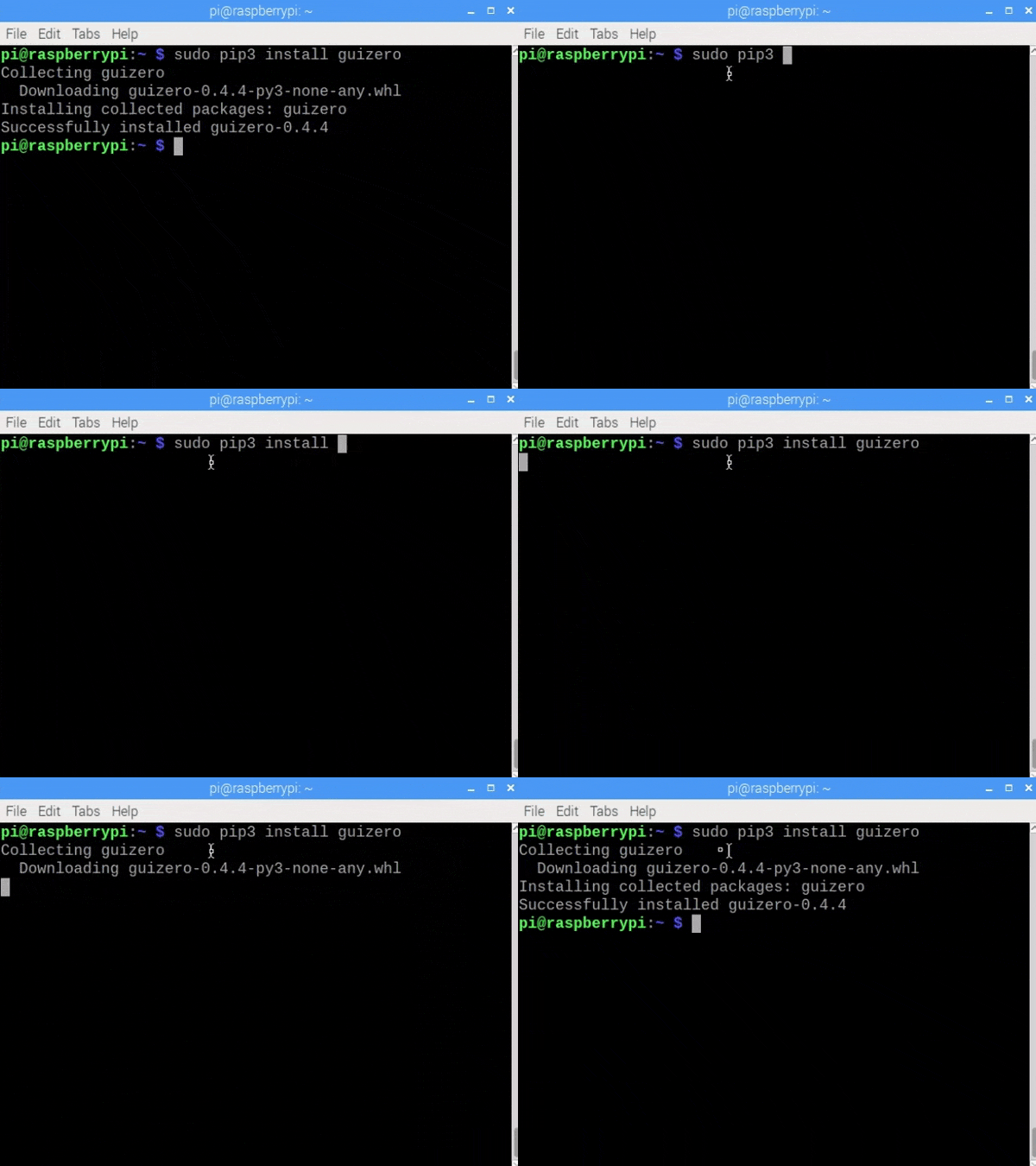
Web Mar 17 2023 nbsp 0183 32 Use the following command to install a module via pip which is the package installer for Python pip install lt module name gt Replace lt module name gt with the name of the module you want to install For example to install the popular numpy module you would use pip install numpy
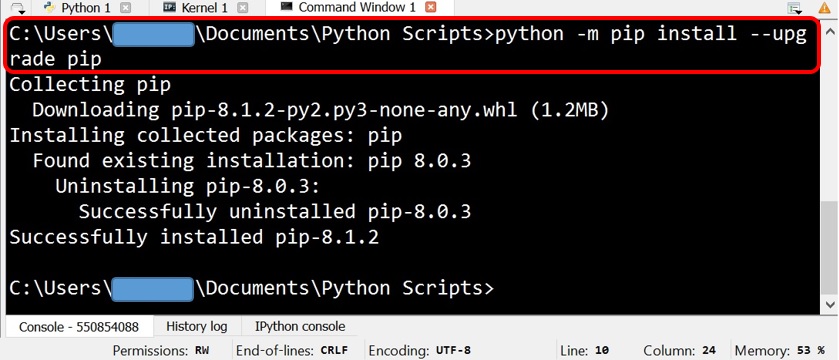
Web Apr 22 2020 nbsp 0183 32 Have you tried using the command pip install package name You can also try to upgrade pip to the latest version with pip install upgrade pip and then install a package EDIT Please note that The urllib2 module has been split across several modules in Python 3 named urllib request and urllib error

Web May 25 2016 nbsp 0183 32 1 1 1 4 If it gave you a SyntaxError you typed it into the interactive shell pip install modulename is not Python syntax it is command line terminal syntax Enter it at your system s command line such as cmd exe or Powershell or Terminal TigerhawkT3 May 25 2016 at 5 01

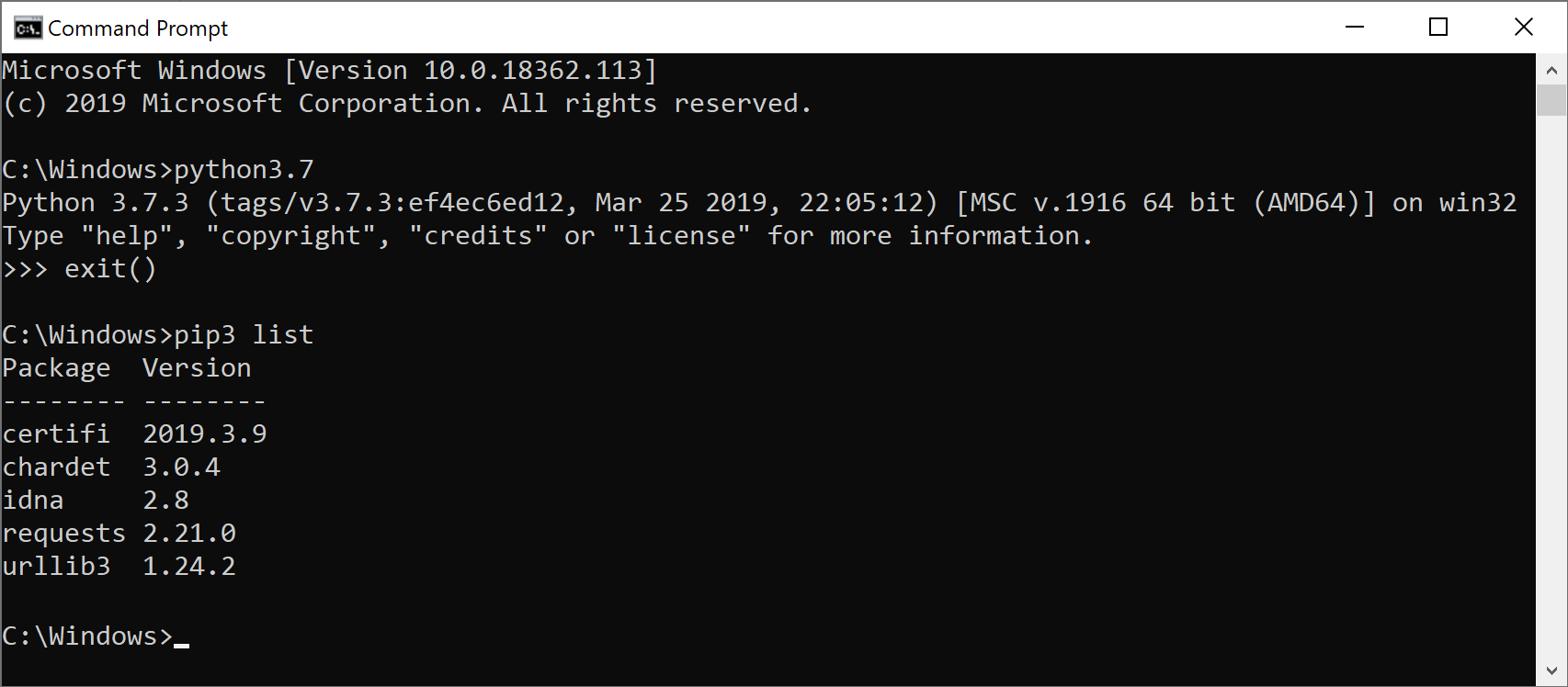
Web Oct 10 2023 nbsp 0183 32 Contents Requirements for Installing Packages Ensure you can run Python from the command line Ensure you can run pip from the command line Ensure pip setuptools and wheel are up to date Optionally create a virtual environment Creating Virtual Environments Use pip for Installing Installing from PyPI
Web The officially recommended way to install packages from a script is by calling pip s command line interface via a subprocess Most other answers presented here are not supported by pip Furthermore since pip v10 all code has been moved to pip internal precisely in order to make it clear to users that programmatic use of pip is not allowed
Web 1 Command line and environment 182 The CPython interpreter scans the command line and the environment for various settings CPython implementation detail Other implementations command line schemes may differ See Alternate Implementations for further resources 1 1 Command line 182 When invoking Python you may specify any of these options Web To install a module system wide open a terminal and use the pip command If you type the code below it will install the module sudo pip install module name That will install a Python module automatically Generally you do not install modules system wide but use a virtual environment or venv
Web Nov 9 2016 nbsp 0183 32 Hit the docs hard for install pathway it s correct and the command line recognizes Python 3 5 2 and pip I m losing it here Any suggestions would be greatly appreciated save one Do not tell me that I need to be running the install script in the command line not in Python I have never ran it in Python