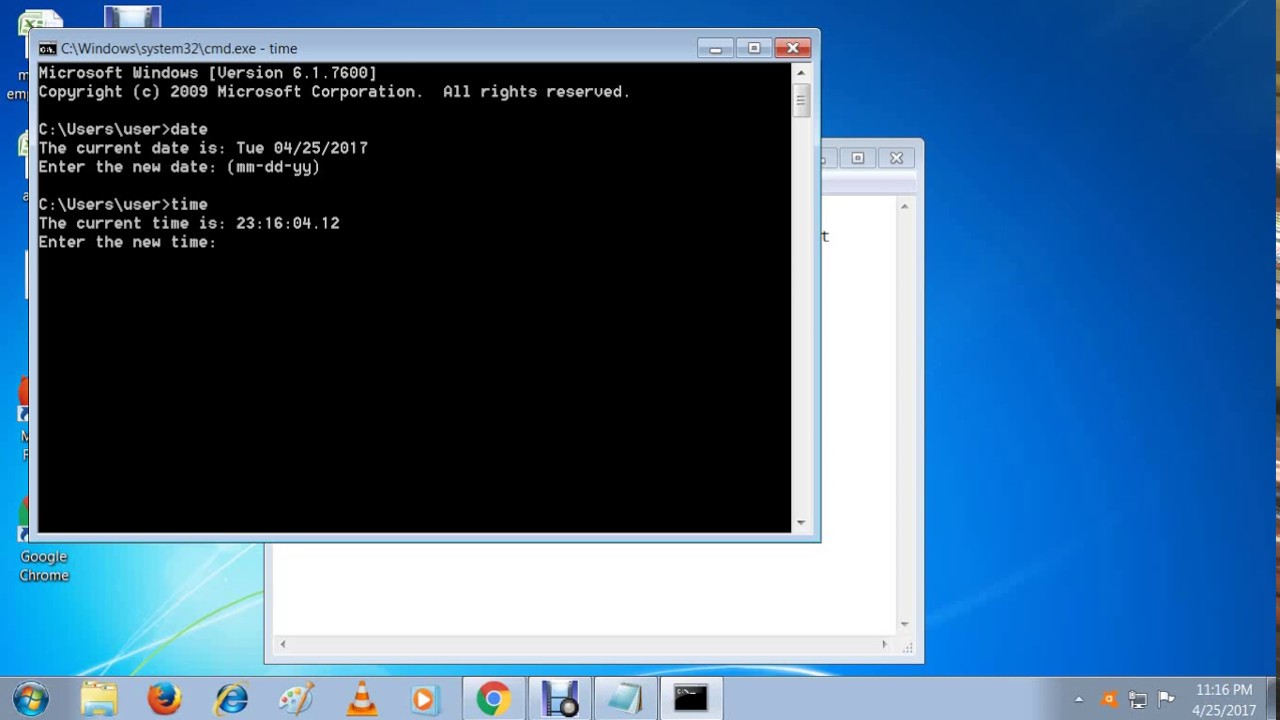
Command For Date And Time In Cmd Change System Date And Time Using Command Prompt In Windows YouTube How To Change update Time And Date Using Command Prompt Time How To Change Date And Time Using Command Prompt CMD Trick Ball Lah I O Board 2022 Feb 19 2025 nbsp 0183 32 command line option syntax error
Jun 14 2024 nbsp 0183 32 g G Fn Win R F9 CMO Command Modern Operations CMANO CMO STEAM
I O Board 2022 Date Time Address Or Place Icons Invitaciones The Best Free Vintage Fonts On Canva In 2023 Vintage Fonts Canva How To Use The Ping Command in Windows Mac And Linux Tony Teaches CMD Command Prompt For Time And Date Change CMD For System Requirement Nilan Road Section Ribbon Cutting The Sheepskin Trail Flowchart Template Edrawmax Online Hot Sex Picture Ping Connection Command Mysql Export Table To Text File Software 7 0 Needjyorea
Command For Date And Time In Cmd
 Command For Date And Time In Cmd
https://i.ytimg.com/vi/EN4pvLIdtJY/maxresdefault.jpg
Minecraft tp tp
Pre-crafted templates offer a time-saving service for producing a diverse range of documents and files. These pre-designed formats and layouts can be made use of for numerous individual and expert jobs, including resumes, invitations, flyers, newsletters, reports, presentations, and more, simplifying the material production process.
Command For Date And Time In Cmd

Calendar Templates Date Picker UI Design Calendar Ui Ui Design

Date Time Address Or Place Icons Invitaciones

The Best Free Vintage Fonts On Canva In 2023 Vintage Fonts Canva

How To Use The Ping Command in Windows Mac And Linux Tony Teaches

Nilan Road Section Ribbon Cutting The Sheepskin Trail
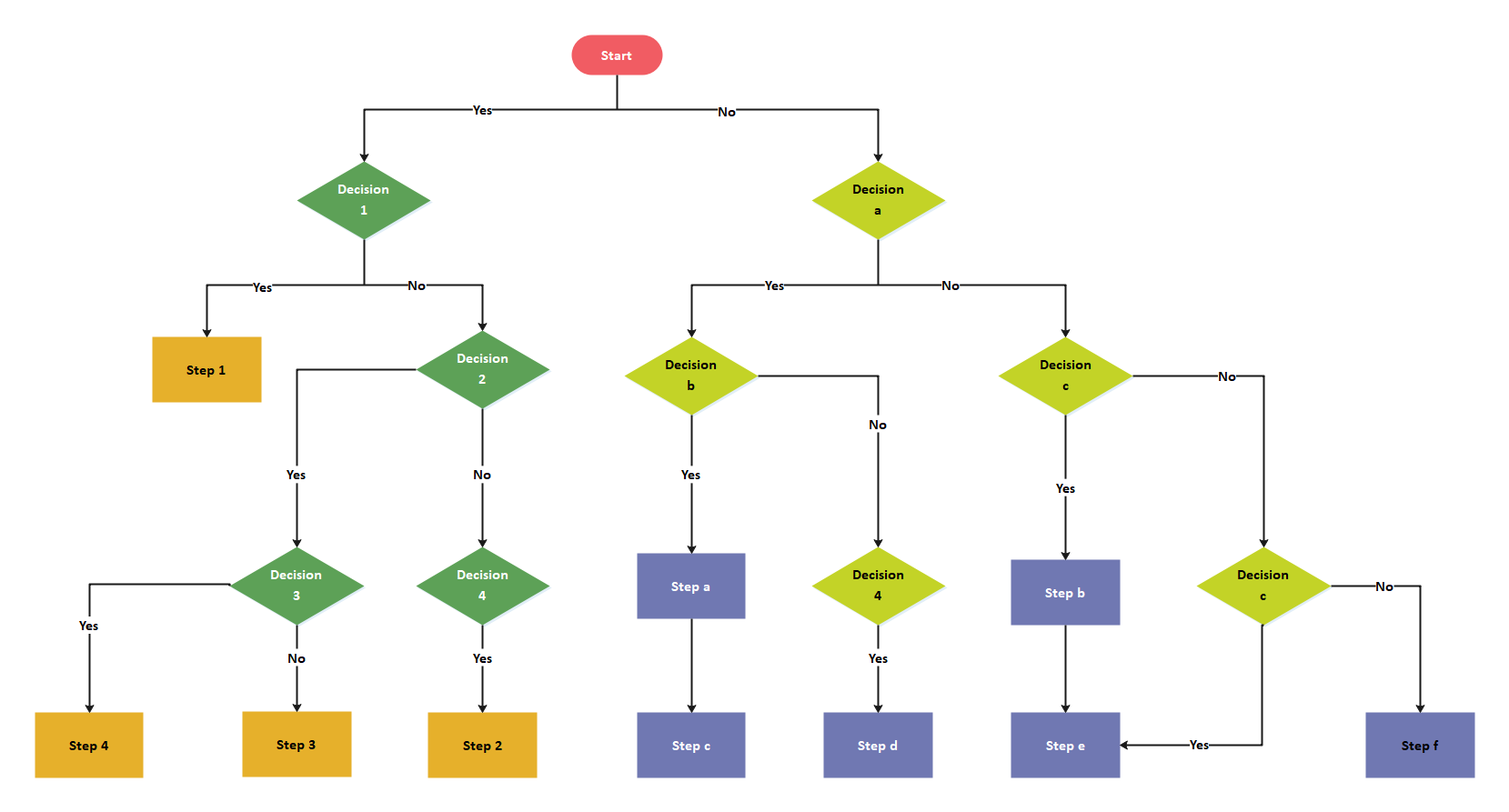
Flowchart Template Edrawmax Online Hot Sex Picture
Command R Mac OS X Command Option R

Apr 29 2023 nbsp 0183 32 CAD command command s LISP LISP CAD command

Apr 9 2025 nbsp 0183 32 command command Windows command Windows Ctrl

Aug 4 2024 nbsp 0183 32 quot unknown command quot Dos

Command Apple key 4 Option PC Ctrl windows ctrl windows
[desc-11] [desc-12]
[desc-13]