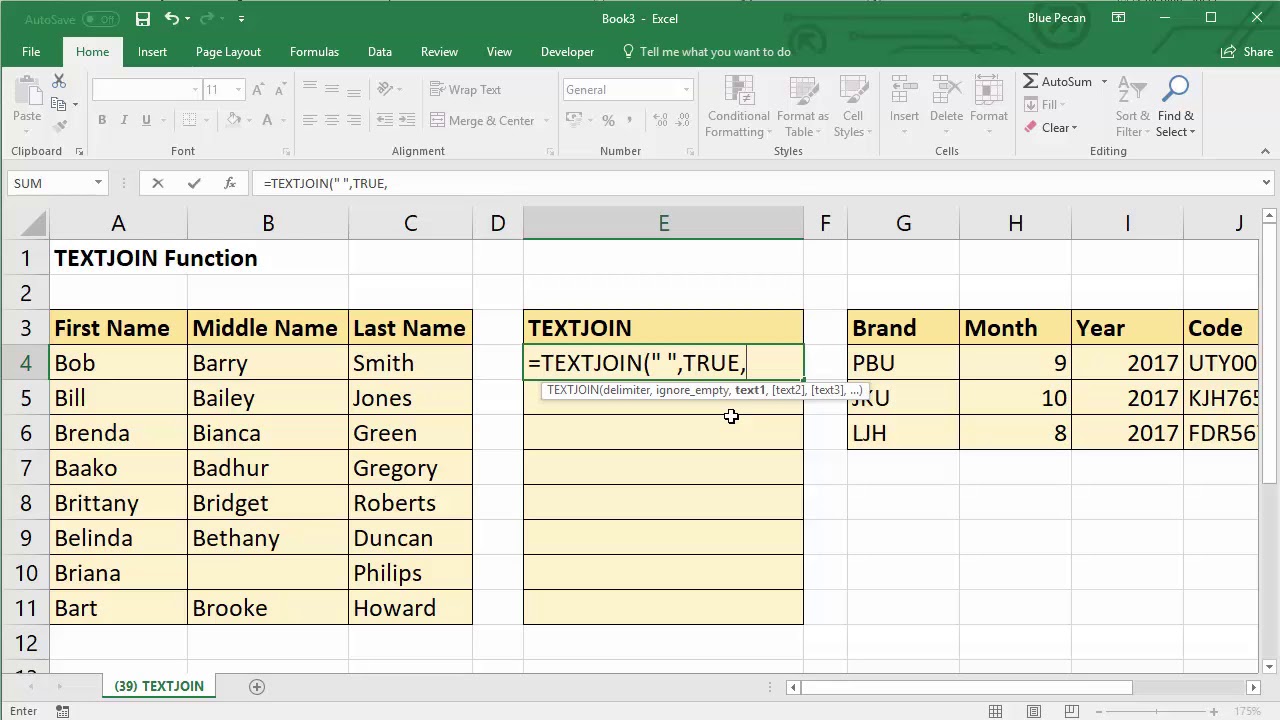
Combine Text In Excel Keep Formatting How To Combine Text From Two Or More Cells In Excel Riset Combine Text In Excel YouTube How To Make Progress Chart In Excel Learn Excel Course MS Word How To Combine Two Text In Excel Video 7 YouTube 4 Ways To Combine Text In Microsoft Excel Make Tech Easier Web Result How to use The TEXTJOIN function concatenates multiple values together with or without a delimiter TEXTJOIN can concatenate values provided as cell references ranges or constants and can optionally ignore empty cells The TEXTJOIN function takes three required arguments delimiter ignore empty and text1
Web Result In Excel there are several ways to combine text and numbers Use a number format to display text before or after a number in a cell If a column that you want to sort contains both numbers and text such as Product 15 Product 100 Product 200 it may not sort as you expect Web Result Mar 14 2023 nbsp 0183 32 TEXTJOIN in Excel merges text strings from multiple cells or ranges and separates the combined values with any delimiter that you specify It can either ignore or include empty cells in the result The function is available in Excel for Office 365 Excel 2021 and Excel 2019 The syntax of the TEXTJOIN function is as
4 Ways To Combine Text In Microsoft Excel Make Tech Easier 10 Ways To Use Paste Special In Excel Learn Excel Course MS Word Use Excel s TEXTJOIN Function To Combine Text With Delimiter YouTube A Spreadsheet In Excel Is Also Called As Compute Expert How To Find Text In Excel Pixelated Works Using The Concatenate Function In Excel Riset How To Separate Text In MS Excel Split Text In Excel QuickExcel Combine Text In Excel 8 Suitable Ways ExcelDemy How To Wrap Text In Excel Pixelated Works
Combine Text In Excel Keep Formatting
 Combine Text In Excel Keep Formatting
https://i.ytimg.com/vi/nORnuytz0FE/maxresdefault.jpg
Web Result In Excel formulas concatenation is the process of joining one value to another to form a text string The values being joined can be hardcoded text cell references or results from other formulas There are two primary ways to concatenate in Excel Manually with the ampersand operator amp Automatically with a function like
Templates are pre-designed documents or files that can be utilized for different purposes. They can save effort and time by offering a ready-made format and design for developing different type of content. Templates can be used for personal or expert tasks, such as resumes, invites, leaflets, newsletters, reports, presentations, and more.
Combine Text In Excel Keep Formatting
How To Combine Text With Date Or Time In Excel YouTube

10 Ways To Use Paste Special In Excel Learn Excel Course MS Word
Use Excel s TEXTJOIN Function To Combine Text With Delimiter YouTube

A Spreadsheet In Excel Is Also Called As Compute Expert

Using The Concatenate Function In Excel Riset

How To Separate Text In MS Excel Split Text In Excel QuickExcel
Web Result May 31 2010 nbsp 0183 32 Can you provide a way to concatenate variable length strings with formatting like my pricing examples above Excel must have a way without using a macro since it can format sections of non concatenated text Thanks

Web Result 1 Click to select cell C1 and then copy and paste formula A1 amp quot quot amp TEXT B1 quot 0 00 quot into the Formula Bar and then press the Enter key You can see two cells are combined and the percentage formatting is kept Note B1 is the cell contains the percentage formatting please change the cell references as you need
Web Result Type and select the first cell you want to combine Type amp and use quotation marks with a space enclosed Select the next cell you want to combine and press enter An example formula might be A2 amp quot quot amp B2 Combine data using the CONCAT function Select the cell where you want to put the combined data Type

Web Result Feb 15 2023 nbsp 0183 32 As we all known while concatenating or combining cell columns into one column the cell formatting such as text font color number formatting etc will be lost This article I will introduce some tricks to combine the cell columns into one and keep the text color as easily as possible in Excel Concatenate cell columns

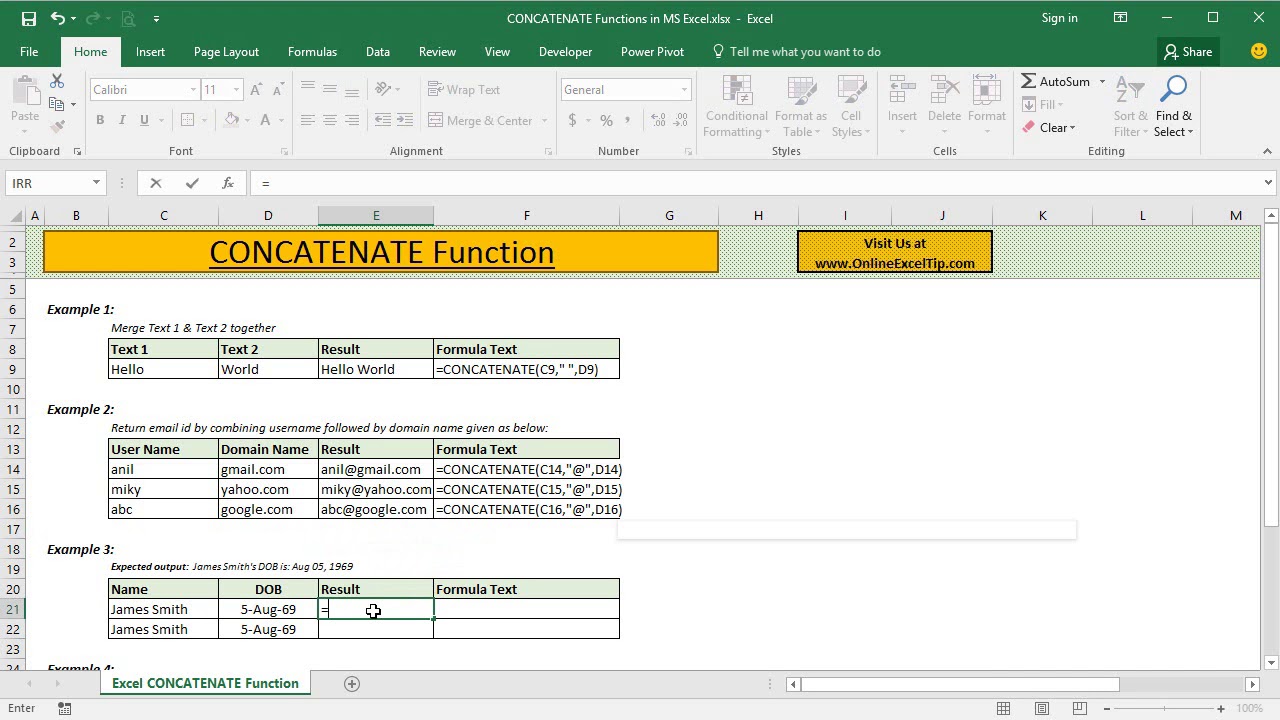
Web Result Mar 21 2023 nbsp 0183 32 For more information please see How to merge two columns in Excel without losing data Combine text and numbers keeping formatting When concatenating a text string with a number percentage or date you may want to keep the original formatting of a numeric value or display it in a different way
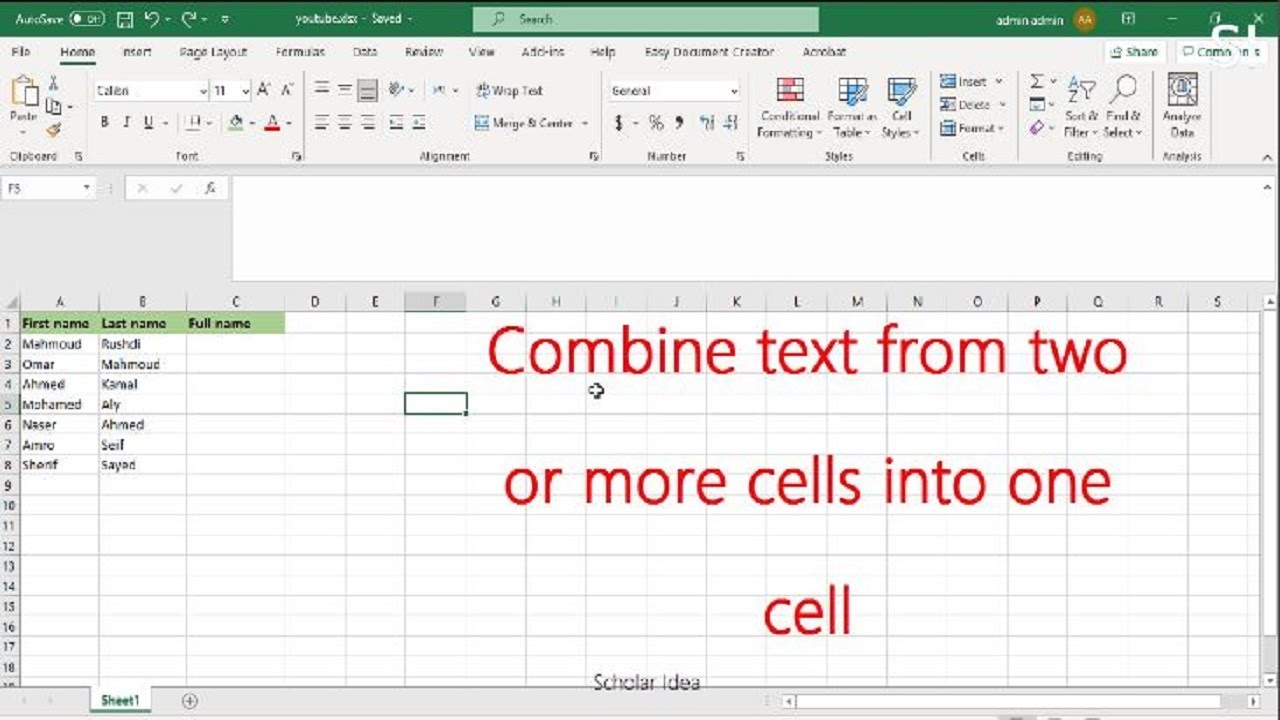
Web Result Mar 21 2023 nbsp 0183 32 The fastest and easiest way to combine two or more cells in Excel is to use the built in Merge and Center option The whole process takes only 2 quick steps Select the contiguous cells you want to combine On the Home tab gt Alignment group click the Merge amp Center Web Result Nov 8 2016 nbsp 0183 32 This function allows you to combine text from different cells into one cell For example we have a worksheet containing names and contact information We want to combine the Last Name and First Name columns in each row into the Full Name column To begin select the first cell that will contain the combined or
Web Result Note If you are familiar with the format codes of numbers you will concatenate you can apply the formula CONCATENATE A2 quot quot TEXT B2 quot 0 00 0 00 quot quot quot TEXT C2 quot 0 00 quot and replace the format codes of 0 00 0 00 and 0 00 based on your requirement